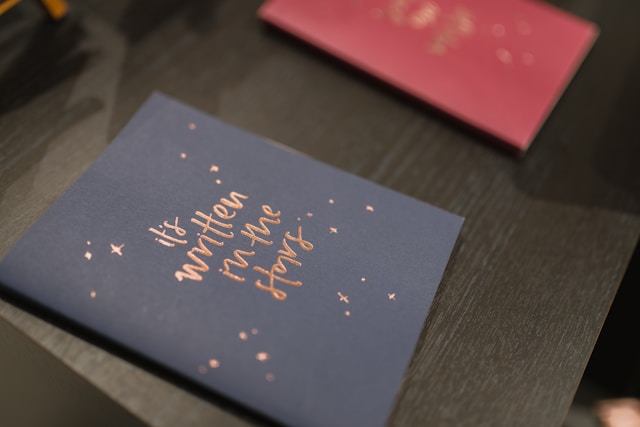

Micro-batching uses queueing theory to balance setup and waiting costs, boosting digital press throughput and custom card speed.
Your Android device is not merely a phone; it is a portable creative studio. Once you have the required apps, you can create custom wallpapers, produce digital artwork, make photo collages, and even craft greeting cards that look like they belong in a store. If you want to personalize your home screen or share something meaningful with a friend, you will find that there are plenty of options for using your Android device.
Below are a few of the best DIY projects that you can do using your Android.
1. Custom Wallpapers
Have you grown tired of using stock wallpapers? If so, you can try browsing thousands of community-made designs using the app Walli, or simply create one from scratch using Canva or Picsart. If you use either of these apps, you can add your favorite quote, a picture, or some minimalist patterns and you will have a custom wallpaper that you designed yourself.
2. Photo Collages and Posters
With apps like PhotoGrid and Collage Maker, you can easily collage your photos. In fact, you can even create beautiful posters or fun collages for your story. You can layer stickers, apply filters, and apply adjustments to the layout to share on social media or save it for printing as wall art.
3. Personalized Greeting Cards
Creating greeting cards is one of the easiest and most satisfying DIY projects. Once you download a design app, you can add your own personal photos, use trendy typefaces, and export it for digital sharing or printing. For example, you can print greeting cards for free in minutes, right in Adobe Express. This is a great way to create birthday cards, holiday cards, or simple notes just to be nice!
4. Stickers and digital art
Make your photographs into WhatsApp or Telegram stickers with apps such as Sticker Maker. If you like to sketch, there are apps such as SketchBook or Ibis Paint X, which let you create digital art right on your phone (or tablet) using professional-grade brushes and layers.
5. Journals, planners, and notes
DIY doesn’t stop at visuals; the Android operating system also allows you to create digital journals or planners. Notion, Evernote, and GoodNotes (currently in beta on Android) allow you to build and customize your own layouts, and keep your ideas all organized for productivity or creativity.
Final thoughts
Overall, on Android DIY projects show the ability to use the resources literally at your fingertips to be yourself. From wallpapers on your phone to greeting cards, the sky’s the limit. With a few of these apps downloaded on your phone, your phone becomes a creativity station to design, create, share, or even publish your own creations using your style.