The Pixel Watch 3 is the first Android device with this precise Bluetooth tracking feature


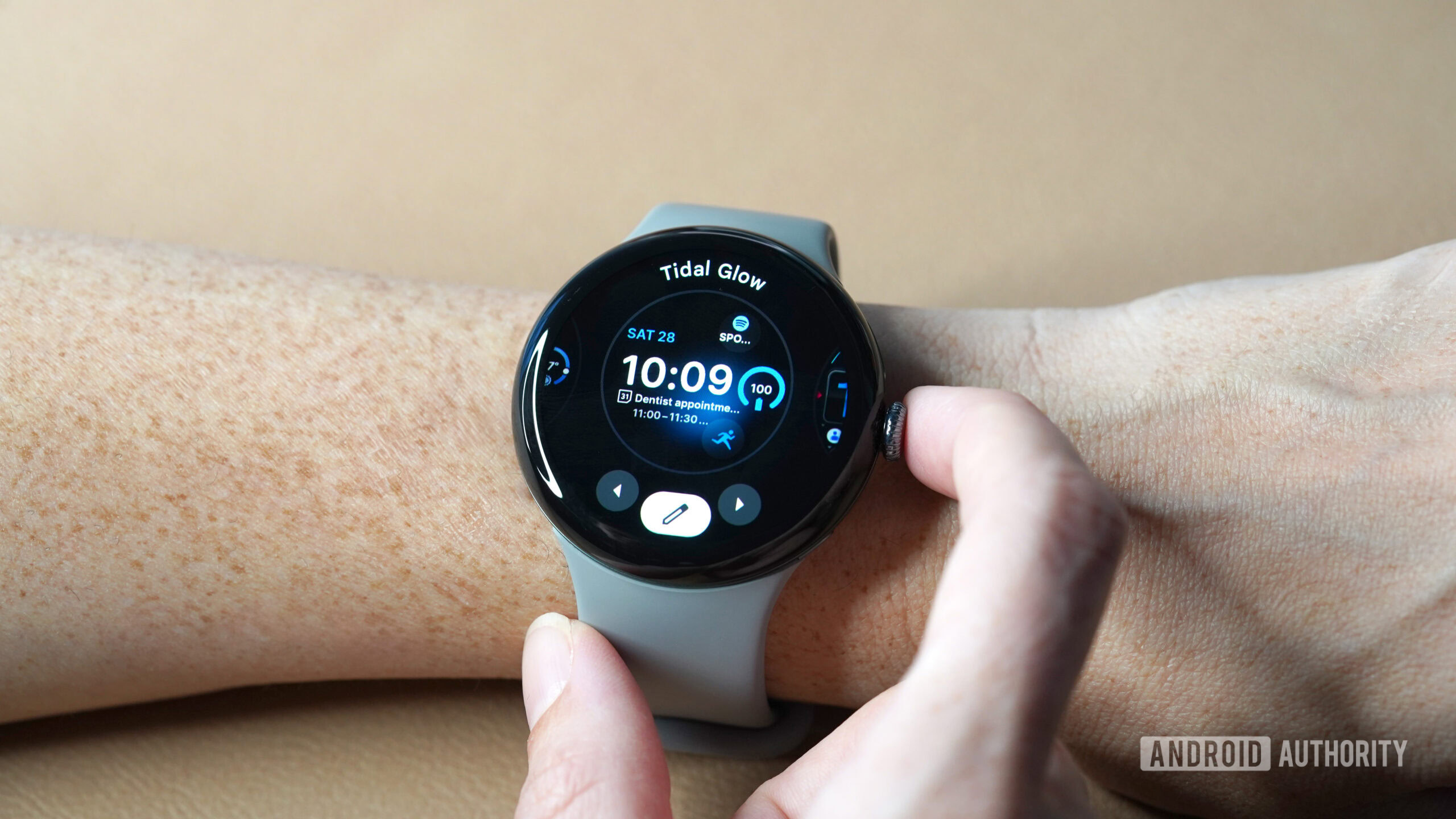
A user scrolls through their watch face options on the Google Pixel Watch 3.

Kaitlyn Cimino / Android Authority

TL;DR

  • The Google Pixel Watch 3 is the first known Android device to support Bluetooth Channel Sounding, enabling precise, centimeter-level distance tracking.
  • This feature is more accurate than traditional Bluetooth signal strength for finding items and serves as a widespread, low-cost alternative to UWB.
  • While the watch supports Channel Sounding after its Wear OS 5.1 update, the feature is not yet in use, likely in preparation for a future Find Hub app release.

Late last year, the Bluetooth Special Interest Group (SIG) announced Bluetooth 6.0, introducing a feature called Channel Sounding that enables true distance awareness by precisely calculating the distance between two devices. This new capability has exciting implications for item trackers, most of which lack precision finding. The catch? It seemed no Android devices on the market supported Bluetooth 6.0 or Channel Sounding. As it turns out, there is one device that supports Channel Sounding: the Google Pixel Watch 3.

You’re reading an Authority Insights story. Discover Authority Insights for more exclusive reports, app teardowns, leaks, and in-depth tech coverage you won’t find anywhere else. These reports reflect developments at the time of writing. Some features or details uncovered in leaks may change before official release.

Most Bluetooth devices currently rely on measuring the signal strength between them to estimate distance. While simple to implement, this method is unreliable; it’s imprecise and susceptible to interference, making it frustrating for item tracking. In contrast, Channel Sounding calculates the time it takes for a signal to travel between two devices, achieving centimeter-level accuracy.

If you’ve ever struggled to locate an item tracker using your phone, it’s likely because it was relying on that same imprecise signal strength method. This is why the rollout of UWB (Ultra-wideband) support in devices like the Moto Tag was so significant, as UWB allows for far more precise location tracking than what Bluetooth’s signal strength can offer.

Left: Locating an item tracker using Bluetooth signal strength measurements. Right: Locating an item tracker using UWB.

However, UWB adds complexity and cost to a product. It’s also only preferable for a handful of use cases, which is why so few Android phones support it. In contrast, nearly every mobile device supports Bluetooth. This ubiquity makes Channel Sounding a viable alternative to UWB, even if it’s not quite as precise.

The only catch is that most existing mobile devices don’t support Channel Sounding and likely never will, as adding the feature requires a Bluetooth firmware update. To date, no Android phone — not even Google’s latest Pixel devices — has received such an update. The Google Pixel Watch 3, however, gained this capability with its recent Wear OS 5.1 update. Following the update, the watch now reports that it supports FEATURE_BLUETOOTH_LE_CHANNEL_SOUNDING, the specific Android feature flag that confirms Channel Sounding is supported. Given that Channel Sounding is a Bluetooth 6.0 feature, we can assume this means the Pixel Watch 3 was updated to support the new standard, but that hasn’t been officially confirmed.

List of Android devices that support Bluetooth channel sounding

Mishaal Rahman / Android Authority

Even with UWB, the Pixel Watch 3 still benefits from having Channel Sounding. The problem is there’s no evidence the feature is actually being used. That’s likely because Google hasn’t released its Find Hub app for Wear OS, though evidence suggests one is in the works. Find Hub would be the prime candidate for using Channel Sounding, as it would dramatically improve locating trackers that have Bluetooth 6.0 but lack UWB, like the Chipolo POP.

Google may be waiting for Android 16 to fully implement this. The new OS version adds generic ranging APIs that will simplify how apps like Find Hub use these tracking technologies. Speaking of Android 16, its compatibility requirements mandate a clear performance minimum. Google mandates that devices with Channel Sounding must “report the range accurately to within +/- 0.5m at the 90th percentile … at a distance of 1m.” This requirement sets a minimum performance bar, ensuring the tracking experience is reliable across different devices. Of course, whether that holds up in practice remains to be seen.
Got a tip? Talk to us! Email our staff at news@androidauthority.com. You can stay anonymous or get credit for the info, it’s your choice.

Wear OS 5 has killed Facer, Pujie, WatchMaker, and all watch face creativity


For months now, I’ve been wanting to sit down and lament the fact that my Pixel Watch 3 has fewer watch face options than the Pixel Watch 2 and 1, and the same is true for the Galaxy Watch 7 compared to the previous Watch 6, 5, and 4. Today is finally the day, so let’s take a look at what’s happening with our most beloved smartwatches and whether things might change anytime soon.

These limited face options have been an issue since both watches landed in late summer / early fall, and it’s all thanks to Wear OS 5. With this new version of the platform, Google made Watch Face Format mandatory, which nerfed every custom Watch Face app out there, like the beloved Facer, Pujie, KWCH, WatchMaker, and more. Several months down the line, the issue is still there, with no solution in sight for people who love this customization or the developers behind these apps.

Do you use Facer, Pujie, KWCH, WatchMaker, or other custom watch face apps?

5 votes

What’s Watch Face Format, and how is it different from Facer, Pujie, KWCH, and WatchMaker?

google pixel watch wear os watch face sport xr 1

Rita El Khoury / Android Authority

In May of 2023, Google announced Watch Face Format, an XML template for designers that lets them create new watch faces that behave as well as native ones. This preset template was made to combat the slew of poorly designed, poorly functional faces that ate away at our watches’ battery life, never showed the right stats, and required separate companion apps on our phones to run.

It took a while, but Watch Face Format (WFF) started getting adopted by many developers, resulting in lightweight faces that integrate directly into the Pixel Watch and Galaxy Wearables app, sip at the battery, and support all the same watch face complications (the little battery stats, steps, and whatnot) as the faces that ship directly on your smartwatch.

The only issue with WFF faces, as you can guess, is that they don’t allow for much creativity. Since developers have to follow a template, there’s little room to go beyond the confines of what Google allows. Animated backgrounds, for one, seem next to impossible. The faces are a bit uniform and monotonous, and you have to dig for a while to find some gems that manage to eschew the default Google-heavy look. Over time, though, Google has added more capabilities to the template, and now you can find some great examples on the Play Store.

For about a year, Watch Face Format and non-WFF faces coexisted. I could install both types on my Pixel Watch 2 and have the best of both worlds: optimized faces with little creativity and unoptimized faces with a lot of creativity.

Facer (10+ million installs), Pujie (100,000+ installs), WatchMaker (5+ million installs), and KWCH (10,000+ installs) fall within that latter category. They’re essentially large umbrella apps that let you create watch faces from scratch, import templates made by other users, and/or buy premade faces. Here’s a small sample of some free faces I was able to get from Facer back in 2022. None of these were perfect, but I love how different and unique they all were!

All of these apps use their own templates and design paradigms. And since their app essentially acts as a marketplace of third-party faces, none of them are supported by WFF, which requires every face to be published individually to the Play Store.

How Wear OS 5 spelled the end of Facer, Pujie, KWCH, and WatchMaker

With Wear OS 5, Google decided that enough is enough — watch face developers either had to play along and adopt the universal template, or they wouldn’t be able to get their creations on people’s wrists. Starting with the Galaxy Watch 7 and Pixel Watch 3, you simply couldn’t install a face on your watch if it wasn’t built using Watch Face Format. (If your watch came with Wear OS 3 or 4 out of the box and you updated it to Wear OS 5, you still retain access to non-WFF faces, for now.)

Essentially, this made it impossible to use any non-WFF faces I’d previously bought or any app like Facer, Pujie, KWCH, or WatchMaker. On my Pixel Watch 3, for several months, the Play Store would even completely force close if I dared search for the word “facer” or “pujie.” Now, it either throws me other watch face suggestions or it spins indefinitely while saying it didn’t find any results.

If you’re insistent enough, you might be able to bypass this using Wear Installer 2 and this trick shared by u/wowbyowen, but in general, it’s safe to say that non-WFF faces are going the way of the dodo on Wear OS.

Will Facer, Pujie, KWCH, and WatchMaker ever come to Wear OS 5?

samsung galaxy watch 5 apps facer

Andy Walker / Android Authority

So far, this has all been gloom and doom, and my initial research into the topic revealed a similar pessimism from many users and developers alike.

Frank from the KWCH team summed it up nicely:

There is nothing I (or any other custom watchface like watchmaker or facer) can do about this, this needs to be fixed by the vendor allowing custom watchface application to be installed.

But once I dug in, I noticed that other developers seemed more optimistic — emphasis on the past tense because all these statements date back to three months ago. For example, the Pujie team shared this on Reddit:

The Pixel Watch 3, the Galaxy Watch 7 and Galaxy Watch 7 Ultra only support watch faces made with the Watch Face Format. Unfortunately this format, as it exists right now, is not suitable for advanced interactive watch faces like the ones you can make with Pujie and can only be installed from the Play Store.

Rest assured, together with other watch face developers, I am talking with Google to see if there is a solution to this problem. Hopefully I can update this information soon.

I can’t find any official word from KWCH, but u/acpjaydixit claims they reached out to them, and they reiterated that they’re also working with Google to find a solution. This was also four months ago.

We have been working with Google on this project for 18 months and will certainly be supporting WFF once this is possible for marketplace apps such as WatchMaker.

The clearest and most detailed answer, though, comes from Facer. Given the app’s popularity and its large install base on 10+ million devices, you can imagine how huge the loss is to the fans of this app, as well as the creators using it as a platform to monetize and sell their designs, and the team behind Facer. In a long blog post shared on its own forums, the Facer team explained the issue with Wear OS 5 and Watch Face Format, said that it’s working with Google to fix this issue, and promised to continue manually converting some of its most popular faces to the WFF.

For users of the Pixel Watch 3, Samsung Galaxy Watch7 and Ultra, we are working hard with Google to bring the Facer service to you as well, and until that is done we will progressively bring some of our best watch faces to you in the Google Play store. You can find these faces here.

Once again, this was three months ago. There’s been radio silence since then.

I really appreciate Watch Face Format and the standardized requirements it’s brought to the Wild West of watch faces. I also want the format to become more widely adopted, but I don’t want this to be at the expense of the intricate customization and creativity that apps like Facer and Pujie offer. I can only hope that Google is still trying to accommodate these developers to make their beloved apps available on Wear OS 5.