Shooting Secrets Creators Don’t Show You
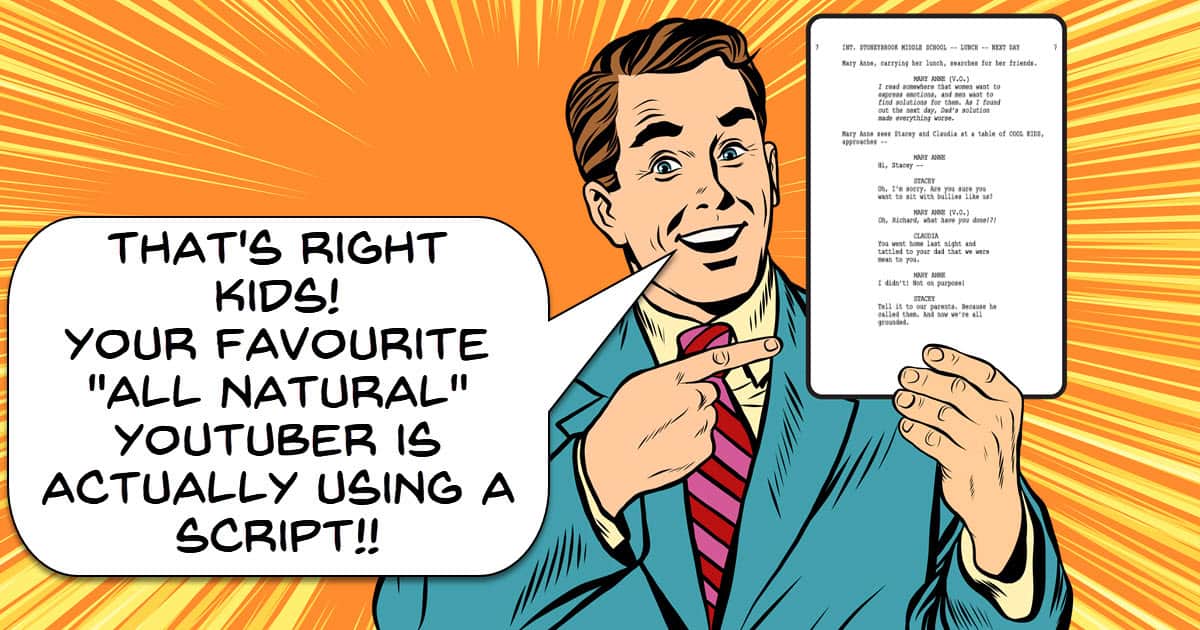
When you look at a lot of the videos that well known creators produce and upload, they all look pretty slick from the outside.
Because of that, when you first start out for yourself, you tend to get the idea that they are these super smooth presentation experts that never screw up!
The truth is that they, like everyone else mess up lines and takes over and over and have no inherent ability that you and I lack.
What they do have is experience through practice, repetition and the ability to smoothly edit out mistakes, again through experience and practice!
So to get things back in perspective, especially if you are new, here’s a close look at what a YouTube presentation or tutorial video really looks like in the making.
AI Background Remover vs Green Screen – PowerDirector
Now that we have moved into the era of A.I. background removal it would seem that green screen footage is no longer needed.
It would be nice to think that way but in reality the effectiveness of one over the other is still going to be determined on a case by case basis.
Although A.I. is improving in leaps and bounds it still has trouble with things like hair lines or instances where the subject is not clearly distinct from the background.
The downside for green screen is that in most cases you really have to shoot your footage very well against a very evenly lit background otherwise you won’t get a good key.
That’s why for my money I still think the green screen in PowerDirector is one of the best around at the consumer level.
It allows you to select up to three shades of green from your background to get a very accurate key which greatly reduces the need (but does not eliminate!) for pro level lighting on that background.
Seedance 2.0 or VEO 3.1 Put to the Test
Recently the people at CyberLink posted a video showing the differences between various A.I. models for creating different assets inside their interface.
This week we have something similar from Filmora and this is a good thing.
When you have access to three or four different A.I. models to create an asset or do some kind of work for you but, they cost you credits you have to buy, it’s best if you know what is what.
Each A.I. model will give you results that are quite different and each one has strengths and weaknesses depending on the type of content you want it to create.
So here’s a comparison in Filmora for the Seedance 2.0 and the VEO 3.1 models for you to check out.
Unlock the secret to creating the viral Color Wheel Trend Effect
OK, take a deep breath and get ready!
This is a tutorial from the people at Filmora covering a specific task or effect as part of an ongoing series they seem to be creating.
Now the reason for the deep breath is because of the speed at which they pump the instructions at you, this is not presented at a slow or leisurely pace!
However in spite of that, it is a solid tutorial showing how to pull off a very popular effect right now.
Having said that it is important to bear in mind that to me, the effect achieved is not the end product of the tutorial.
The real value lies in the use of the tools and techniques available to you as an editor so that you can use them in your own way.
How to Write Video Descriptions for Any Platform

These days you have to optimize every single aspect of an uploaded video if you want to have it appear in search or get presented on YouTube to an audience.
The problem has always been that in the short term, spammy “gaming the system” type strategies often worked giving rise to the idea that doing those things was beneficial.
In almost every case of those strategies, the long term effect was that the algorithms caught up, and those videos or channels ended up being cast into the wilderness!
Video descriptions are one of the more obvious examples of this and have undergone quite the evolution over the years.
Getting them right takes an understanding of what the search engines actually want while at the same time making them appealing to humans.
This Movie Poster Moves – Fusion for Noobs!
I have probably said this a million times but if you are using DaVinci Resolve as your editing software and not using the Fusion Page, you are leaving way too much on the table.
For my money (actually it’s free!) the two pages in Resolve that raise it above the crowd are the Color Page and the Fusion Page.
The problem with both of them is that they are pro level tools and were designed with pro’s in mind, which is a complicated way of saying they are really complex at first sight!
However once you understand how they work and what they can do, it’s a whole new world.
In the video below Daniel Batal takes you step by step through quite a complex exercise in Fusion but had the humanity to explain exactly what he is doing and why as he goes.
It is by far one of the better tutorials I have seen for the Fusion Page even if the project itself is not really something you would be doing, well worth the time to watch.
How Sound Changed Editing Forever – The Birth of Cinematic Sound
This looks like it is going to be a pretty interesting series from the folks at Film Editing Pro.
They usually put out very high quality content as far as tutorial and instructional videos go so I am looking forward to this one.
In this first video they cover historically the beginnings of cinematic sound which is something we all take for granted these days.
Best Times to Post Videos on Social Media in 2026

Given the current levels of competition for when it comes to posting to YouTube, Instagram or whatever, you really need to know the fine details.
Of course there are the usual suspects like Titles and descriptions but the bottom line is that if you can leverage an advantage then you need to do it!
So that brings us to timing your posts to maximize the impact that post has and to make sure it has the best possible chance for distribution.
How Lighting Changes Emotion in Film (Interview vs Cinematic vs Horror)
This is a very basic but at least easy to follow exercise in lighting.
I thought it was useful to add because it shows the way different lighting setups directed at faces can dramatically change the mood being conveyed.
I see a lot of videos online where I just know the creator was going for some kind of beauty/seductive look on the subject and ended up making them look like an axe murderer!
Key Takeaways
- Creators often face challenges while filming, as they edit out mistakes to present polished videos.
- AI background removal technology competes with green screen, but effective use depends on specific scenarios.
- Filmora compares A.I. models like Seedance 2.0 and VEO 3.1 to help users choose the right tool for their needs.
- Lighting dramatically influences the mood in videos, showcasing how different setups can affect the perception of subjects.
- Optimizing video descriptions and posting times improves visibility and engagement on platforms like YouTube and Instagram.