Enough chit-chat. Take me to the free preset bro!
A Simple Fix
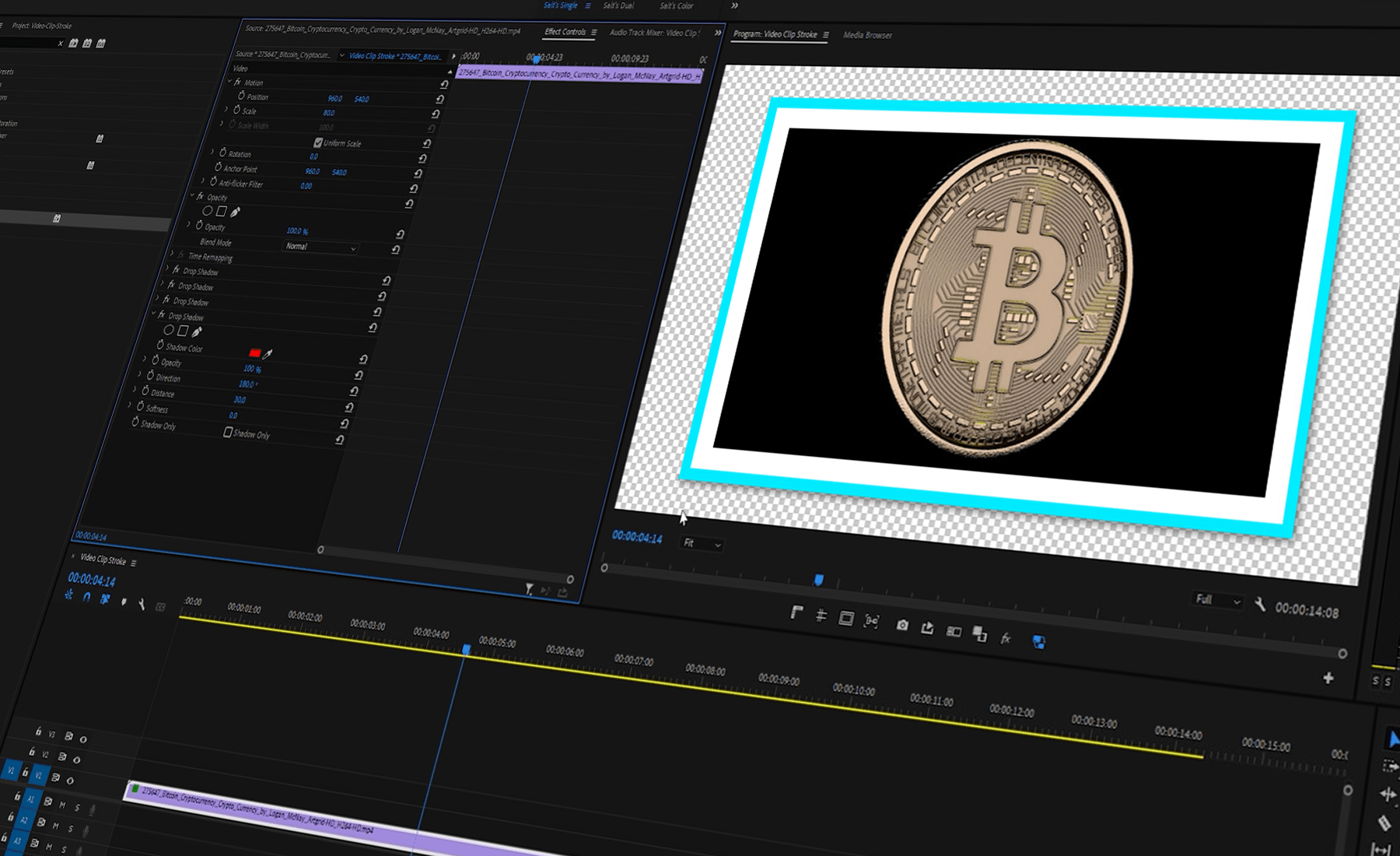
The work around might have a few steps and not be as easily editable as adding strokes in Photoshop or After Effects, but it is possible to add a stroke to video clips in Premiere Pro and DaVinci Resolve. To do so, we utilize four duplicates of the drop shadow effect in a very specific way. Crank the opacity to 100%, change the direction of each effect to either 0, 90, 180, or 270 degrees, and then adjust the softness, distance, and color to taste.

Same Method, Different Program
I’m a big fan of DaVinci Resolve and this post was honestly inspired by a need to create these borders inside of that program. Using the same method from Premiere Pro yields the same colorful border results in Resolve.