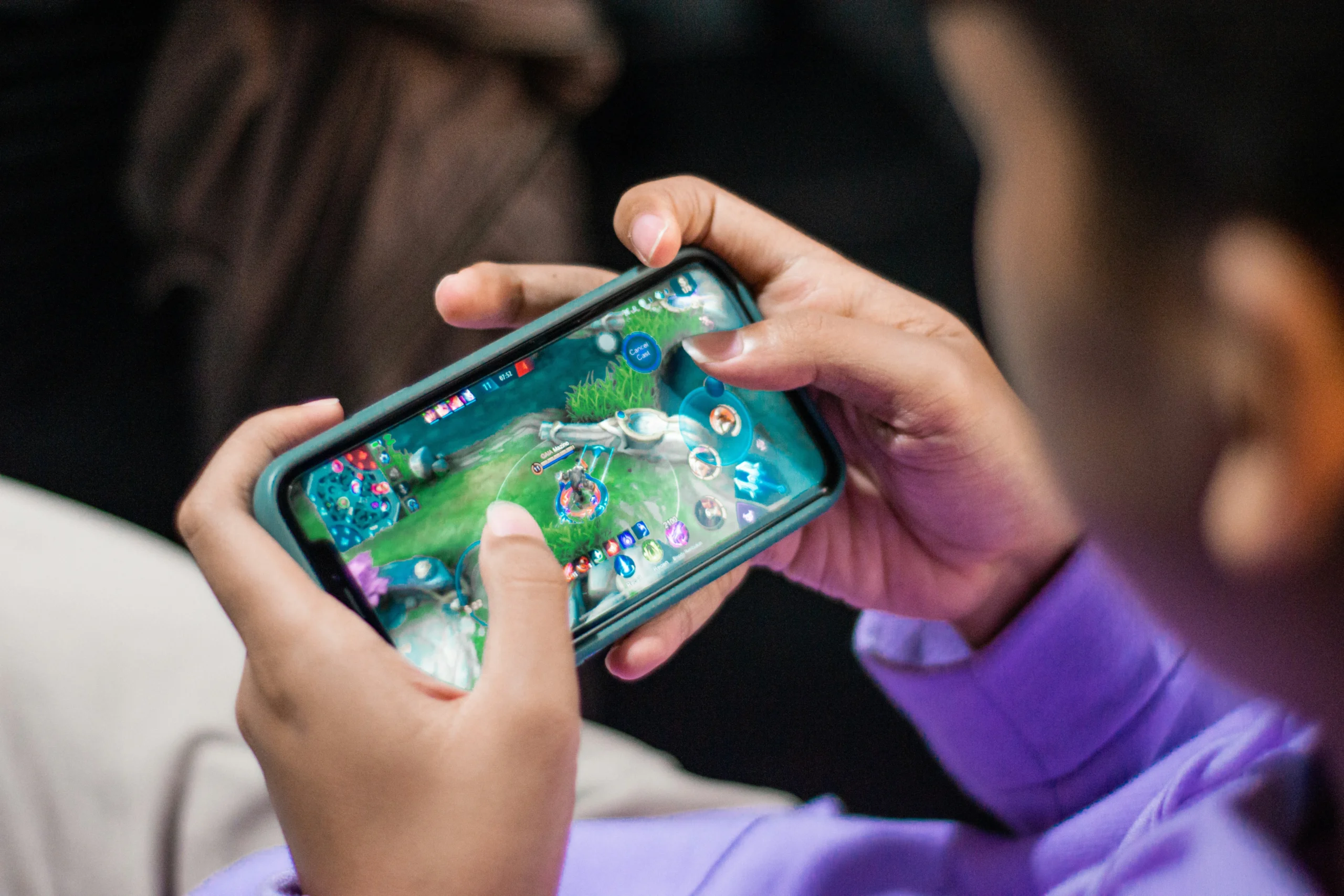
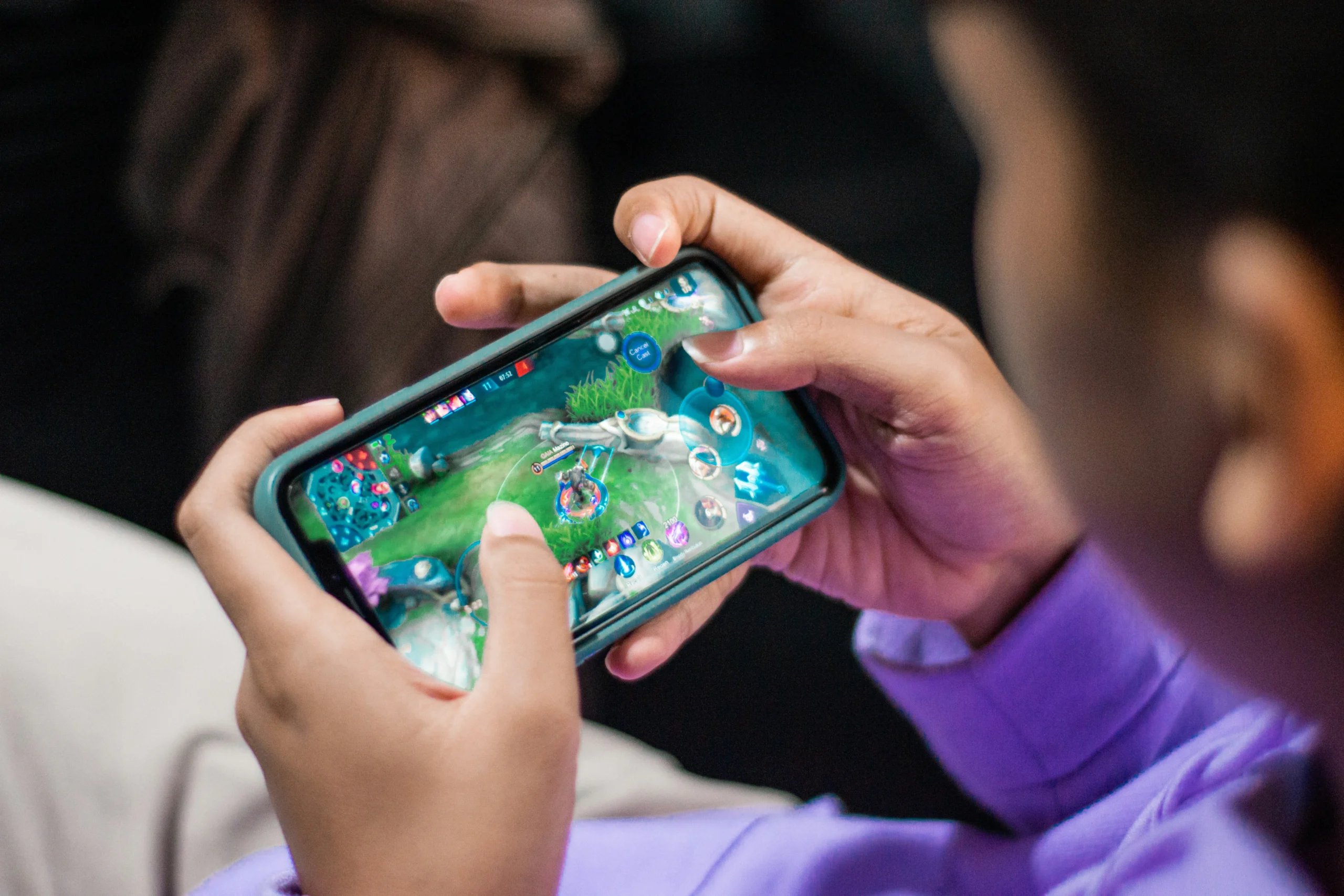
If you play Mobile Legends, PUBG Mobile, Free Fire, Genshin Impact or Honkai: Star Rail on your Android phone, sooner or later you’ll want diamonds, UC or crystals. Buying in-game currency is easy, but not every method is equally safe or good value. Here’s a quick checklist to protect your account and your wallet.
1. Never share your password
A legitimate top-up only needs your player ID (and sometimes your server or zone ID). Any site or “seller” that asks for your login, password or verification code is a red flag. Sharing credentials is the most common way accounts get stolen.
2. Double-check your player ID
Copy your ID straight from your in-game profile instead of typing it by hand. One wrong digit can send your diamonds to a stranger, and those purchases usually can’t be reversed.
3. Avoid “free diamonds” generators and modded APKs
Apps that promise unlimited currency are scams at best and malware at worst. Stick to Google Play, the official in-game store, or an established top-up service, and keep Google Play Protect switched on.
4. Compare prices before you pay
Official in-app prices include store fees, so dedicated top-up stores can be cheaper, especially during promotions. For example, VGTopup (https://vgtopup.com/) lets players top up popular titles like Mobile Legends, Free Fire, PUBG Mobile, Honkai: Star Rail and Wuthering Waves, as well as live-app coins and digital gift cards, often at discounted rates. Delivery is done with your player ID only, so you never hand over your login details.
5. Use a payment method with a record
Whichever service you use, pay with a method that gives you a receipt, and screenshot your order confirmation. If something goes wrong, you’ll have proof for customer support.
6. Watch out for fake event pages
Big events and anniversaries bring a wave of phishing pages that copy official designs. Check the address bar carefully, and don’t trust top-up links sent by strangers in chats or comment sections.
7. Set a budget
Gacha games and battle passes are designed to keep you spending. Decide on a monthly limit before an event starts, and use Google Play’s purchase authentication settings so nobody else on your phone can buy items without permission.
Final thoughts
Topping up on Android doesn’t have to be risky. Protect your login, double-check your ID, skip anything that sounds too good to be true, and compare a couple of trusted options before you buy. A few seconds of care keeps your account, and your rank, safe.