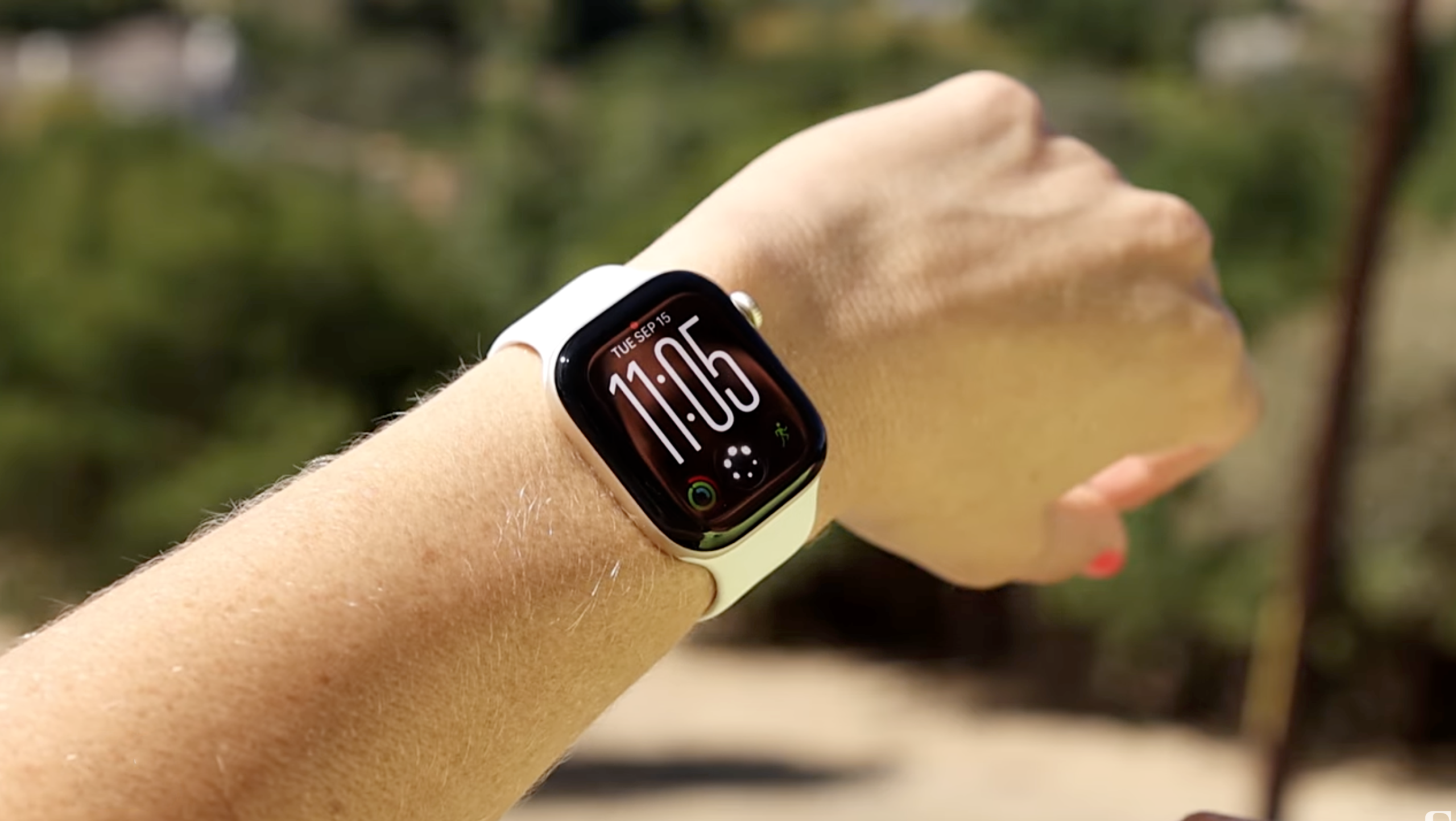
Your Apple Watch is about to start listening a little more closely (if you want it to). A beta rolling out this week gives Siri ears on the Series 12 and Ultra 4, with new features that can recall what was said in the last 15 seconds and summarize conversations throughout your day.

Faster Shazam and Sound Recognition for better accessibility
Audio Intelligence, as the new set of perks is called, consists of four audio-related features: music recognition, sound recognition, Siri rewind and Siri recap. The first two, which have been available since launch, include a faster Shazam that can recognize songs without even opening the app.

I’ve been testing it in beta and noticed it responds much faster, especially since I don’t even have to open the app to identify a song. Songs now appear automatically in my watch’s Smart Stack. This even includes the lullabies I sing to my toddler at bedtime, though understandably, it hasn’t been able to identify those.
Sound Recognition
Sound Recognition can alert people who are deaf or hard of hearing to sounds such as a crying baby, barking dog or doorbell.

Dillon Lopez/CNET
How to access: You have to enable the feature on your iPhone, under Settings > Accessibility > Sound and Name Recognition and toggle it on. You can even select which sounds you want it to identify.
In my testing, it successfully identified my fake cough, the doorbell and the car horn. But then it spent the rest of the day gaslighting me, telling me there was a dog barking or a car honking when there clearly wasn’t, which made me question both my own reality and its listening range. But this may require further testing, since I’m still on the beta versions of all these.
The newest features, which are out now in beta, are the most controversial, and I’ll be testing them more this week.
Siri Rewind: Like Live Photos for audio snippets
At any point during the day, Siri Rewind lets you double-click the Digital Crown to pull up a text snippet of what was said in the previous 15 seconds, kind of like the audio version of Live Photos (which lets you see a few seconds of video before and after you pressed the shutter).
How to access the transcribed text? If you do nothing after seeing it on screen, it disappears. You can also ask Siri about it, or save it to the Siri app to view later on your phone. Old audio is continuously replaced by new audio and then deleted, so if you don’t trigger the feature to recall the last 15 seconds, it’s gone.

This is for unplanned moments where you need to revisit information without having to ask the speaker to repeat themselves. Apple’s keynote example showed someone reviewing the specials menu at a restaurant after the waiter had already walked away from the table. Whether you want to look away from the person speaking down at your watch instead of just asking them to repeat what they said is more of an etiquette question, but it could be helpful during large presentations.
Siri Recap: Automatically summarizes meetings and conversations
Siri Recap can listen in the background while enabled and generate high-level summaries and key points of conversations throughout your day. This can be anything from a parent-teacher conference or work meeting to spur-of-the-moment conversations or brainstorming sessions with coworkers that you wouldn’t go out of your way to record with Voice Memos.

How to access it: Similar to Siri Rewind, the notes from these recaps can either be saved in the Siri app and exported to the Notes or Journal app, or deleted. They automatically delete after seven days if you don’t delete manually.
Who controls when Siri’s listening?
Both features are opt-in, meaning you have to go out of your way to enable them during setup for them to work.
Once they’re on, Siri Rewind requires you to manually double-tap the digital crown to activate it. Siri Recap is completely customizable.
You can leave it on at all times and let Siri decide what counts as important conversations to recap, set it to on a schedule based on important meetings for the day, or enable it manually via the new Siri Recap icon in the Control Center on your Apple Watch like you would Focus mode or Do Not Disturb.

If you forget to turn it off, you’ll get a reminder in the morning telling you it’s on. You’ll also get reminders to check your recaps throughout the day and notifications when schedules start or stop, so you’re aware when it’s active.
And it won’t work for conference calls or FaceTime, if you have your AirPods or headphones in. It only works with audio it can pick up through the speaker.
What about battery impact?
Even if you do decide to leave all four on all day, Apple says they won’t ding your battery. The Apple Watch Series 12 gets around a day and a half of use (in my real-world testing), while the Ultra 4 gets anywhere from two and a half to three days of use.
This is possible because of Apple’s new S11 chip and its dual architecture in which one part handles background tasks without draining the more power-hungry main processor.

The Audio Intelligence features won’t affect battery life.
Vanessa Hand Orellana/CNET
The looming privacy questions
The watch doesn’t save audio. It processes raw audio inside a hardware-isolated compartment on the S11 chip that Apple says even it can’t access, called the Secure Exclave.
Siri Recap doesn’t send a full transcript to the cloud, either. It condenses the text first, deletes the full transcript and sends only that condensed version to Private Cloud Compute. It omits financial data, authentication details, personal identifiers, language related to self-harm and government secrets.
The information pipeline for Siri Recap
- When enabled, the Watch detects when a conversation occurs.
- Audio enters the S11 Secure Exclave for on-device processing into condensed text, removing filler words for a high-level summary.
- Condensed text is encrypted and sent to Private Cloud Compute, where Apple says the data remains private.
- The recap is sent back to your iPhone and immediately deleted from Private Cloud Compute.
Apple makes a convincing case for how it’s protecting privacy, with security and accessibility innovations at its core.
Still, there’s something about explicitly giving the watch on my wrist the ability to listen to conversations that doesn’t sit right with me and many others. Especially when those conversations involve other people who may have no idea it’s happening.
There’s a chime that alerts people when Rewind is active, but to my knowledge, there’s no other warning when Siri is recapping a conversation. Smart glasses like the Meta Ray-Bans have an indicator light when they record video, though even that isn’t foolproof, since there are ways to get around it.
Maybe I’ll change my mind once I can actually test it. Apple has certainly given me reasons to trust how it protects data. I’m just not convinced yet that this is the intelligence I want my watch to have.
The features are rolling out in beta, with the update to iOS 27.3, initially in English, with additional languages planned later.
I’ll be testing over the coming weeks, so check back for more.
