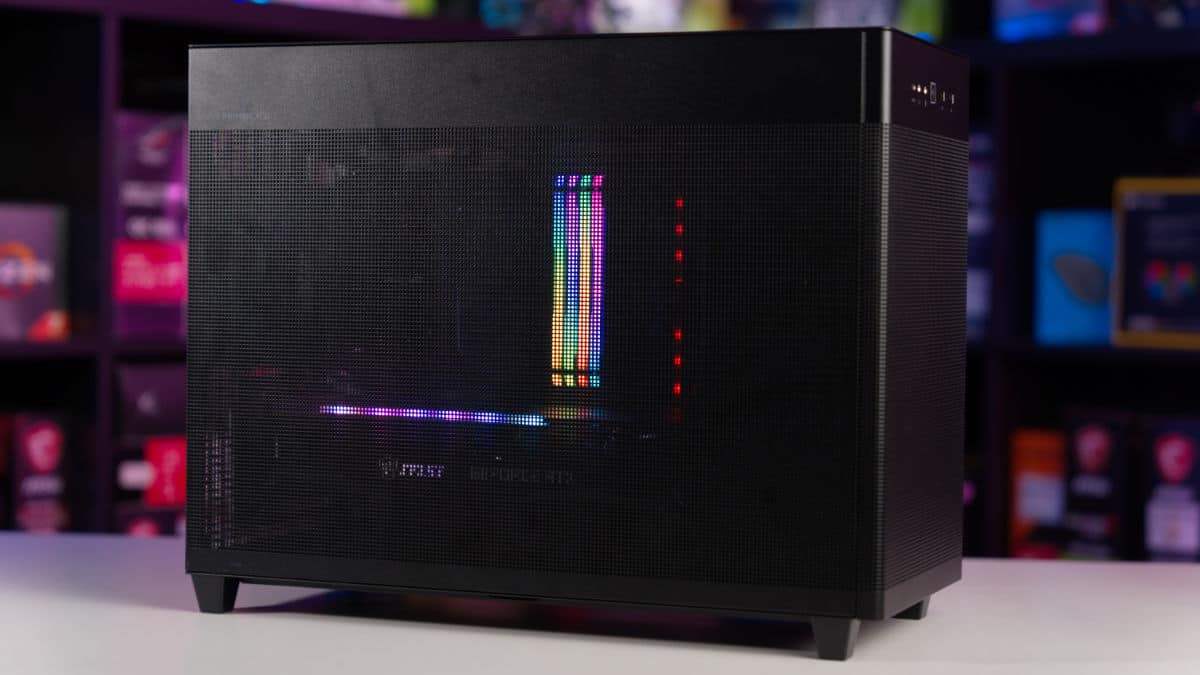

Now you’ve taken a look at our selection of components, you should have a pretty good idea of whether or not this build suits your needs. We’ve discussed exactly what this build offers in terms of performance, and have gone into more detail on how each of the hardware choices impacts this build. Now, let’s go over the areas that need to be considered before buying this build.
What you get for your $500
One of the most important areas to consider before any PC purchase is your budget. By that, we mean will you be able to build a PC that meets your performance requirements with the funds you have set aside. $500 is a decent chunk of money, and whilst a $500 gaming PC won’t be powering through 4K at 100FPS, it represents a simpler PC that gives you incredible value for money. If you need more power, it’s always better to save up and shoot for something like a $1000 gaming PC. Buying the parts now and then upgrading later will cost you more in the long run.
As you can imagine, putting together the best custom PC build for under $500 was no easy task. Many compromises were made along the way to be able to extract the maximum level of performance out of this build. It is entirely possible to craft a gaming PC with a dedicated GPU at this price point. The performance difference between the $400 and the $500 builds is considerable as you move away from integrated graphics. Around the $500 mark, large M2 SSDs and 16GB of RAM are now achievable.
The case isn’t our favorite on the market, but it’s a great affordable option. Even though the case may not be one of the best, we still opted for one that was user-friendly for first-time builders without sacrificing airflow and the Cooler Master MasterBox Q300L fits this perfectly. It’s incredibly important to us that we select user-friendly components that make building a PC as simple as possible.
Performance
You can expect this $500 build to handle 1080p/60FPS gaming across a few AAA titles with higher settings. This RX 6600 will also handle a lot of popular esports games with ease, giving you a wide variety of entry-level options. High FPS is obtainable in esports titles with lowered settings, so overall this budget $500 PC is very versatile. We have bolstered performance with the included 16GB of RAM, a solid amount for gaming, and an SSD storage device. You can expect snappy boot times for Windows and your games, along with some future-proofing from the RAM.
Non-gaming performance
Remember, this build isn’t solely designed for gaming, although budget gaming is its main focus. We’ve also taken into consideration its ability to handle stressful workstation tasks and multi-core processes. Thanks to the impressive CPU and RAM pairing this build should be more than sufficient to handle tasks such as live streaming and video editing with minimal interruption.
Of course, browsing and media tasks don’t phase this build, however, where you will start to see diminishing performance is when rendering large video files. If editing is part of this $500 PC’s intended workload, we would recommend upgrading the processor to something a little beefier, like an i5-12600F.
$500 Custom Gaming PC vs $500 Prebuilt
Building your gaming PC is always going to offer more value, however, we understand that not everyone wants to tackle the challenge of a custom gaming PC. Well, this is where a $500 prebuilt gaming PC could be worth your while but there are a few things to consider before you pull the trigger on a prebuild.
The first thing to note is that you are probably never going to get a prebuilt gaming PC that offers the same performance at the same price. If you were to spend your $500 on a prebuilt, you are likely to see a lower-end CPU with fewer cores/threads, possibly smaller capacity RAM and storage, and lesser quality PC cases and supplies. It’s also a given that you’d get a lesser GPU, the main driver behind your gaming performance.
The reason is not because prebuilt manufacturers are crooks, it’s because prebuilt manufacturers are a business, and they make money through prebuilt PCs by adding a markup (labor costs). This is understandable but it can impact the value you get, you probably know all too well that at the lower end, every penny counts.
Financing and purchase options
Nowadays, there is more than one way to pay for your PC, there are several finance options available on most retailers’ websites where you can purchase your parts. you could build a $500 PC and finance an upgrade option, or the whole build entirely, although, we don’t recommend taking out finance on a $500 build, it’s better to spread the cost of a larger purchase.
Note: There are many kinds of finance, some of which have a higher interest rate than others. While some lenders offer 0% interest we aren’t recommending you get into debt, and it is your decision whether or not you wish to get into finance as this comes with risk.
If finance isn’t for you, there’s always a sea of second-hand parts available to purchase. The biggest influx of parts usually occurs when major releases happen, it’s this time that people choose to upgrade and list their used hardware to regain some capital. There is no guarantee that the part you are going to get is working, however, we recommend you pick the part up in person and test it if possible. The only components we do not recommend you purchase second-hand are power supplies and hard drives. SSDs and M.2 drives are much more robust and have a longer life span, so it’s okay to pick those up secondhand.
How to upgrade your $500 gaming PC
Another major factor to consider when building a custom PC is how easily you can upgrade it down the line. We have built this $500 build with upgradability in mind, choosing the LGA 1700 socket means you can upgrade to any CPU up to the Intel Core i9-14900K theoretically – not that’ we’d recommend that on the H610 chipset, as it lacks certain features and seems like a bit of a waste to populate it with such a high-end CPU. Since you’d have to upgrade your Motherboard anyway, you might as well upgrade your motherboard and memory.
We recommend the i5-13600K as the next logical CPU update, it’s up to you if you want to keep the same motherboard and stay on DDR4, or upgrade to a better one for DDR5 and a better chipset. Of course, this will come at a significant cost. But that’s a future problem.
Overclocking on a $500 budget
Overclocking is a way of increasing the performance of your build by manually boosting the clock speed, voltage, and timings of your hardware, this can be done at no extra cost to you. However, not all hardware is geared toward overclocking.
You need to exercise caution when overclocking your hardware, as pushing your build too far can only lead to overall instability and damage on the extreme end. The Intel chip we have chosen has been pretty well optimized, so extracting any further real-world performance might be a little tricky – but not impossible.
Build a gaming PC by price
Check out some of our price-focused custom PC build guides below.
Other Related Custom PC Guides:
Related prebuilt gaming PC guides
Check out some of our related prebuilt PC guides below.