Professional Mac Setup in Frisco, TX: Is It Worth It?


Is Professional Mac Setup Worth It in Frisco, TX?

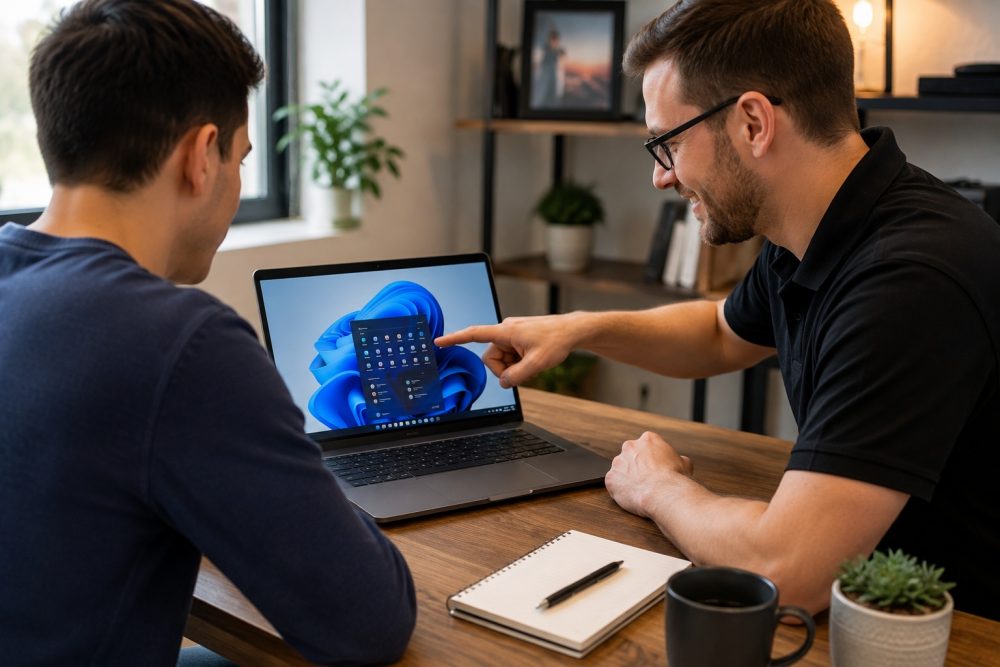
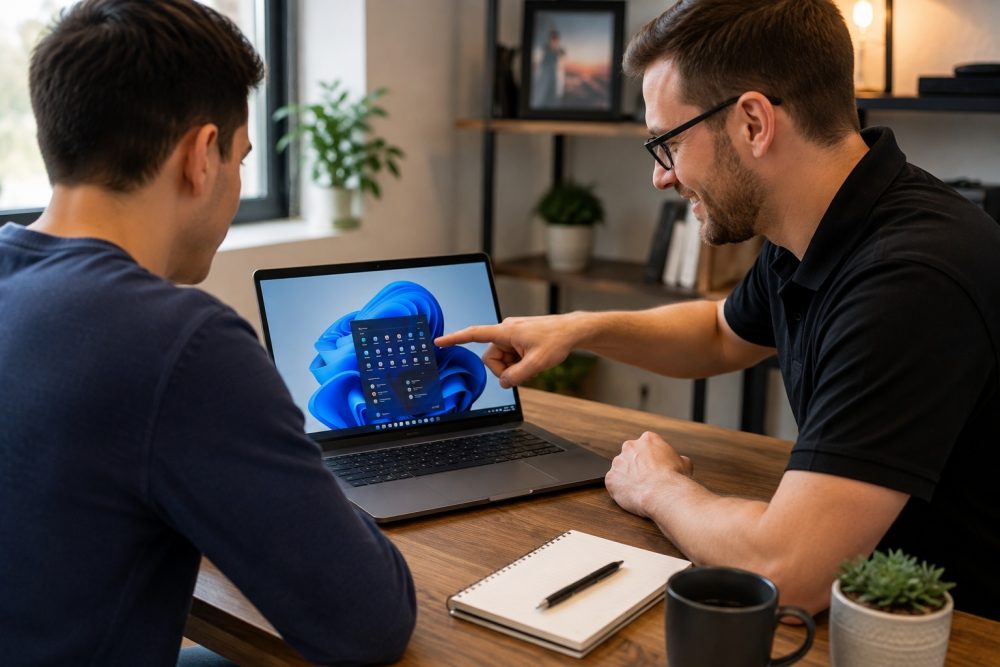
Yes, professional Mac setup can be worth it in Frisco, TX, especially when you need to transfer important files, configure security, connect accounts, install software, or move from a Windows PC or older Mac. A professional setup can prevent migration mistakes, reduce troubleshooting time, and help ensure your new Mac is secure and ready to use correctly from day one.

At PC Geeks, we help Frisco residents get more value from their new Macs without spending hours sorting through settings, passwords, software installations, and data transfers. Buying a new Mac should feel like an upgrade, not the beginning of a weekend-long technology project. Our professional Mac setup service focuses on getting your computer configured around how you actually work, while protecting important files and avoiding unnecessary software or settings. Whether you are replacing an aging MacBook, switching from a Windows PC, or setting up a Mac for work, school, or home use, professional assistance can make the transition faster and far less frustrating.
setup

How Professional Mac Setup Saves Time and Money

The biggest advantage of professional Mac setup is not simply convenience. It is reducing the risk of spending hours fixing preventable problems later.

Apple provides excellent built-in setup tools, including Setup Assistant and Migration Assistant. According to Apple Support, Migration Assistant can transfer documents, apps, user accounts, and settings from another Mac. It can also migrate information from a Windows PC or a Time Machine backup. Apple also notes that large migrations can take hours to complete.

The tools are powerful, but knowing what should be transferred, what should be left behind, and what needs to be reconfigured afterward is where professional experience becomes valuable.

How Much Time Can a Professional Mac Setup Save?

A professional can save you from spending hours researching settings, waiting on transfers, reinstalling applications, resolving account conflicts, and figuring out why something did not migrate properly.

A typical new Mac setup can involve much more than turning on the computer and signing into an Apple Account. Depending on your needs, setup may include:

  • Migrating files and user accounts
  • Installing necessary applications
  • Configuring email and cloud services
  • Connecting printers and other peripherals
  • Installing macOS updates
  • Reviewing privacy and security settings
  • Organizing backups
  • Checking whether older applications are compatible
  • Making sure important files actually arrived

Apple notes that incompatible applications may not transfer successfully or may not be usable on a new Mac. Its Migration Assistant can also generate a migration summary when problems are detected.

Instead of discovering those issues when you need a particular program or document, having a professional review the migration helps identify problems during setup.

Can Professional Mac Setup Prevent Data Transfer Problems?

Yes. A carefully planned migration reduces the risk of missing files, duplicate accounts, incompatible applications, and confusing settings on the new Mac.

Apple’s Migration Assistant allows users to choose applications, accounts, files, folders, privacy settings, and system or network settings for transfer. If an account with the same name already exists on the new Mac, users may also need to decide whether to replace or rename that account.

Those decisions matter. Simply transferring everything is not always the best approach, particularly when an old computer has years of unused applications and clutter.

PC Geeks can help determine what needs to come with you and what is better left behind. The goal is not just to make the new Mac resemble the old computer. It is to preserve what matters while giving you a cleaner, more reliable starting point.

Practical tip: Do not erase, sell, trade in, or recycle your old computer until you have confirmed that your essential documents, photos, applications, email, and other important information are accessible from the new Mac.

How Does Proper Mac Setup Improve Security?

Security settings should be addressed when the Mac is first configured, rather than after a problem occurs.

Modern Macs include extensive built-in security protections. Apple states that on Macs with macOS 26.4 or later, FileVault is turned on by default, providing additional protection by tying the encryption hierarchy to the user’s password.

A professional setup provides an opportunity to review the broader security picture as well. That may include checking macOS updates, configuring strong login credentials, reviewing privacy permissions, setting up appropriate backups, and making sure accounts are properly secured.

This is particularly important for anyone who keeps financial information, business files, family photos, customer documents, or other sensitive information on their Mac.

Does Professional Setup Really Save Money?

Professional Mac setup can save money when it prevents lost productivity, unnecessary software purchases, data recovery expenses, or paid troubleshooting later.

The hidden cost of DIY setup is often time. Spending an entire afternoon trying to reconnect a printer, locate missing files, recover an account password, or make an older application work has a real cost, particularly for someone who uses a Mac for business.

A clean setup can also help you avoid buying programs or cloud services you do not actually need. A technician can identify which applications you already have access to, which older programs require updated versions, and which built-in Mac features may already accomplish the job.

For business users, getting a computer operational quickly can be especially valuable. Every hour spent troubleshooting a new workstation is an hour that cannot be spent serving customers or completing other work.

Why Does Professional Mac Setup Make Sense in Frisco?

Frisco is a rapidly growing, highly connected community, making reliable home and business technology increasingly important.

The U.S. Census Bureau estimated Frisco’s population at 236,955 in 2025, an increase of about 18.2% from the April 2020 population estimate base. Census data also shows that 97.7% of Frisco households had a broadband internet subscription during 2020-2024.

From professionals working at home to families managing school, photos, entertainment, and household accounts, computers are central to daily life for many Frisco residents. Whether you are near The Star, Frisco Square, or another part of the community, having your new Mac configured correctly means you can spend less time troubleshooting and more time actually using it.

PC Geeks provides local assistance for people who want the benefits of a new Mac without having to become their own IT department.

Frequently Asked Questions About New Mac Setup

Should I use Migration Assistant when setting up a new Mac?

Migration Assistant is Apple’s built-in tool for transferring documents, applications, user accounts, and settings from another Mac, PC, or Time Machine backup. It is useful for many migrations, but professional assistance can help determine what should be transferred and resolve compatibility or account issues.

Can I transfer everything from my old Mac to my new Mac?

Many files, applications, accounts, and settings can be transferred, but not everything is guaranteed to work exactly as before. Apple notes that incompatible apps or apps with newer versions already installed may not transfer or may not be usable.

Should I set up my new Mac myself or hire a professional?

DIY setup may be sufficient if you have very little data and are comfortable configuring macOS. Professional Mac setup makes more sense when you have important files, multiple accounts, specialized software, peripherals, business data, or simply want to minimize downtime.

Can a professional help me switch from Windows to Mac?

Yes. Apple supports transferring information from a Windows PC to a Mac, and a professional can also help configure Mac applications, accounts, files, and settings so the transition is easier.

Start Your New Mac the Right Way With PC Geeks

A new Mac is an investment, and the setup process determines how quickly you can start enjoying that investment. Professional Mac setup can save time by handling migration and configuration correctly, while potentially saving money by preventing avoidable troubleshooting, lost productivity, and data problems.

Ready to get your new Mac set up without the hassle? Contact PC Geeks to schedule professional Mac setup in Frisco, TX.


My Sis Found A Super-Rare Card Free Download (Build 24859701)


KOTAMON: My Sis Found A Super-Rare Card PC GameKOTAMON: My Sis Found A Super-Rare Card PC Game

KOTAMON: My Sis Found A Super-Rare Card Direct Download:

A fun, laid-back game CICADAMATA
No one will rush you, or watch your every step, or criticize your actions. You can meditatively sift through garbage looking for interesting things… or just run around with a trash bag! Your dump site, your rules!

Find ’em all!
There are dozens of unique cards with hand-drawn illustrations by the world’s best artists!* Collect sets of different colors to earn rewards. If you’re lucky, you’ll find an unopened cereal box with a super-rare foil card inside! *According to the artists themselves

Mend and swap cards!
A dump site is not a good place to store cards. Often, you’ll be find cards that are crumpled, damaged… or torn into pieces even. Don’t worry; you can mend them or swap them for better ones! The better the card’s condition, the more expensive it is!

Hidden treasures
In addition to collectible cards, you can find lots of interesting things at the dump site that were thrown away by mistake or by accident. The site owner will pay you well for each such find!

Garbage makes you better
Upgrade yourself to become better, faster, stronger, and more efficient at clearing tons of garbage. Turn yourself into a veritable trash-mowing machine!

Screenshots

System Requirements

Minimum
Requires a 64-bit processor and operating system
OS: Windows 10
Processor: Intel Core i3 or analogue
Memory: 4 GB RAM
Graphics: GeForce 960 4gb VRAM or analogue
Storage: 3 GB available space
Support the game developers by purchasing the game on Steam

Installation Guide

Turn Off Your Antivirus Before Installing Any Game

1 :: Download Game
2 :: Extract Game
3 :: Launch The Game
4 :: Have Fun 🙂

How to Fish: Pufferfish boss guide


You’ve boiled the Spider Crab and turned the Giant Piranha into fish sticks, but How to Fish amps up the difficulty with the Pufferfish boss battle. The bloated, buoy-like fish took me quite a few tries in both solo and co-op saves, but I finally skewered it with a few SMG upgrades and plenty of patience. Lots of patience.

Find endangered fish to exchange for Pufferfish bait

How to Fish - The endangered creature, the Bowlfish.

A Bowlfish. (Image credit: Dazed Games)

The third How to Fish island gives you a few quest options, but start by speaking to the swimmer in yellow floaties to begin the quest for Pufferfish bait. The swimmer asks for help slaying a scary fish and has spare snacks you can use as bait, though he won’t hand them over until you promise something in return.

Yoku’s Island Express Free Download (Build 7426140)


Yoku's Island Express PC GameYoku's Island Express PC Game

Yoku’s Island Express Direct Download:

Yoku has arrived on Mokumana and he’s ready for the easy life, soaking up the sun and delivering parcels on a tropical paradise! How to Fish

However, an ancient Island deity is trapped in a restless sleep – and it’s all down to Yoku to traverse the island using a unique blend of pinball mechanics, platforming and open world exploration, in an amazing adventure to help those in need! Flip and bump our pint-sized protagonist around the stunning hand-painted island on your quest to rebuild the post-office, and wake an old god from its deep slumber.

Key Features:

OPEN-WORLD PINBALL ADVENTURE: Coupled with its unique pinball platforming play style, Yoku’s Island Express offers non-linear gameplay that gives you the freedom to choose your own path across multiple questlines.

WELCOME TO MOKUMANA ISLAND: Seamlessly Explore multiple regions of the island, including tropical beaches, lush jungles, snowy mountains, mysterious caves, and steamy hot springs!

UNLOCK THE AMAZING NEW ABILITIES: Help the friendly locals and earn a range of fantastic new power-ups! Vacuum explosive slugs and wake up sleepy villagers with the Noisemaker!

CAPTIVATING STORY: Meet a cast of unforgettable characters across multiple storylines – whilst uncovering the islands deepest secrets. And maybe rebuild the post office too!

EPIC BOSS BATTLES: Get ready to take on giant bosses using Yoku’s trusty ball to ‘deliver’ the final blow.

BEAUTIFUL ARTWORK: Feast your eyes on the breathtaking, hand-painted artwork created by games industry veteran artists.

Screenshots

System Requirements

Minimum
Requires a 64-bit processor and operating system
OS *: Windows 7
Processor: Intel i3-2100 @ 3GHz / AMD A8-5500 @ 3.2GHz
Memory: 4 GB RAM
Graphics: Nvidia GeForce GT 630 1GB / AMD Radeon 7770 1GB / Intel HD 530
DirectX: Version 10
Storage: 3 GB available space
Support the game developers by purchasing the game on Steam

Installation Guide

Turn Off Your Antivirus Before Installing Any Game

1 :: Download Game
2 :: Extract Game
3 :: Launch The Game
4 :: Have Fun 🙂

This newly announced soulslike has a main character inspired by Dark Souls’ most heartbreaking boss fight


Honestly, I’m surprised nobody thought of this sooner. Via Kotaku, Stray Dog: Nobody Cares is a soulslike directly inspired by Dark Souls, which asks: “What if you played as Great Grey Wolf Sif?” It’s an idea that seems painfully obvious in hindsight, and I can only credit developer Parry Frames Studio for doing the hard work of making it a reality.

Obviously, you don’t actually play as Sif in Stray Dog: Nobody Cares. But Knight Artorius’ lupine companion is clearly the archetype behind Parry Frames’ four-legged protagonist. Even the backstory is similar, with you playing the faithful friend of a knight-errant in a dark fantasy kingdom. When its master is captured, the hound takes it upon itself to track him down and release him.

How to Fish Free Download (v1.0.2)


How to Fish PC GameHow to Fish PC Game


⬇️ DOWNLOAD NOW

How to Fish Direct Download:

A 1-4 player physics based fishing simulator. While drinking and boating you suddenly crash into a small island. To work your way back home you have to learn How to Fish. Shantae Full Collection

What you do in the game:

  • Start off with no gear or weapons, earn money to buy better gear and weapons and stuff

  • Complete quests and fight bosses to progress to new islands, where there are more dangerous creatures and better gear

  • Try to collect the rare variant of all the different fish

  • Hit trick shots for more money

  • Gamble for even more money

Screenshots

System Requirements

Minimum
Requires a 64-bit processor and operating system
OS: Windows 10+
Processor: Intel Core i5-5257U, AMD Ryzen 3 1200 or equivalent
Memory: 8 GB RAM
Graphics: GeForce GTX 1050, AMD RX 460 or equivalent
Network: Broadband Internet connection
Storage: 1 GB available space
Support the game developers by purchasing the game on Steam

Installation Guide

Turn Off Your Antivirus Before Installing Any Game

1 :: Download Game
2 :: Extract Game
3 :: Launch The Game
4 :: Have Fun 🙂


⬇️ DOWNLOAD NOW

The newly independent Psychonauts dev now earns all the revenue when you buy games it made under Xbox: ‘Buying any of our games helps support the studio’


Double Fine has fully transitioned into an independent studio after leaving Xbox earlier this year. The studio now has full publishing rights to the games it made under Microsoft and earns all the revenue when you buy them, CEO Tim Schafer confirmed on the Kinda Funny podcast.

“Everything we got back, the transfer of the IP came back to us, and we got the publishing rights back for all our games,” he said. Steam still lists the publisher as Xbox Game Studios for games like Psychonauts 2 and Keeper, but that’s because it “takes a while for all of that to process,” he said. “When people buy our games it helps support the studio.”

EPYC 9006 Series: What You Need To Know


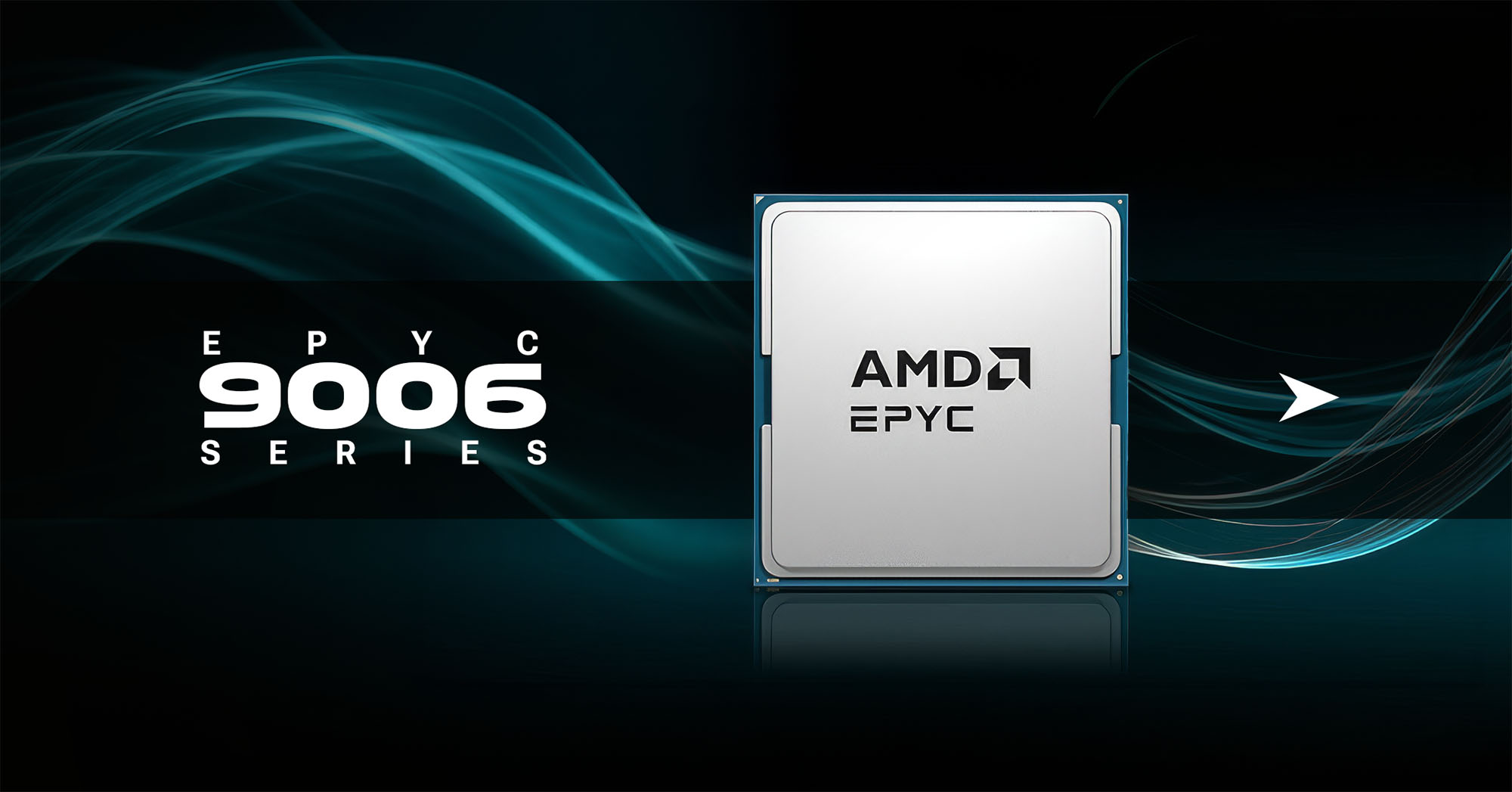
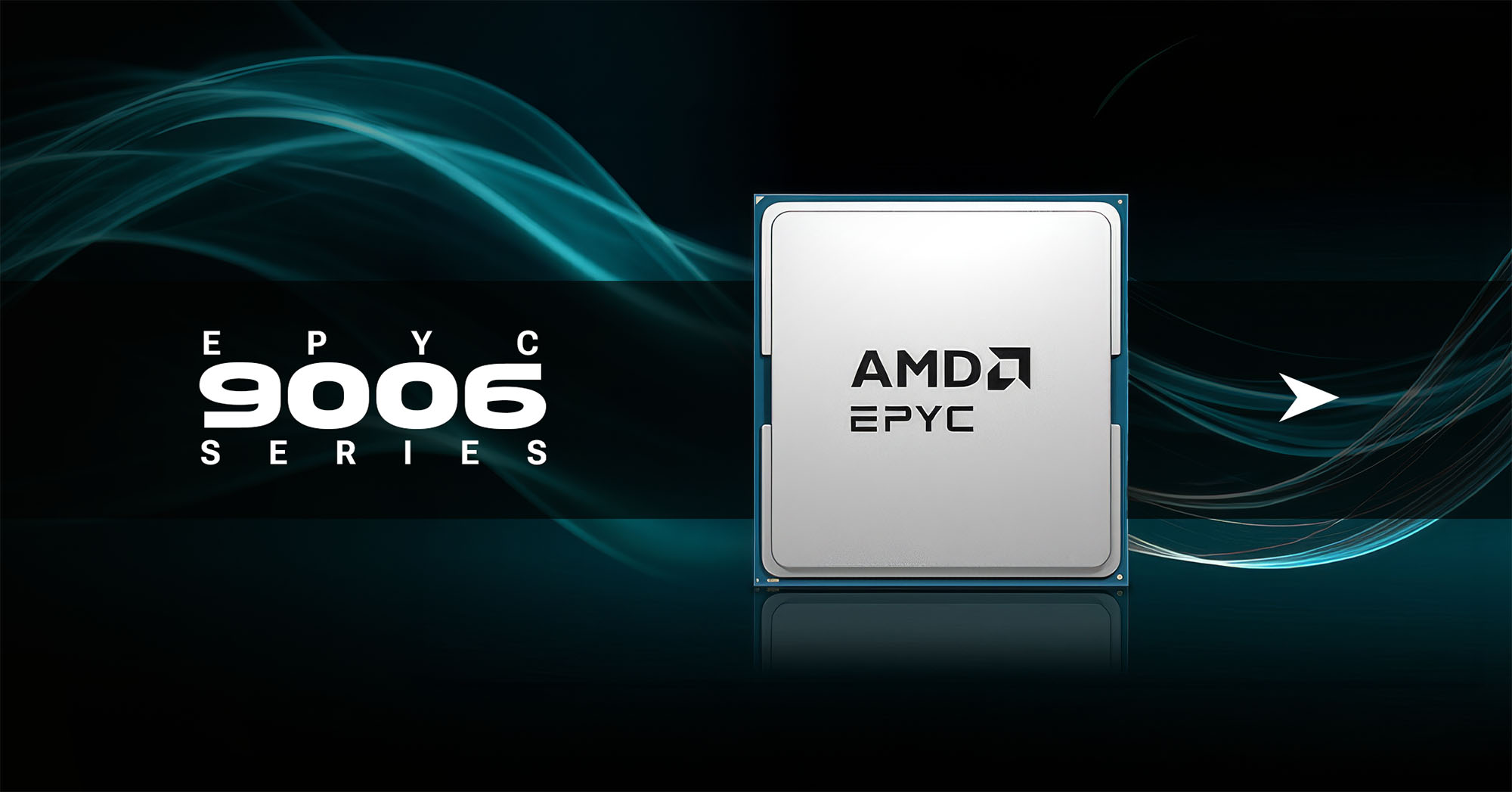
EPYC 9006 series banner

EPYC news is always interesting. While it’s not the processor you’re putting into your desktop at home, it’s fascinating to see what’s going on at the absolute highest end of the CPU market.

At their recent Advancing AI event, AMD officially unveiled the 6th Gen AMD EPYC 9006 Series (code-named “Venice”). Let’s take a look at the release timeline, the major architectural upgrades, why they matter, and who these heavy-duty processors are actually for.

EPYC 9006 Release Status: Is it Released?

The short answer is: not quite yet, but it’s right around the corner.

  • Flagship SP7 Platform: Slated for release in Q4 2026.
  • Secondary Platforms (SP8, Venice-X, and Verano LP): Rolling out throughout 2027.

By hitting these release targets, AMD is positioning the EPYC 9006 series to beat upcoming competitor Xeon platforms to crucial architectural checkpoints.

4 Major Upgrades in the EPYC 9006 Series

1. The Zen 6 Architecture (2nm Process)

The EPYC 9006 is built on the brand-new Zen 6 (and Zen 6c) architecture. Manufactured by TSMC on a cutting-edge 2nm process node, AMD is successfully beating the competition to this nanometer milestone.

  • Massive Scalability: This 2nm process allows the processor to scale all the way up to 256 cores and 512 threads per socket.
  • Generational Efficiency: AMD claims a massive 70% higher overall performance and efficiency per watt over Zen 5. While real-world use often varies slightly from announcement claims, a 70% leap is a massive draw for data centers running AI, machine learning, and other highly threaded applications.

2. A Total Memory Overhaul

Memory bandwidth is crucial for enterprise-scale workloads, and AMD has completely upgraded the memory subsystem for this generation.

  • 16 Channels: Upgraded from 12 channels to 16 channels of DDR5.
  • Blistering Speeds: Support for Multiplexed DIMMs operating at up to 12,800 MT/s (or standard DDR5-8000).
  • Higher Density: This translates to up to triple the amount of memory per socket compared to the prior generation.

This increase in both RAM density and throughput allows more, faster memory to be dedicated to each core, significantly accelerating memory-hungry workflows.

3. Next-Gen I/O: PCIe Gen 6, CXL 3.1 & AVX-512 BMM

More compute power doesn’t mean much if the data gets bottlenecked on its way to the processor. To solve this, AMD packed the EPYC 9006 with next-generation I/O capabilities:

  • PCIe Gen 6: Doubles the per-lane bandwidth over Gen 5, which is vital for keeping next-gen GPU accelerators fed and maximizing ultra-fast networking hardware.
  • CXL 3.1 Support: Allows multiple hosts to dynamically share and pool memory over the fabric.
  • AVX-512 BMM: New Bfloat16 Matrix Multiply vector instructions baked directly into the silicon allow for running AI inference right on the chip.

That’s a lot of technical jargon, but the takeaway is simple: these processors are perfectly tuned to crunch heavy AI and agentic workflows with zero I/O bottlenecks.

Specialized Form Factors for Specific Deployments

Rather than forcing every data center into a single, one-size-fits-all socket layout, AMD is splitting the Venice lineup into distinct platform tiers tailored to different workloads:

Platform Tier Key Specs & Target Workloads
SP7 (Flagship) The high-density powerhouse maxing out at 256 cores and 16 memory channels. Built for maximum I/O throughput in cloud giants, HPC (High-Performance Computing), and massive AI clusters.
SP8 (Enterprise & Edge) A more cost- and power-balanced version featuring 8 to 128 cores and 8 memory channels. Designed to fit traditional enterprise racks, edge computing, and virtualization environments.
Venice-X (3D V-Cache) Packed with up to 1,152 MB of L3 cache. Targeted directly at memory latency-sensitive HPC, engineering simulations, and heavy analytics.
Verano LP (AI Host Nodes) A high-frequency, low-power chip using LPDDR5X on modular SOCAMM2 boards. Built specifically to serve as the orchestrator node sitting right next to massive racks of AI GPUs.

The Bottom Line

It’s clear AMD is keeping their foot on the gas in the server space. By hitting the 2nm mark first and giving data centers these purpose-built silicon options, they are making a very strong case for why the EPYC 9006 is the processor everyone will be talking about in the coming years.

If the EPYC 9006 interests you, or if it means absolutely nothing to you at all and you’d rather have an expert figure all this out for your business, visit us at Velocity Micro. We can build a custom workstation PC engineered to meet your exact needs.

The post EPYC 9006 Series: What You Need To Know appeared first on Custom Gaming & Workstation PC Blog | Velocity Micro.

BLOODLETTER Free Download – WorldofPCGames


BLOODLETTER PC GameBLOODLETTER PC Game


⬇️ DOWNLOAD NOW

BLOODLETTER Direct Download:

Take up the mantle of a medieval barber surgeon in BLOODLETTER, a deckbuilder inspired by the arcane art of tarot, ancient remedies of the flesh, and the surrounding superstitions.  Flowers and Deities

  • 4 Dreadful entities, each a foul spirit with its own wicked win condition and design

  • Each entity to be cleansed on three different difficulties

  • Unlock new content after a successful cleanse

  • 80+ Cards bearing unique incantations, illustrations and titles

  • 6 Blessing and curse cards capable of turning fate itself upon its head

  • 1 Fantastical realm, steeped in medieval myth, mystery, and dread

  • 100+ Story snippets welcoming you into the eerie world of BLOODLETTER

Take heed, barber-surgeon: the path of the bloodletter is not for the faint of heart. Salvation or damnation await.

Screenshots

System Requirements

Minimum
OS *: Windows 7 64bit and higher
Processor: Intel Core i7-4500U @ 1.8 GHz (2013)
Memory: 4 GB RAM
Graphics: integrated graphics
DirectX: Version 12
Storage: 5 GB available space
Support the game developers by purchasing the game on Steam

Installation Guide

Turn Off Your Antivirus Before Installing Any Game

1 :: Download Game
2 :: Extract Game
3 :: Launch The Game
4 :: Have Fun 🙂


⬇️ DOWNLOAD NOW

Mortal Shell II Free Download (Build 24772279+ALL DLCs)


Mortal Shell II Free Download [Build-24772279+ALL DLCs] PC GameMortal Shell II Free Download [Build-24772279+ALL DLCs] PC Game


⬇️ DOWNLOAD NOW

Mortal Shell II Direct Download:

Mortal Shell II is a standalone sequel to Mortal Shell that significantly expands on the original with unrestricted, adrenaline-charged combat, extensive weapon upgrades, and free exploration. The forgotten Shells of eight lost warriors are scattered throughout Mortal Shell II’s ravaged world. Seek and possess these Shells, unleash their innate abilities, and discover the story of each by unravelling their secrets. Ruins of Dawn

Mortal Shell II offers a clean, agile and grounded combat system, with options to think strategically about upgrading melee and ranged weapons. Unrestricted by stamina, players exploit multiple tactics to shatter enemy posture and strike critically. Mortal Shell II’s open world is compact, tightly interconnected and immersive. It is designed with respect for the player’s time. Those who wander from the golden path can discover new Shells, weaponry, upgrades, curiosities and more.

Screenshots

System Requirements

Minimum
OS: Windows 10 / 11
Processor: Intel Core i7-10700K @ 3.8 GHz or better or AMD Ryzen 5 3600 @ 3.6 GHz or better
Memory: 16 GB RAM
Graphics: NVIDIA GeForce RTX 2060 SUPER 8 GB or AMD Radeon RX 6600 8 GB
DirectX: Version 12
Storage: 70 GB available space
Support the game developers by purchasing the game on Steam

Installation Guide

Turn Off Your Antivirus Before Installing Any Game

1 :: Download Game
2 :: Extract Game
3 :: Launch The Game
4 :: Have Fun 🙂


⬇️ DOWNLOAD NOW