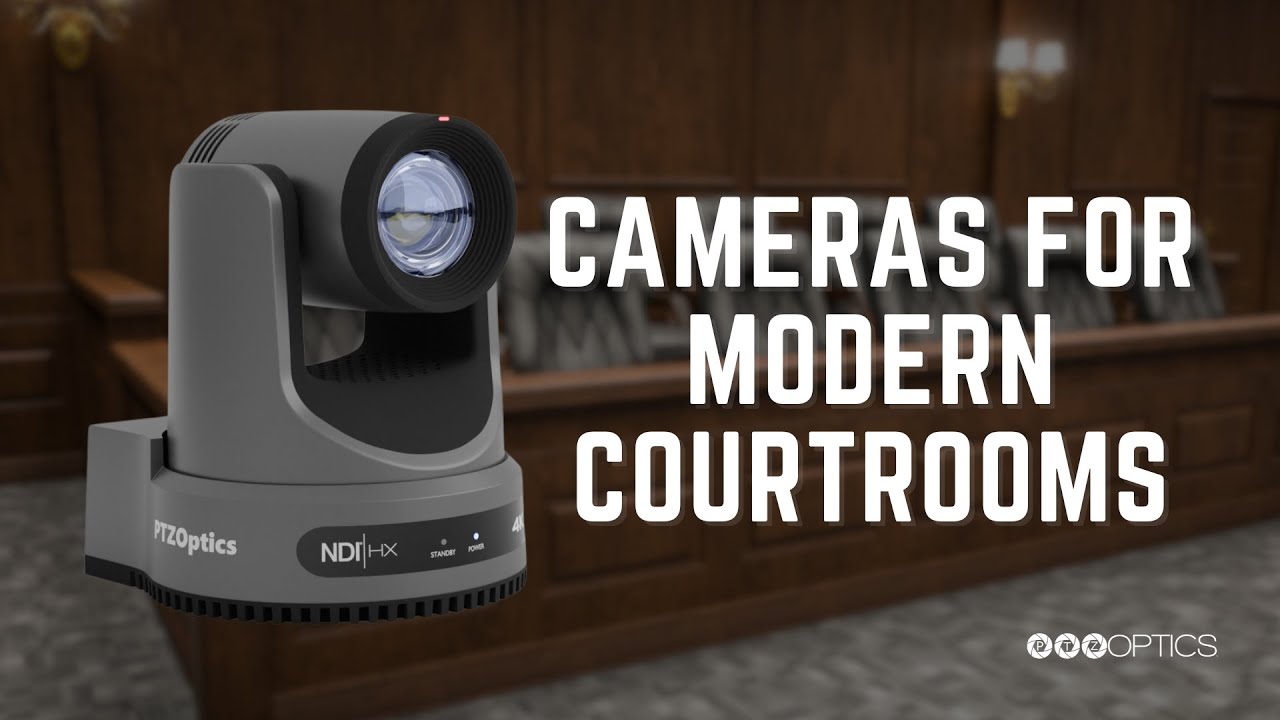
PTZOptics Empowering Courtrooms with Live Streaming & Video Capture


In an era where digital integration has become paramount, PTZOptics stands at the forefront of providing innovative solutions for various sectors, notably within the courtroom. PTZOptics PTZ cameras, known for their expansive coverage, remote control features, and excellent optical zoom capabilities, have consistently proved to be ideal tools for modernizing traditionally large and challenging environments. Through an assortment of case studies, they aim to showcase how our technology has made a positive impact in various judiciary applications across the United States.

Transforming Courtrooms with PTZ Technology
In an age of technological advancement, courtrooms across the nation are embracing PTZ (pan, tilt, zoom) technology to revolutionize the legal experience. By integrating PTZ cameras, courtrooms are able to ensure comprehensive coverage of proceedings with minimal manpower. This not only enhances efficiency but also fosters greater accessibility and transparency. Whether live-streaming for remote viewing or archiving for future reference, PTZ technology is setting a new standard for justice in the digital era, aligning the judicial system with modern needs and expectations.
Fixed Cameras
PTZOptics offers a range of fixed cameras called “ZCams” that provide a cost-effective solution for capturing high-quality video of specific areas within the courtroom. These cameras are designed to remain stationary while delivering excellent video coverage, making them ideal for recording proceedings, ensuring transparency, and maintaining a reliable video record without the need for frequent adjustments.
Manage Your Spaces Seamlessly with Hive

  • Centralized Management: Hive consolidates all courtroom management into one intuitive platform. Monitor and control AV equipment for any court, ensuring smooth and uninterrupted operations.
  • Remote Issue Resolution: Resolve technical issues quickly with remote management capabilities. Diagnose and fix problems remotely, minimizing downtime and keeping proceedings on track.
  • Equipment Monitoring: Stay ahead of issues with real-time equipment monitoring. Get detailed insights and proactive alerts to ensure all devices are in optimal condition, reducing the risk of unexpected failures.

With our courtroom management system, ensure that your IT and AV teams have the tools they need to keep the judicial process running smoothly and efficiently. Experience the peace of mind that comes with knowing you have complete control over your courtroom technology, all from a single, powerful interface.

NDAA Compliance
Select PTZOptics cameras comply with NDAA 2019, Section 889, ensuring they do not contain components from restricted companies. This compliance is crucial for organizations that prioritize security and adhere to federal regulations. For more information, please refer to the camera documentation.

Courtroom Video Systems
PTZ cameras enable seamless communication within governmental agencies, from local meetings to global summits, fostering collaboration and decision-making. Learn how top local, state and federal court systems are upgrading their video systems.

Ensuring Transparency
With live streaming and video recording capabilities, PTZOptics empowers judiciaries to maintain transparency with their constituents. Our technology ensures that proceedings are accessible to the public, promoting trust, integrity, and responsiveness in public administration.

Pioneering Courtroom Modernization
In the pursuit of justice, adaptability, and accessibility, PTZOptics has been instrumental in modernizing courtroom video systems across the United States. Below is a remarkable case study that stands as a testament to our impact.
PTZOptics Cameras
The city of Whitefish embraced PTZOptics cameras to redefine its courtroom experience. These state-of-the-art cameras, known for their expansive coverage and discreet in-room mounting locations, have provided a seamless and efficient solution to handle large spaces. This integration not only enhances functionality but also promotes greater accessibility to judicial proceedings.
PTZOptics cameras are often chosen for government applications such as courtrooms due to their large size. These spaces can benefit from the remote control and optical zoom features available on PTZOptics cameras. In this case study, the city of Whitefish, Montana approved the installation for four PTZOptics cameras to be used with a vMix video switching system. The cameras are installed in remote locations to the video production studio allowing a single camera operator to control the pan, tilt and zoom of each camera. Each camera is set up with camera presets that are assigned to various areas of interest inside the courtroom.

PTZ Cameras For Legal Proceedings


PTZ Camera Installed in Court Room


PTZ Camera in Ceiling at City Hall
New York State Unified Court System’s Digital Transformation
The New York State Unified Court System (NYS UCS), serving as the judicial branch of the state government, has embarked on an ambitious modernization journey to make its 1,540 courtrooms more functional, accessible, and equipped for the digital era. The Courtroom Modernization Initiative (CMI) Team was established in 2019 to actualize this vision; PTZOptics played a pivotal role in the transition along with other key vendors, such as Magewell and Biamp.

Learn more about PTZOptics here:

How to Set-up Cellular Bonding with Kiloview P3 and P3 Mini & How To M


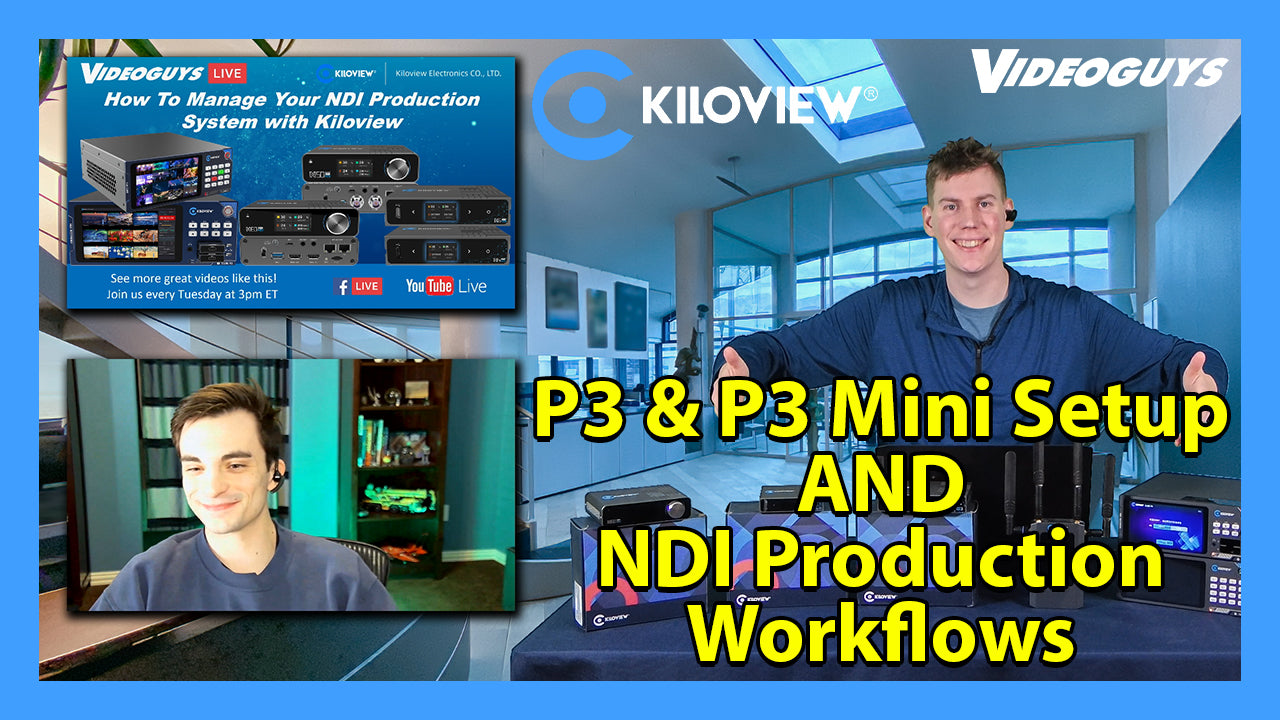
On this week’s Videoguys Live, James is joined by Logan, our Workflow Sales Specialist, to explain how to set up and utilize the new P3 and P3 Mini as well as going into how Kiloview’s NDI Products and Converters can be used to manage your NDI Workflow.

Watch the full video below:


Kiloview P3 Mini 4G Wireless Bonding Encoder

  • Up to 6-channel Connections Bonding
  • 4K HDMI+3G-SDI with H.265 & H.264 Encoding
  • NDI | HX, RTMP, SRT, RTSP, HLS
  • 4.3-inch Touch LCD Screen
  • Dual Battery Module
  • KiloLink Server – Safe and flexible bonding software
  • Pro-Level Video Processing
  • Reliable Recording and Streaming

Step 1: Choose the P3 or P3 mini

Features

P3

P3 Mini

Video Input

1x 4KP30 HDMI

1x 3G-SDI

1x 1080P60 HDMI

1x 3G-SDI

Resolution

Up to 4KP30

Up to 1080P60

Recording

SD Card and USB Expansion

USB Expansion

Network

5G / 4G / WiFi / Ethernet

4G / WiFi / Ethernet

Display

4.3″ LCD Touchscreen

3″ LCD Touchscreen

Bonding Performance

WiFi/ 4 channels of 5G(Or 4 channels of 4G)
cellular, WiFi (2.4G/5G), Ethernet

3CH 4G cellular network, WiFi (2.4G/5G dual band) , USB expanded Ethernet

Battery

Built-in 3500mAh 7.2V 25.2W battery
External 7000mAh 7.2V 50.4W battery

4900mAh 7.2v 35.28W

Step 2: Make Sure You’re Connected

P3 Mini

On board Modems included

Step 3: Set-Up Your KiloLink Server

Kiloview P3 Workflow

Kiloview P3 Mini Workflow


How To Manage Your NDI Production​ System with Kiloview​

NDI Converters allow you to put ANY video source on the network

  • NDI Encoders turn any HDMI or SDI camcorder into an NDI camera
  • NDI Decoders allow you to send any source to any screen
  • Kiloview bi-directional converters give you the flexibility for every application

Why should you migrate to NDI

  • Less cables!
  • Power, Control, and Video all through one Ethernet cable
  • Control and send data back to the NDI devices – PTZ Control, color shading, tally, comms, etc.
  • Every NDI device can see every other NDI device on the network
  • Replaces using SDI or HDMI cabling
  • Cost effective solution that allows you to expand and scale your productions with ease
  • Use NDI enabled cameras or add NDI converters
  • Use NDI decoders to deliver video anywhere on the network

Kiloview NDI Products are Your Production Solution

  • NDI is fast, efficient and easy to use. 
  • It’s a low cost, multi-channel solution that is easy to deploy and maintain. 
  • NDI supports tally, voice intercom, video return, and PTZ control. 
  • NDI is a total production solution.

Kiloview E3

Introducing the next generation video encoder for live, post, and REMI workflows

Dual channel 4K HDMI & 3G SDI encoder with flexibility for all workflow solutions

Kiloview CUBE R1

Multiview and record all your NDI sources

9 channel HD, 4 channel 4K multiviewer and ISO recording

Kiloview CUBE X1

Turnkey NDI distribution solution

Switch and distribute NDI with 13 input channels and 26 output channels

Kiloview N6 and N5 – Bi-Directional NDI conversion with 2-in1 Encoding and Decoding

Kiloview N60 and N50 – Bi-Directional Encoder now with NDI and SRT

Using YoloLiv YoloBox Ultra to Grow Your Online Business


We are the live streaming, video editing and production experts!  

Videoguys understands the gear we sell because we use it ourselves! Our staff are videographers, live streamers, editors, filmmakers and vloggers just like you. We have worked with schools, churches, corporate AV and independent producers like you. 

You can speak to a live person Monday through Friday from 9:00 am – 5:00 pm EST at 800-323-2325, by chat or by email to sales@videoguys.com. We can help you find the live streaming, video production and editing equipment that meets your needs and budget. 

continue reading to learn more…

Every Underlord Feature (Descript AI)


Share this article

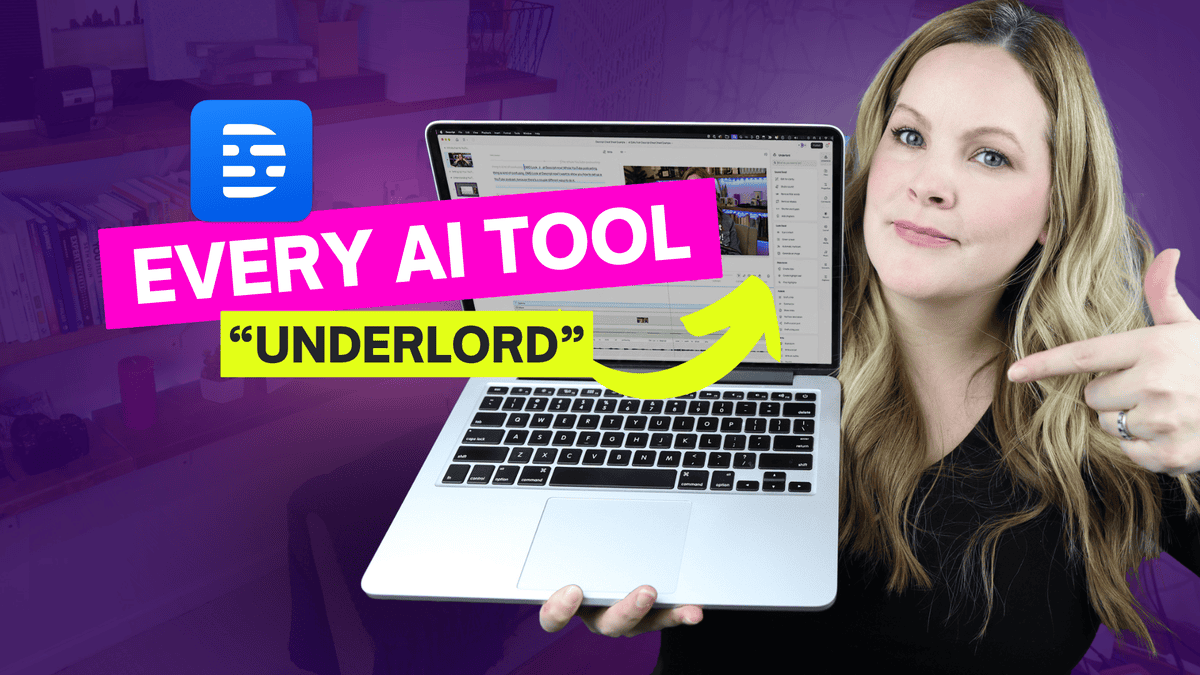
Descript AI (Underlord) is changing the game for content creators, and in this video, we’re exploring ALL of its powerful features. Learn how to use Edit for Clarity to polish your script, create perfect Eye Contact for more engaging videos, and achieve professional Studio Sound quality.

Let’s dive into EVERY SINGLE one of Descript’s AI Underlord features in one video so you can make the most out of this video and podcast editing software.

VIDEO: Every Underlord Feature (Descript AI)

Some product links in this post are affiliate links, and I will be compensated when you purchase by clicking our links. Read my disclosure policy here.

The Magic of Descript’s Underlord

Descript‘s Underlord is like having a team of AI assistants at your fingertips, ready to enhance your audio and video content. From improving sound quality to generating eye-catching visuals, these features are designed to save time and boost the production value of your projects.

Related: Descript’s New Editor Layout (what is Underlord??)

Sound Good: Perfecting Your Audio

Edit for Clarity: Your Personal Speech Editor

One of my favorite features is “Edit for Clarity.” With just a click, Descript analyzes your entire script, identifying repetitions, false starts, and filler words. It’s like having a meticulous editor who catches all those little verbal hiccups we often miss.

Pro Tip: Always choose to copy edits to a new composition. This way, you preserve your original content while experimenting with the AI-suggested changes.

Studio Sound: Professional Audio in Any Environment

Studio Sound is a game-changer for those recording in less-than-ideal acoustic environments. It reduces background noise and echo, giving your audio a polished, studio-quality sound. However, use it judiciously – sometimes a 100% intensity can clip words, so adjust the settings to find the sweet spot for your recording.

Remove Filler Words: Streamline Your Speech

This feature takes the “um”s and “uh”s out of your speech, allowing you to decide which filler words to keep or remove. It’s perfect for creating more concise, impactful content without losing your natural speaking style.

Remove Retakes: Seamless Editing Made Easy

As someone who often does multiple takes, this feature is a lifesaver. It automatically identifies and removes repeated phrases or sentences, saving hours of manual editing time.

Shorten Word Gaps: Tighten Your Pacing

This powerful tool identifies and shortens pauses in your speech. For YouTube tutorials, I often set it to shorten gaps of half a second or more. For podcasts, I prefer a more natural flow, so I’ll typically target gaps of one second or longer.

If you love using Descript as much as I do, download the “Descript Cheat Sheet” that I created. It’s a one-page PDF. It’s completely free, and it’s going to help you learn your way around this software.

Look Good: Enhancing Your Visual Appeal

Eye Contact: Connect with Your Audience

The Eye Contact feature adjusts your gaze to appear as if you’re looking directly at the camera. While it can be a bit uncanny if overused, it’s particularly effective for clips where you’re looking slightly off-camera.

Green Screen: No Actual Green Screen Required

This AI-powered feature removes your background without the need for a physical green screen. It’s perfect for creating professional-looking videos with custom backgrounds, even if you’re filming in your living room!

Generate Image: Bring Your Ideas to Life

Need a custom image for your video? Describe what you want, and Descript‘s AI will create it for you. It’s an incredible tool for adding visual interest to your content without the need for expensive stock photos or graphic design skills.

Descript updates its software all the time, so make sure you hit subscribe (Meredith Marsh YouTube Channel) because my latest descript tutorial and tips and tricks videos are always at the top of this playlist.

Repurpose: Maximize Your Content’s Reach

Create Clips: Short-Form Content Made Easy

This feature automatically generates short clips from your longer videos, perfect for sharing on social media. You can specify the length and even target specific topics, making it easy to create engaging teasers for your full-length content.

Create Highlight Reel: Showcase Your Best Moments

The highlight reel feature compiles the most engaging parts of your video into a single, shareable clip. It’s an excellent way to create promotional content or summarize longer videos.

Find Highlights: Uncover Hidden Gems

This tool scans your script and highlights the most interesting or important sections. It’s beneficial for identifying key points you might want to emphasize or repurpose for other content.

Publish: Streamline Your Content Distribution

Draft Titles and Descriptions

Descript‘s AI can generate multiple title options and write descriptions for your content, saving you time and potentially improving your SEO. While these might need some tweaking, they’re a great starting point.

Generate Show Notes and Social Posts

These features automatically create detailed show notes and social media posts based on your content. They’re incredibly useful for maintaining consistency across platforms and ensuring you hit all the key points when promoting your video.

Write: Enhance Your Content Creation Process

Brainstorm and Script Writing

Descript‘s AI can help kickstart your creative process by generating ideas and even full scripts based on your input. While these shouldn’t replace your unique voice and style, they can be excellent for overcoming writer’s block or exploring new angles.

Conclusion: Embracing the Future of Video Editing

Descript‘s Underlord features represent a significant leap forward in AI-assisted content creation. From enhancing audio quality to streamlining the editing process and even aiding in content distribution, these tools have the potential to transform your workflow and elevate the quality of your videos and podcasts. As with any AI tool, the key is to use these features as enhancements to your creativity, not replacements for it. Experiment with different settings, combine features creatively and always trust your instincts as a content creator. Remember, Descript is constantly updating and improving these features, so stay tuned for even more exciting developments. Don’t forget to download my “FREE Descript Cheat Sheet” to help you navigate this powerful software with ease! Are you ready to take your video and podcast editing to the next level with Descript’s Underlord? Share your experiences and tips in the comments below!

Related: Video Editing with Descript

What Makes the Atomos Ninja & Shogun Ultra, Ultra?


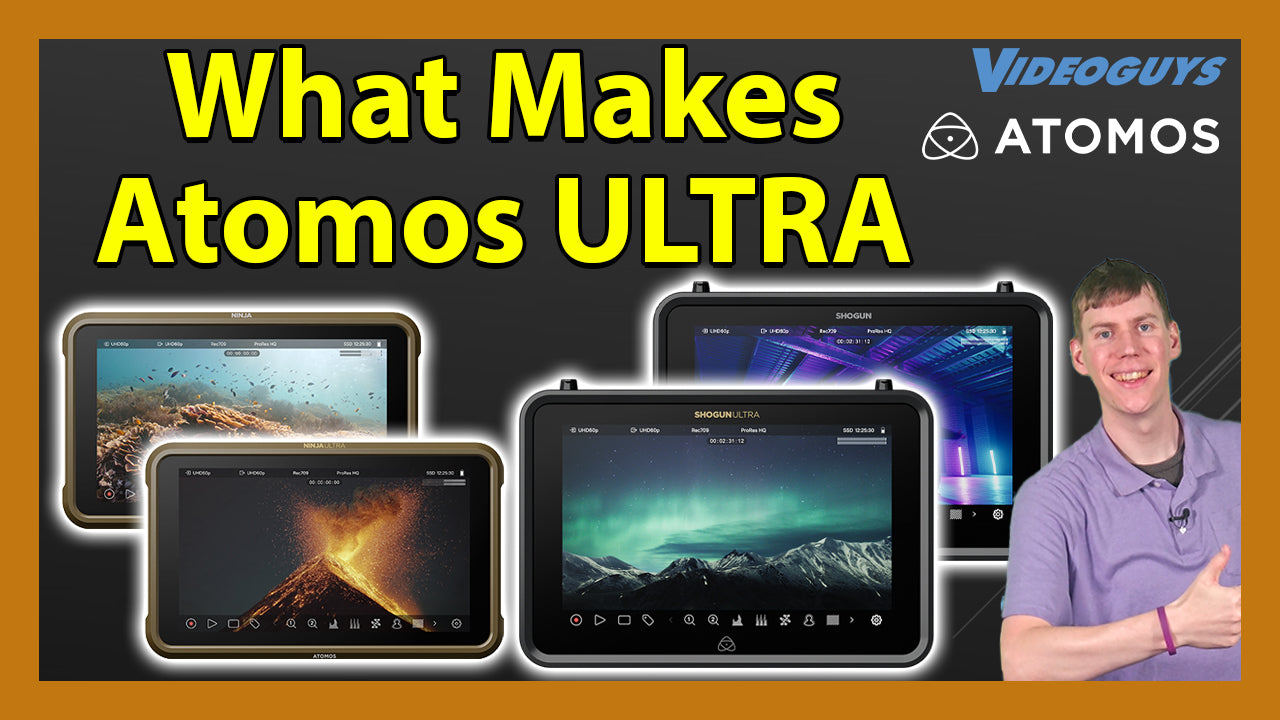
On this Week’s Videoguys Live, James takes us through what’s new at Atomos and discussing their new products, the Ninja Phone and Shinobi II as well as promotions they are currently running on their ULTRA monitors. Tune in to learn more!

Watch the full webinar below:


Atomos On Board Monitors / Recorders

Why Go Ultra?

High Frame Rate/Resolution Recording
Ninja Ultra and Shogun Ultra capture RAW inputs up to 8K at 30fps, 6K at 60fps, and 4K at 120fps and 1080 at 240p.​ Ninja can record up to 6k30p, 4k60p and Full HD120p

​Included Codecs
If you’re not sure what codec you’ll need for a particular job, don’t worry we’ve got you covered. We offer a choice of ProRes RAW, ProRes, DNxHR, DNxHD, and 8-bit or 10-bit HEVC (H.265) right out of the box.

Dual record

  • ProRes RAW Recording: Capture in ProRes RAW even if the camera lacks this capability.
  • Camera to Cloud: Enhances collaborative workflows.
  • Dual Recording: Record up to 4K 60p in ProRes RAW and HD 60p in H.265 simultaneously.
  • Auto-Matched Filenames: Compatible with ARRI, Canon, RED, Sony (via SDI), and Nikon Z9 (via HDMI).

Matched camera filenames

  • Dual Recording: Simultaneously record R3D RAW on RED Komodo and 10-bit, 4:2:2 HEVC (H.265) on Atomos.
  • Quick Edits: High-quality, smaller file size clips for easy editing.
  • Auto Conforming: File name matching simplifies the process.

Camera to Cloud

  • Proxy Recording: Now up to 4K 60p to match original files.
  • Efficient: H.265 files are half the size of H.264.
  • Immediate Use: Ideal for social media, sports, and news.
  • Fast Publishing: Quickly reach viewers.

Connectivity for all productions
For Camera to Cloud, streaming and live production, Shogun Ultra has integrated Wi-Fi 6E and GigE. Adding Atomos Connect to Ninja Ultra gives you Wi-Fi 6 and GigE.

Now with NDI 6​
NDI video will look more life-like than ever with the addition of fully native HDR support and 10- bit color depth. Ninja Ultra and Shogun Ultra will support NDI 6 in both send and transmit modes.​


New Products from Atomos means there is a perfect solution for every workflow

Ninja Phone

Now your phone can be a Ninja too!

Turn your smartphone into a high‑end 10‑bit recorder, monitor and streamer for your pro HDMI video camera.

Now available for iPhone 15/16 Pro and 15/16 Pro Max
  • Work with a larger, brighter, world-class monitor
  • The perfect companion for cloud connected workflows straight from the camera
  • Perfect the shot on set with less to fix in the edit
  • Position the monitor to suit your rig
  • Use the intuitive app interface and avoid complex internal camera menus
  • Bypass internal compression and record directly from the sensor
  • A choice of recording formats

Shinobi II

Slimmer. Brighter. Camera control.

The slim, lightweight, high brightness, 5-inch 1500nit HDR monitor that’s perfect for vloggers, creatives and photographers

  • Bright HDR Display: 1500nit peak brightness for outdoor use.​
  • Extensive Camera Control: Manage various cameras and trigger recording from Shinobi II.​
  • Power Options: Charge your camera via USB-C PD port.​
  • User-Friendly Interface: AtomOS 11 touchscreen.​
  • Long Battery Life: All-day usage.​
  • Lightweight & Adaptable: Easily position the monitor.​
  • Secure Connectivity: Unique cable locking system.

​Shogun Classic

The versatile, 7-inch workhorse that enables you to monitor, record, and switch all in the one device. It’s the perfect tool for live production, multi-camera shoots, and in-the-field event coverage.
  • 3000nit HDR screen: Zone backlight provides exceptional detail, color, and contrast.
  • Real-time 4K recording: In ProRes, Cinema DNG, and Avid DNx formats
  • High performance HDR: Preview your images in glorious 10-bit HDR
  • 4 x SDI input: For seamless transitions between live video streams
  • 4 x ISO recording: For individual input control and post-production flexibility
  • XLR audio: 2-channel XLR Input and output

Sun Dragon

The world’s first sun spectrum, HDR, waterproof, wireless DMX, 2000 lumen 5-color LED, mount-anywhere, lightweight flexible production and cinema rope light

Zato Connect

Zato Connect is packed with all the features you’d expect from Atomos, and streamlined for speed. A brilliant monitor, essential I/O and onboard recording are just the start of it. Connecting to the cloud with Zato gives you superpowers. That’s because you can capture, edit and post your social media content in the fastest possible way.

Shogun Studio 2

The highly flexible Shogun Studio 2 takes state of the art Atomos multi-channel recording technology and combines it with two premium 7-inch HDR 2000nit high bright touchscreen displays, all in a single 3RU unit. Its unique combination of features makes it perfect for live events, outside broadcast vehicles, production galleries and MCRs, post production facilities, video wall playout, on-set DITs and sports officiating. Connect to practically any SDI or HDMI source including camera channels, PTZ cameras and vision mixers.

SUMO 19SE

A bright (1200nit), HDR touchscreen covering the DCI-P3 (P3) Color Gamut, and able to record Apple ProRes RAW up to 6Kp30. With its rugged and versatile design, the Sumo 19SE is the perfect addition to an on-set video village.

Does Video Quality Matter on YouTube (REALLY)?


Share this article

Does video quality actually matter on YouTube? Well, not as much as you would think. It’s one important ingredient but your success in growing your channel doesn’t hinge on your video quality. So in this video, I want to show you how to get a “high quality” look for your videos even if you’re using a webcam or phone.

This might come as a surprise, but I don’t think video quality on YouTube matters as much as most people think that it does.

If you know me, you know I’m a gadget girl… Yes, I like cameras and lenses and microphones and lights and I love talking about all of this stuff.

So why would I say this?!

I don’t think having all of the best quality gear is actually that important of an ingredient to your success on YouTube.

VIDEO: How Important is Video *Quality* (REALLY) | Ep. 24

Some product links in this post are affiliate links, and I will be compensated when you purchase by clicking our links. Read my disclosure policy here.

Why Video Quality Isn’t Everything

You might assume that your success on YouTube hinges on having the highest-quality video setup, but that’s not always true. In fact, some of the most popular creators today use basic equipment like webcams or phones to record their videos. A quick glance across YouTube reveals videos with grainy footage, subpar audio, and minimal production value that still garner hundreds of thousands of views and subscribers.

So, why do people still watch these videos? The answer lies in content. People watch videos for the value of the information, entertainment, or personality, not necessarily because the production quality is pristine. If you’re holding off on creating content because you think your video quality isn’t “good enough,” you’re missing the point. Viewers will stick around if your content is engaging and provides value to them.

What Really Drives YouTube Success?

While it’s true that having clear and polished videos can enhance the viewing experience, it’s not the sole factor that drives success. Channels that prioritize content and connection with their audience tend to grow faster, even if the technical quality isn’t perfect.

Moreover, you might find that channels with excellent video quality still struggle to gain traction. Why? Because content reigns supreme. If you’re delivering valuable information, whether through tutorials, personal stories, or entertainment, viewers will keep coming back regardless of the slight imperfections in your video quality.

Mimicking High-Quality Video on a Budget

Now, just because video quality isn’t the main factor doesn’t mean you should ignore it altogether. If you want to enhance the visual appeal of your content without investing in expensive gear, here are some easy tips to mimic a high-production look, even if you’re using a basic webcam or smartphone:

  1. Lighting is Key: The lower the quality of your camera, the more important good lighting becomes. Cameras capture light, so the better lit you are, the better the camera performs. Use natural light from windows or invest in affordable ring lights or softboxes. Avoid harsh sunlight; instead, aim for soft daylight that evenly illuminates your face.
  2. Frame Your Shot Correctly: Good framing can elevate the professionalism of your video. When recording, position your eyes along the upper third of the frame for a more natural look. Avoid leaving too much headroom above or centering yourself in a way that feels “off.”
  3. Distance from Background: If possible, create some distance between you and your background. This adds a subtle blur effect, which mimics the high-end camera depth-of-field look. Avoid fake blur effects as they tend to look unnatural and distract viewers.

If you like gadgets, camera gear, and setups, you’ll love the “Crush It on Camera” series on my channel, where I walk through how everything is set up for me, and nothing about my setup has changed since I recorded that series.

Why Audio Matters More Than Video

While video quality can be forgiven, bad audio is a dealbreaker for most viewers. Our ears are much more sensitive to poor audio quality, and people will stop watching if your voice is hard to hear or unpleasant. Investing in a good microphone will yield better results than upgrading your camera, especially if you’re working on a limited budget.

Start with an affordable external microphone to significantly improve the listening experience. Even with a basic camera, clear and crisp audio will keep your audience engaged longer.

The quality of your audio is probably ten times more important than the quality of your actual video.

Related: Best Youtube Creator Gear for 2023

Simple, No-Cost Fixes to Improve Your Videos

If you’re not ready to invest in lighting or microphones, there are still plenty of ways to improve the quality of your videos for free:

  • Use Natural Light: Sit in front of a window to take advantage of natural, flattering daylight. Avoid direct sunlight, which can cast harsh shadows.
  • Declutter Your Background: A clean, simple background keeps the focus on you and your message.
  • Practice Good Framing: As mentioned earlier, ensure your eyes align with the upper third of the screen. It makes your video feel balanced and natural.

Your video quality, audio quality, and setup are only part of the equation—they’re just ingredients in how to create good videos that can grow your channel and business. I 100% believe that when you know your videos look and sound good, it boosts your confidence on camera. You feel good on camera when the output you see looks good.

The Real Key to YouTube Success: Consistency

At the end of the day, what matters most on YouTube is consistency. The more content you produce, the faster you’ll build a library of binge-worthy videos, and the more YouTube will favor your channel in its algorithm. No one ever grew a successful channel by posting one perfectly polished video. Growth happens when you consistently deliver value to your audience over time.

However, one of the biggest roadblocks to consistency is editing. You might have great ideas and a solid video setup, but if editing takes you 20+ hours per video, it’s hard to sustain that output. Each step feels like learning a new skill, and the software seems overly complicated. First of all, you’re not alone, and second, I want to show you how to crush your YouTube edits in two hours or less.

I have a free masterclass coming up “Crush Your YouTube Edits in 2 Hours or Less,” where I’ll show you how to create a simple and efficient workflow so you can stay consistent with your video content. Streamlining your editing workflow can make a world of difference, allowing you to stay consistent without burning out. This is essential if you want to grow your channel and business without spending countless hours on each video.

Final Thoughts

In conclusion, don’t let the idea of “perfect” video quality stop you from creating content. While it’s nice to have sharp, professional-looking footage, the most important factor for YouTube success is value—value that you bring through your content, personality, and consistency.

So, get your content out there! Start creating with the tools you already have, improve your lighting and framing, and focus on building a consistent, binge-worthy library of videos.

And remember, people aren’t sticking around because your video quality is flawless. They’re staying for you and what you have to offer.

Related: Consistent Sales of Your Online Course with YouTube

If you have an online business with a course, program, or any other kind of offer, and you’re not currently generating consistent sales on autopilot, I’d like to introduce you to the hands off youtube funnel that has made me over $20k on a $147 course! That way, you too can make consistent sales of your offer, with the beauty and simplicity of organic, evergreen traffic from YouTube! Start here with my free “AIT Method” training.

SportStream 2024: LiveU Lightweight Sports Production Solutions


In this SportStream segment, Gary is joined by Janel from LiveU where we dive into the future of sports streaming with LiveU’s cutting-edge lightweight production solutions. Discover how to elevate your sports broadcasts with innovative technology designed for seamless, high-quality live streaming. Whether you’re a seasoned professional or new to the world of sports production, this event offers valuable insights, hands-on demonstrations, and networking opportunities with industry leaders. Don’t miss out on the chance to revolutionize your sports streaming capabilities!


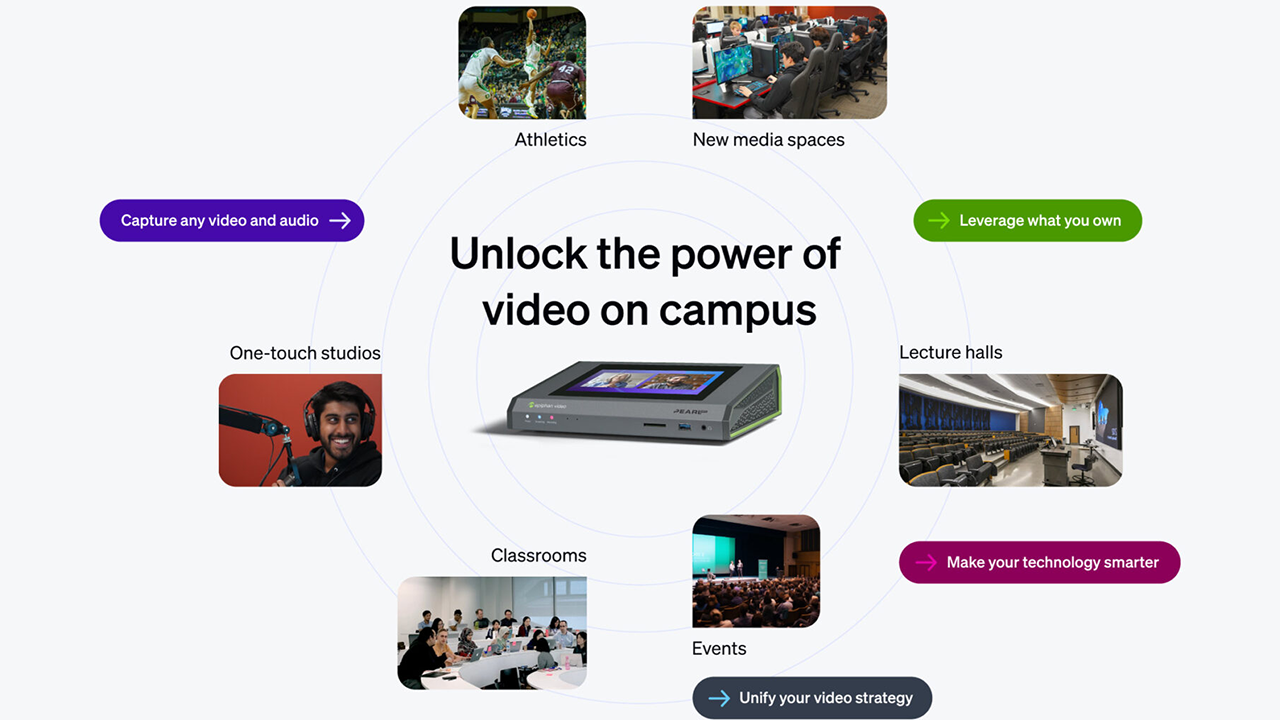
Epiphan Pearl Mini Approved by HETMA: Exceeds Expectations!


The Pearl family of lecture capture systems is proudly certified by the Higher Education Technology Managers Alliance (HETMA), a testament to their reliability and perfect fit for higher education.

This certification confirms that Pearl devices meet the high standards set by education professionals for lecture capture and streaming.

Faculty friendly, IT approved
Epiphan makes video capture and streaming content simple, so faculty can focus on teaching.

Experience no-touch capture
With our no-touch video capture, faculty can focus on their students – not technology. Epiphan also works seamlessly with your schedule, recording locally and pushing content to the cloud.
Elevate the student experience
Give remote students the same, superior experience they would expect in the classroom with high-definition, multi-camera video and high-fidelity audio.
Make your investments smarter
Get real time visibility and control over every video and audio signal on campus, all from the cloud, plus seamless integration with Q-SYS, Crestron, or Extron systems

Your faculty and IT team are busy
Make their jobs easier with a smart lecture capture system that everyone can agree on


Build a lab

Start with a pilot to evaluate how Epiphan solutions works with every investment you’ve already made.

Measure success
See firsthand the level of engagement your students have with the content, and notice faculty requesting more lecture capture.

Scale across campus
With powerful tools like Epiphan Edge™ managing your rooms from the cloud, scaling across campus will be a breeze – even for a small team.

Learn more about Epiphan Pearl Approved by HETMA HERE

Learn more about Epiphan below:

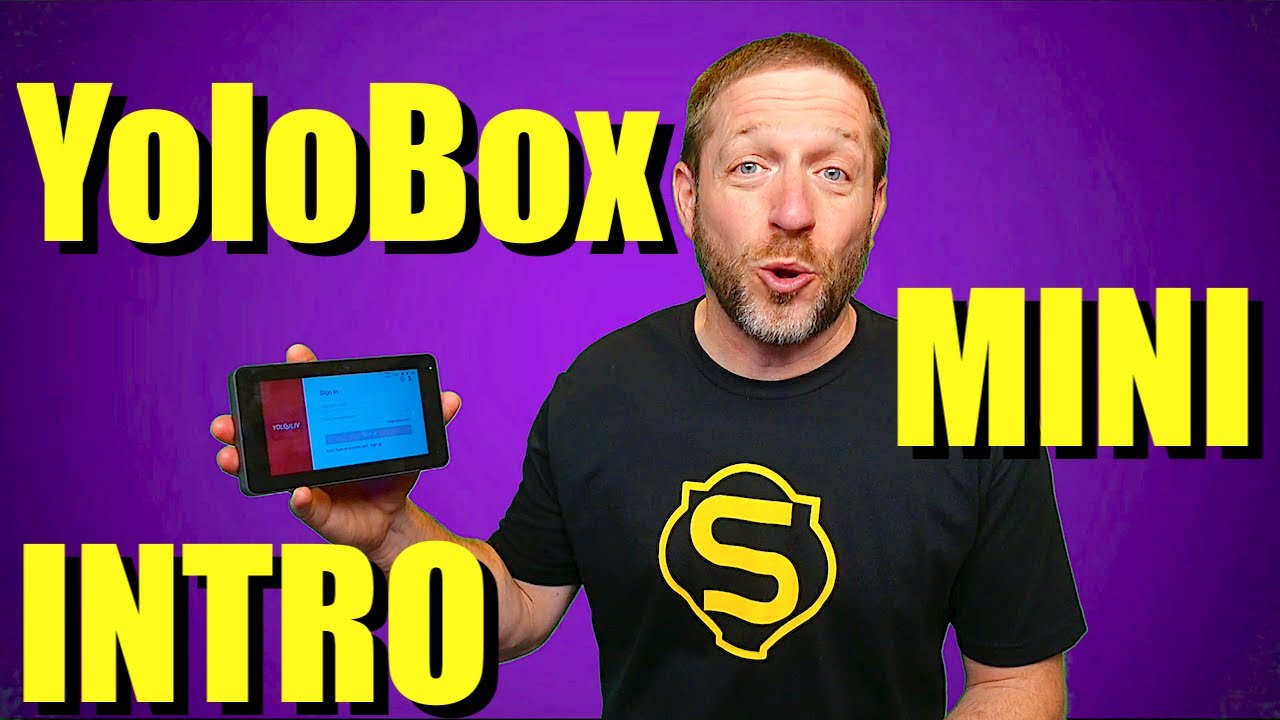
YoloBox Mini is Marvelous & Amazing!


In this YouTube video, Anthony from StreamTek introduces the tiny YoloBox Mini. An all-in-one powerhouse in the palm of your hand for live production.

YoloBox Mini is a super portable live streaming encoder, monitor and recorder that is capable of incorporating many powerful features for high end work! As the name suggests, it’s very small compared to almost all other live streaming solutions. You can fit it in your pocket, especially perfect for live events that require high mobility. If you’re looking for a mini but mighty live streaming solution for mobile live streaming needs, YoloBox Mini is your best choice.

Watch the full video from StreamTek below:


SportStream 2024: How to Elevate your Sports Video with Broadcast Prod


In this SportStream segment, James will discuss How to Elevate your Sports Video with Broadcast Production Tools. Major Broadcasters and regional sports networks have created the production standard that your audience expects. Discover the latest broadcast production tools and techniques to take your sports video content to the next level. Join industry experts as they share insights and demonstrate cutting-edge technologies that enhance video quality and production efficiency. Join SportStream as we introduce the graphics, analysis, replay and other tools that help you deliver the content that your sports fans expect.