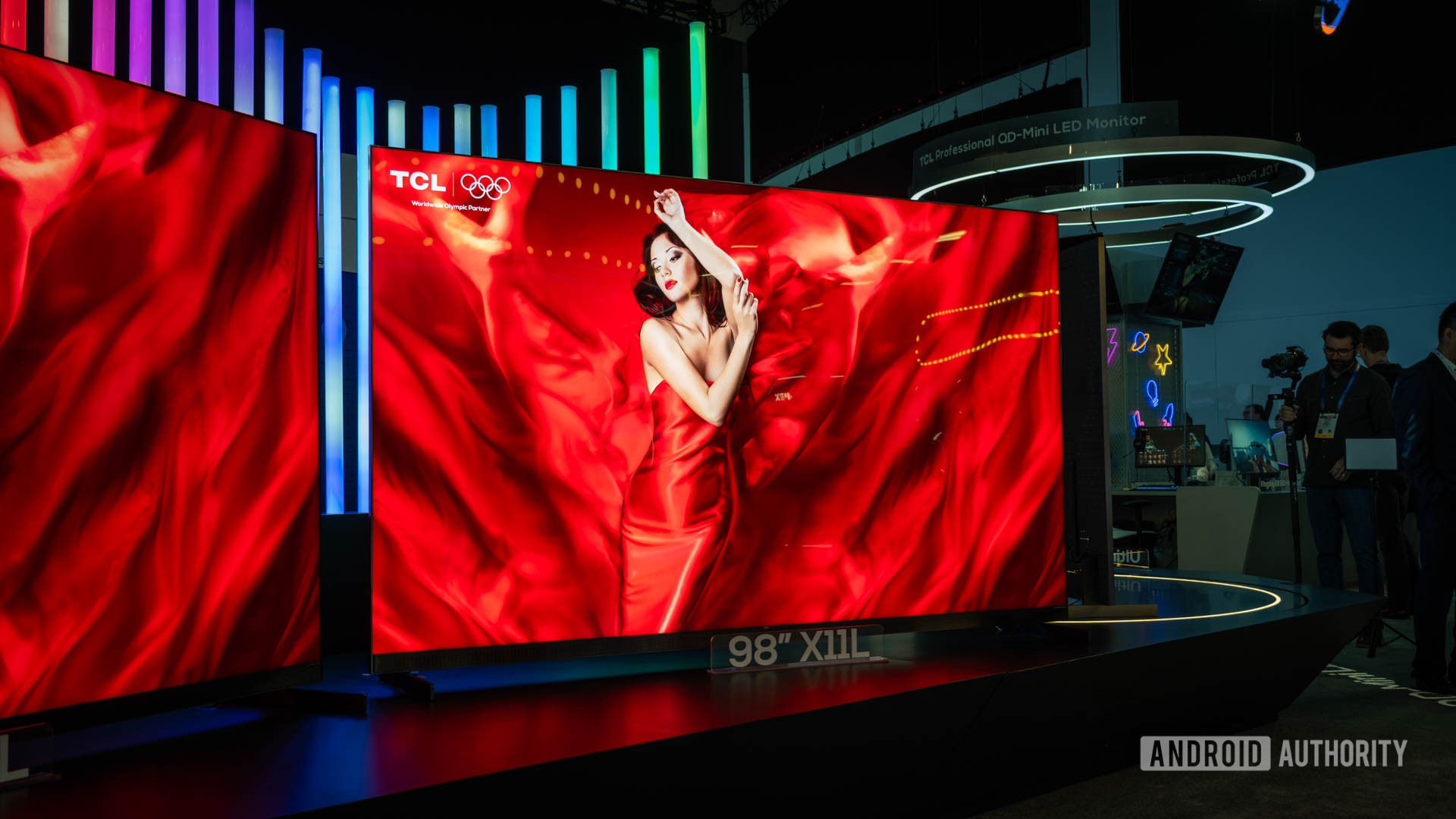
Android 14 is finally about to hit these TCL TV models


TCL X11L SQD Mini LED TV (1 of 3)

C. Scott Brown / Android Authority

TL;DR

  • TCL is reportedly preparing to roll out a major firmware update for newer Google TV models.
  • The update will upgrade select models from Android 12 to Android 14.
  • The update could also add support for HDMI 2.1 QMS, “Super Resolution” upscaling, and more.

If you own a TCL TV, be on the lookout for a new update. The company appears to be preparing to release a firmware update that will take its newer Google TV models from Android 12 to Android 14.

Don’t want to miss the best from Android Authority?

google preferred source badge light@2xgoogle preferred source badge dark@2x

According to FlatPanelsHD, TCL is readying firmware version 590 (v313 in the US) for its Google TV models with a MediaTek Pentonic 700 chip sitting inside. This affects the following models: C8K, QM8K, C7K, QM7K, C6K, QM6K, C855, C845, QM851G, C805, QM751G, and TCL NXTVISION. It appears that the firmware currently exists as a manual update file, but it will soon be rolled out through the TVs’ built-in update feature.

This update will upgrade TCL’s last-generation TVs from Android 12 to Android 14. Right on time to get these models up-to-date before the company launches its 2026 devices, which will have Android 14 pre-installed.

User reports (1, 2, 3) claim that this update brings more than just Android 14. It appears that we can expect a few new features, like support for HDMI 2.1 quick media switching (QMS). If you’re unfamiliar with QMS, it improves the refresh rate switching between HDMI devices. This feature can help you avoid seeing a black screen when an HDMI device adjusts its refresh rate to match the content’s frame rate.

In addition to HDMI 2.1 QMS, the update may bring support for “Super Resolution” upscaling. This is a feature that uses AI-powered algorithms to add pixels and details to a picture, making lower-resolution content look better. Android 14 also adds support for energy modes, picture-in-picture, performance boosts, and more.

At the moment, TCL has not officially announced the rollout of this firmware. The company has also not yet published the release notes for the update.

Thank you for being part of our community. Read our Comment Policy before posting.
Google TV app may be getting a blue makeover and fresh features (APK teardown)


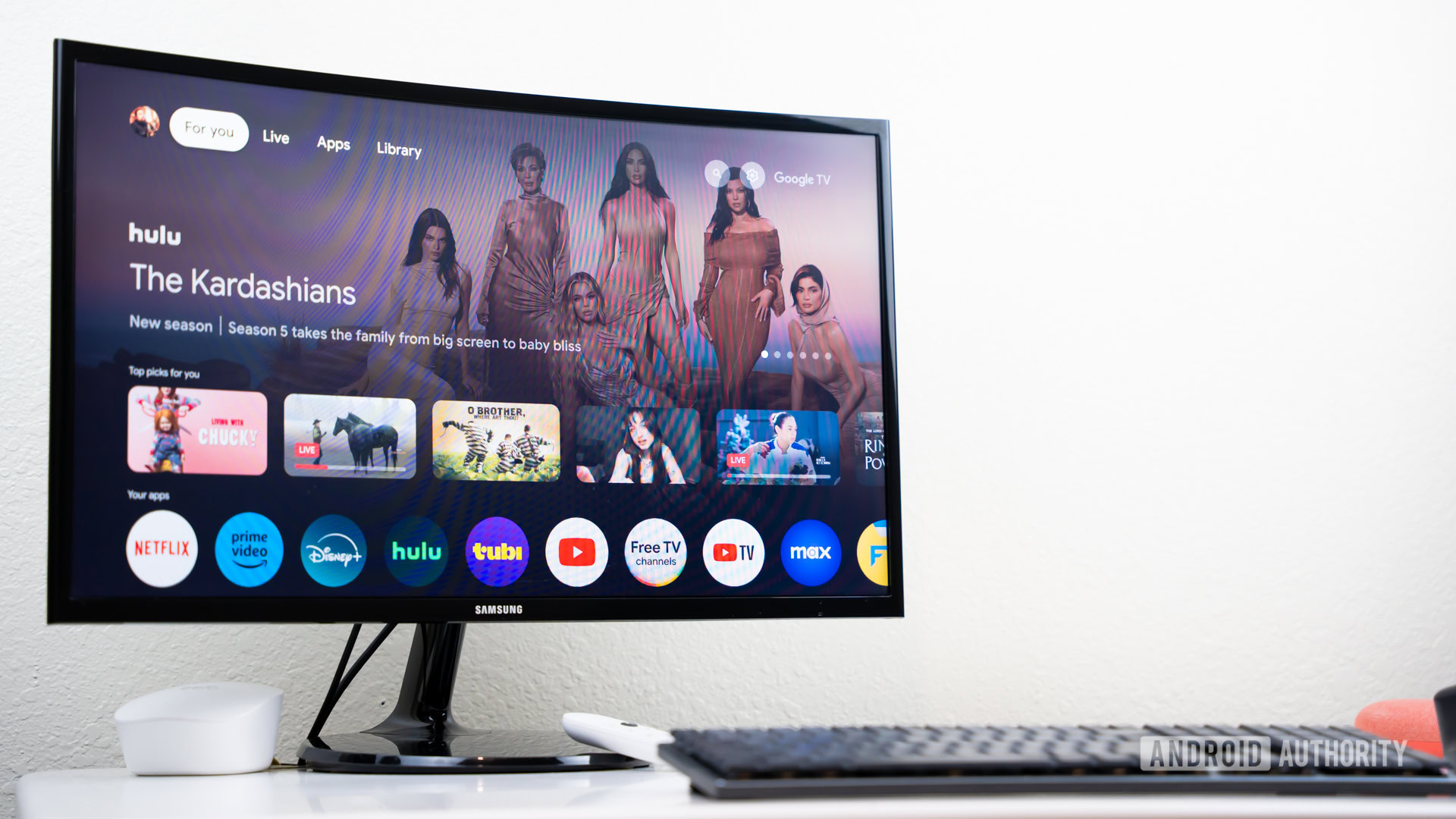
Google TV or Android TV UI on screen stock photo (8)

Edgar Cervantes / Android Authority

TL;DR

  • The Google TV app seems to be preparing some design tweaks and new functions.
  • The most noticeable update is a shift in the app’s color palette from gray to blue and darker blacks.
  • Search in Google TV is also possibly getting a useful update and a new content tab may be in the works.

Google appears to be working on some visual and functional updates for its Google TV app. Since there’s no public beta for the app, we dug into the code of an internal beta build of Google TV. This behind-the-scenes look has revealed several potential changes that could make their way to users in the near future.

You’re reading an Authority Insights story on Android Authority. Discover Authority Insights for more exclusive reports, app teardowns, leaks, and in-depth tech coverage you won’t find anywhere else.

An APK teardown helps predict features that may arrive on a service in the future based on work-in-progress code. However, it is possible that such predicted features may not make it to a public release.

The most noticeable update is a shift in the app’s color palette. Google seems to be replacing the existing dark gray accent with a brighter, modern-looking blue, similar to the Google Play Store’s redesign that came along a while back (see comparative images of current and new UI below).

The new blue accent also stands out against an updated, darker background, giving the Google TV app interface a cleaner and more contemporary look.

The upcoming visual tweaks don’t stop there. The Google TV app’s search page could also be usefully updated to include a list of recent searches, making it easier to revisit previous queries without starting a search from scratch.

A new way to discover fresh content

Our teardown also uncovered references to a new feature labeled the “Hot and New Tab”, with a corresponding internal flag titled “HotAndNewFeature__enable_hot_and_new_tab.” This suggests that Google may be working on adding a dedicated tab to highlight trending or newly released content.

While the feature seems to be in development, we couldn’t activate it yet, indicating Google may still be putting some finishing touches to it. It’s also possible Google is just testing the feature and is not ready to roll it out just yet.

For now, it looks like Google is continuing to refine the Google TV app’s design and features, hinting at more personalized, up-to-date content and an improved user experience. Stay tuned for more updates as these features potentially move closer to public release.

Got a tip? Talk to us! Email our staff at news@androidauthority.com. You can stay anonymous or get credit for the info, it’s your choice.

Have you ever seen a water-resistant Google TV made for the outdoors?


sylvox waterproof outdoor google tv 1

Rita El Khoury / Android Authority

There’s a point during every tech trade show like IFA where I feel like I’ve seen it all. All the phones, chargers, robot vacuums, projectors, and random geeky products. I’ve seen the press releases, I’ve walked by the booths, or someone on my Android Authority team has shown me photos and videos of it in action. But then, there are oddities. Things that stand out from the pack so much that I have to trek all the way through the summer garden to the North entrance (IFA press members would shudder at the thought) to hall 20 to see it.

sylvox waterproof outdoor google tv 3

Rita El Khoury / Android Authority

And that’s what this TV did to me. When I spotted it among the million press releases we received, I knew I had to check it out. The brand — Sylvox — was unknown to me, but the idea worth the detour: an outdoor water-resistant TV with an IP55 rating and Google TV.

sylvox waterproof outdoor google tv 4

Rita El Khoury / Android Authority

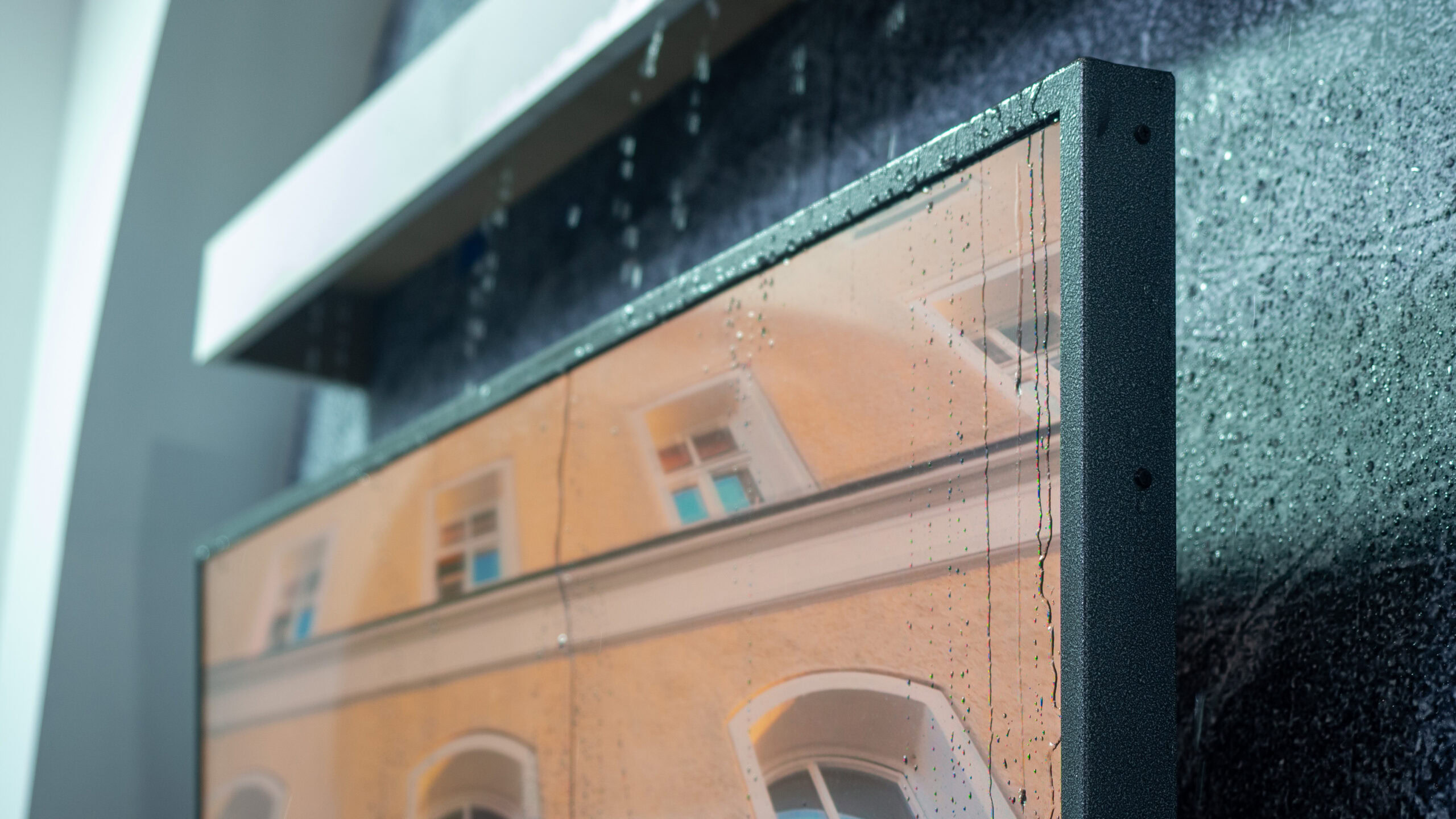
That is exactly what Sylvox was showing off at its booth. The 55-inch model of the “Pool Pro QLED 2.0” TV was mounted on a wall under a continuous water drip mimicking rain that went over it, behind it, and on the 4K QLED 2000 nits panel. On the third day of IFA, the TV was still working under those conditions. I was a bit impressed, not gonna lie.

The idea is you can just mount this TV outdoors, and it’ll handle the elements, whatever happens. You can just leave it in the garden or on a patio, and you won’t have to rush it indoors if it starts drizzling a bit. You can leave it on a porch or balcony where it may get some rain at an angle. If you have a retractable roof on your terrace, you don’t have to worry about closing it every time you’re not there because the TV will survive, just like your outdoor furniture. Even the remote is water-resistant too, so you can leave it outdoors too.

Sylvox told me it received the official Google TV certification a couple of years ago, so you’re getting the real, official Google TV experience here with the Play Store, YouTube, Netflix, Amazon Prime Video, and everything else.

sylvox waterproof outdoor google tv 5

Rita El Khoury / Android Authority

The unit wasn’t hooked up to the showfloor’s internet, but I kind of forced the Sylvox rep’s hand into connecting it to a temporary hotspot and ran YouTube on it. Our Android Authority YouTube channel looked good on it. I didn’t log in to Netflix, though.

You’ll need deep pockets if you want to grab this TV, though. Prices go from $2,399 for the 43-inch model to $3,399 for the 55-inch, $4,799 for the 65-inch, and an eye-watering $6,199 for the 75-incher. At this point, risking losing a couple of normal, non-water-resistant TVs to the elements might be wiser? Eh, I’ll let you judge.

A $20 Chromecast with Google TV is perfect for this one reason


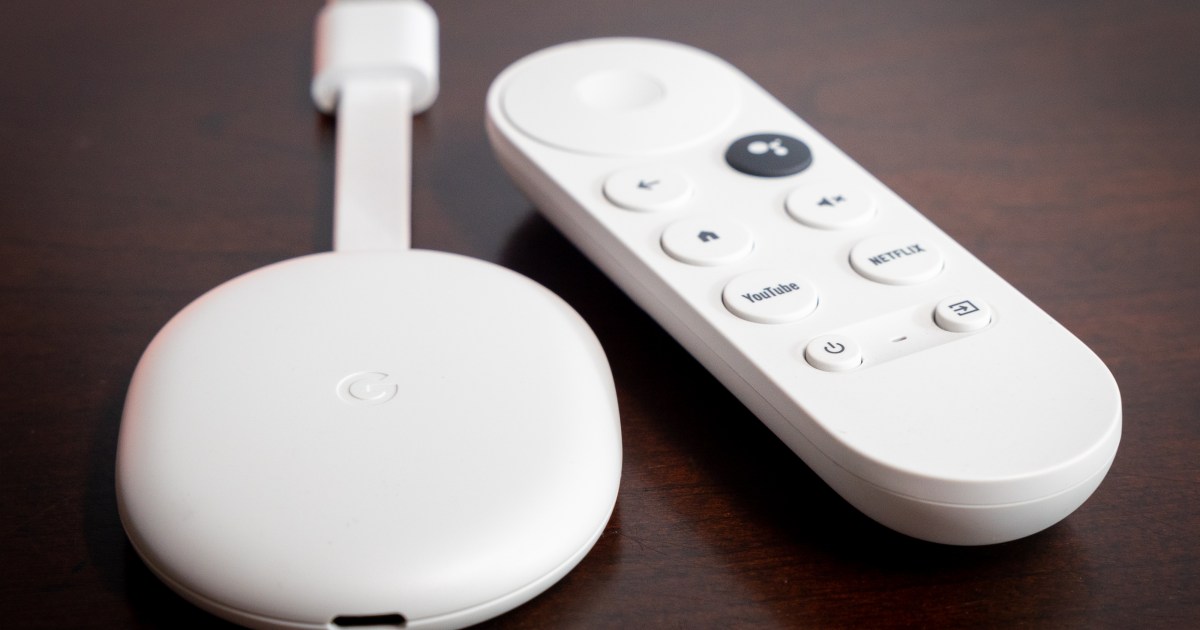
Chromecast with Google TV.
Phil Nickinson / Digital Trends

Normally, I would never recommend that someone buy a streaming device that tops out at 1080p resolution. Even if you somehow don’t have a 4K TV already — I’m not judging, there are plenty of good reasons — you might well have one in the future. And at that point, it’s better to not have to buy new hardware until absolutely necessary. Just go ahead and spend the extra $30 now for a 4K version.

But it’s hard to say no to a $20 Chromecast with Google TV HD.

I wouldn’t use this on my main television. When it comes to the TV I’ll be watching most — whether that’s in the living room, or the bedroom, or wherever — I think it’s worth spending a few extra bucks to get the best streaming device you can afford. Not that everything you ever watch will be available in 4K resolution. And there’s an argument to be made that maybe you won’t even notice the difference. (We’ve long said that a good 1080p stream is better than a bad 4K stream.)

If there’s a single use case that makes sense for a $20 streaming device, it’s this: Put it in your travel bag, and leave it there. Do not take it out when you return home. This is your on-the-go streaming device, and it shall never be more than that.

I’m on the road a fair amount. Whether it’s long distances for work (and fortunately, that’s not as often as it used to be), or shorter regional trips for the kids’ soccer tournaments, I’ve lived out of a bag plenty. The novelty wears off pretty quickly, especially when it comes to the quality of the televisions in the hotel room. The little bit of normalcy that comes with being able to watch your channels on your streaming service of choice goes a long way.

In fact, Chromecast With Google TV (the full 4K version) has lived in my go-bag for a long time. There are a few reasons for that. One is that it’s small. The dongle, remote, and charger don’t take up much space at all. (Kudos to whomever opted for a plug whose prongs fold into the body of the power supply.)

The second reason — and perhaps the most important — is that it doesn’t cost a lot of money. It’s about one-third the cost of my at-home platform of choice, the Apple TV 4K. And the trade-off of not having 4K for a few hours in a hotel is one I’m willing to make. Eventually I’m going to be in a rush to check out and will accidentally leave the Chromecast attached to the hotel-room TV. It hasn’t happened yet, knock on wood. But if and when it does, I’ll only be out $50.

Or, if you take advantage of this $20 Chromecast sale, you’ll only be out a couple Hamiltons.

Editors’ Recommendations