Contemporary Android applications may give the impression that they are always wirelessly connected to the web.
Messages are received and displayed right away; prices are altered in real time, dashboards are renewed automatically, and users can verify their account activity without updating the application manually.
This experience is based on a set of technological systems that allow mobile applications to be synchronized with remote servers and use as little battery, data, and processing resources as possible.
In general, developers apply the following technologies to create live synchronization: push notifications, always-on connections, polling, WebSockets, and Android background services.
Push notifications are one of the most efficient solutions that notify an Android device about the new information.
Unlike forcing an application to make a request to the server every second, the server is able to send notifications whenever important information appears.
In Android, this is done with the help of modern systems like Firebase Cloud Messaging.
For instance, the messaging application will not have to keep asking, “Is there any message for me?” since the server will send a message to the mobile device when there is a new message.
Then, the application can get data necessary for its operation from the server.
Persistent Connections Facilitate Real-Time Communication
Certain applications need to have a stable connection for an extended period of time.
For example, in cases such as the trading dashboard, multiplayer game, chat program, or cloud control service, it is necessary for the data to be transmitted right away instead of waiting until it gets requested at specific points in time.
The same rule can be applied to any web-based service like SHR Minor, where the user has access to the remote information about his/her account and system.
In such cases, the application can create a constant connection to the remote server.
Unlike the typical web-request when the connection is made, data is transferred, and the connection is terminated, persistent connection can be maintained for longer periods of time.
Following this, the server is able to transmit any new data, when something changes, to the Android application.
WebSockets Make Two-Way Communication Possible
The technology of WebSockets use has become very popular when it comes to applying the persistent connection technology.
The WebSockets technology allows the Android application and server to share the information with each other via the same channel of communication.
In this connection, WebSockets are very handy for those apps that constantly have the data changing.
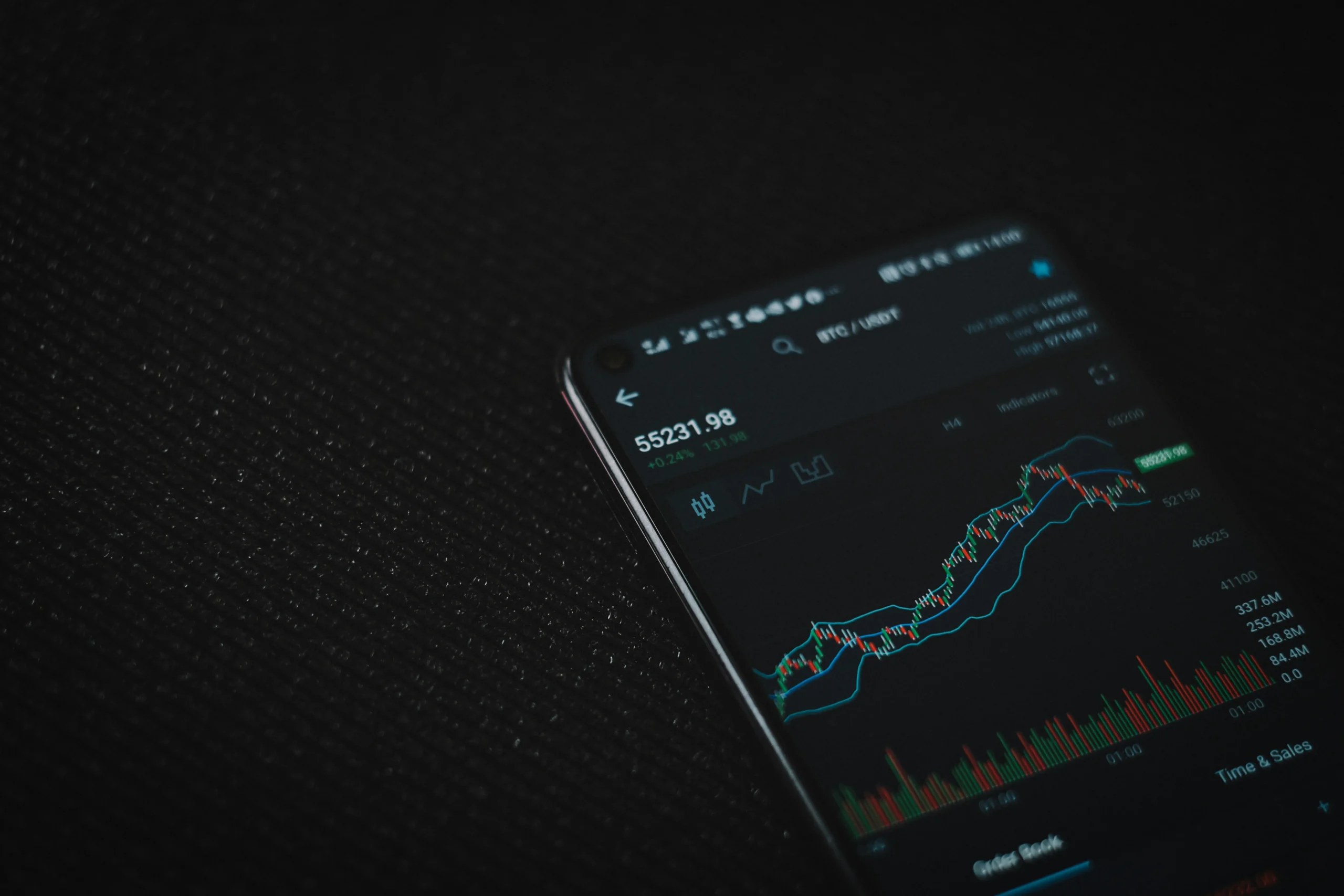
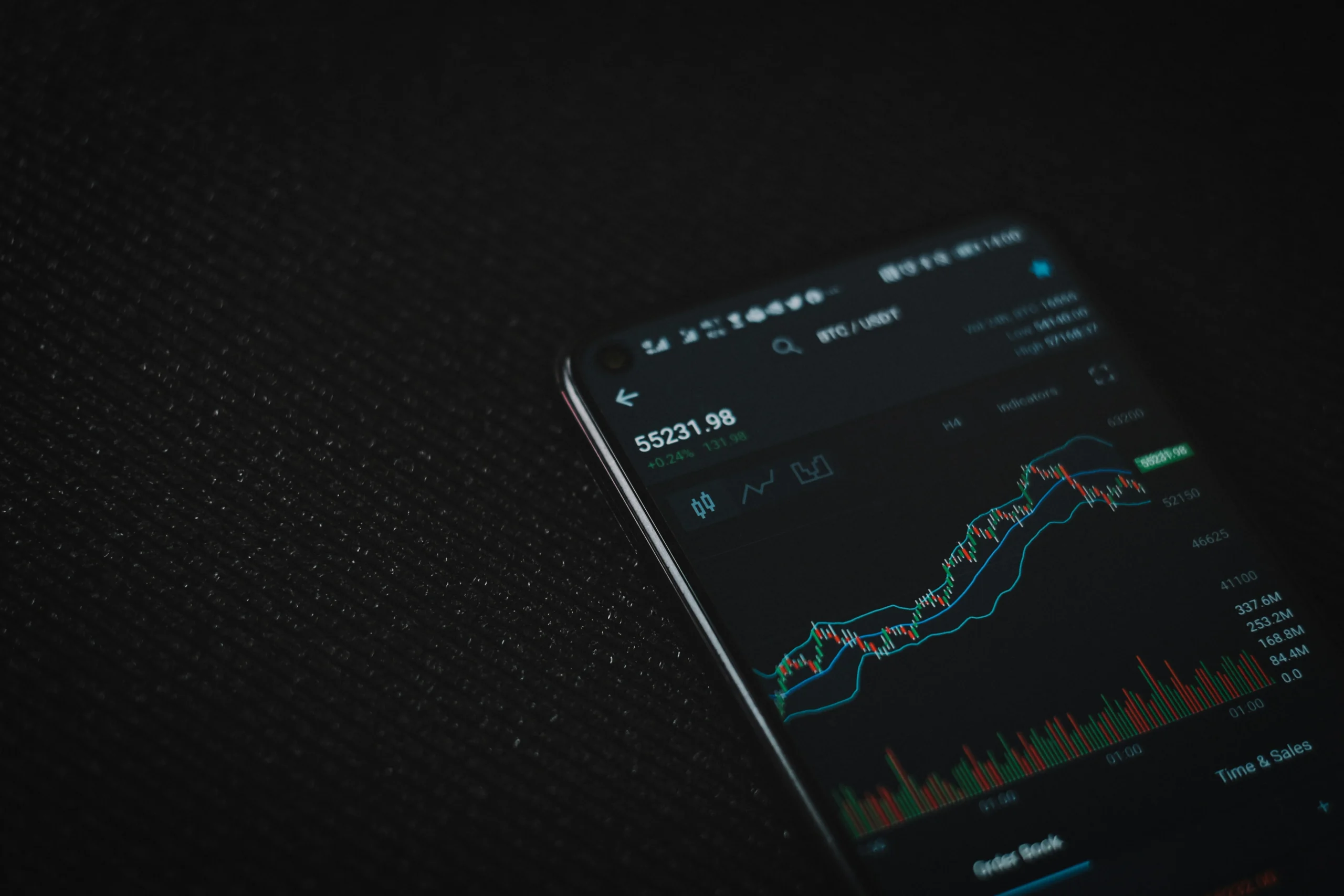
For example, the user is using a cloud solution that can show the real time statistics of a server and prices of a cryptocurrency, gaming activities, or the cloud-mining performance.
Instead of copying the whole screen every few seconds, the server is able to transmit only those numbers that have changed.
Thus reducing the possibility of delays and making apps work faster.
Not all apps need a continuous connection.
Polling is another common method. Polling means that the android app contacts the server on a fixed schedule to see if there is anything new.
For example, an application may be set to ask the server for updates on the account status every 30 seconds or so.
In spite of its ease of implementation, polling is still not without its disadvantages.
If the app polls too often, it will waste battery and mobile data. If it polls too infrequently, then users may not receive the latest updates.
That is why developers have to strike a balance between newness and efficiency.
Synchronization often needs to continue even when an application is off the screen.
Android has various ways of creating background work.
For example, developers may create work where the application downloads something, uploads something, refreshes and synchronizes data.
There are tools like Android’s WorkManager that help applications schedule background jobs without the app being active.
However, Android imposes a lot of restrictions on what applications can do in the background.
If every application was allowed to run all the time, the phone would hardly last much longer than a couple of hours.
This is the reason for various battery-saving qualities, like Doze service, limits on background execution or application standby.
Thus the developer should not presume that the application will be always in active mode.
The Aim Is Permanent Data Without Ongoing Functionality
The finest Android cloud programs give the impression of always being active, however the device’s operating system controls the activities of the cloud app at the backend.
Various platforms, such as messaging applications, cloud gaming services, blockchain and cloud mining services like SHRminer.com rely on a combination of APIs, backend servers, scheduled synchronizations, and web services among other technologies to keep its users updated.
Important events are dealt with using push notifications; real-time communication is handled using WebSockets, while polling is a convenient way of checking for updates and background services run scheduled jobs.
Thanks to the use of these technologies along with Android’s battery management system, app developers are able to synchronize their apps with remote systems while at the same time ensuring that the smartphone is not involved in constant networking work.