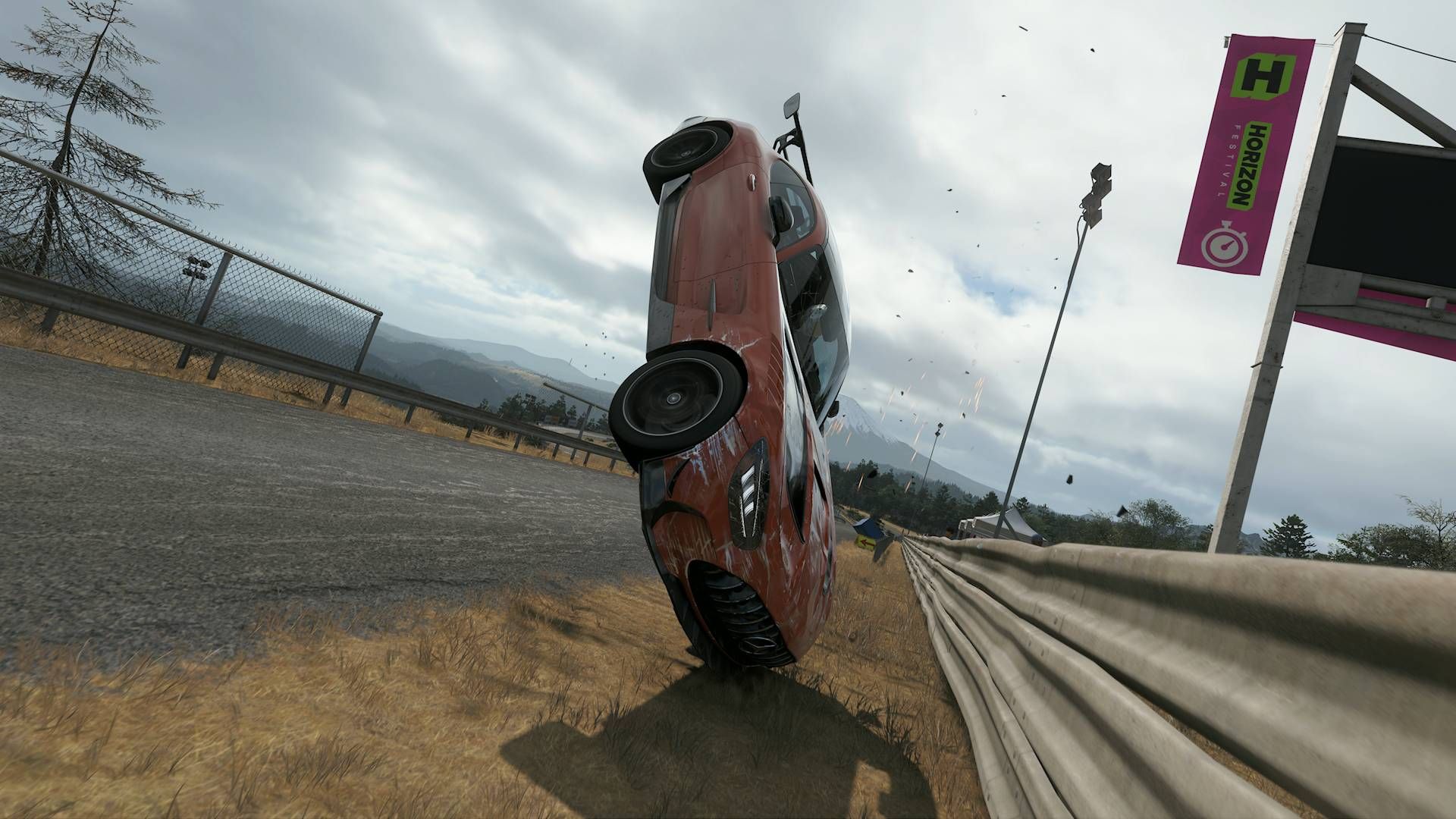
Turning off Forza Horizon 6 car damage can be done through the game’s settings menu and means your car won’t look or drive like you’ve just crashed through a bamboo forest. By default, crashing and damaging your cars in Forza Horizon 6 will only affect their appearance with dents, scrapes, and cracked windows. But you can turn this option off entirely to keep your cars pristine or switch it to Simulation if you want a slightly more realistic approach to crash damage. Here’s everything you need to know about car damage in Forza Horizon 6 and how to turn it off.
How to turn off Forza Horizon 6 car damage

To turn off all car damage in Forza Horizon 6, you need to open the Settings menu, then open the Difficulty tab. You’ll then find the Damage & Tyre Wear option near the bottom of the list of Forza Horizon 6 assists and difficulty options and can switch it to ‘None’. This means crashes and scrapes will not affect the appearance or performance of your cars.
There are also no real downsides to having damage switch off either, as it doesn’t affect your difficulty bonus when it comes to Credits, so you can get Forza Horizon 6 money like normal.
For those sticking to the Cosmetic or Simulation options for car damage in FH6, there are a couple of ways you can reset damage to get your car looking and driving like it’s brand new. In free-roam mode, you can open Photo Mode, press LB to Reset Cosmetic Damage, the close Photo Mode. Despite the wording, this button fully repairs your cars, including any component damage that affects its driving capabilities. Additionally, entering any of your houses or the Horizon Festival site main garage will fully repair your car too.
However, there is no way to repair your car or reset any damage it has taken during a race. Your only option is to use the Rewind feature to go back to before you took damage and then take avoiding action. This works well in races against the AI Drivatars but not so much in online races as you end up losing a lot of time to other players. Turning off the Damage & Tyre Wear option entirely is by far the best option, realism be damned!

© GamesRadar+. Not to be reproduced without permission.