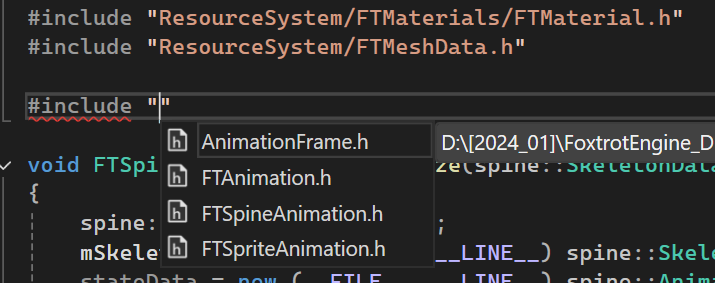
When I am trying to include a header file in C++ code, Visual Studio is supposed to give me a list of folders and header files available. After installing (and deleting!) Copilot on Visual Studio, however, it somehow stopped showing folders, and all I get is a list of header files in the same directory where the current code is located.

If I attempt to insert the folder name first, Intellisense will not work.

All the necessary directory paths were added to "Additional Include Directories" in the project properties. And now I have no idea what the problem is since it worked properly before installing Copilot.
Any help would be appreciated.
Thanks!