I hate that in 2026, we are paying exorbitant prices for our mobile connection and still getting limited data plans. Instead of battery anxiety, it’s data anxiety that has me more concerned because running out of data at the wrong moment can really throw a wrench in your plans, especially when you need connectivity the most.
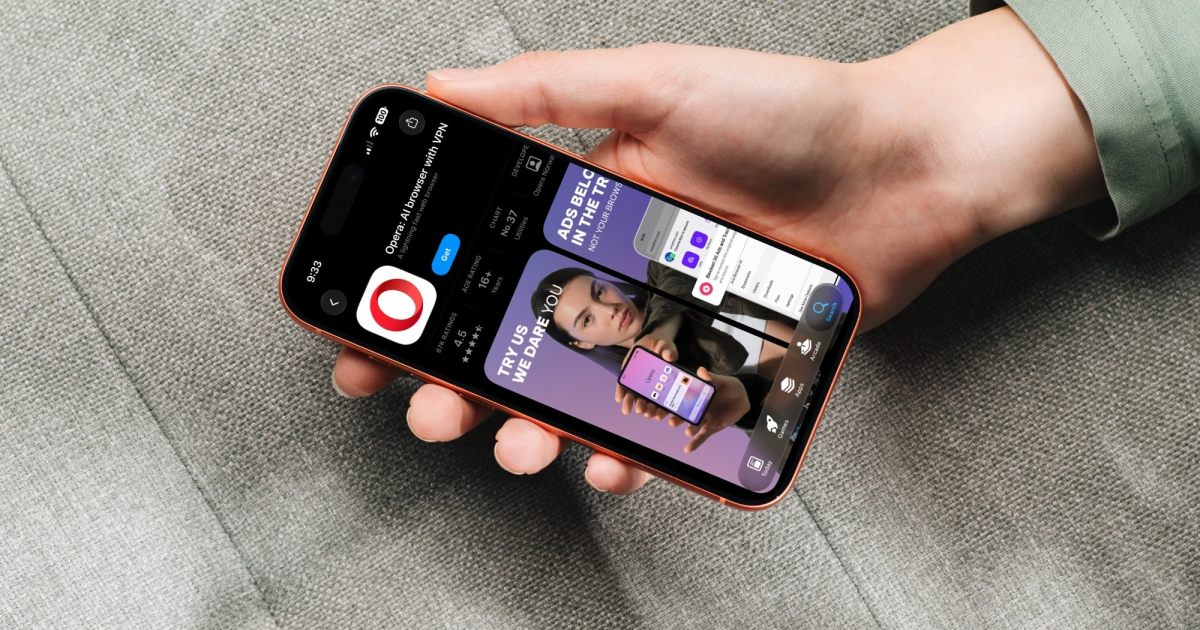
Opera wants to solve this issue for its users by bringing its Data Saver feature to Opera One for iOS, and it promises to cut your browsing data use by as much as 80%. Here’s everything you need to know about this feature.
How does Data Saver actually work?
When you turn on Data Saver, Opera first shrinks the images and other content on its own server before sending that package to your phone, so your iPhone ends up downloading a lighter version of the page and uses less data.

This really comes in handy when you are on pricey roaming data during a trip, trying to stretch a prepaid plan, or nearing the end of your monthly bundle. It can also help when your signal is weak.
You can turn the feature on or off whenever you like, and the browser shows you how much data you have saved.
Why would you need it if your data plan is generous?
Data plans have gotten bigger, but so have websites. HTTP Archive’s 2025 Web Almanac says a typical mobile homepage was 845 KB back in 2015. A decade later, that number sits at roughly 2.6 MB, more than three times the size. Heavier code and bigger photos mean each website you open quietly eats more of your data.
But if you don’t want to use this feature, Opera is not forcing you. You will need to switch Data Saver on yourself. If you want to use it, download the latest Opera One update, and look for the toggle in the main menu or Settings. It sits next to the free VPN, ad blocker, and AI tools the browser already offers.