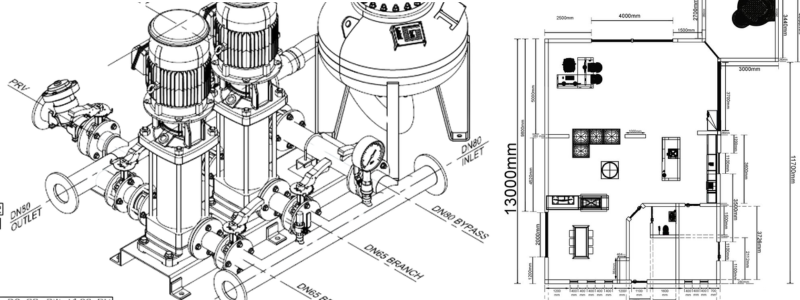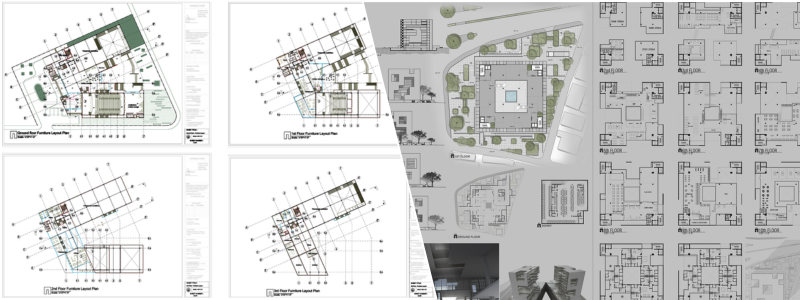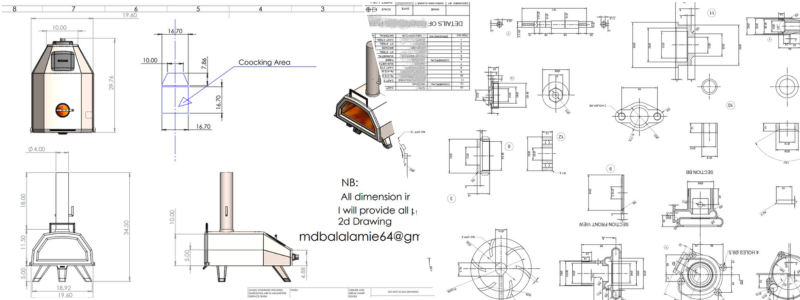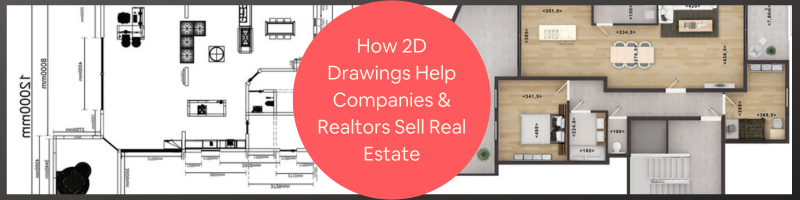
Did you know that most homebuyers today still wish to see the floor plans of the listings that they’re interested in? 2D floor plan drawings can help companies, firms, and realtors sell real estate. These drawings give prospective buyers a comprehensive overview of properties even if they are not there in person. It makes the entire selling process less time-consuming and complicated. While good photos are essential to selling a listing fast, 2D floor plan drawings are also just as important. Please continue reading to learn how 2D floor plan drawings for real estate can sell listings faster and what makes them worth the investment.
 Table of contents
What are 2D floor plan drawings?
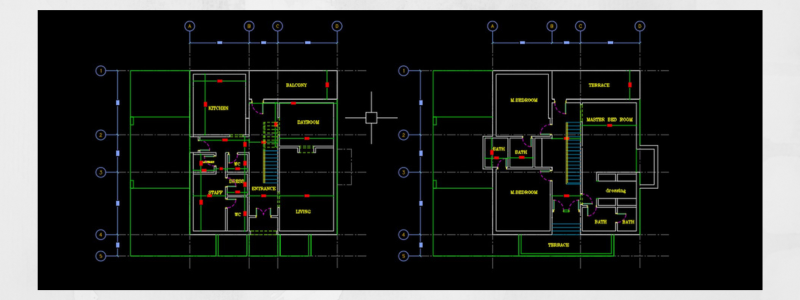
2D floor plan drawings drafted by experienced 2D drawing and floor plan design services show the location of doors, windows, stairs, and walls. These drawings usually depict permanent fixtures such as sinks and tubs. Every room is also labeled. It is almost similar to taking the roof off the house so people can view the flattened image of the layout. A 2D floor plan drawing is perfect for homes of all sizes, from sprawling mansions to modern condos. Even if the layout looks too small or simple, 2D floor plan drawings are still guaranteed to pique a buyer’s interest and attention.
RELATED: Understanding CAD services: from 2D drafting to 3D conversions
Importance of 2D floor plan drawings
2D floor plan drawings are essential not only for companies, firms, and realtors but also for homebuyers because they can offer an excellent overall understanding of the scale and size of a space. These drawings are specifically handy in this regard because they offer complete measurements. They also indicate measurements of wall lengths, door openings, and more.
These drawings from 3D floor plan design firms help prospective buyers get a better idea of the entire space and whether their furniture pieces would fit in the rooms or not. Without 2D floor plans, it would be next to impossible to envision where to put décor and furniture. We would keep wondering if the closet has enough space, if the laundry room has the right location, and so on.
It can also save hassle and time from having to physically visit the property because buyers will already get a bare glimpse of what awaits them. This is why having good quality 2D floor plan drawings is critical for companies, firms, and realtors who wish to attract the interest of more buyers and sell real estate properties faster.
RELATED: 2D vs 3D CAD: what you need to know
How 2D floor plan drawings help sell real estate faster
It has been revealed that listings with 2D floor plan drawings spend less time on the market, and more than half of buyers claim that floor plans played a significant role in their decision-making process. 2D floor plan drawing designers give potential homebuyers an excellent sneak peek of the future appearance of a space. This gives them a better sense of the layout and size of the property. 2D floor plan drawings are invaluable tools for agents or sellers when it comes to selling their listings faster.
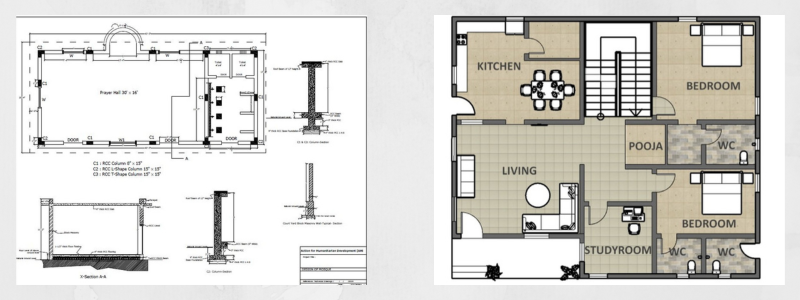
These floor plans don’t only draw the attention of a potential buyer because they also allow viewers to easily envision how they can use a particular space or area to suit their specific needs. It ultimately increases the chances of buyers choosing their listing over others. All in all, quality 2D floor plan drawings can surely attract prospective buyers and guarantee that the listing moves faster.
Benefits of 2D floor plans
As far as real estate marketing is concerned, one of the major perks of using 2D floor plan drawings is the fact that they can offer an effective way to show a property’s layout to potential buyers. These floor plans are not just very effective as they also let potential buyers go on virtual tours of properties no matter where they are in the world. This means that buyers can view the property with no need to step outside their homes.
RELATED: Architectural symbols for 2D drawings and floor plans – how companies interpret them
Most buyers will even pass over listings that don’t include a floor plan. A 2D floor plan drawing allows prospective buyers to imagine how specific spaces and rooms can be used best, where their furniture pieces will go, and where they can place and hang their precious artwork. In addition, these floor plan drawings from architectural drafting professionals can also be published easily and quickly to help agents and realtors save more time. Floor plans can also be added as additional product offers that clients will find more valuable.
With all of these considered, it’s easy to see that using 2D floor plan drawings to market listings offers lots of benefits for companies, firms, realtors, and prospective buyers alike.
Why real estate listings need 2D floor plan drawings
When you’re in charge of selling a real estate property, it’s only understandable that you want to do whatever it takes to make sure that your listing stands out from other similar listings in the market. You prepare the property for professional photos and highlight all its best features. But there is still something simple but effective element that you might have yet to include in your listing: a 2D floor plan drawing.
RELATED: CAD construction drawings: modernizing your company’s 2D & 3D drafting process
Hiring floor plan experts for 2D floor plan drawings can make a big difference between a potential buyer pausing to check your listing better and just scrolling past it to view the next one. These 2D floor plans hold more power than they are given credit for. Here are other ways that these drawings can facilitate faster real estate sales:
Avoid surprises at property showings
Every buyer has specific wants and needs as far as the layout of a house is concerned. A 2D floor plan will inform them right away if a space will work for them or not. If the property doesn’t seem like a good fit due to the layout, a 2D floor plan will help realtors, sellers, and buyers avoid wasting their precious time on a showing that won’t lead anywhere at all.
Cater to the wants of the buyer
It is revealed that homeowners rank floor plans as the third most critical feature on a property listing, right next to photos and important data. Since you won’t skip the first two, you shouldn’t ignore the third, either. It’s always better if a buyer stays longer on your listing, and 2D floor plan drawings from 2D floor plan conversion experts can help make this happen.
RELATED: Why your company or firm needs 2D drawings of floor plans for architectural design
Make the property unforgettable for buyers
People often tour several properties before they decide to settle for one. 2D floor plan drawings can make it easier for them to recall the space, as well as how it looks and feels. It increases the chance of them seriously buying the property if they can remember it in the first place.
Exude professionalism
Buyers will instantly notice if a 2D floor plan drawing is professionally made by architectural detailing services. This will help you keep up with other professional marketing listings and set yourself apart from those who don’t use one. If you’re a company, firm, or realtor, adding a professionally made 2D floor plan drawing to your listing can help establish your brand as an experienced and reliable business.
Give listings a relaxing touch
It’s no secret that buying a house is a big deal for a lot of people, and it can lead to some severe stress along the way. Showings tend to be tricky, especially for those newcomers in the real estate market. They have minimal time for touring properties, and they may find the process nerve-wracking and intimidating. 2D floor plan drawings can eliminate the stress by offering buyers more details that they can study before as well as after the showing.
RELATED: Why your company should consider converting 2D floor plans to 3D floor plan designs
Tap into more audiences
Most buyers today go online to start their search for a property. More often than not, it’s because they don’t have much time to visit houses personally or they live far from the area where they intend to buy. If someone can’t tour a property immediately, 2D floor plan drawings give them a better understanding and more details about the space compared to using photos alone. Busy buyers or those who are out of town will be more inclined to consider a home that they understand better on a spatial level.
Tips for selling real estate faster with 2D floor plan drawings
Your company or firm should consider adding 2D floor plan drawings to your listings if you want to sell real estate properties more efficiently and quickly. They give prospective buyers a good sneak peek of what awaits them inside the property. It also makes them feel more confident about the design and layout even before they enter the threshold of the house.
RELATED: 3D floor plan services: a beginner’s guide to using a 3D floor plan effectively
Buyers will get a better idea of the look and feel of the space if you provide more details on the listing, making them feel more confident about their decision. Make sure you use proper lighting and ensure the correct placement of all furniture pieces in the space in the 2D floor plan drawings. It will give them a better understanding of where each piece will go inside the property to make it more appealing to prospective buyers.
How Cad Crowd can help
Now that you know the importance of 2D floor plan drawings, contact Cad Crowd to find the best services to help you make your listing stand out from the rest. Start your search for the best 2D floor plan drawings with a free quote.