Introducing the Designed for Xbox Floral Collection 2025


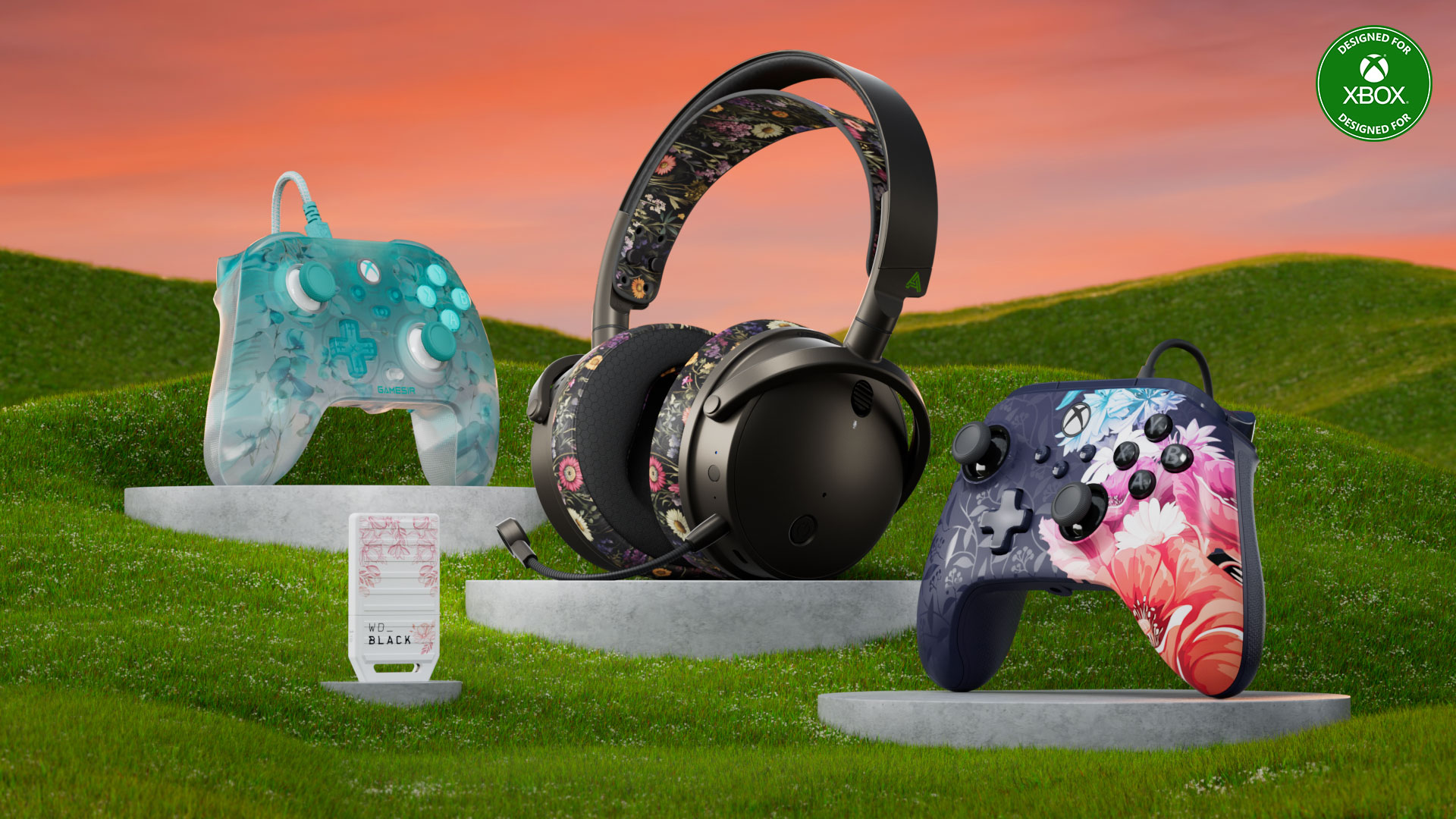
The new Designed for Xbox collection has arrived. Introducing the Floral Collection, designed for players who seek accessories that blend beauty with performance. Each piece in this collection is adorned with unique intricate floral patterns, bringing a touch of elegance to your game time.


Night Blossom: PowerA Advantage Plus Wired Controller
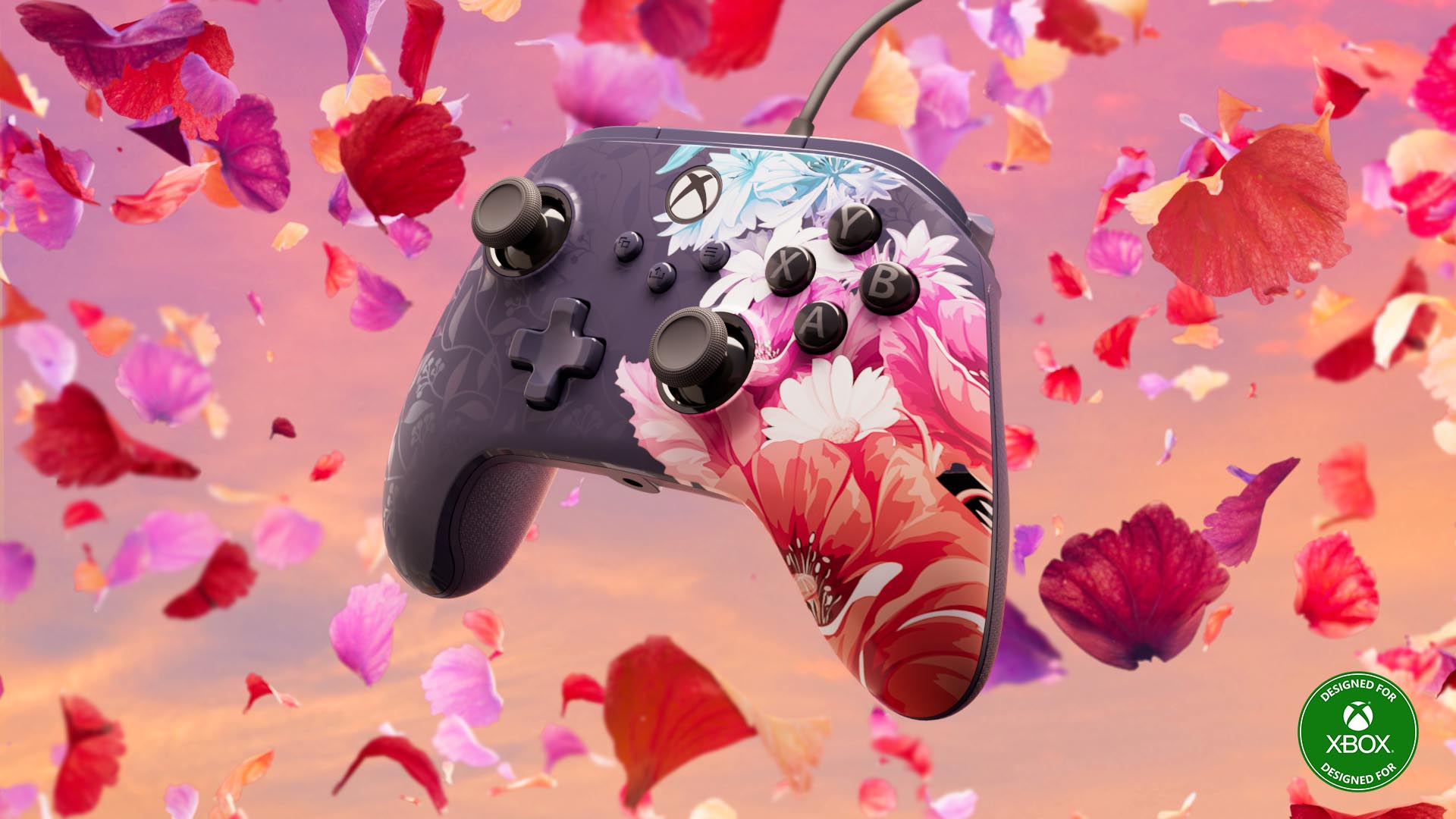
Take your game and style to new limits with the officially licensed PowerA Advantage Plus Wired Controller for Xbox Series X|S, Xbox One, and Windows 10/11, featuring the stunning Night Blossom design. With our patented Quick-Twist Thumbsticks, you can easily adjust the thumbsticks to three different height settings with a simple twist. Enjoy a smoother, pro-level feel thanks to Hall Effect Modules that utilize contact-free magnetic sensors in the thumbsticks to help with precision and longevity. Plus, two Mappable Advanced Gaming Buttons, Dual Rumble Motors, and more. Available today for $42.99 USD ERP.

Key Features

  • Quick-Twist Thumbsticks.
  • Hall Effect Modules.
  • Dual Rumble Motors.
  • Immersive Impulse Triggers.
  • Headset Compatible with 3.5mm headphone jack.
  • Extra-long 10ft. USB-C Cable.
  • PowerA Gamer HQ App – Adjust audio, triggers, rumble, dead zones, and more on your controller with this free app for Xbox and Windows.

Flora: Audeze Maxwell Headset
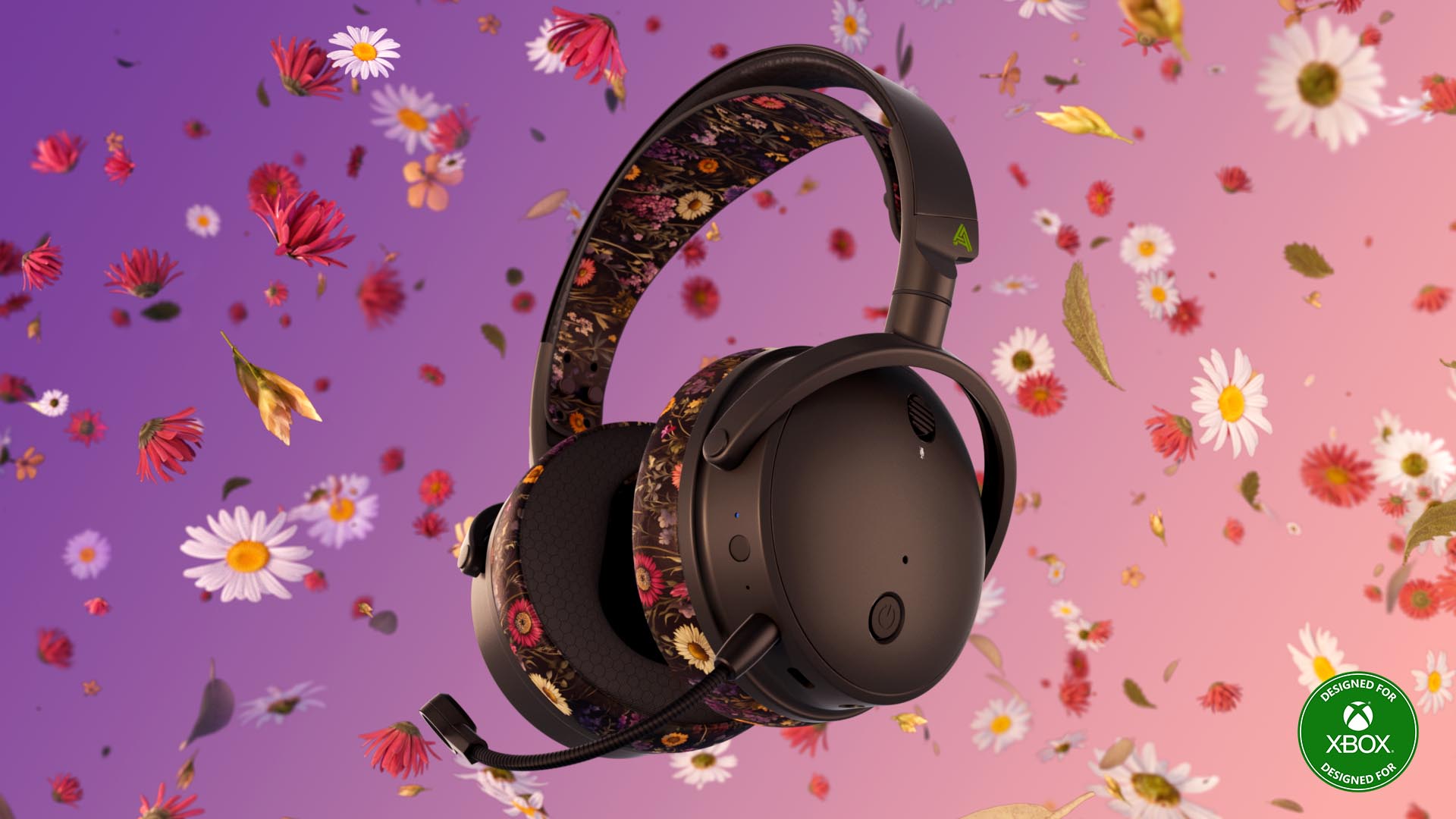
Game in style with the Audeze Maxwell Flora Limited Edition headset, featuring award-winning planar magnetic technology for immersive audio, low-latency wireless, and 80-hour battery life to outperform and outlast your competition. Available today for $339.99 USD ERP.

Key Features

  • Award-winning Audeze 90mm Planar Magnetic Drivers.
  • Ultra-Low Latency Wireless with 3x range of traditional 2.4Ghz.
  • 80hr+ battery life with fast charge in 20 minutes.
  • Class-leading high-resolution audio up to 24-bit/96kHz.
  • Filter noise reduction technology for clear communications.

Floral Fusion: WD_Black Storage Expansion Card 1TB
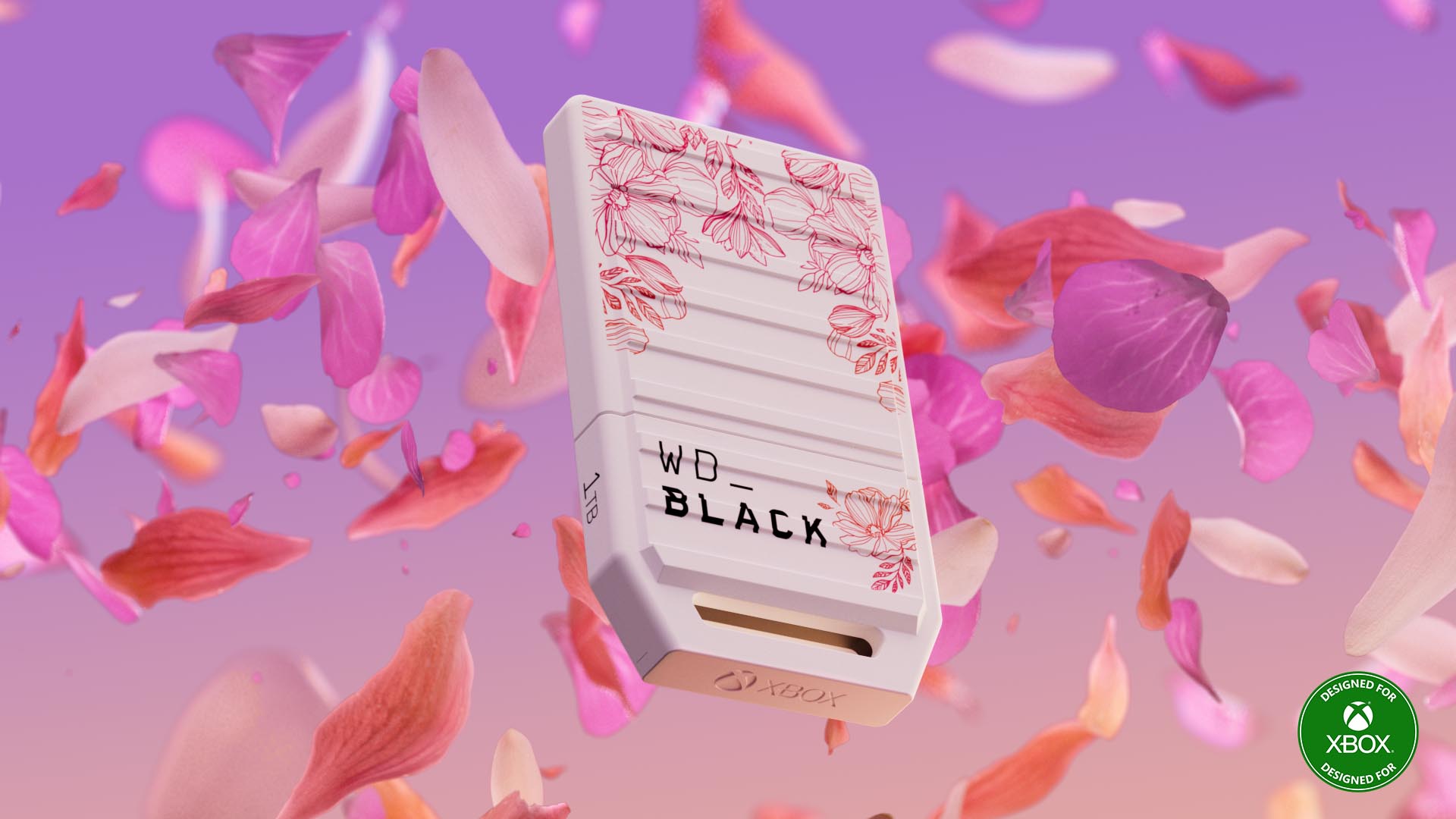
Expand your Xbox game collection by adding up to 1TB of space (actual user capacity may be less depending on operating environment) with the official Xbox-licensed WD_Black C50 Storage Expansion Card Floral Fusion. Built with a super-speed NVMe SSD core, the WD_Black C50 Storage Expansion Card for Xbox leverages Xbox Velocity Architecture to deliver extremely fast, low-latency performance that emulates the console’s internal SSDs. Enjoy a seamless gaming experience and switch instantly between multiple games with Quick Resume. Available later in May, please see retailer for pricing.

Key Features

  • Play effortlessly with full Xbox integration and enjoy gaming experiences that adhere fully to Microsoft’s quality standards.
  • With 1TB of storage, you have plenty of room to grow your game library.
  • Superseed NVMe Core revolutionizes your gaming experience with reduced wait times, fast responses, and full immersion.
  • Xbox Velocity Architecture unlocks the full potential of the WD_Black C50 Storage Expansion Card for Xbox, allowing it to achieve blazing-fast performance and seamless, high-speed access to your favorite games.
  • The storage expansion card seamlessly integrates with your console’s Quick Resume, enabling instant transition between multiple suspended games — so you can pick up exactly where you left off without delay.
  • Enjoy the fresh Floral Fusion design to get you in the summer gaming mood.

Spring Breeze: GameSir T7 Pro Floral Wired Controller
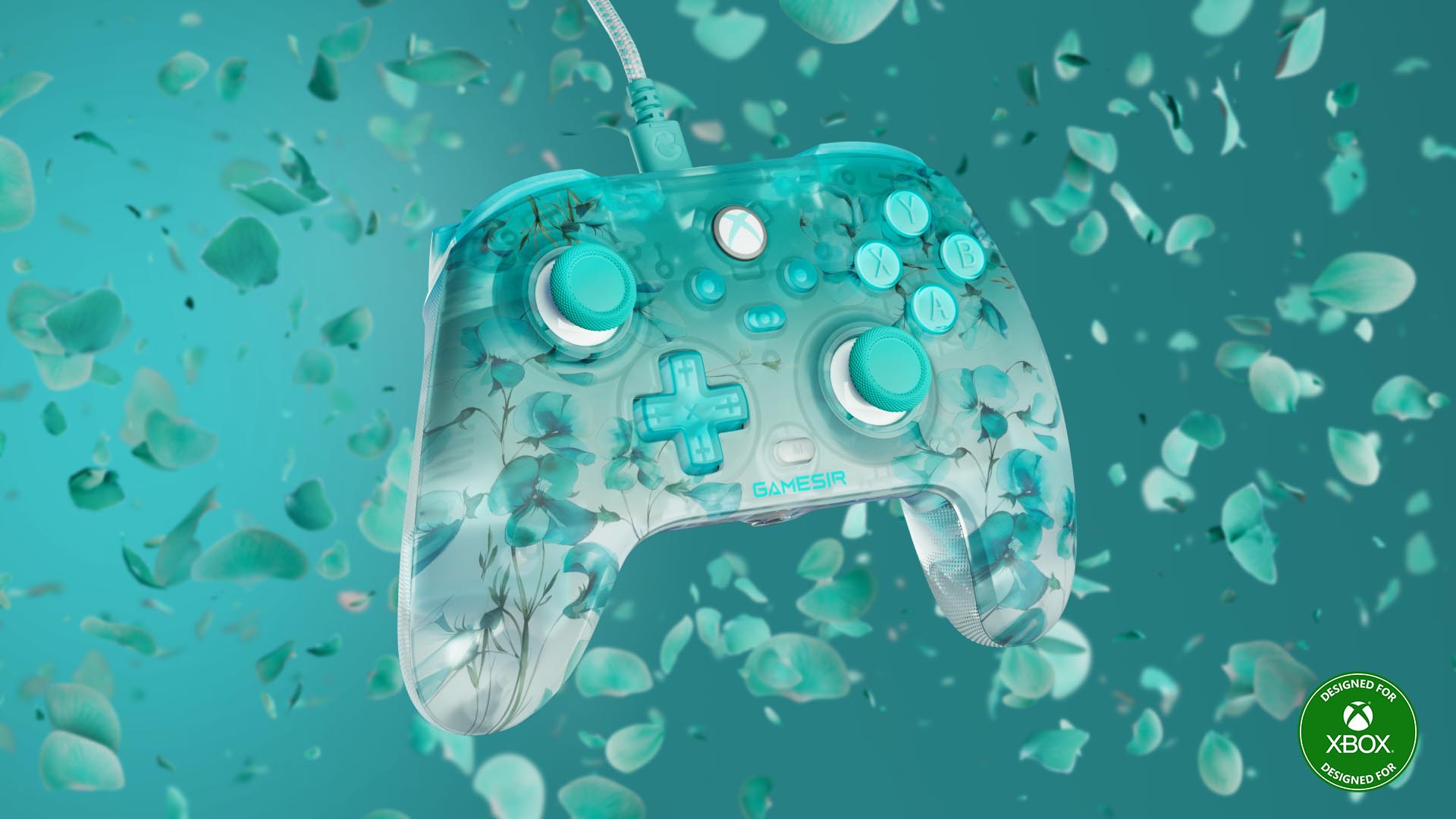
Embrace elegance and comfort with the GameSir T7 Pro Floral controller, featuring a stunning floral-patterned matte shell. Its semi-transparent design and dynamic RGB lighting create a mesmerizing visual experience. Shine with the T7 Pro Floral and elevate your gaming setup. The Game Sir T7 Pro Floral Wired Controller is available for pre-order today for $49.99 USD ERP.

Key Features

  • Hall Effect sticks & triggers.  
  • 2 Back buttons.  
  • Trigger Locks.  
  • Dynamic lighting on stick ring and ABXY buttons.  
  • Wired to Xbox or PC connection.

Elevate Your Gaming Experience

Enjoy beauty & performance with the Designed for Xbox Floral Collection. You can purchase your favorite accessory, or collect them all, at Best Buy online

Xbox February Update: Send Invite Links, Cloud Gaming Updates, and More


Xbox updates are rolling out with great new features. Starting today, Xbox Game Pass Ultimate members can easily invite friends to join their Xbox Cloud Gaming (Beta) sessions with a single sharable link. Plus, players can enjoy more cloud playable games. In case you missed it, Xbox is exploring AI research, and in January, Xbox introduced a network quality indicator, and a new controller update was released to improve gameplay. Read on for more details:

Xbox Cloud Gaming (Beta)

Send invite links to friends to join your cloud gaming session

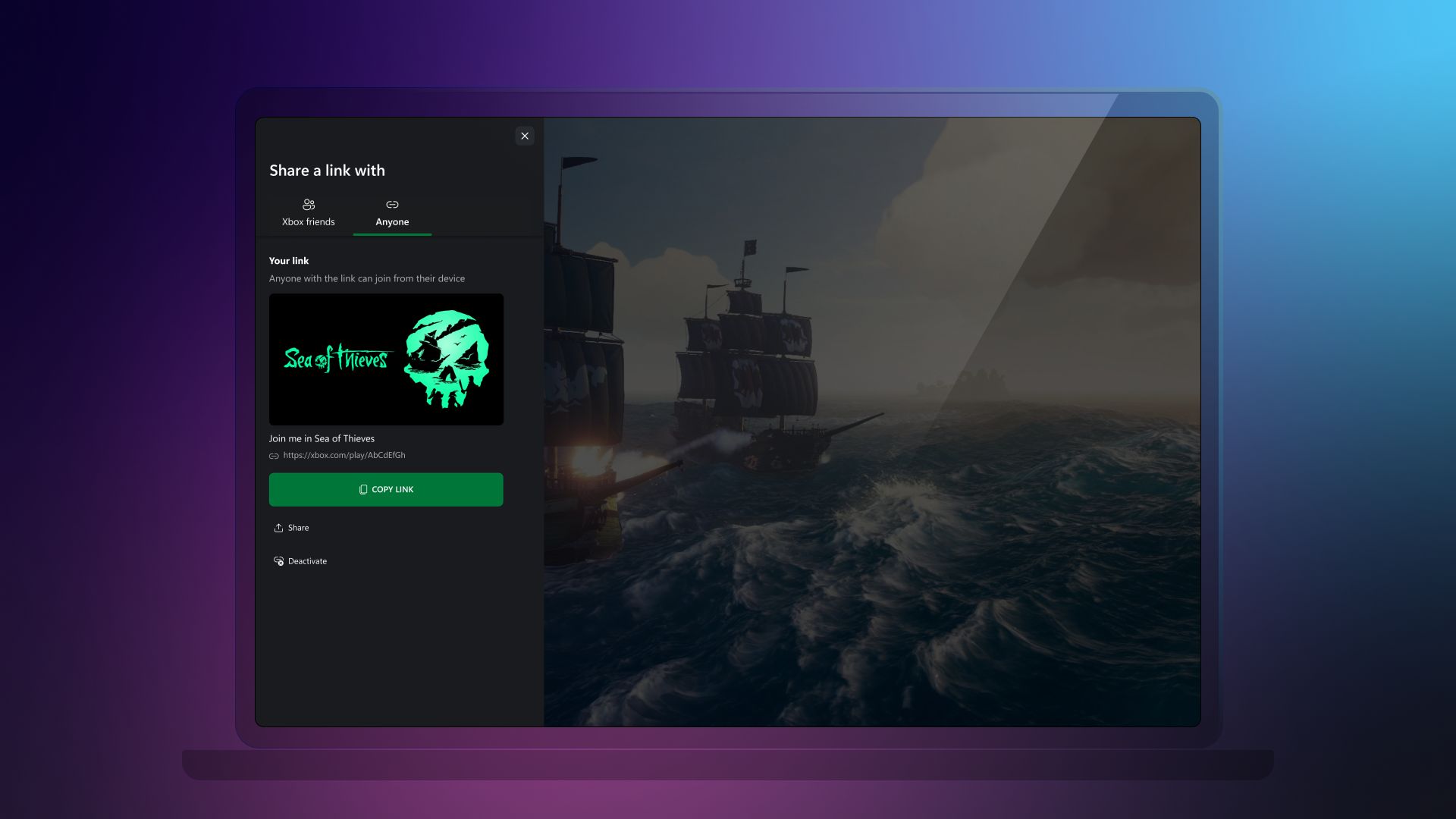
Starting today, Xbox Game Pass Ultimate members using Xbox Cloud Gaming (Beta) on their web browsers and supported TVs can generate links to invite other Game Pass Ultimate members to join their gaming sessions.

While playing a multiplayer game with Xbox Cloud Gaming, Game Pass Ultimate members can create an invite link by opening the game invite menu from the Guide or in-game, then looking for the “Anyone” tab. Copy the link and send it to your friends to join your gaming session.

Invite links provide flexibility on who to invite to a gaming session. Players can send a direct message, invite a group chat, or share the link on social media network. Invited players can join a cloud gaming session instantly via their web browser or supported TV.

To join a game session on a web browser or mobile device:

  1. Open the invite link using a supported browser.
  2. Sign in with an Xbox profile.
  3. Click “Play with Ultimate.”

To join a game session on a TV:

  1. Open the invite link on a PC or mobile device.
  2. Click the button labeled “Join on a different device” to receive a short code.
  3. Open the Xbox Guide on a TV and select the option “Have a game session code?”
  4. Enter the code from the web browser and play.

Here are a few things to keep in mind when using this new feature:

  • All players must have an Xbox account, and some games require Xbox Game Pass Ultimate.
  • All players must have an entitlement to the game in order to play.
  • The number of players who can join using the invite link depends on the number of players the game allows.
  • After creating a link, owners can revoke it at any time to prevent new players from joining.
  • The ability to remove existing players from the session depends on the game.

Stream your own game – More cloud playable games are available

This month, we’re adding even more games to the stream your own game collection. Game Pass Ultimate members can stream 50+ cloud playable games on supported devices if you own them.

Recently added

  • Kingdom Come: Deliverance II
  • Slime Rancher 2
  • Subnautica
  • Subnautica: Below Zero
  • The Talos Principle 2
  • Tomb Raider IV-VI Remastered

Coming soon

  • Atomic Heart
  • Cult of the Lamb
  • Hotline Miami
  • Killer Frequency
  • Neva
  • Overcooked! All You Can Eat
  • Phanton Breaker: Battle Grounds Ultimate
  • Serious Sam Collection
  • Trepang2
  • Worms Armageddon: Anniversary Edition
  • And more

Check out the full list of cloud playable games available to stream on supported devices here. For more information, learn more here.

In Case You Missed It

Xbox is exploring the potential of an AI research breakthrough. Plus, Xbox January Updates included a network quality indicator update for cloud gaming, a controller update, and updates for PC gaming that improve stability, discoverability of titles, and usability.

Breakthroughs in Generative AI

Following research published in Nature, we recently announced a new generative AI model for gameplay ideation called Muse. We are exploring how this model can one day benefit both players and game creators: from allowing us to revive nostalgic games to faster developer ideation and iteration.

To learn more about this breakthrough, please visit this article.

Xbox Cloud Gaming (Beta) – Network Quality Indicator Update

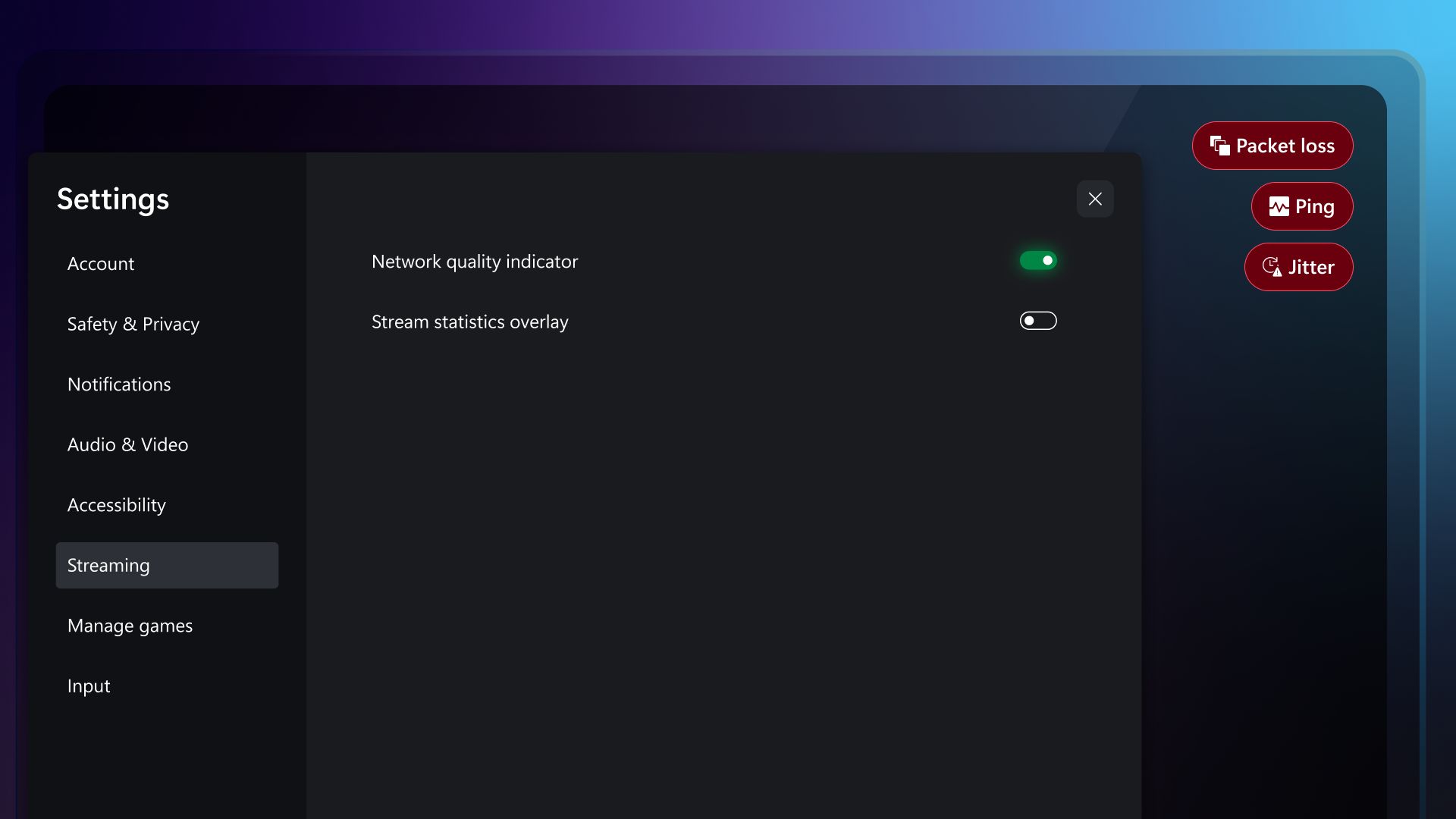
Now available to everyone, the new network quality indicator will help to diagnose potential network issues during streamed gaming sessions. Most audio and video issues are caused by problems with the network connection. This new feature helps track the quality of the network connection while gaming on Xbox Cloud Gaming (Beta) on supported devices.

To toggle the network warning icons on or off, go to your profilepic > Settings > Streaming > Network quality indicator. Learn more about this feature and get troubleshooting tips here.

Xbox Accessories – Xbox Wireless Controller firmware update

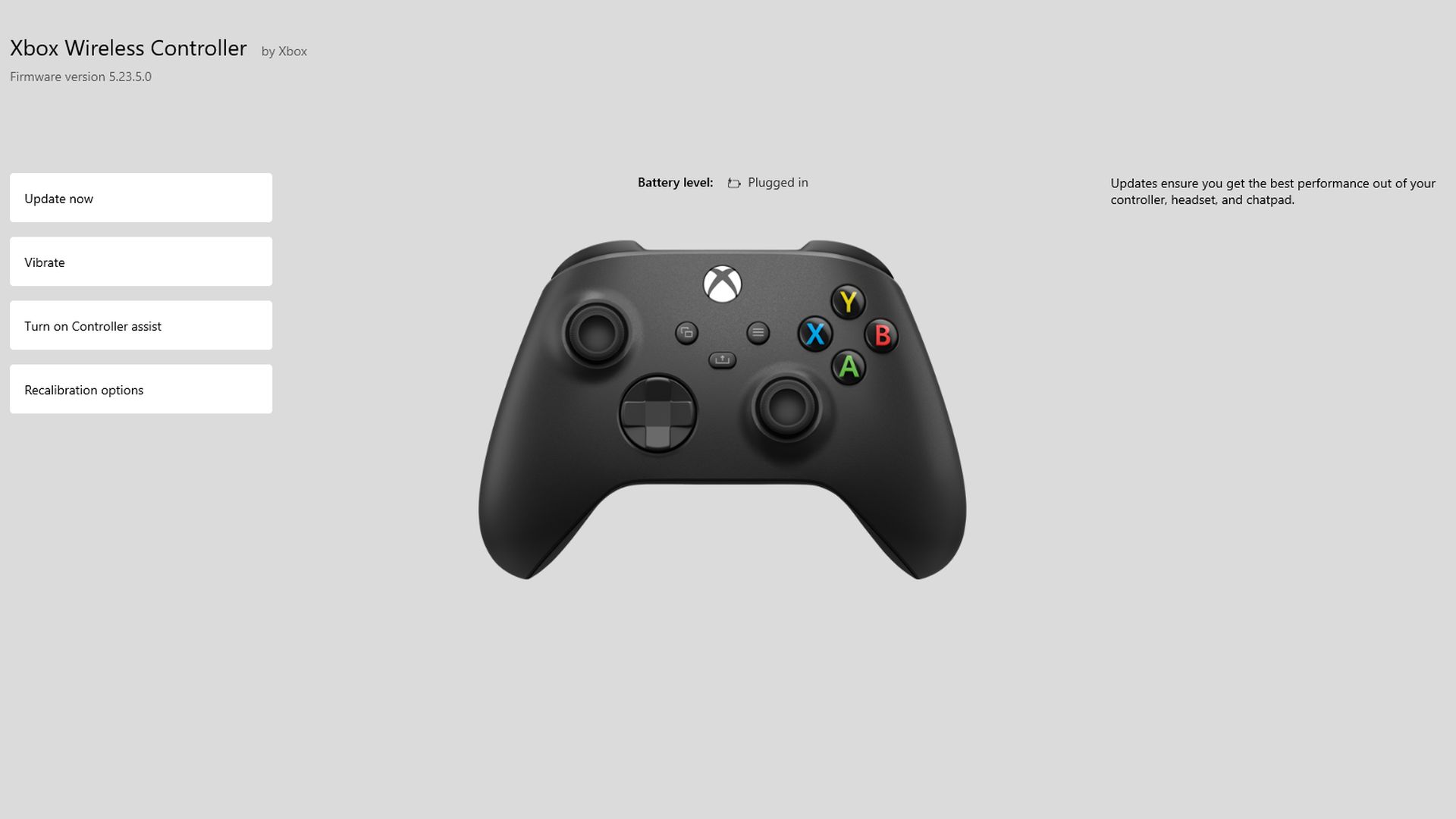
We released a firmware update for the Xbox Wireless Controller that includes improvements to thumbstick auto-centering, trigger adjustments, and mouse-to-thumbstick inputs. Install this update through the Xbox Accessories app on Xbox Series X|S and Xbox One or Windows PC.

Help Shape the Future of Xbox

Stay tuned to Xbox Wire for future updates and the latest and greatest Xbox news. For support related to Xbox updates, visit the official Xbox Support site.

We love hearing from the community, whether you have a suggestion for a new feature that you’d like to see added, or you want to give feedback on existing features that could use some improvement. We’re always looking for ways to improve Xbox experiences for players around the world. If you’d like to help create the future of Xbox and get early access to new features, join the Xbox Insider Program today by downloading the Xbox Insider Hub for Xbox Series X|S & Xbox One or Windows PC.

Happy gaming.

How to Build an Xbox Controller With Xbox Design Lab


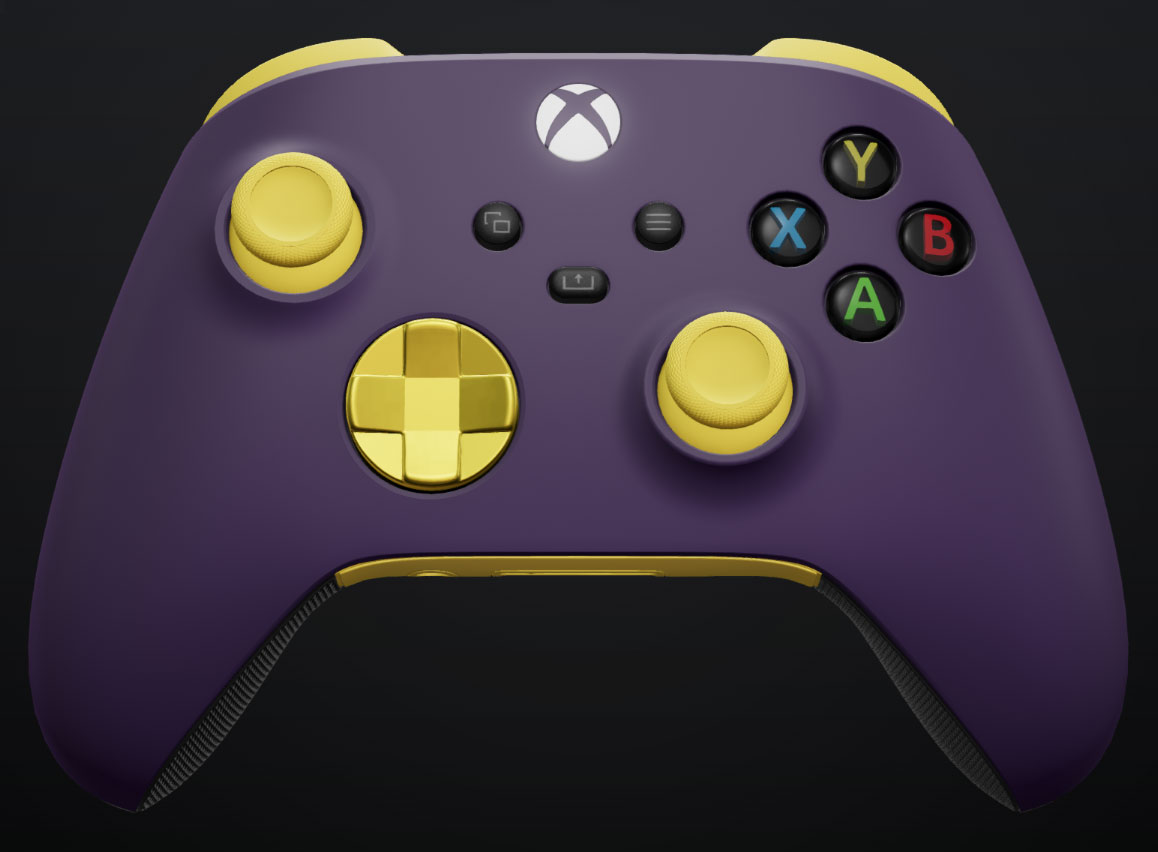
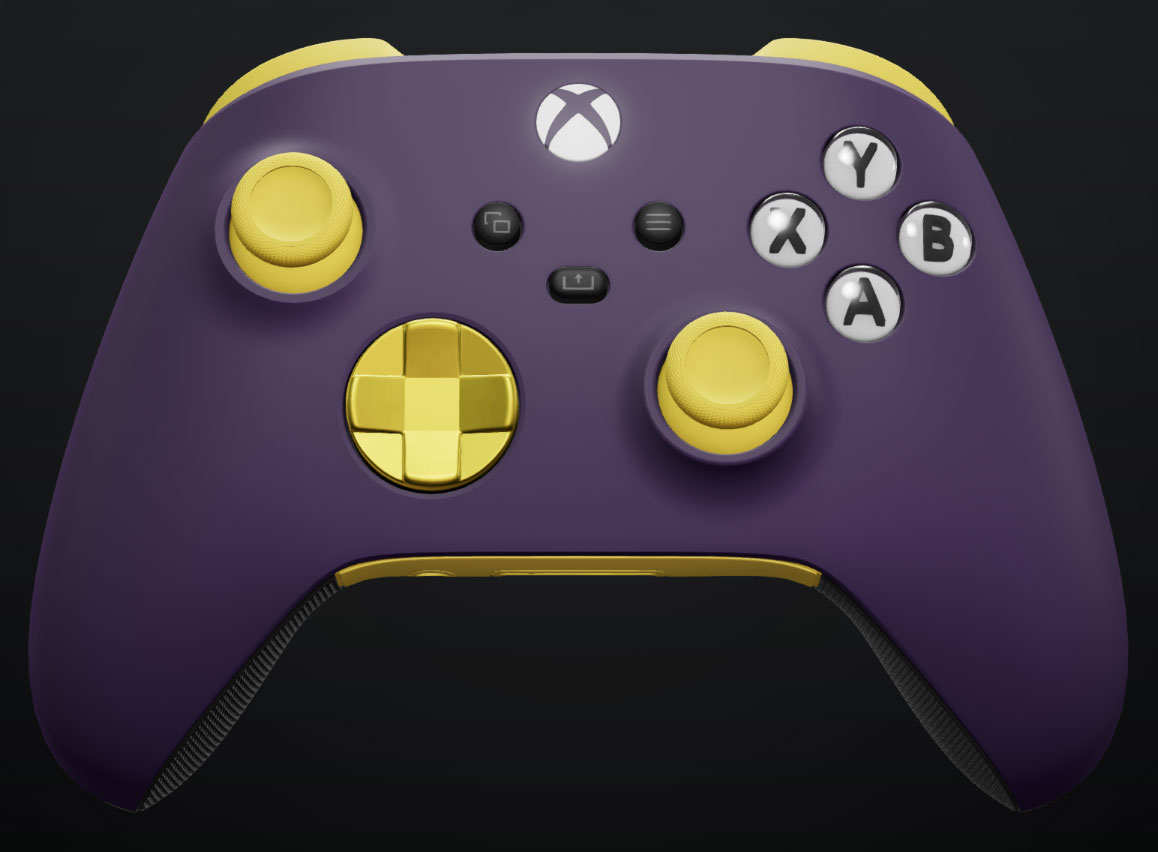
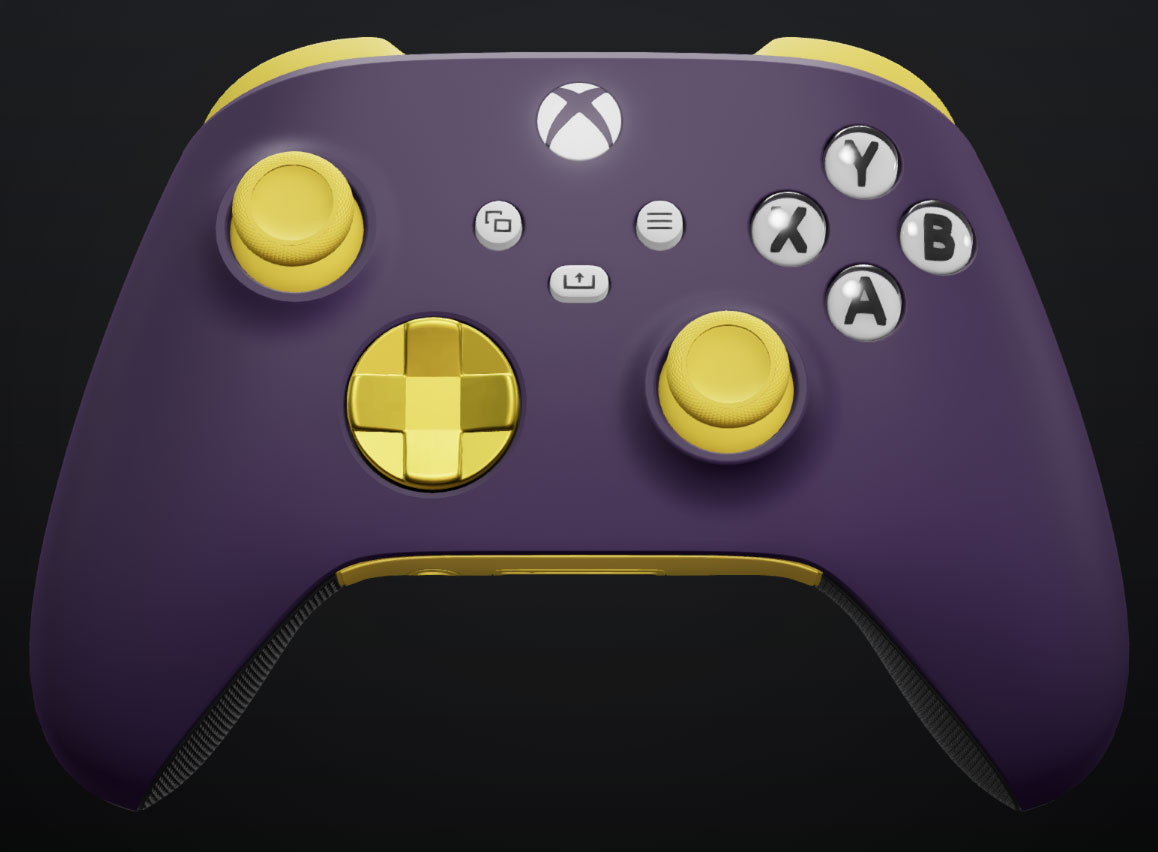
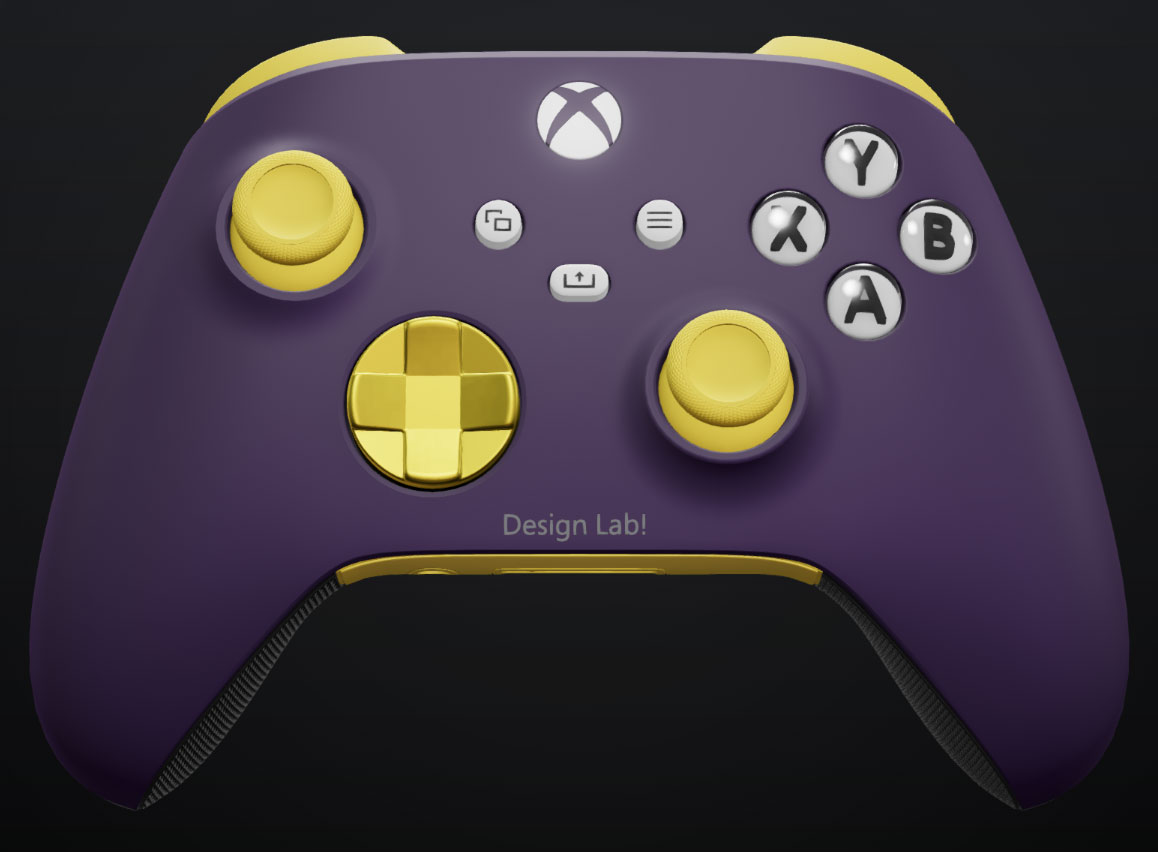
Xbox Design Lab is a one-stop shop that allows you to create your very own controller. From the controller itself to every external component, Xbox Design Lab is a hugely customizable platform that lets you create controllers for yourself, or as a truly personal gift for the Xbox player in your life.

But before you get started, There are a lot of options to choose from – let us break down every single one, to help you create the perfect Xbox controller:

Choose Your Controller

The key question before you begin using Xbox Design Lab is: which Xbox controller do you want to design?

  • Xbox Wireless Controller – Starting at $69.99 USD, the Xbox Wireless Controller is our standard model, bringing you high performance at an affordable price. With textured triggers and grips, a hybrid D-Pad, and Bluetooth technology that allows you to connect it to multiple devices. Click here to start creating an Xbox Wireless Controller.
  • Xbox Elite Wireless Controller Series 2 Starting at $149.99 USD, the Elite Series 2 makes our premium controller better than ever. With refined components, paddle slots offering extra options, adaptable elements like adjustable thumbsticks and hair trigger locks, and rubberized grips as standard, this controller delivers pro-level performance. Click here to start creating an Xbox Eliter Wireless Controller Series 2.

Customize Components

Once you’ve chosen your controller, Xbox Design Lab gives you 10 different customization options, allowing you to make a controller that’s uniquely yours. And if you can’t quite decide as you go, Xbox Design Lab allows you to preview your controller at any time, as well as save designs to your own personal gallery, allowing you to create multiple options to compare before you pick the final one.

Body

Xbox Design Lab - Body Image

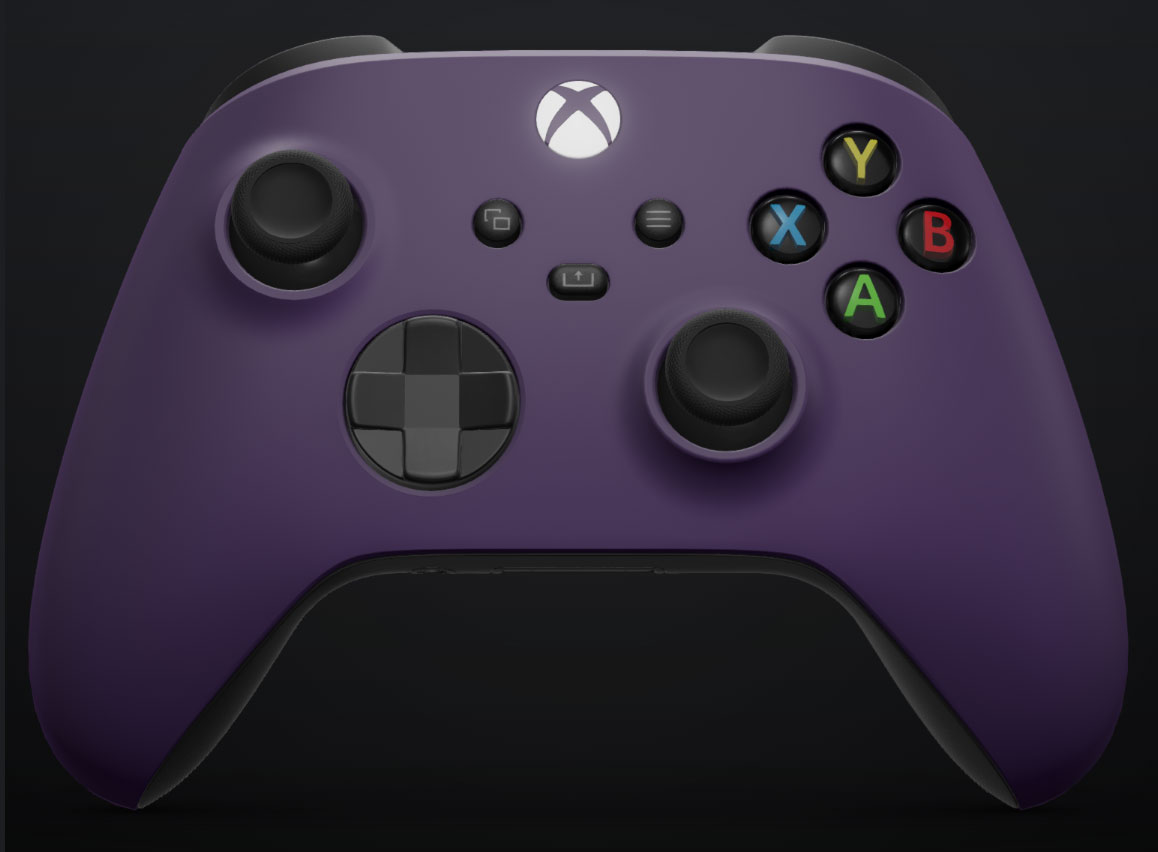
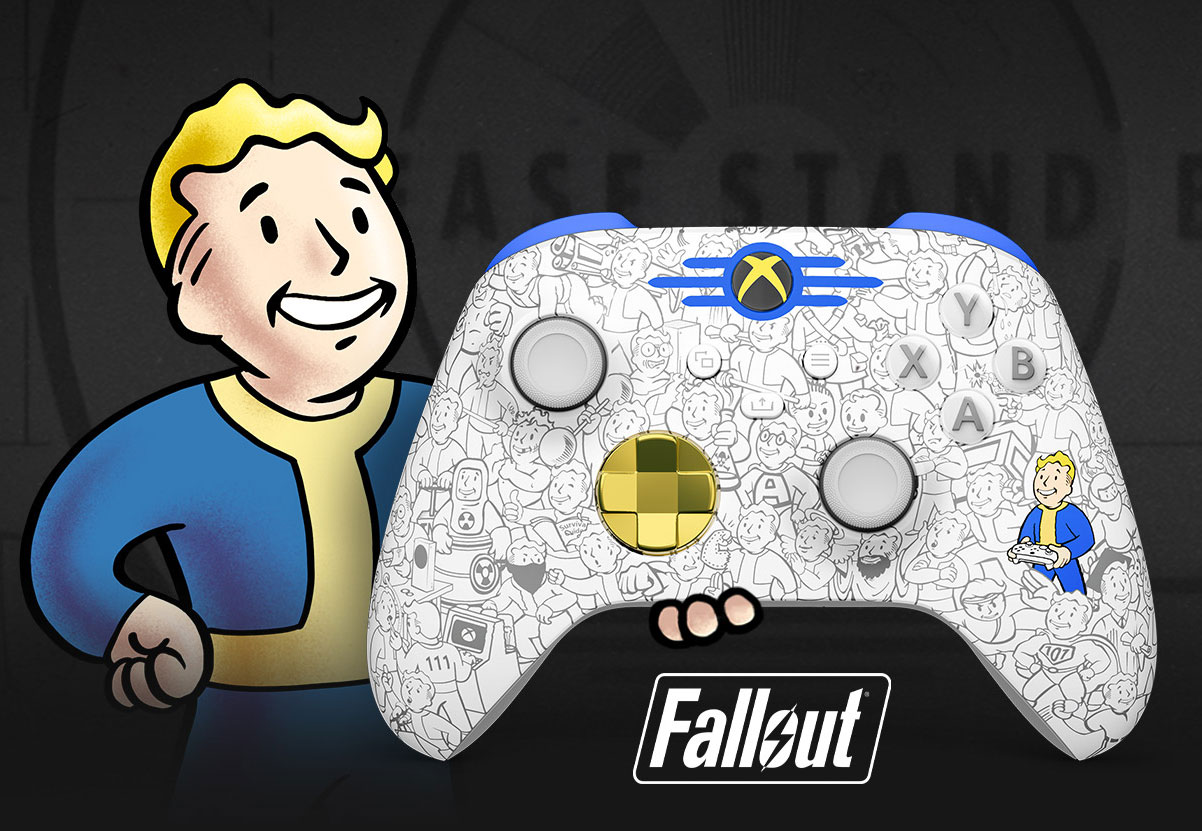
Applied to the entire front case, your choice of Body makes a statement. With the Xbox Wireless Controller, choose from a variety of matte finishes, or from a selection of gorgeous patterns, including the swirling Vapor designs, the multi-toned Shift patterns, bold Camo looks, our vibrant Pride design, or special, game-inspired designs like the Call of Duty: Black Ops 6 top case and the Fallout top case. With the Xbox Elite Wireless Controller Series 2, choose from matte finishes, our new Cipher series – which adds a transparent case that allows you to see through the case to the components inside, or game-inspired designs.

Back

Xbox Design Lab - Back Image

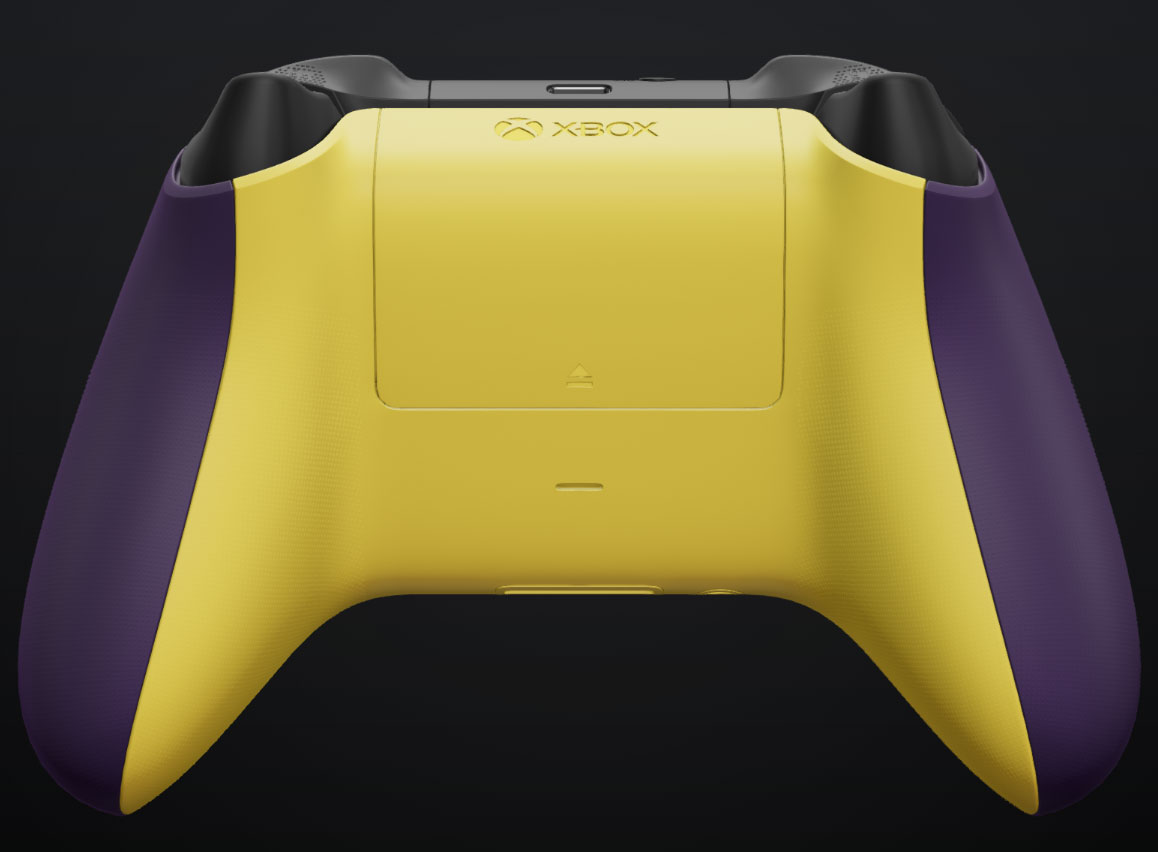
Your choice of Back encompasses everything behind the grips on your controller. With all the standard colors available in the Body category, you can choose to match the front of the controller, or create a two-tone pop of color.

Grips

Xbox Design Lab - Grips Image

For a small extra cost, you can add rubberized back and side grips to your Xbox Wireless Controller, offering an extra level of control in the hand. Rubberized grips come as standard on the Xbox Elite Wireless Controller Series 2.

Bumpers

Xbox Design Lab - Bumpers image

Your choice of Bumper color encompasses the two buttons on the top of the controller, and the case in between them. On the Xbox Wireless Controller, choose from all the standard colors available for the Body and Back. For the Xbox Elite Wireless Controller Series 2, choose from an array of metallic finishes.

Triggers

Xbox Design Lab - Triggers Image

The Triggers are key to controlling many games, and come with multiple options. With the Xbox Wireless Controller, all the standard colors are available, but Xbox Design Lab also offers a variety of metallic options, allowing you to add a stately point of difference from the rest of the design. On the Xbox Elite Wireless Controller Series 2, choose from a series of metallic designs that can blend in with your bumpers, or choose a different tone to create a standout design.

D-Pad

Xbox Design Lab - D-Pad Image

On the Xbox Wireless Controller, choose from all the standard colors available in other categories, or pick a metallic hue. On the Xbox Elite Wireless Controller Series 2, pick from the classic four-direction D-Pad, or our unique Faceted design for extra control. Both D-Pad choices offer a variety of single-tone metallic finishes, or pick our new multi-toned Chroma designs for a truly standout look.

Thumbsticks

Xbox Design Lab - Thumbsticks Image

On the Xbox Wireless Controller, thumbsticks can take on any of the standard colors available on the rest of the controller. Take more control with the Xbox Elite Wireless Controller Series 2 – pick the color of the metal base, as well as separate colors for both the thumbstick ring and topper.

ABXY Buttons

Xbox Design Lab - ABXY Buttons Image

On the Xbox Wireless Controller, pick from seven different designs for the iconic Xbox buttons, from classic colored looks to different two-tone treatments. With the Xbox Elite Wireless Controller Series 2, get even more choice with 20 different treatments, including colored variants that allow you to create even more specific looks.

View, Menu, Share Buttons

Xbox Design Lab - View Menu Share Buttons Image

On the Xbox Wireless Controller, choose from 5 different designs for the central buttons on your controller. With the Xbox Elite Wireless Controller Series 2, pick from 24 color options to help bring your design to life.

Engraving

Xbox Design Lab - Engraving Image

For that final touch, both controller types allow you to add a 16-character engraving. Add a name, a Gamertag, or a personal message to make the controller truly theirs.

Pick a Pre-Made Design

Xbox Design Lab - Fallout Design Image

If you’re looking to create a controller to celebrate a particular game, we may already have what you need. Xbox Design Lab is always adding new ‘Inspired By’ designs that celebrate games on Xbox – pick a pre-configured design, make any changes you see fit, and show your fandom. There’s also the Xbox Design Lab Game Collection, which offers extra-special designs for the likes of Fallout and Call of Duty: Black Ops 6 – all of which can be customized further.

Choose Some Elite Extras

If you’re opting for an Xbox Elite Wireless Controller Series 2, Xbox Design Lab offers a number of extra adjustable elements for the premium controller, all of which can be customized to fit your design. The Carrying Case and Charging Pack helps you take your controller anywhere in safety. The Paddle Pack adds a number of easily added extra paddles for the back of your controller, which can be used by adjusting options on your console. The Thumbsticks and D-pad Pack offers both D-Pad options and multiple interchangeable thumbsticks to let you swap how you want to play, game-by-game. And the Everything Pack includes all of the above in a single package. If you already own an Elite Series 2 controller, you can also opt to purchase the additional accessories packs by themselves.

Adaptive Thumbstick Toppers

We collaborated with community members, charity organizations, and a hospital involved in adaptive gaming and 3D printing to design complimentary 3D printable files for adaptive thumbstick toppers with Xbox Design Lab. Available to download, these designs can be 3D printed to create thumbsticks that meet multiple accessibility needs – and are available for both the Xbox Wireless Controller and Xbox Elite Wireless Controller Series 2. Xbox Design Lab also offers thumbstick topper designs for the upcoming Xbox Adaptive Joystick, coming in early 2025 for select Xbox markets.


You now have everything you need to start creating a unique Xbox controller – head over to Xbox Design Lab to start experimenting!

Interscope Records Launches Custom Juice WRLD Fortnite Island and Juice WRLD-inspired Xbox Design Lab Controllers


Summary

  • On November 30, a custom Juice WRLD-themed Fortnite Island, “Juice WRLD: The Party Never Ends” launches, featuring unreleased music, iconic tracks, and Xbox Lounges.
  • Xbox will release two Juice WRLD-inspired Xbox Design Lab controllers.
  • Xbox will also host a live Fortnite tournament during the final Juice WRLD Day at Chicago’s United Center.

In celebration of the upcoming release of The Party Never Ends, Juice WRLD’s highly anticipated final, posthumous album dropping on November 29, Xbox is partnering with Interscope, Grade A, and Life Free 999 to launch a custom in-game Island – “Juice WRLD: The Party Never Ends” – inspired by the artist. Fans can dive into this unique experience starting November 30, 2024. Please note: this is not sponsored, endorsed, or administered by Epic Games, Inc.

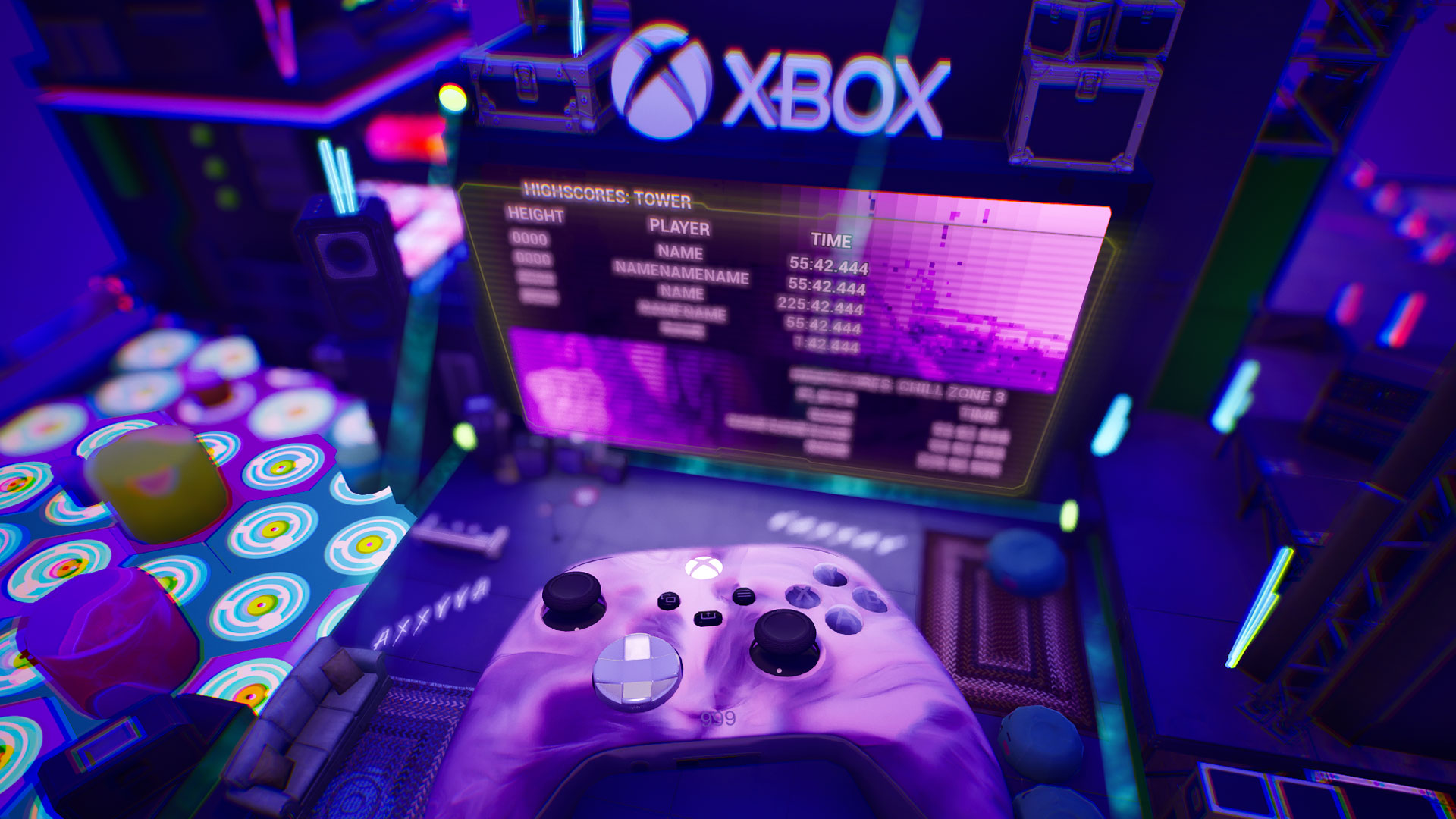
This Island features an epic tower-climbing race set amid stunning landscapes of lush mountains, serene lakes, and open fields. Along the way, players will be able to chill at Xbox Lounges, where they’ll hear a snippet of an unreleased Juice WRLD track alongside fan-favorite hits like “Lucid Dreams,” “Wishing Well,” and “Robbery.” Juice-related imagery and collectibles are woven throughout the experience, ensuring fans feel truly immersed in his world.

Juice Wrld Xbox Controller

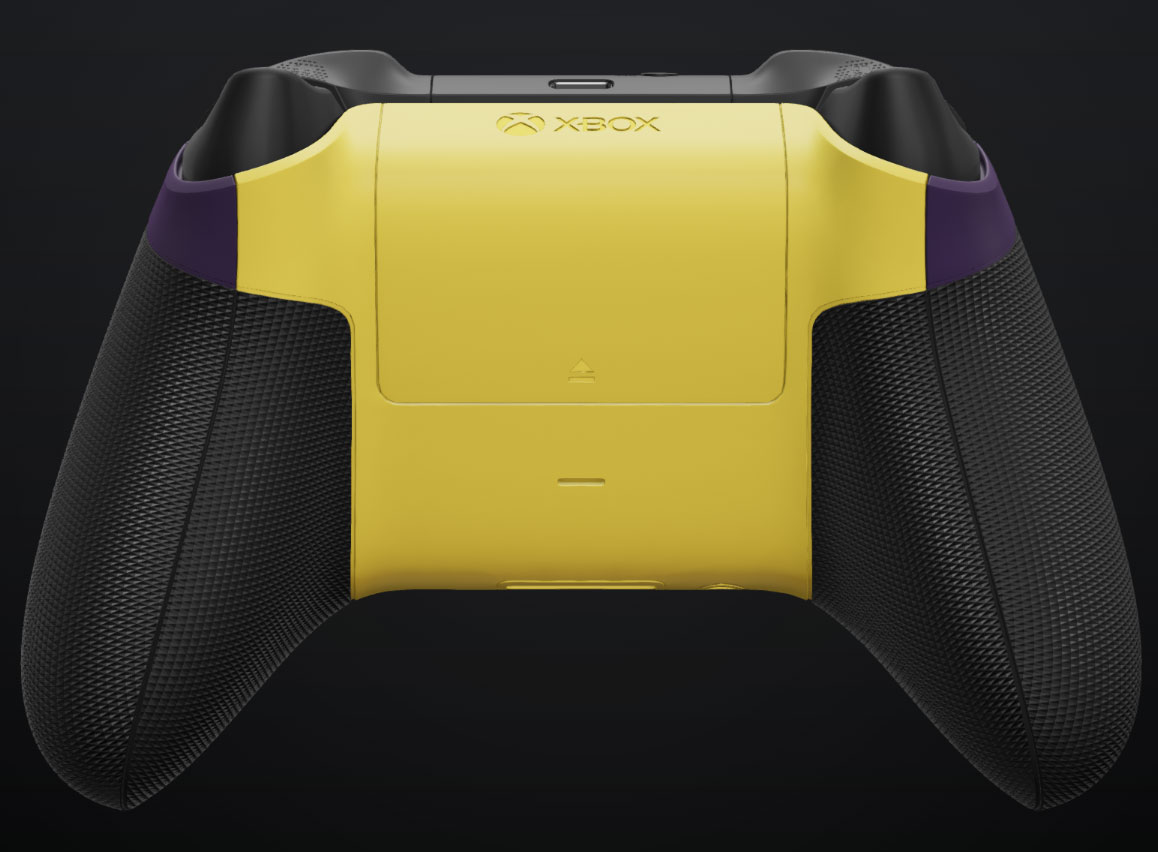
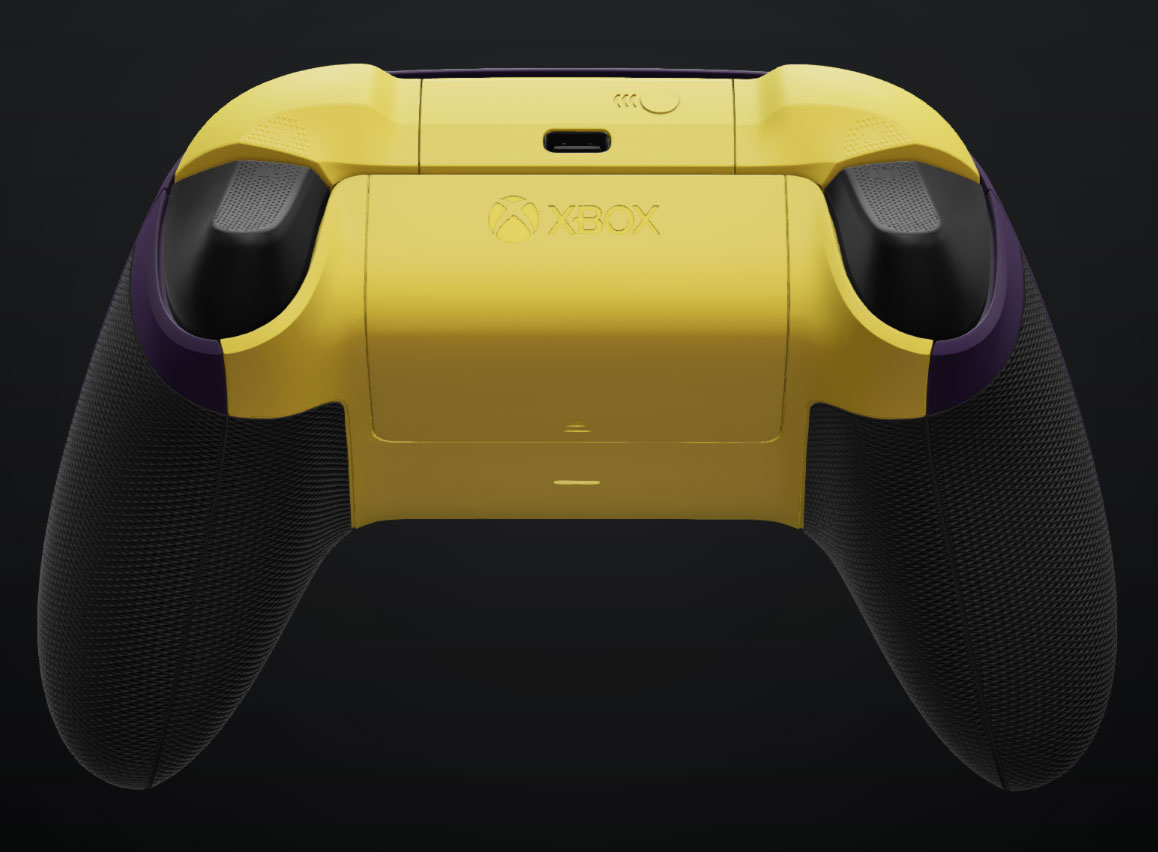
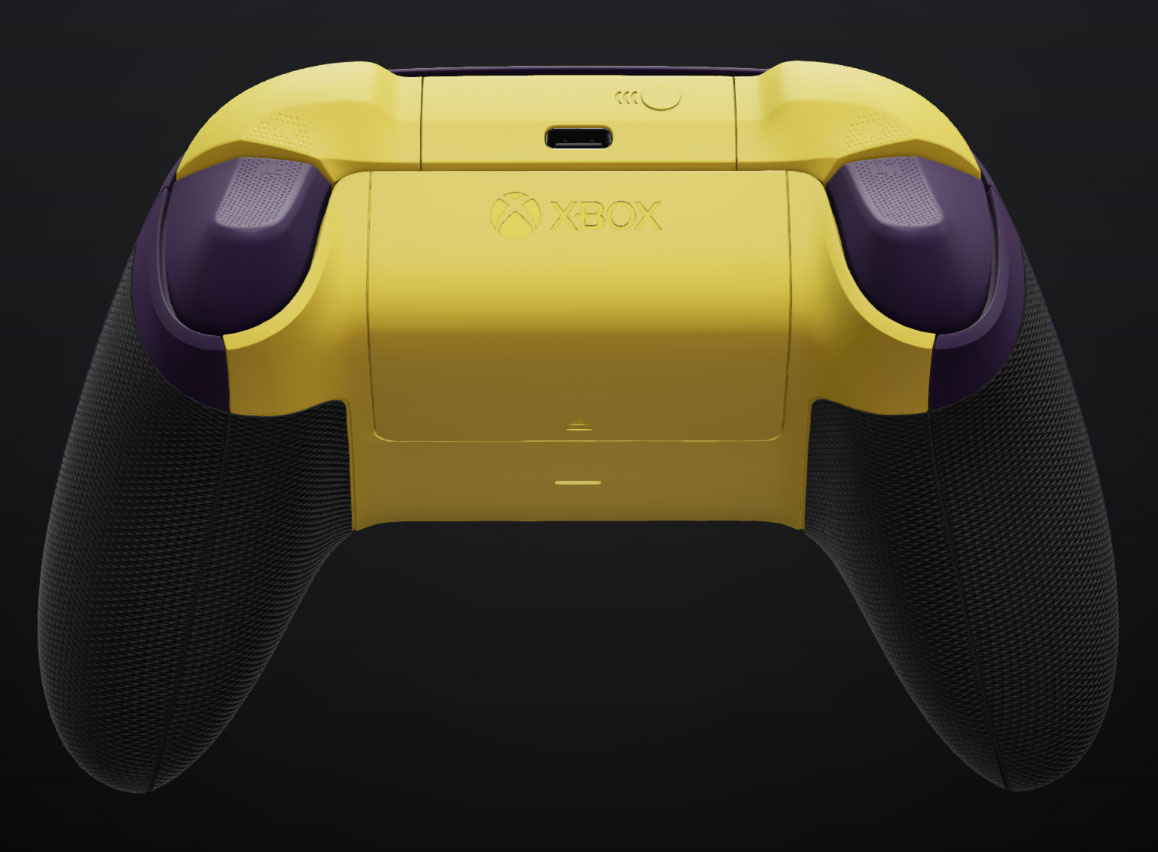
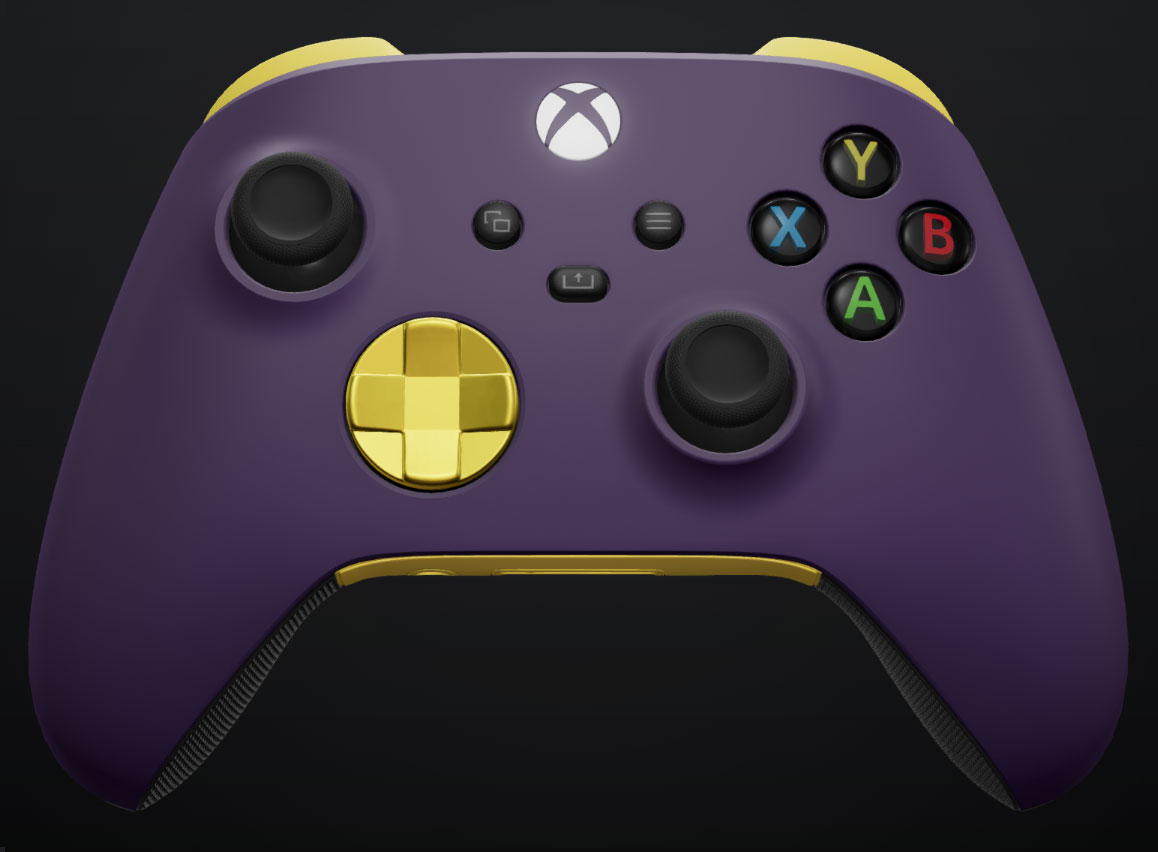
Xbox will also launch Juice WRLD-inspired Xbox Design Lab controllers, available to order starting today. These custom designs honor Juice WRLD’s bold style and love for gaming, giving fans a unique way to incorporate his influence into their gaming setups. You can order them here.

The celebration doesn’t stop there—on November 30, Xbox will host a live, in-person Fortnite tournament during the fourth annual and final Juice WRLD Day at Chicago’s United Center. Local students will compete in the custom Island finale, adding excitement to a day filled with an exclusive listening experience, surprise performances, and more. It’s a tribute fans won’t want to miss!