In today’s landscape, the phrase “unprecedented times” has become a cliché, yet the reality remains: the World Uncertainty Index has been steadily rising since 1990. Recent global events—such as COVID-19, the Ukraine war, inflation, and tariffs—have left CFOs grappling with heightened uncertainty about the impact of external pressures on their organizations.
Many executives describe this era as “the end of predictability,” where established trends give way to sudden disruptions in an increasingly complex environment. Alarmingly, two in five executives still feel unprepared for future market interruptions.1
“In four weeks’ time anything might happen. Or even four hours. This dramatically increases demand for scenario-based analysis and decision-making.” – Dr. Carl-Christian von Weyhe, CFO Middle & Eastern Europe, SAP
To tackle these challenges, CFOs must adopt new methodologies tailored to their organizations. This guide explores how forward-thinking finance leaders are effectively managing uncertainty by:
Rethinking traditional forecasting methods.
Embracing AI to enhance insights.
Improving data quality for better decision-making.
Explore this guide, The end of trends: How CFOs can lead through tariffs and other external disruptions, to discover actionable strategies and tools that can help you navigate uncertainty effectively. Download it today.
Ramp on Wednesday evening launched its own AI model routing service, dubbed Router, that lets users and companies use and switch between various large language models through an API. The company says it has been using the router it built for its own AI usage needs over the past three years.
The service is only available in the United States. It’s free to use for the remainder of 2026 (users will still have to pay for AI model inference costs), and it comes with a $26 credit launch offer. The company did not say how much the service will cost next year.
In its function, Router is pretty similar to how OpenRouter operates, though the latter offers many more AI model options than Ramp’s current offerings.
Router offers access to models from OpenAI, Anthropic, DeepSeek, Moonshot, Minimax, Nvidia, xAI, and Z.ai. It also provides several “strategies” to help its customers route AI requests to models based on their preferences. For example, one lets users set a preference for model providers’ flex usage tiers, while another lets Router choose which model to route queries to based on up to three user-specified benchmarks. Users can also choose to route only difficult problems to expensive models or test models easily without having to switch.
Users get a dashboard, too, that lets them see token spend, cost, latency, fallback attempts, and other details.
Notably, Router has an opt-out data retention policy: it will record model inputs, outputs and tool calls for one year by default, though the company says it will remove “personally identifiable information before using that content to improve the product.”
For Ramp, entering the model routing business offers a two-pronged opportunity: it gets to tap the booming AI inference market, and also offer its existing clients a model routing service that fits in neatly with its existing products, which includes AI token usage monitoring and token spend management.
And, if Router proves as attractive of a model testing arena as OpenRouter has, Ramp may also be able to build long-standing relationships with AI labs and inference providers worldwide. That could help Ramp, which raised $750 million at a $44 billion valuation in June, gain new customers and a new point of entry for selling its expense management products.
When you purchase through links in our articles, we may earn a small commission. This doesn’t affect our editorial independence.
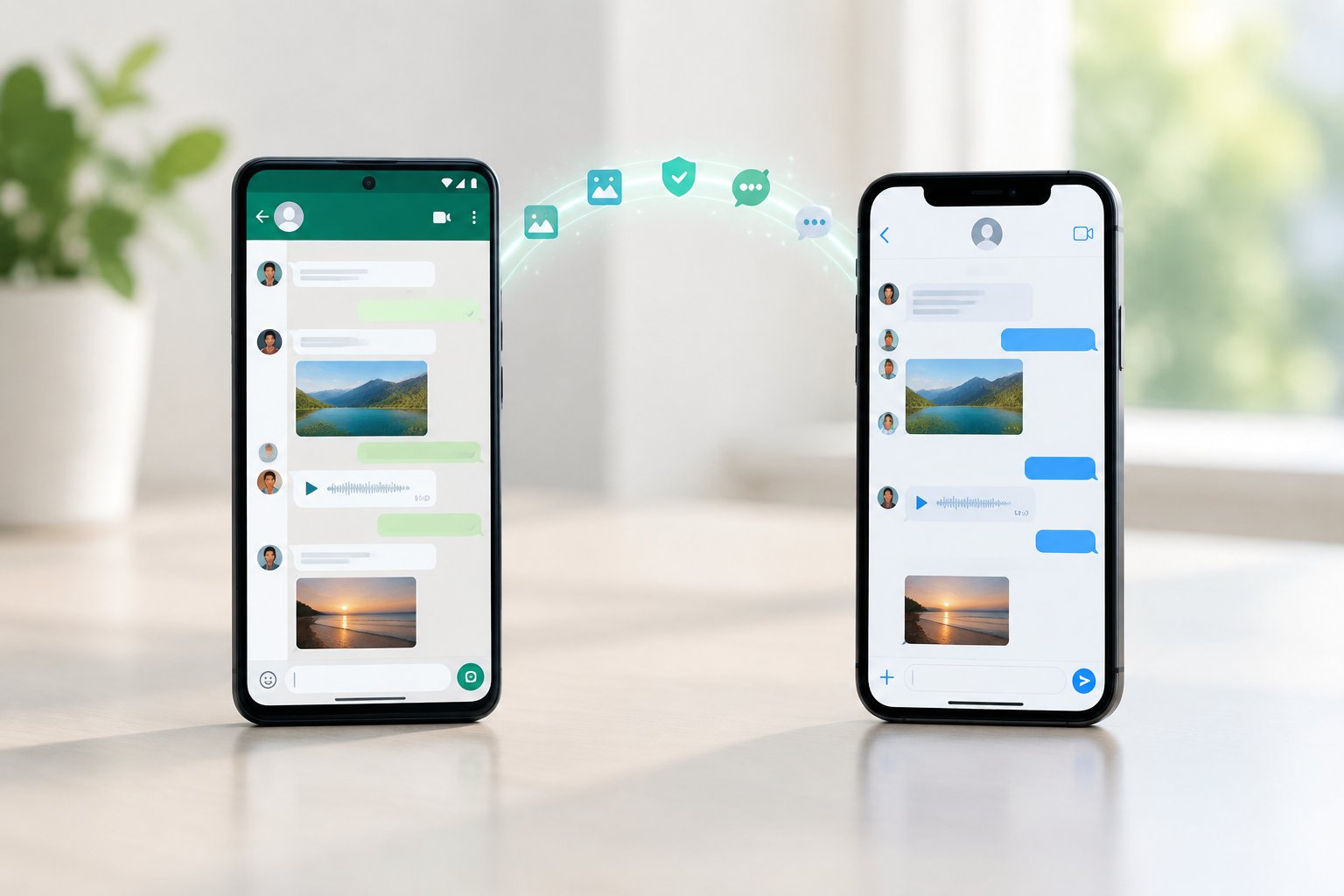
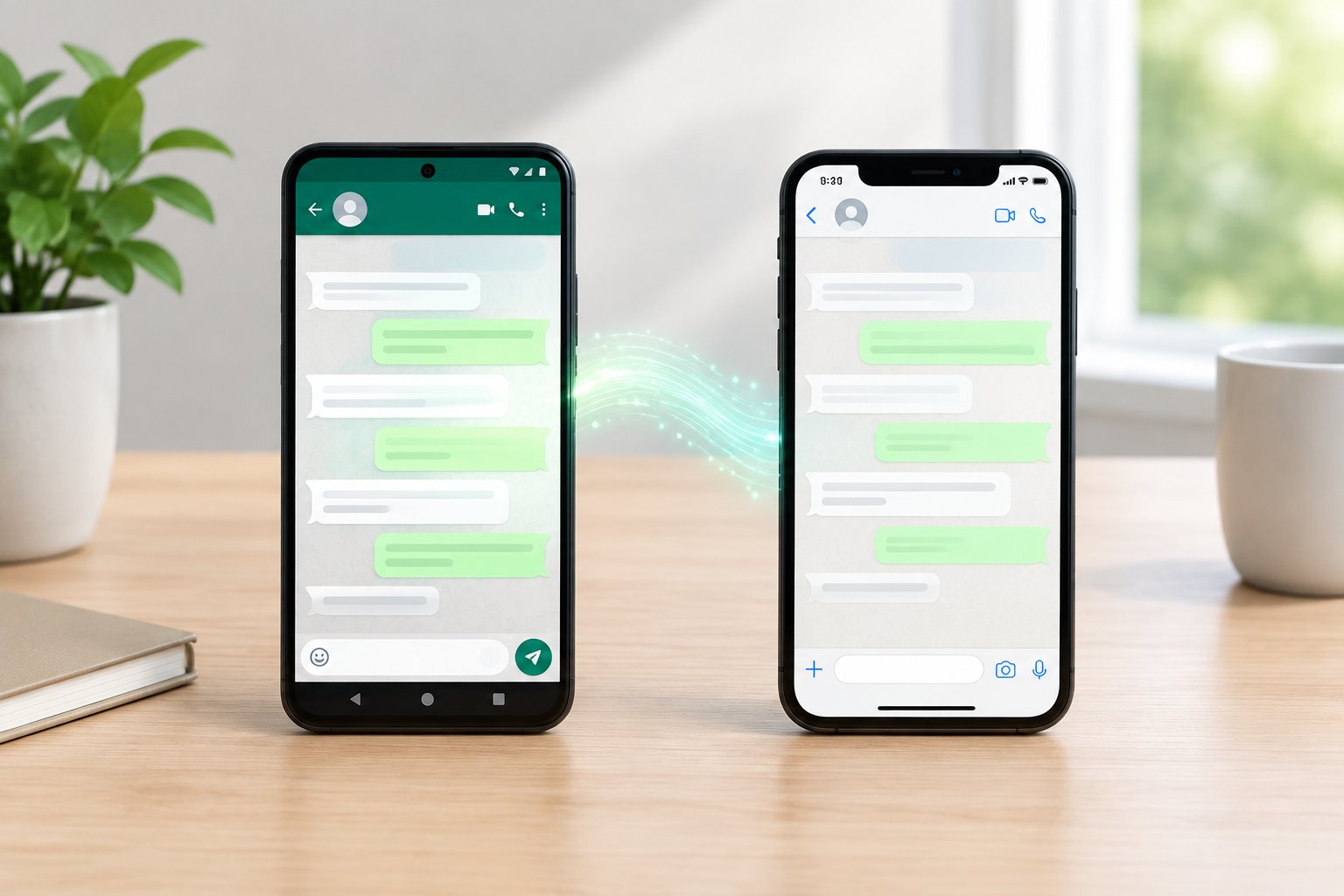
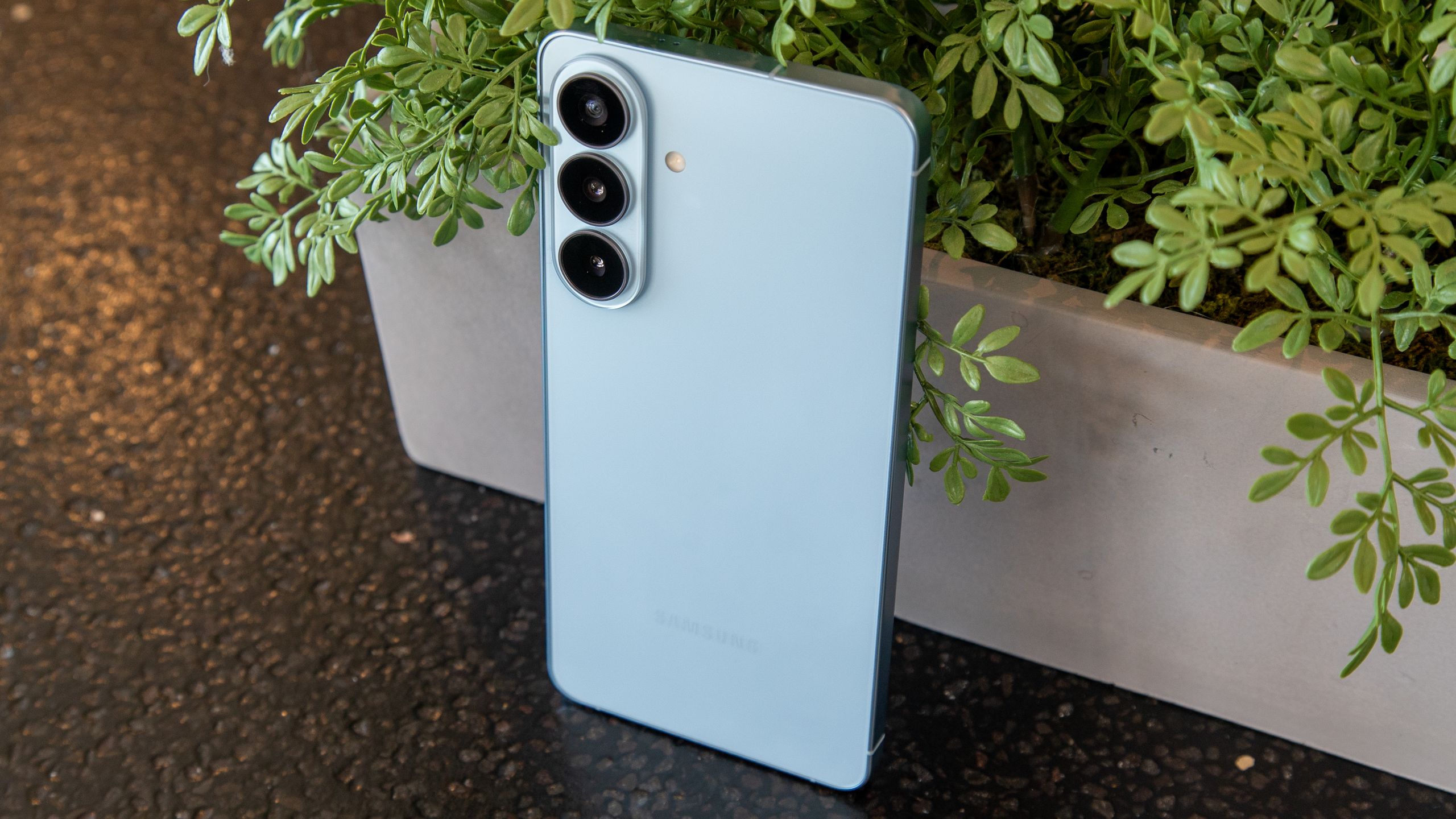
Samsung Galaxy users are reporting RCS issues in Google Messages after switching to a new phone with Smart Switch.
Some affected users are seeing error code 3100 when trying to enable RCS or send messages on their new Galaxy phones.
Google says corrupted cache files transferred through Smart Switch may be responsible for the RCS connection problems.
Samsung Galaxy users are reporting a surge in RCS issues with Google Messages after recently switching to a new device.
Samsung recently shut down its Messages app in the U.S., asking both new and existing users to switch to Google Messages instead. Google Messages is the only messaging app on Galaxy phones that supports RCS, making it the most sensible replacement. However, it seems that some Samsung users are running into problems getting RCS to work after setting up their new Galaxy devices.
As spotted by Android Authority, several users have taken to Reddit to report that RCS stops working after switching to a new Galaxy phone and transferring their data using Samsung Smart Switch. Some affected users are seeing error code 3100 when trying to enable RCS or send RCS messages from their new device.
(Image credit: Jay Bonggolto / Android Central)
It looks like Google has already identified a potential cause. A Google representative said that the issue may be related to corrupted cache files that were transferred during the Smart Switch process.
Google recommends updating to the latest version of Google Messages, turning off RCS, clearing the Carrier Services data, restarting the phone, and then enabling RCS again. Unfortunately, that workaround doesn’t appear to be working for everyone.
Some affected users say they were only able to get RCS working again after factory resetting their Galaxy phone. Even then, there’s no guarantee that a factory reset will solve the problem for everyone, making it a pretty drastic workaround to try.
There are also Reddit users reporting similar RCS issues after switching carriers. Google says those cases could instead be related to the number-porting process not being fully completed.
Get the latest news from Android Central, your trusted companion in the world of Android
Either way, it seems like some Galaxy users are currently having trouble getting RCS working after switching devices or carriers. Google is aware of at least some of these reports, but for now, there doesn’t appear to be one guaranteed fix that works for everyone.
More than 27.6 billion SaaS security events reveal a growing challenge for IT teams.
SaaS environments now run on a web of trusted users, apps, shared files and automated workflows. As those connections multiply, so do the blind spots attackers can exploit.
Discover the SaaS security shifts that will be critical to improving visibility, reducing exposure and protecting trusted business connections in 2026.
In this report, you’ll learn:
Why guest accounts, OAuth integrations and external file sharing are expanding the SaaS attack surface
How attackers are using trusted accounts, infrastructure and workflows to hide inside normal business activity
Which defensive shifts can help IT teams improve identity visibility, reduce alert noise and respond faster
Companies are still grappling with exactly how software development should work in the AI area, but one early answer is the so-called software factory. Essentially an agent loop that’s built around the traditional stages of software development, the software factory approach has become a popular way for companies to remake their engineering organizations for the AI era.
Now, a system from Warp could make that transition a lot easier. On Tuesday, the AI coding company introduced Warp Factories, a new system designed to make building and operating AI software factories as easy as possible.
Operating as an infrastructure layer, Warp Factories gives companies a simple environment for deploying agents and a roadmap for how to use them.
To be clear, many companies are already having success with the factory model without any help from Warp. Stripe has been particularly public about its technical progress, developing a “minions” system to automate development within its own codebase. Ramp has made similar progress, developing a background agent that can monitor its own code after it is deployed.
An analytics screen from Warp FactoriesImage Credits:Warp Factories
As Warp CEO Zach Lloyd sees it, the target market for Warp Factories will be smaller companies without the resources to develop a system from the ground up.
“[If you look at] things like running your agents in the cloud and steering those agents as they run, or bringing the work that they’re doing into your local environment, or setting up memory that goes across those agents, or setting up evals that go across those agents — it’s actually a huge infrastructure undertaking to do this right,” Lloyd told TechCrunch.
In Warp Factories, the architecture is already built out of the box, with many of the most difficult decisions already made. Warp’s system is based on the standard phases of software development (triage, specification, implementation, review, and verification) but the agentic approach means any of those steps can be automated.
Users can choose their own coding model and harnesses as necessary; the system works as well with Codex as Claude Code. It also integrates with ticketing systems like Linear and Jira, and messaging systems like Slack and Teams, in an effort to plug in seamlessly to existing workflows.
Beyond just shipping code, Warp Factories will also give managers the tools to track how well the factory is performing. With all the agents running in the same environment, it’s easy to compare performance metrics for different configurations, and to keep an eye on the overall token spend. Warp Factory also allows for self-improvement loops to optimize the overall system, automating management of the process itself.
Even so, Warp Factories is not built to completely replace software engineers — just give them an easier way to collaborate with the new agentic workforce. In Lloyd’s own experience, there are still a lot of tasks that require a human at the wheel.
“We automate like 30% of our tasks, 30 to 35% on a weekly basis,” Lloyd told TechCrunch, “and as models improve, as the context improves, as the harness improves, I think that that number is going to go up over time.”
When you purchase through links in our articles, we may earn a small commission. This doesn’t affect our editorial independence.
Perhaps the best part of owning a Pixel is that the phone is better a year in than on the day it launched. Google has very successfully made a name for itself in the industry with Pixel Drops, a set of quarterly updates delivered to Pixel phones alongside monthly security updates and annual operating system updates.
After a year with the Google Pixel 10 Pro XL, I can confidently say this phone is better now than it was last August, but that comes with some caveats along the way. Considering the rising prices of electronics these days, it very likely makes more sense to buy a Pixel 10 this year than a Pixel 11.
While the Pixel 11 is launching with several new features that might make Pixel 10 owners jealous, there is very little doubt in my mind that the vast majority, if not all, of these new features will come to the Pixel 10 Pro XL.
Latest Videos FromAndroid Central
But this past year hasn’t been without its problems for the Pixel 10 series, and a series of very serious, problematic software updates follows a trend Google simply shouldn’t be proud of. One of the reasons I didn’t recommend the Pixel 10 series last year was its bad software update track record, and Google did nothing to help that image this year. Let’s explore the best and worst of the Pixel 10 after one year, shall we?
Start with the bad
(Image credit: Nicholas Sutrich / Android Central)
I’m going to get the bad out of the way because it’s really bad. Ever since the Pixel 6, Pixel phones have been a bit… buggy. Most of the time, a reboot fixes the issues, or, in a worst-case scenario, you have to wait a month or two for Google to patch them. But March 2025 marked the start of a trend in the wrong direction. I even wrote a guide on how to roll back your firmware at the time.
Somehow, the Pixel 10 series may have had the most update issues I can recall with a Pixel phone to date. For the first several months, Google continuously worked on weird graphical issues for the Pixel 10. Touch responsiveness and battery drain issues followed in January, and the patch even completely broke Wi-Fi and Bluetooth.
Get the latest news from Android Central, your trusted companion in the world of Android
(Image credit: Nicholas Sutrich / Android Central)
This very scenario is something I was concerned about going into the Pixel 10’s release, and Google has done little to assuage my fears about recommending its devices. The problem mainly seems to come down to Google’s update cadence. With very rare exceptions, Pixels get an OS update every month. In my opinion, this is too much and doesn’t allow enough time for proper QA testing.
I wrote as much about Meta Quest headsets in April 2025, as the same kinds of issues kept popping up with every monthly software update. Quarterly or even bimonthly software updates make much more sense and would certainly give Google more time to test devices properly before rolling them out to the public.
At this point, there is zero likelihood that I would recommend Pixels to anyone, given Google’s abysmal track record of software update stability. It’s time for Google to take this seriously and fix a brand-killing problem.
Mellow it out a bit
(Image credit: Nicholas Sutrich / Android Central)
Google has shied away from promoting its phones as top performers, and I said as much in my Pixel 10 Pro review. Some games are fine on this phone, while others aren’t. That hasn’t changed at all in a year.
But we did see some software changes toned down a bit compared to Google’s initial marketing. Pixel Daily Hub was removed just a few weeks after launch, and while Google said the feature would come back better than ever, that never happened. Instead, it looks like we got Gemini Daily Brief, a feature I enjoy using every morning, but not one that’s Pixel-exclusive, and it’s also not quite the same as what Daily Hub was.
Google also removed Pixel Studio, the AI-generated image creation suite that shipped with every Pixel 10. Ironically, Google did this right before Apple announced an identical AI-powered image generation app for iOS 27.
Now for some better news
(Image credit: Nicholas Sutrich / Android Central)
If you made it this far (and I’m impressed you did, to be honest), then you’re about to get a lot happier about the Pixel 10’s future. Let’s start with Magic Cue, a feature hyped during the Pixel 10’s launch that turned out to be far less exciting than most hoped for. Google put major work into the feature, and it’s being relaunched as Gemini Proactive Intelligence with the Pixel 11 series and Android 17.
Google also debuted Material 3 Expressive in the Pixel 10 Pro’s first big update, further improving the look and feel of Pixels, with additional apps and settings windows getting the update a few months later. Google then debuted AI-powered notification summaries in October 2025, and Pixel Theme Packs a month later.
(Image credit: Nicholas Sutrich / Android Central)
Yeah, it’s been a monumental year of jam-packed updates, often delivered via Pixel Drops each quarter. Assuming you weren’t one of the people who experienced major problems with your Pixel 10 after an update, you were probably extremely happy with Google’s support for its phones.
Which brings me back to what I said in the intro: the Pixel 10 Pro is a better phone today than it was on launch day, and that’s not just because Google introduced a boatload of new features. It’s also because the company wasn’t shy about pulling back features that weren’t worthwhile and then reintroducing them when they were improved.
Here’s hoping that the problematic updates we’ve seen over the past year for this phone are gone and, in their place, updates we can actually look forward to installing. Otherwise, I’m not entirely convinced people will want to keep returning to the Pixel brand.
Is your lending strategy missing buyers who are almost ready to qualify?
With U.S. household debt reaching a record $18.8 trillion, it’s easy to assume fewer borrowers qualify for a mortgage. Yet pending home sales are up 3.2% year over year. Which means rising consumer debt doesn’t equal fewer lending opportunities.
Many borrowers who appear unqualified are only a few strategic steps away from mortgage approval. Explore how lenders can use deeper borrower insights, data-driven decisioning, and modern mortgage technology to identify these “almost-there” borrowers and drive sustainable loan growth.
In this eBook, you’ll learn:
How to identify borrowers who are close to qualifying and guide them toward approval
Why traditional lending models overlook valuable lending opportunities
How modern mortgage technology and AI improve decision-making, borrower experiences, and approvals
A woman identified as Jane Doe 4 has joined a lawsuit filed by three Tennessee teenagers against Elon Musk’s xAI over the role the company’s chatbot Grok allegedly played in creating child sexual abuse material.
According to a report in The Washington Post, the woman alleged that her stepfather used Grok to manipulate a photo taken when she was 11 years old to create more than 7,000 explicit images of her. The woman also said that her stepfather was found dead of suicide two days after the images were uncovered in a law enforcement raid.
“Limitless access to these tools is spreading so quickly,” said the woman. “It is taking everyday life and turning it into child sexual abuse.”
Samsung did a thing this year, making its foldables exciting again with the launch of the smaller, wider Galaxy Z Fold 8. It’s basically the little brother of the Galaxy Z Fold 8 Ultra, a larger foldable that follows the taller and more square design of its predecessors.
Apparently, the smaller Galaxy Z Fold 8 is very popular, as Samsung has highlighted a dramatic increase in preorders and has reportedly ramped up production. But should you buy the Galaxy Z Fold 8? Here are my thoughts after spending a few weeks with the phone and extensively testing its camera.
Why you should buy the Galaxy Z Fold 8
It really is the perfect size
(Image credit: Derrek Lee / Android Central)
I have an affinity for flip phones and have used one as my go-to. I like that they’re small and pocketable, though they tend to be quite thick when folded. On the flip side, I tend not to care for larger book-style foldables, as they are quite tall and only open to a larger, square-ish display.
Latest Videos FromAndroid Central
The Galaxy Z Fold 8 feels like a Goldilocks foldable, adopting the smaller size of a flip phone while offering the utility of a book-style foldable when open. It’s actually the size of my passport when closed, and it’s incredibly lightweight and easy to slip in my pocket. I honestly didn’t think I would like the Fold 8 until I held it in my hand and something just clicked.
Open it, and it feels more like a tablet than traditional foldables, which I think adds to its appeal.
(Image credit: Sanuj Bhatia / Android Central)
Additionally, both displays are gorgeous, vibrant, and easy to see outdoors. It also helps that the inner display is basically creaseless. Sure, you can see the crease from certain angles and depending on how the light hits it, but if you run your finger across it, it’s pretty much not there.
If Apple really is working towards releasing a foldable, this should be the blueprint.
Get the latest news from Android Central, your trusted companion in the world of Android
Multitasking and media
(Image credit: Derrek Lee / Android Central)
One of the most awkward things about multitasking on larger book-style foldables like the Galaxy Z Fold 8 Ultra is that they don’t always handle multitasking as well as they should. Samsung’s One UI can open three apps at the same time in a split-screen view, but due to the square-ish aspect ratio, only one app is open in full view on one side of the display, while the other two are split in half on the other side.
However, what I love about the Galaxy Z Fold 8 is that you can run three full apps side by side or in a row, which makes it feel more like a tablet than its larger sibling.
(Image credit: Derrek Lee / Android Central)
What also helps is how the Galaxy Z Fold 8 handles media and content. Ebooks look great on the inner display, whether you read them in landscape or portrait orientation. Videos also look much better on the inner display than they do on the larger Ultra. They aren’t any bigger when open full screen, but the black bars on the top and bottom are smaller.
It also handles vertical videos from TikTok and Instagram better, since you can rotate the phone in a portrait orientation. And you can always watch horizontal videos or videos on the external display, which also look great in either orientation and better fill the 16:10 aspect ratio.
Performance and cool AI features
(Image credit: Derrek Lee / Android Central)
The Galaxy Z Fold 8 is powered by the Snapdragon 8 Elite Gen 5 for Galaxy, which is currently the most powerful mobile processor on the market. It’s paired with 12 or 16GB of RAM, depending on your storage configuration, so there’s little issue with performance. It is a flagship, after all, and it handles graphics-intensive games like Honkai: Star Rail quite well.
You’ll also get plenty of cool AI features like My FanCam, which lets you reframe a video by focusing on a subject, making it the perfect way to share memories with friends or on social media. You also get plenty of Gemini Intelligence features, such as the ability to let the AI order food or book rideshares and hotels for you, and many of the Galaxy AI features can be processed on-device to keep your data as private as possible.
(Image credit: Derrek Lee / Android Central)
And the AI gets even more proactive by suggesting actions for you based on the context of your conversations, such as surfacing relevant photos for you to share, scheduling information, or your location.
The only downside I’ve noticed is that it can get a bit warm if you’re gaming for an extended period, but this is lessened if you’re using a Galaxy Z Fold 8 case.
Price (it’s cheaper than the Ultra)
(Image credit: Derrek Lee / Android Central)
Foldables aren’t cheap, but the Galaxy Z Fold 8 is a couple of hundred dollars cheaper than the Galaxy Z Fold Ultra. If you’re trying to choose between the two, price is definitely something to consider, especially since you get roughly the same performance, storage and RAM options, seven-year software promise, and mostly the same feature set. And for the extra couple hundred that you save, you can get yourself some extras, like Qi2 charging accessories.
Why you shouldn’t buy the Galaxy Z Fold 8
Price (it’s still expensive)
(Image credit: Derrek Lee / Android Central)
That said, $1,900 isn’t cheap, and the Galaxy Z Fold 8 is still a very expensive phone. Yes, I do love this phone, but I’m not sure if I would spend that kind of money on any smartphone (that’s more than what I pay for rent in Seattle, WA).
If you’re willing, you can always trade in an older phone or try to take advantage of Galaxy Z Fold 8 deals. Buying from carriers also makes it easy to spread the cost over time, but the fact of the matter is that you’re paying nearly $2,000 for a smartphone.
The Galaxy Z Fold 8 Ultra is still better
(Image credit: Derrek Lee / Android Central)
For just $200 more, you can get a technically better phone. The Galaxy Z Fold 8 Ultra offers larger displays, a bigger battery, and a better camera system that incorporates a 200MP wide and 10MP telephoto sensor.
The Galaxy Z Fold 8 Ultra also supports the Flex Panel, a handy One UI feature that turns the bottom half of the display into a keyboard or shows various controls when the phone is folded at an angle, depending on the context of what’s on the upper half of the display.
So, it’s up to you to decide if the $200 upgrade is worth it.
Cameras are meh
(Image credit: Derrek Lee / Android Central)
I really wanted to like the cameras on the Galaxy Z Fold 8, but they’re just okay. You get two 50MP sensors that produce decent images, but they tend to lack vibrancy and detail compared to other similar camera systems. I tested the Galaxy Z Fold 8 camera against the Razr Ultra 2026 and Galaxy Z Fold 8 Ultra, and the latter two phones produced more pleasing images of the same scenes.
It also doesn’t do particularly well in low light, can be a little noisy, and zoom images lack detail compared to other cameras. Given the lack of a telephoto camera, that’s understandable, but that adds to why you might wanna splurge for the Galaxy Z Fold 8 Ultra.
No S Pen support
(Image credit: Derrek Lee / Android Central)
If you’re hoping for a return of the S Pen to foldable phones, you’ll be disappointed with the Galaxy Z Fold 8. Unfortunately, the S Pen remains elusive on Samsung’s foldables once again. It’s a strange omission, especially given that Motorola now supports an active stylus on the Razr Fold and Samsung continues to include an S Pen with the Galaxy S Ultra models.
It kinda feels like a waste of all that screen real estate, even though it would make for a great canvas and note-taking device, especially with the minimal crease.
Six tough questions to ask
your LOS mortgage provider
Is your mortgage technology keeping pace with today’s lending demands?
As borrower expectations evolve and digital lenders continue to raise the bar, relying on outdated mortgage technology can limit growth.
Find answers to these six essential questions to help you evaluate whether your current loan origination system is equipped to improve efficiency and streamline lending in an increasingly competitive market.
In this guide, you’ll see:
The six questions every lender should ask when evaluating an LOS
What modern lending technology should deliver beyond loan origination
How the right LOS can improve efficiency, borrower experiences, and business growth
Download the guide
Download the guide
Error: Contact form not found.
About MeridianLink®
At MeridianLink®, we help banks, credit unions, and IMBs grow, scale, and serve consumers better. Our digital lending platform and suite of solutions are built with intelligent automation, trusted AI, and deep industry expertise. Combine that with our built-in compliance tools and the industry’s most robust partner network, and you get a technology ecosystem designed to simplify processes, personalize experiences, and strengthen relationships.