Apple’s new iOS 26 public beta 5 is here, but is your iPhone eligible for the update? Check this list


In just a few days, the Apple iPhone 17 event will be here — the “awe dropping” event is officially confirmed for Tuesday, September 9. If Apple follows its past schedule, that could mean we’ll get to download iOS 26 and iPad 26 exactly one week after the event. Coming with the OS 26es are huge upgrades to your iPhone and iPad’s operating systems. You’ve heard of Liquid Glass, right? It’s like the better-executed version of Windows Vista and definitely one of the cooler features coming this fall. We spent two weeks test-driving it — you can check out our detailed hands-on iOS 26 preview, or you can try it out yourself by downloading and installing the public beta 5. That software is a more stable iteration of the separate developer version, which recently hit the beta 8 waypoint, and offers a few more flashy features not yet available in the public version. (While the public beta is open to everyone and quite stable, always remember there’s a degree of risk involved with beta software.) Additionally, there are credible reports that iOS 26 could bring a new live translation feature to AirPods, too. Not sure if you want to upgrade your smartphone or tablet this year? No worries, we’ll help you find out if your devices will be able to run iOS 26.

While Apple didn’t nix any iPhones from its eligibility list last year, that’s not the case for 2025 — a few models are getting cut this time. All iPhone 8 models and the iPhone X were the last to get the boot in 2023, and this year the 2018 models are getting left behind. If you have an ineligible device, you won’t be able to download iOS 26 when it becomes available this fall.

We’ll get to the bottom of which iPhones and iPads will support iOS 26 and iPadOS 26 this year. To see what’s coming with the latest OSes, check out everything announced at Apple’s WWDC June 9 event. One thing you shouldn’t immediately expect is Apple’s updated version of Siri, though the company is reportedly working on a ‘stripped-down’ AI chatbot to compete with ChatGPT.

These three iPhones won’t be compatible with iOS 26

Unlike last year, several iPhone models won’t be eligible to download the newest iOS when it makes its debut in September. This trio of models first released in 2018 won’t be coming to the iOS 26 party:

iPhones compatible with iOS 26

While we don’t yet know the new iPhones Apple will be dropping next month — though there are iPhone 17 rumors — we do know, per Apple’s site, that the phones listed below will be compatible with iOS 26. Basically, if you have an iPhone that was announced in 2019 or later, you’re in the clear:

  • iPhone SE (second generation or later)

iPads compatible with iPadOS 26

The iPads listed below, and any iPads released later this year, are eligible to download iPadOS 26.

  • iPad Pro 12.9‑inch (3rd generation and later)

  • iPad Pro 11‑inch (1st generation and later)

  • iPad Air (3rd generation and later, including M2 and M3)

  • iPad (8th generation and later, including A16)

  • iPad mini (5th generation and later, including A17 Pro)

What if I don’t want to buy a new iPhone?

If you want to continue using your older iPhone that isn’t supported by iOS 26, that’s fine. However, you’ll miss out on security updates which could potentially put your phone at risk for malware and other threats. Additionally, some apps may stop working if they require a certain version of iOS or later. And of course, you won’t be able to access the latest features iOS 26 offers.

When will iOS 26 become available?

Apple usually rolls out its latest iOS in mid-September, just a few days before the new iPhones hit store shelves. Last year, it released iOS 18 on Monday, Sept. 16. If it follows suit this year, we should have access to the new operating system on Tuesday, Sept. 16 — exactly one week after the event.

Expect a confirmation of the release date at the iPhone 17 event on September 9.

iOS 26 features we’re excited about

Liquid Glass design: Your home screen is getting revamped with new app icons, including dark mode and all-clear options. You’ll also notice buttons with a new floating design. Liquid Glass was designed to make all of Apple’s OSes more cohesive.

Phone app redesign: You’ll finally be able to scroll through contacts, recent calls and voicemail messages all on one screen. It also comes with a new feature called Hold Assist that’ll notify you when an agent comes to the phone so you can avoid the elevator music.

Live Translate: iOS 26 is bringing the ability to have a conversation via phone call or text message with someone who speaks another language. Live Translate will translate your conversation in real time.

Polls feature: Coming to group messages in the Messages app, chat members will be able to create polls. This can help prevent the unwanted 30+ messages when it comes to deciding which restaurant you’re meeting at this weekend.

T-Mobile rolls out satellite texting support to select iPhone users


Android satellite messaging settings

Mishaal Rahman / Android Authority

TL;DR

  • Earlier this month, T-Mobile started testing messaging via Starlink satellites with select Samsung users.
  • The latest iOS 18.3 update brings the satellite texting feature to eligible iPhone users on T-Mobile.
  • Interested users can sign up for the beta on T-Mobile’s website.

In 2022, Apple partnered with Globalstar to enable its Emergency SOS via satellite tool on the iPhone 14 and newer models. With iOS 18, the firm expanded satellite texting beyond emergency services, letting iPhone users reach their friends and family when off the grid. To give users more options, iOS 18.3 introduces support for T-Mobile’s own version of the feature, which relies on SpaceX’s Starlink satellites.

A couple of weeks ago, T-Mobile started rolling out satellite messaging support to those using the latest Samsung phones. According to Bloomberg, the carrier has been working with Apple and SpaceX to implement the perk on iPhones, and the recently released iOS 18.3 update finally activates it. While T-Mobile’s satellite connectivity feature is initially limited to texting, a future update could allow iPhone users to make phone calls and access the web using Starlink’s service.

The most notable difference between the Globalstar and Starlink satellite connectivity tools is that the latter doesn’t require you to point your iPhone to the sky in a specific direction. Eligible users can receive texts in areas lacking network coverage without taking their phones out of their pockets. Unlike the former, though, the feature only works in the US.

To enable satellite texting on your iPhone, you must sign up for the beta on T-Mobile’s website. Once the carrier rolls out the feature to your account, you’ll find new options to manage it in the Settings app on iOS 18.3. Although the exact timing remains unclear, T-Mobile aims to launch the perk to all users in 2025.

Got a tip? Talk to us! Email our staff at news@androidauthority.com. You can stay anonymous or get credit for the info, it’s your choice.

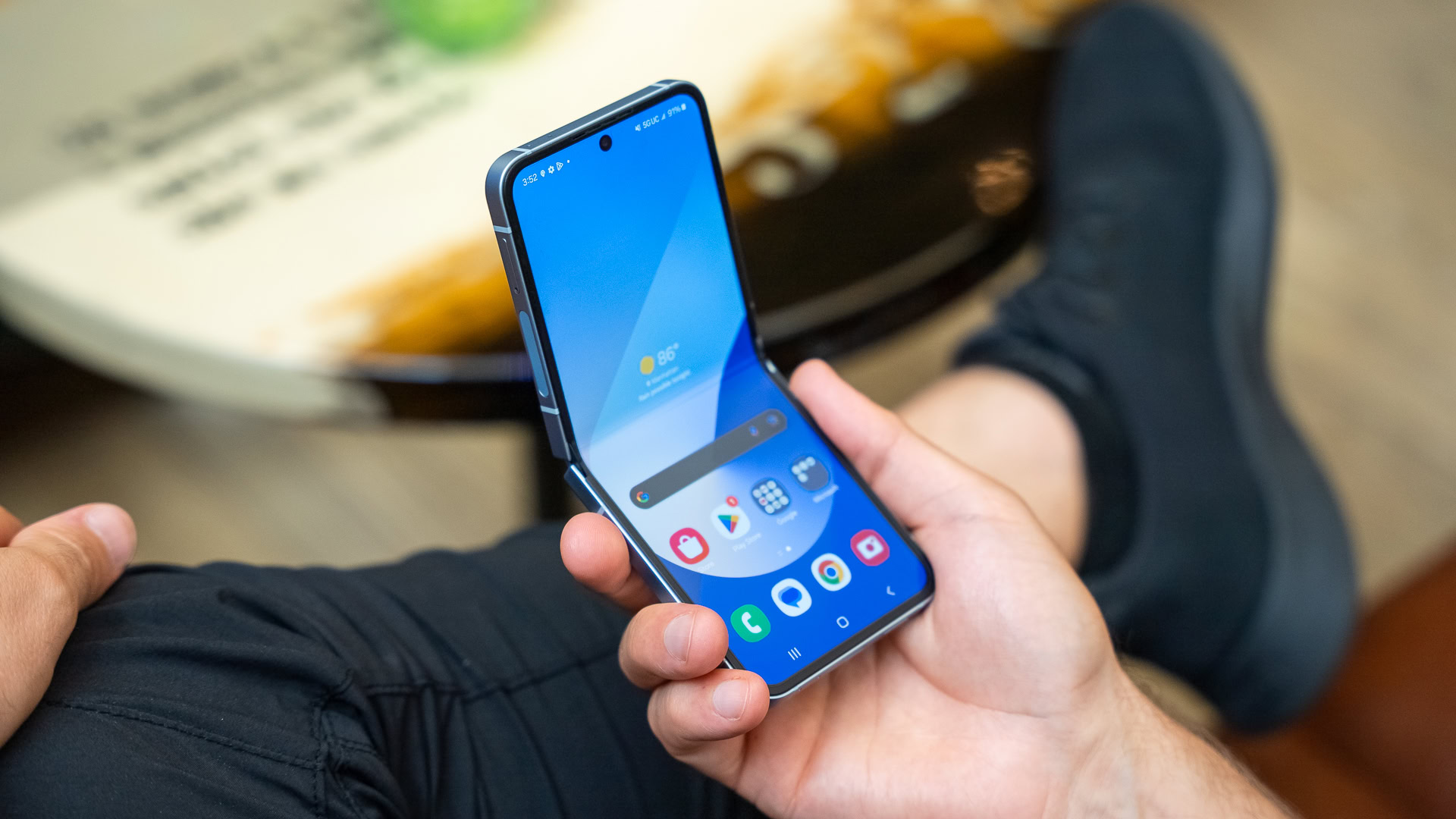
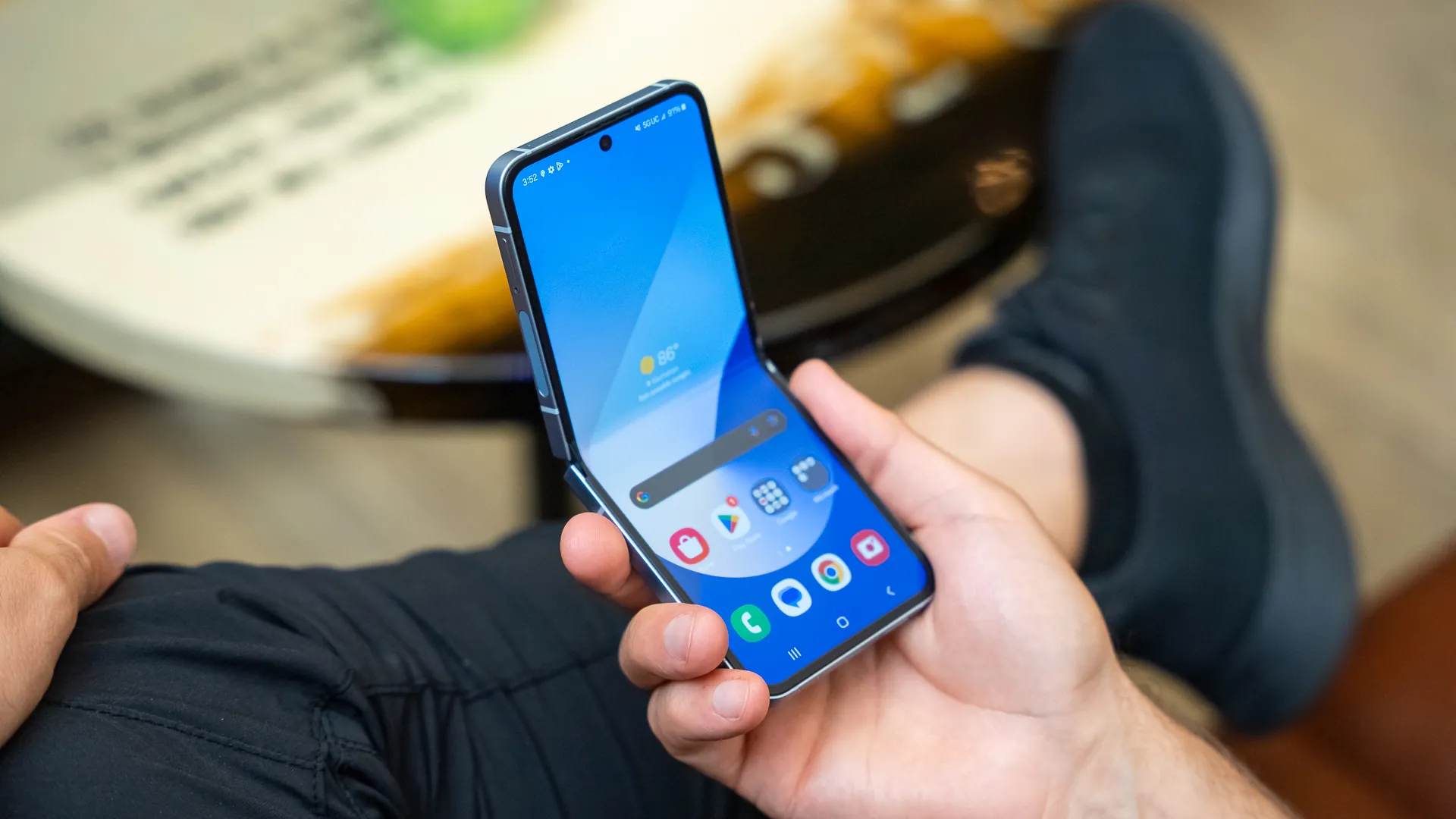
The first Apple foldable may not be a Galaxy Z Flip rival after all


Samsung Galaxy Z Flip6 04

Lanh Nguyen / Android Authority

TL;DR

  • Previous rumors indicated Apple would launch a foldable iPhone resembling a Galaxy Z Flip as early as 2026.
  • A new rumor suggests that the company may actually launch a Galaxy Z Fold rival in the second half of 2026.
  • It’s too early to tell what Apple’s first foldable will look like or whether it will experience delays.

While triple-screen foldable phones have already hit the market, Apple has yet to release its first vanilla folding device. Initially, rumors suggested the iPhone maker would launch a Galaxy Z Flip rival as soon as 2026. However, a reputable display analyst is now claiming that 2026’s Apple foldable will, in fact, compete against the Galaxy Z Fold.

Apple foldable phone rumor

When asked about the form factor of Apple’s 2026 foldable, display analyst Ross Young replied with “Fold.” This suggests that the rumored Galaxy Z Flip rival may not launch that year after all. Instead, the iPhone maker will seemingly launch a device that folds on a vertically-positioned hinge during 2026’s second half.

If Apple opts for Galaxy Z Flip competitor, it will likely run an optimized version of iOS, similar to the one fueling existing iPhones. On the other hand, a Galaxy Z Fold-like device may run an iteration of iPadOS that takes advantage of the larger screen and supports more advanced multitasking features. For reference, iPhones still don’t support multi-window views, so running the same restrictive iOS on a Fold rival would be nonsensical.

Given how Apple generally operates, it’s challenging to predict what foldable, if any, will launch in 2026. After all, the company has reportedly faced some challenges in developing a durable product that meets its high standards. So, it may change its plans during the next two years or axe them altogether.

Got a tip? Talk to us! Email our staff at news@androidauthority.com. You can stay anonymous or get credit for the info, it’s your choice.

Here’s why iPhones were rebooting themselves, according to experts


Apple iPhone 15 Pro lockscreen in hand

Robert Triggs / Android Authority

TL;DR

  • Previously, it was reported that confiscated iPhones were mysteriously rebooting themselves.
  • Experts are now piecing together the reason why these iPhones rebooted.
  • The answer appears to be linked to a new feature in iOS 18.1.

Earlier this week, it was reported that police were taken by surprise when confiscated iPhones suddenly began rebooting on their own. At the time of the report, it was unknown what could be triggering the reboot. However, experts are now starting to piece together the solution to this mystery.

When the report from 404 Media came out, we noted that there was a possibility Apple may have quietly released a security feature in the latest iOS update. We also pointed out that there was previously a bug in iOS 18 that caused iPhones to randomly reboot throughout the day. It seems that we weren’t too far off from the answer as a new report from the outlet says that experts are finding that the surprise reboots from this week are, in fact, a feature.

According to Dr. -Ing. Jiska Classen from the Hasso Plattner Institute, the tech giant gave iOS an “inactivity reboot” feature. Classen later confirmed this in a social post showing screenshots of the relevant code.

It was previously believed that the rebooting may be related to the devices being removed from the cellular network. But, according to Classen, that does not appear to be the case.

Additionally, Christopher Vance from Magnet Forensics revealed in a private group chat for law enforcement and forensic experts that they found code that triggers an inactivity timer. “When this timer runs out, the device reboots, moving from an AFU state to a BFU state,” Vance said.

This is a feature that can help prevent thieves from easily accessing user data on locked devices. But, at the moment, it seems the feature is also serving as a nuisance to law enforcement.

Got a tip? Talk to us! Email our staff at news@androidauthority.com. You can stay anonymous or get credit for the info, it’s your choice.

Apple may update Find My to let you share locations of lost items


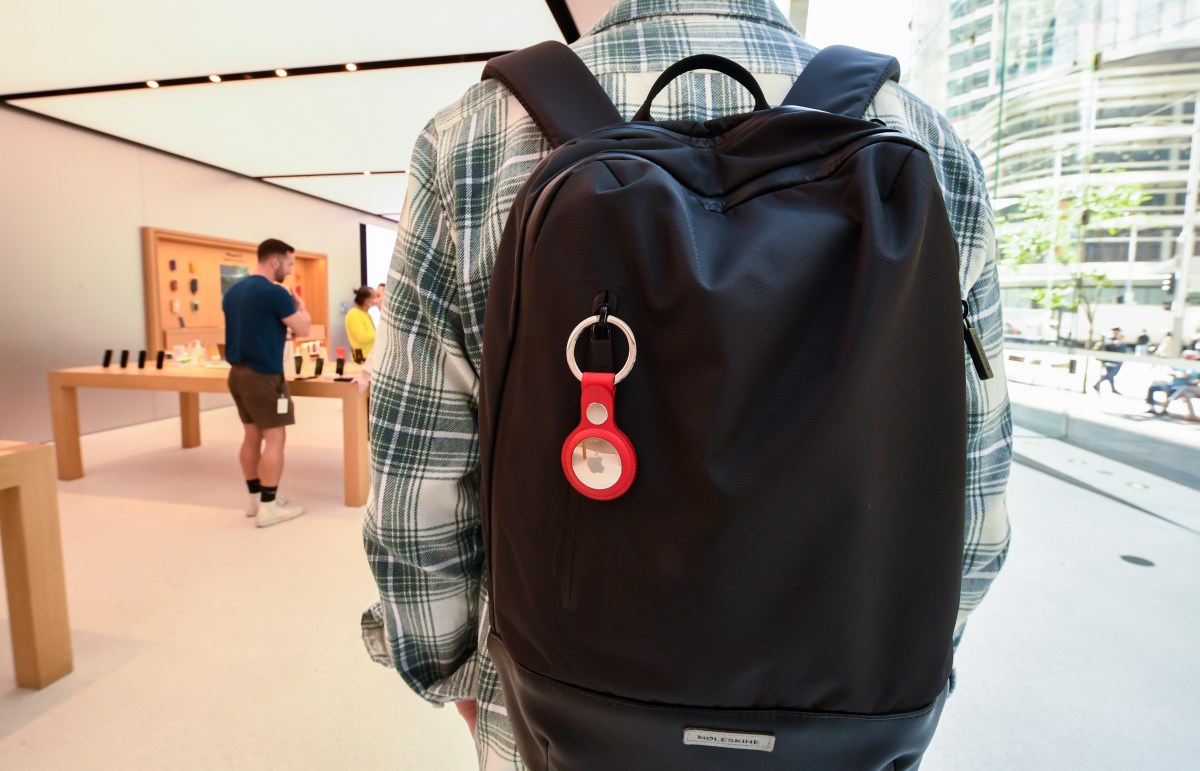
Apple could soon let users share the location of lost or missing items — such as an iPhone, Macbook, or something with an Airtag attached — via the Find My app with people who are not in their contacts using a link.

Macrumors spotted the updated feature in the iOS 18.2 developer beta, and noted that Apple says it’s intended to help locate your lost items by sharing the location with people such as a cab driver or an airline employee.

The Find My app on the iOS 18.2 developer beta has a new “Share Item Location” option, which gives you a shareable link to the location of the missing item. People can open the link on any device (including non-Apple devices) to try and track it. The link automatically expires after a week or when the item is back with you.

There’s also a “Share Contact Info” option that lets any phone connect with an item and open a website, which will show your phone number and email — if you’ve added those details to the item’s contact page. Seemingly, this is meant to help the person who finds the item contact you.

Find My already lets you share an item’s location with people in your contacts.

The update would also let users look at statistics like how many people visited the link.