Top 13 Microsoft Project Alternatives In 2024


Microsoft Project has been a staple in the project management world for many years. But, as times have changed, Microsoft Project has started to show its age. The program is no longer the only game in town, and there are now some great alternatives that offer more features and lower costs. In this blog post, we will explore five of those alternatives and see how they stack up against Microsoft Project.

Microsoft Project is the original project Management tool that essentially started them all. Developed in the early 1980s, Microsoft Project was built as a desktop application solely to track projects internally. Back in a time when projects were tracked by pen and paper (gasp!), MP burst through the door with its digital tracking.

As the years have gone by, MP has continued to develop, evolve and scale. But, while it is still widely used today, its days may be numbered. This OG project management system tried to develop and grow to combat its competitors, but it still has competitors closing in from behind. Today, new alternatives offer additional flexibility, features, and lower costs.

Let’s look at some of the top Microsoft Project alternatives looking to take the crown.

1. Hive

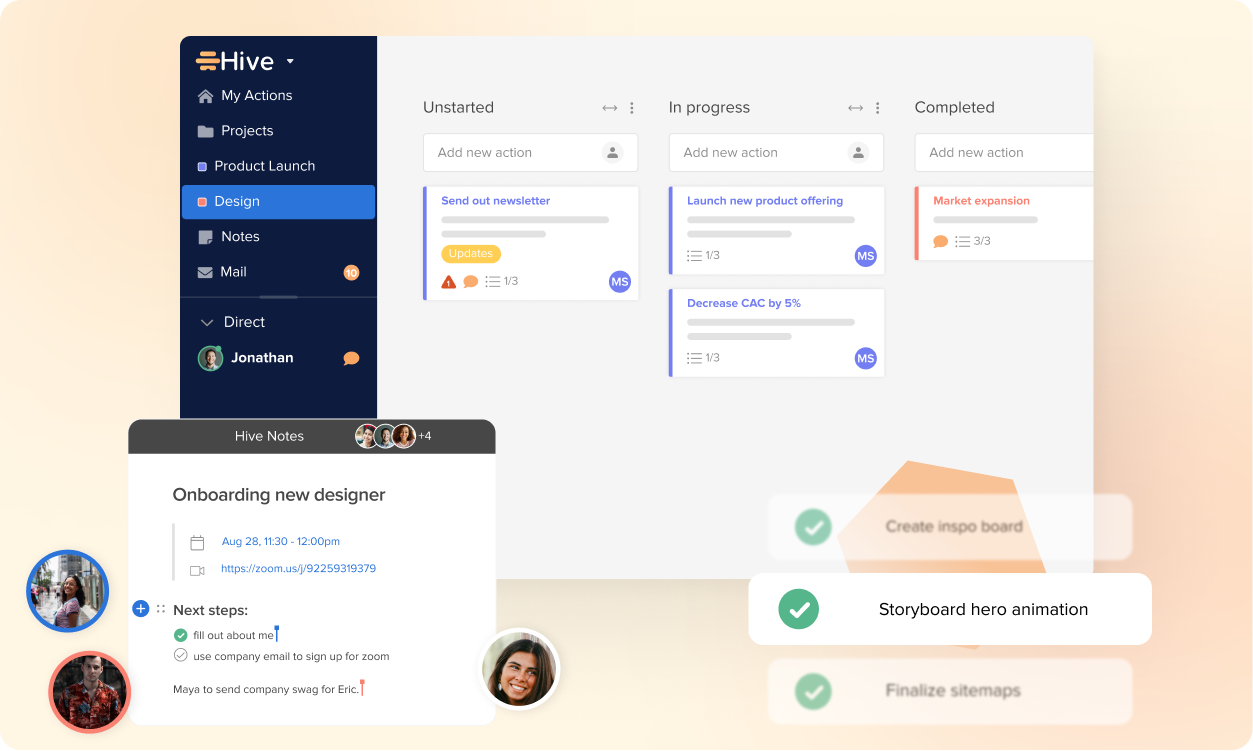
Hive task management softwareHive task management software

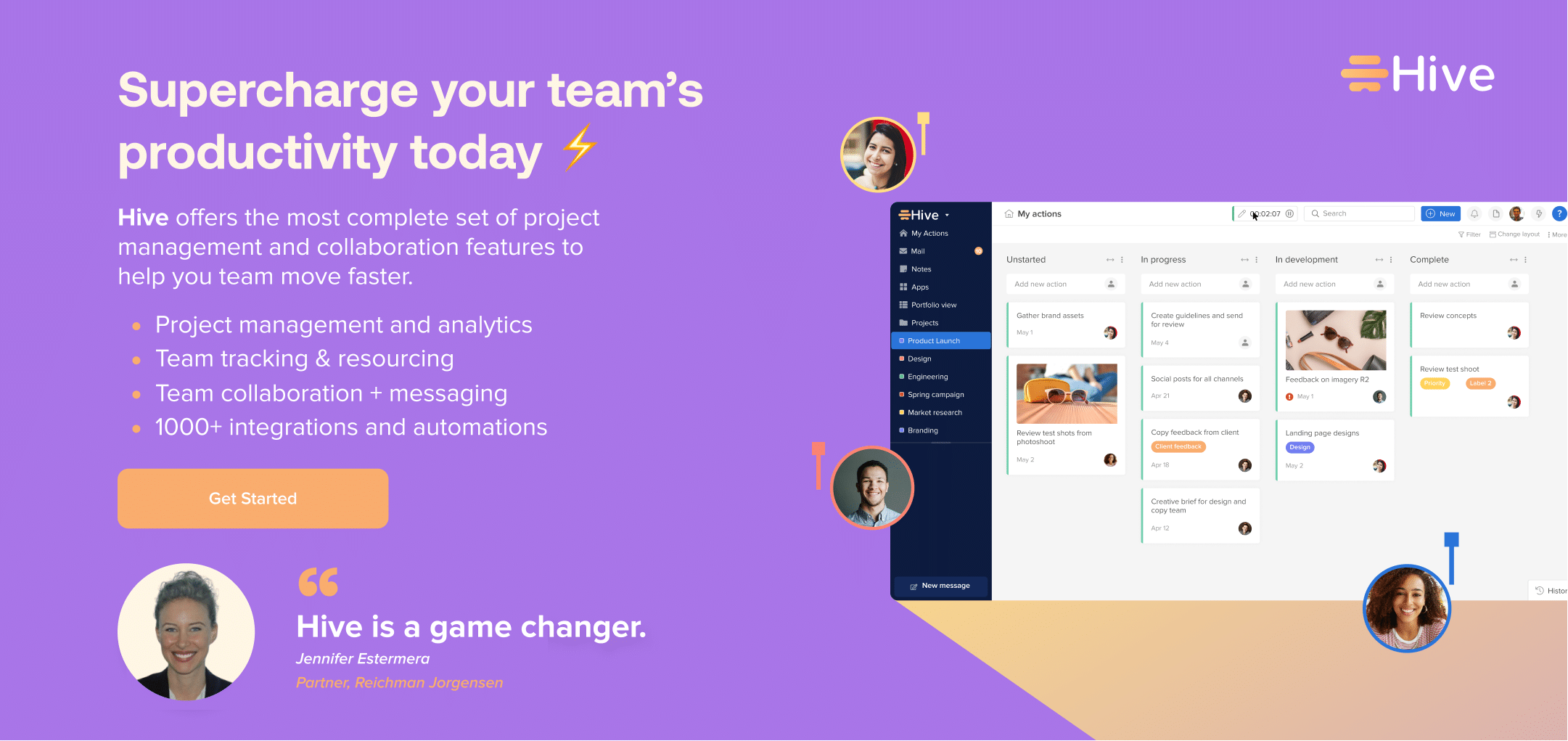
Built for users by users, Hive is a Microsoft Project alternative that can create simple workflows for complex processes. A cloud-based project management tool that offers users a variety of features, Hive is the only project management platform your large or small team needs. Built to handle resource management, time tasking, and team collaboration, this platform is beloved by project managers everywhere. 

Hive offers automated workflows, task management, file sharing, storage, and team calendars. With its simple drag-and-drop interface, you can easily add or remove team members from a project, assign tasks & deadlines, and upload files for easy access by all. 

Hive is an excellent alternative for companies that value teamwork and collaboration. It can integrate with several popular applications, such as Google Drive and Dropbox, offering more team connectivity and cohesiveness. These additional features and focus on team and collaboration set Hive apart from Microsoft Project. With Hive, teams can easily communicate and work on projects in real time. 

Key Features:

  • 7+ project views
  • Built by users and has incredible customers service and help desk
  • Time tracking and resourcing
  • Native email integrations

Pricing: You can try Hive free for 14 days. Hive also offers a free plan with limited functionality, with it’s most popular paid plans starting at $12 per user, per month.

2. Wrike

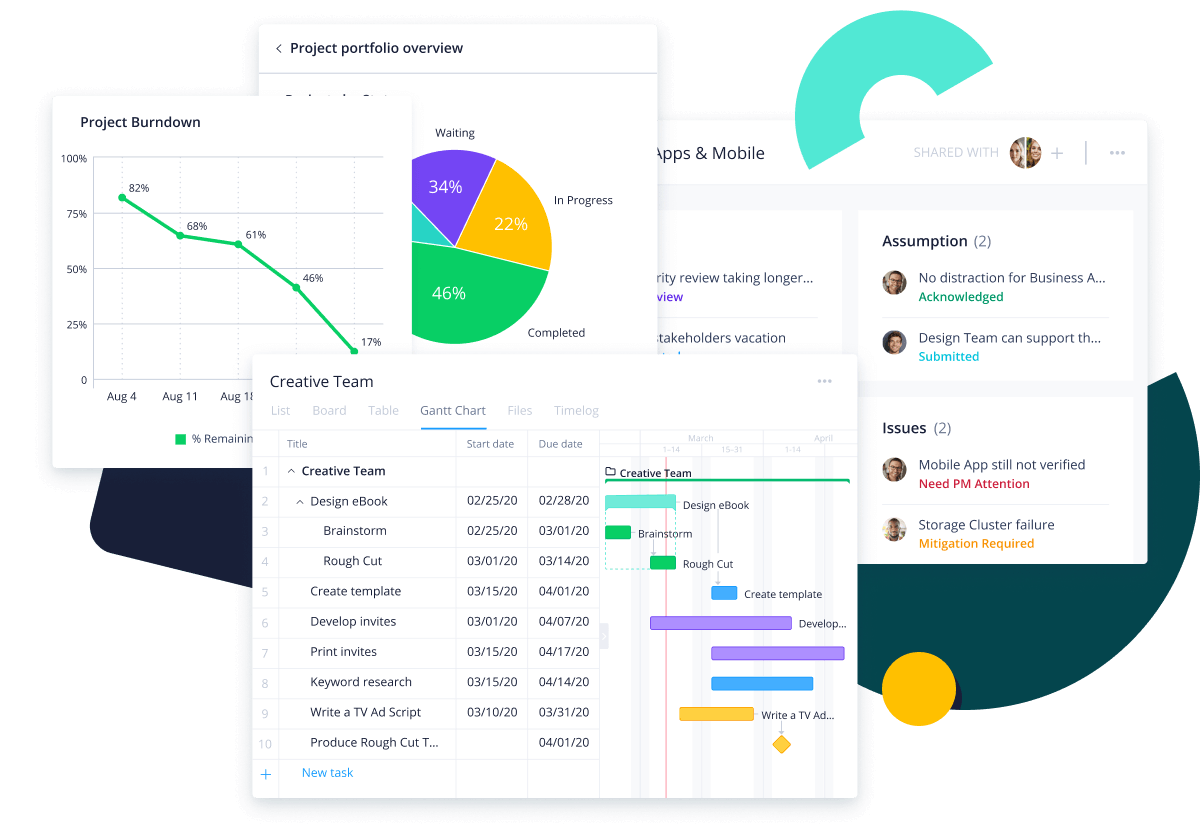
wrike - microsoft project alternativewrike - microsoft project alternative

Wrike is a favorite cloud-based project management tool that offers task collaboration, Gantt charts, and real-time activity updates. One thing that sets Wrike apart from Microsoft Project is its focus on team collaboration. With Wrike, teams can work simultaneously on tasks, share files, and leave comments for each other. 

This comment tool makes Wrike an excellent choice for teams that need to work together closely on projects. Wrike also has a built-in activity stream that helps organizations stay organized and keep mentions and comments in one streamlined location. 

Key Features:

  • Gantt charts for projects
  • Shareable dashboards
  • Integrations
  • Customizable work stations

Pricing: Wrike’s paid plans start from $9.80 per user/month.

Comparison: Read about these top alternatives to Wrike for more information.

3. Trello

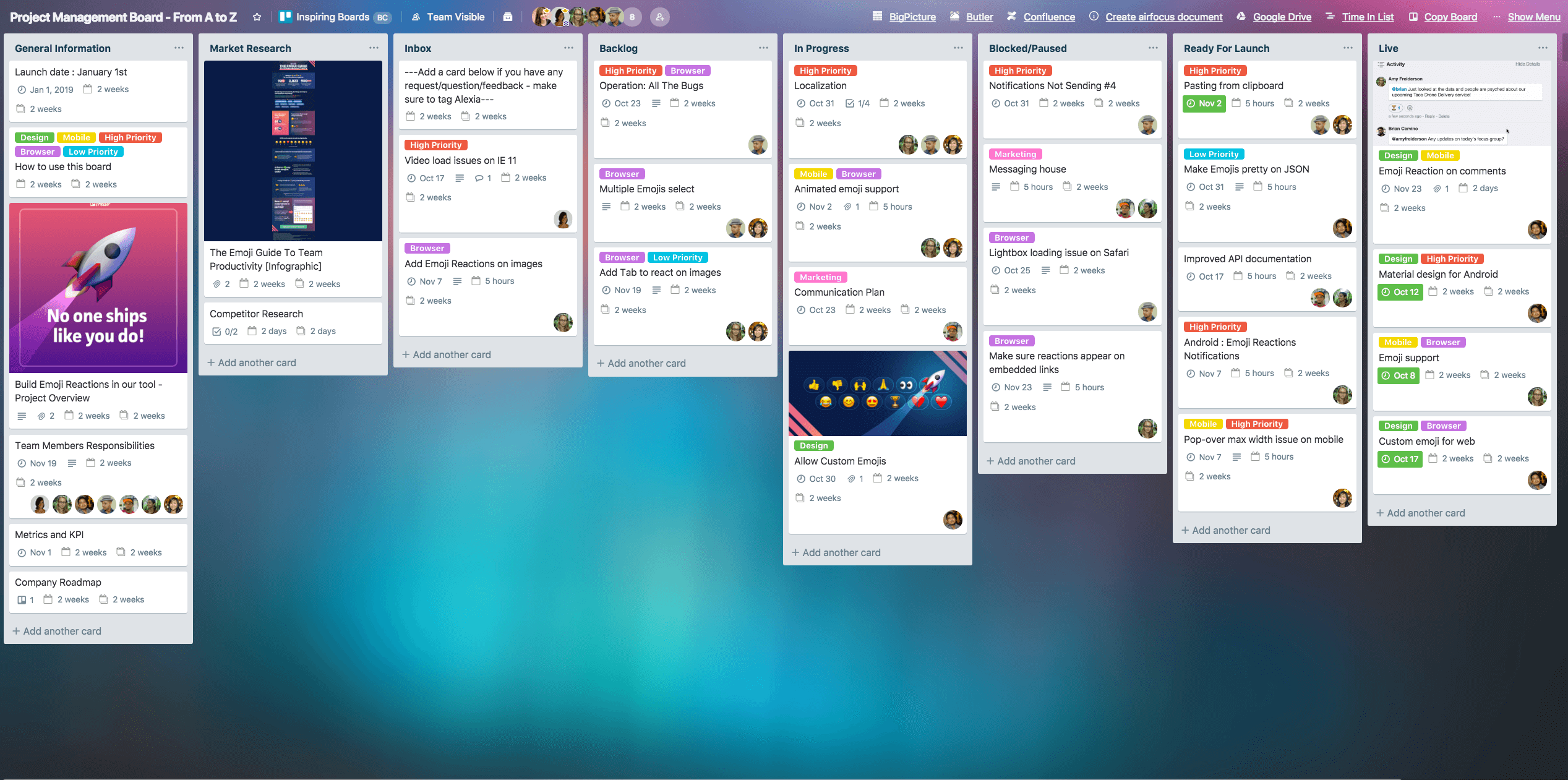
trello - microsoft project alternativetrello - microsoft project alternative

Trello couldn’t be more different than Microsoft Project, but it gives you a better idea of what is out there and how MP influenced these newer platforms. With Trello, you have a cloud-based project management tool, but it takes a different approach than Microsoft Project. For example, Trello uses a Kanban board approach to project management, which is an excellent way to visualize progress on a project.

While Microsoft Projects is still relatively rigid and challenging to learn, Trello is intuitive and easy to understand. It also offers tasks assignment, file sharing, and team collaboration. In addition, it is an affordable option for smaller teams with its flexible pricing structure. It is beloved by individual users and small businesses looking for a low-cost and easy to use project management platform.

Key Features:

  • Kanban board approach
  • Flexible pricing
  • Integrations
  • Resource Allocation
  • Built-in budgeting and financial summaries

Pricing: Trello offers a free plan and paid standard plans starting at $5 per user/month.

Comparison: To learn more, check out these great Trello alternatives with similar features.

4. nTask

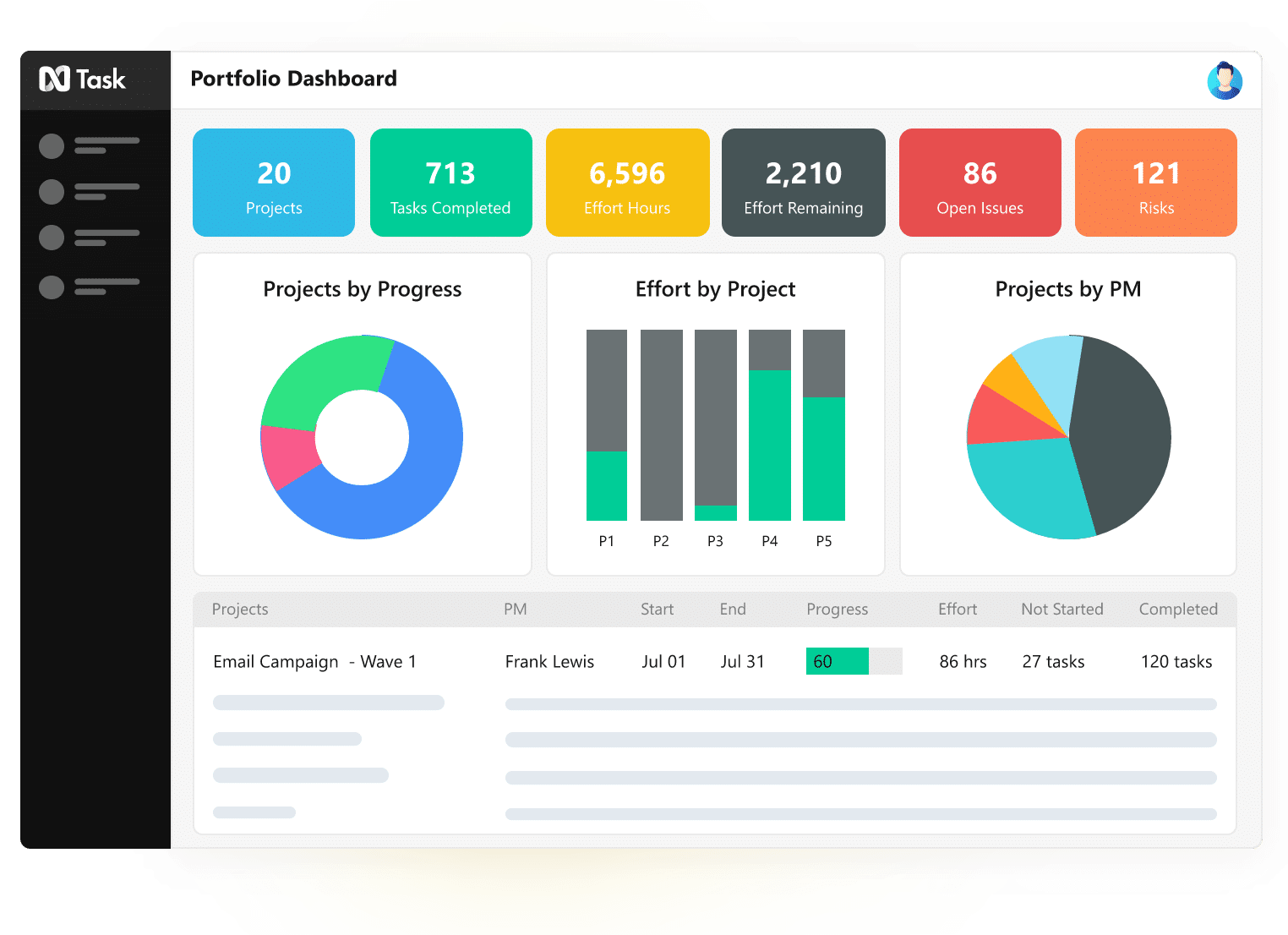
ntask - microsoft project alternativentask - microsoft project alternative

nTask is an online collaboration platform with a similar look, feel and cadence to Microsoft Project. Using nTask, users can task and track projects and meetings and easily manage resources, risks, and more. nTask offers Gantt chart formatting to visualize your projects, and uses a simple drag-and-drop functionality to move and set tasks. 

One of the best aspects of nTask is that it can be used for almost any business or industry. Built with a robust bug-tracking tool that can track, assign, prioritize, and fix bugs & issues faster, nTask is suitable for agile project management and software-building companies. nTask can also be the perfect fit for creative agencies with built-in time tracking and collaboration tools. 

Key Features:

  • Gantt charts
  • Resource management
  • Built-in time tracking tool
  • Bug tracking tool
  • Simple drag-n-drop functionality

Pricing: Free for unlimited tasks, projects, and team members. Paid plans start at $8 per user/month.

5. Zoho Projects

zoho projects - microsoft project alternativezoho projects - microsoft project alternative

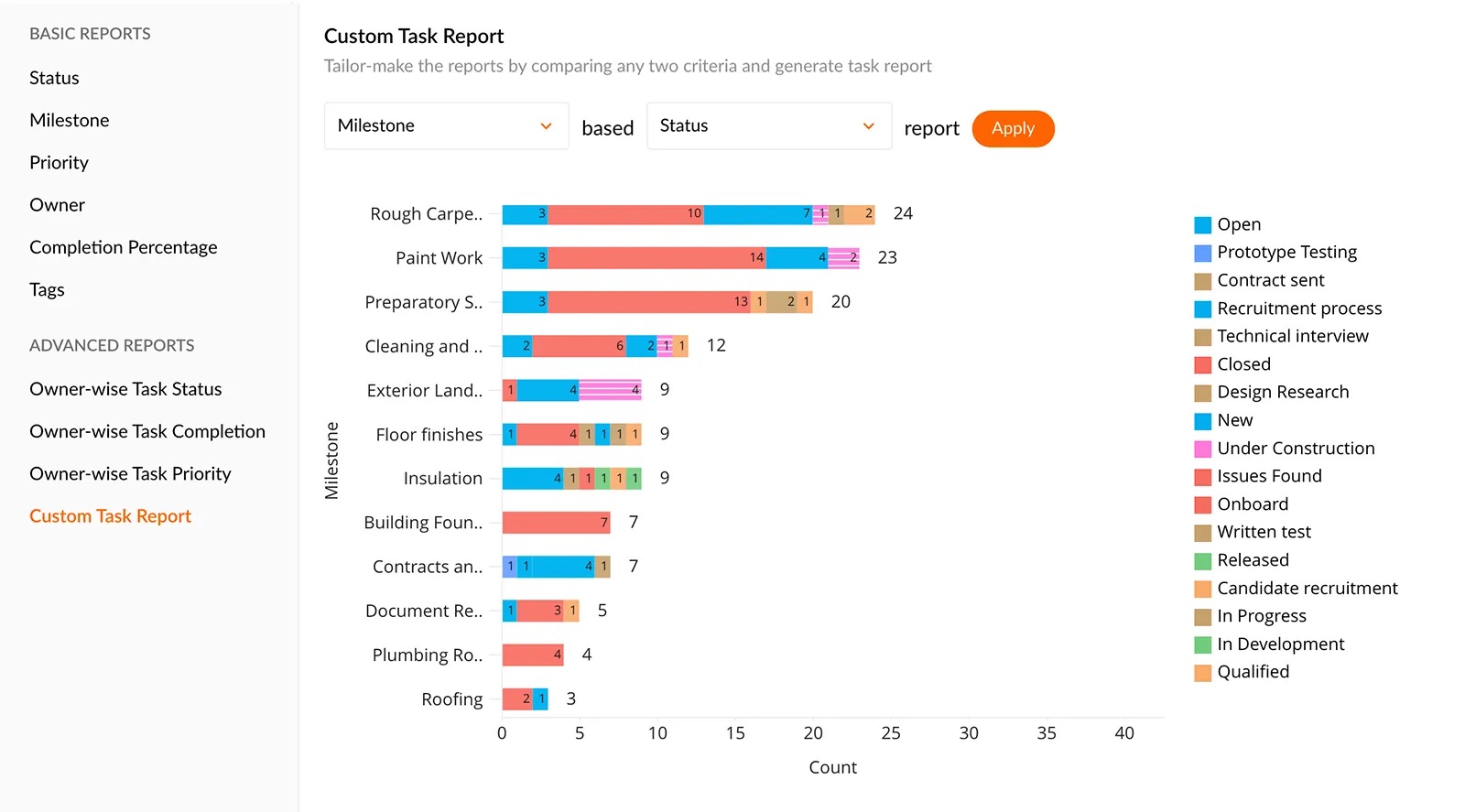
This Microsoft Project alternative is a cloud-based tool for small or medium-sized companies. With Zoho Projects, you can break each project down into bite-size pieces better suited for your team members. In addition, Zoho can task and subtask projects and keep track of who is working on what within the activity pipeline.

It works to connect teams to foster productivity and efficiency. It has built-in timesheet functionality with a reporting feature so you can see how long each task takes team members. Unfortunately, Zoho is still missing functionality to manage multiple projects at a time, so it isn’t as robust as some of the other options on this list – but for the price, it’s pretty darn great.

Key Features:

  • Resource management tools
  • Page-specific project boards for communication 
  • A robust offering of charts and reports
  • Timesheets and time tracking on individual tasks
  • Gantt charts & Kaban boards for visualizing

Pricing: Zoho projects facilitate free and multiple paid plans. The paid plans begin at $5.

6. ClickUp

clickup microsoft project alternativeclickup microsoft project alternative

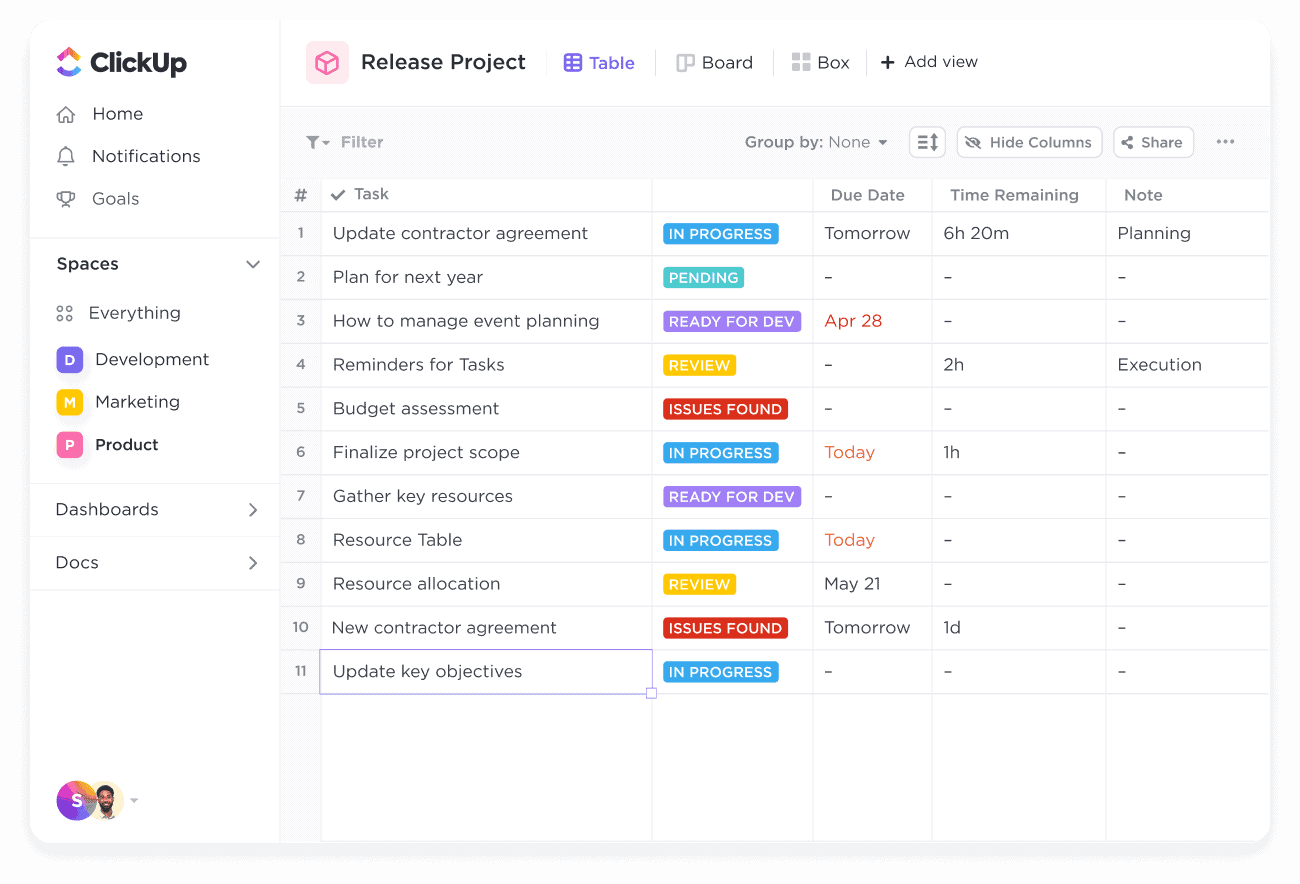
ClickUp is another great project management alternative to Microsoft Teams, offering users streamlined project and task management, track progress, and easily communicate within teams. It provides a user-friendly interface with intuitive navigation. In comparison to Microsoft Teams, ClickUp is superior for offering the flexibility of customer service via phone, as well as video tutorials — two important services when it comes to employee onboarding and adaptation.

Whether you’re managing projects, tracking tasks, or collaborating on documents, ClickUp’s robust feature set makes it suitable for various industries and business types.With flexible pricing options, including a free plan for unlimited tasks, projects, and team members, ClickUp offers a cost-effective solution for teams of all sizes. To see how ClickUp stacks up against other tools on the market, check out our complete guide to ClickUp alternatives.

Key Features:

  • Task and project management
  • Team collaboration and communication tools
  • File sharing and document management
  • Time tracking and reporting capabilities
  • Integration with popular tools and apps

Pricing: Free plan available for unlimited tasks, projects, and team members. Paid plans start at $5 per user/month.

7. Smartsheet

smartsheet - microsoft project alternativesmartsheet - microsoft project alternative

Smartsheet is a strong alternative to Microsoft Project by offering similar project management capabilities in a more intuitive, user-friendly interface. The tool uses a spreadsheet format, making it approachable to users who are already familiar with Excel. However, Smartsheet’s functionality extends beyond spreadsheets and offers effective project management capabilities. It enables easy collaboration, real-time updates, and automations that can streamline your project workflows.

Smartsheet is flexible and can adapt to a wide variety of project types and industries. It gives you the ability to quickly view your project data in multiple ways – from grid to Gantt chart to card view – providing versatility that Microsoft Project may lack. However, some users may find that the large set of options and flexibility can also make it a bit overwhelming to set up and manage. And while it certainly offers plenty of functionality for most users, Smartsheet may not be as robust when it comes to complex project scheduling and management, an area where Microsoft Project is known for having in-depth capabilities.

Key Features:

  • Real-time collaboration
  • Automation options
  • Comprehensive reporting
  • Integration with dozens of tools
  • Mobile apps for iOS and Android devices

Pricing: Smartsheet offers a free plan for one user and up to two editors. There’s a Pro plan available for up to 10 users for $7/user/month and a Business plan that gives access to unlimited users for $25/user/month.

8. Asana

asana - microsoft project alternativeasana - microsoft project alternative

If your needs for a project management software are of a small or medium company, Asana can be a great alternative to Microsoft Project. The tool has a flexible and user friendly interface with all the customization you would like. It features a “My Tasks” list, which auto-promotes tasks based on due dates, helping you prioritize and focus on what needs to be done now, and the sections and columns layout support Kanban, list, or matrix-style workflows. Asana also has a “Focus Mode” that encourages deep work by minimizing distractions, enabling you to work faster and more efficiently. 

The ability to automate and integrate with different apps is one of the reasons why Asana stands out in comparison to Microsoft Project, along with its Basic free package plan. For more functionality, Asana also offers Premium, Business, and Enterprise plans. Microsoft Project does not have a free-forever plan, instead only offering a free trial. When the free trial period ends you’ll then need to choose one of their 8 various paid plans.

Key Features:

  • Project timelines and calendars
  • Pre-built templates
  • Task dependencies
  • Automation rules
  • Integrations with over 100 other apps
  • Workload view to monitor and manage the workload of team members

Pricing: Free basic plan with limited features, Premium plan starts at $10.99 per user/month and Business plan starts at $24.99 per user/month billed annually. 

Comparison: Not sure if Asana is the right tool for your company’s needs? See our list on “Best Asana Alternatives For Project Management” to see how the tool compares with others.

9. Monday

Monday.comMonday.com

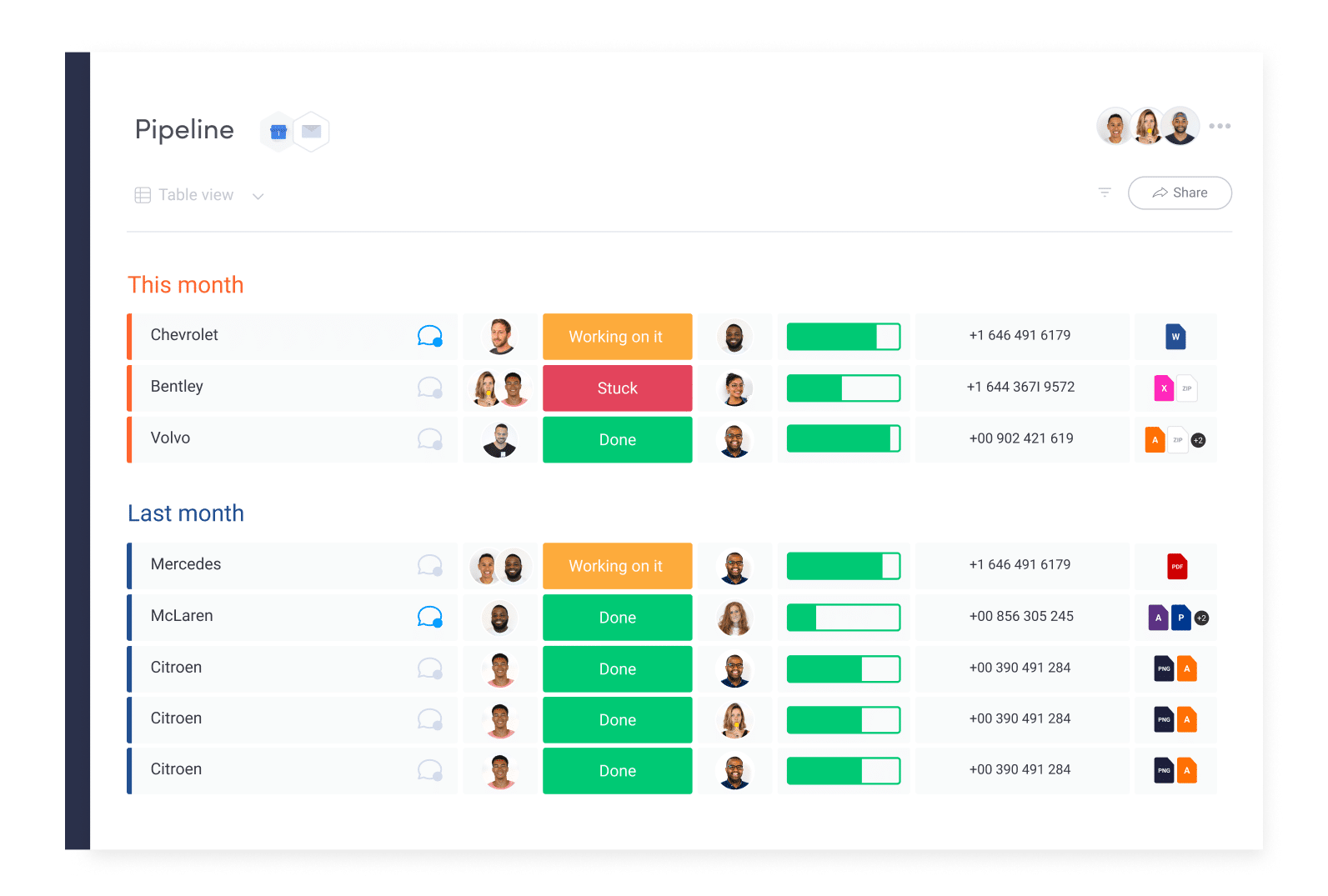
Monday.com is a great alternative to Microsoft Projects if you are looking for a functional yet clear way to manage your projects. Monday has robust collaboration features, including chat, file sharing, real-time comments and feedback while Microsoft Projects is more basic, offering only task assignment and commenting features. Monday is also more user-friendly and customizable than Microsoft Projects, which might be something to consider when switching project management software: you definitely want to have a small learning curve.

Monday also offers task management, dependency tracking and several app integrations, such as Slack, Jira, Dropbox and HubSpot CRM. Monday.com has native social media management and free educational webinars for all subscribers. The project management software has a feature called “panic button”, which allows users to lock down the entire account to protect data in case the account gets compromised. Plus, Monday has a free plan while Microsoft Project doesn’t. 

Key features: 

  • Boards & Columns
  • Tasks automation
  • Checklists
  • Apps Integration
  • File views, kanban views, form views, chart views

Pricing: Monday.com has a free plan for up to 2 users with some feature limitations. Basic plans start at $8/user/month. Get a 14-day free trial. 

Comparison: Not sure yet if Monday is the best alternative for your company? Check out how Monday.com compares to other project management tools on the market.

10. GanttPRO

GanttPRO online Gantt chart softwareGanttPRO online Gantt chart software

GanttPRO is a project management software is an enticing alternative to Microsoft Project due to its flexibility, navigability and affordability. Differently from Microsoft Project which is desktop-based, GanttPRO is cloud-based offering a better solution for remote teams. The platform offers a good solution when making scheduling, and tracking complex projects. GanttPRO’s interface illustrates the timeline of a project, dependencies between tasks, and the allocation of resources in a clear way. GanttPRO is way easier to onboard new team members than Microsoft Projects, known for its steep learning curve. Small and medium-size businesses might be just fine with GanttPRO features and capabilities, but if you are choosing a project management solution for a large company, you might want to consider one of the other alternatives in this list.

Key features:

  • Cloud-based platform 
  • Beautifully designed and affected Gantt chart Gantt views 
  • Time and resource tracking 
  • Integrations with third-party applications

Pricing: GanttPRO paid plan starts at $7.99 per users/per month, and accommodates up to 5 users with limited features.

11. Scoro

scoro kpi-dashboardscoro kpi-dashboard

Scoro is an alternative Microsoft Projects especially if you are looking to simplify your process and onboard your entire team at ease. While Microsoft Projects is great, there’s a moderate learning curve and the tool can become quite complex if you are not familiar with project management capabilities. On the other hand, Scoro is easy to use while offering powerful features to speed performance.

Key features: 

  • KPI real-time dashboard 
  • CRM 
  • Time tracking
  • Gantt view and Kanban board view
  • Issue management

Pricing: Scoro’s pricing begins at $26 per user/month for a minimum of 5 users. The Essential plan includes projects, calendars, task list & task board, contacts & customers, quotes, invoices & receipts, bills, dashboards and summary of financial reports.

12. LiquidPlanner

LiquidplannerLiquidplanner

If you are looking for a Microsoft Project alternative for a small or mid-sized company, LiquidPlanner might be a good solution. It offers flexible and easy-to-use features for project management, although its scheduling capabilities and reporting capabilities are not as powerful as Microsoft Project. However, LiquidPlanner offers the flexibility of being a cloud-based project management system, which makes it appealing for hybrid and remote teams. While LiquidPlanner is a good choice for companies in industries such as IT, software development and marketing, Microsoft Project is a popular choice for construction managers, engineering and manufacturing. 

Key  features: 

  • Time-tracking
  • Task management
  • Gantt chart view
  • Budgeting
  • Risk management
  • Portfolio management
  • Integration with other project management tools

Pricing: LiquidPlanner is a subscription-based tool with a free trial option. LiquidPlanner essentials plan costs $15 per user/month. Its professional plan has more powerful planning tools and costs $28. In comparison, Microsoft Project offers a perpetual license option, which means you pay an upfront fee for Microsoft Project and will need to purchase a software maintenance subscription to receive updates and support.

13. Basecamp

While Microsoft Project was founded in the early 80s’, Basecamp started off in the early 2000’s. These two decades gave this project management platform an opportunity to deliver better user-experience in comparison to MP. Although Basecamp is a no-code platform, there’s a lot of controversy about its flexibility, customization, integration and overall user experience. On the bright side, Basecamp offers templates, group chat, inbox notification, built-in time tracking, the ability to assign priority levels to tasks, and generates data reports.

Key features:

  • Templates
  • Group chat
  • Inbox notification
  • Time tracking
  • Reporting

Pricing: Basecamp used to have a free plan with limited features and a flat fee of $99, but those years are over. Now, the tool offers a $15 plan, per user billed monthly with limited storage and a month-to-month contract, which might be appealing for freelancers, starters and smaller teams. Growing business, however, would need to pocket $349 a month to use its Pro Unlimited plan. If your company wants to save some bucks, the option is to get billed annually and pay $299 a month. 

Comparison: If you are unsure if this is the best free project management software for your team, check out our guide for Basecamp alternatives.

Bottom Hive BannerBottom Hive Banner

After iPhone, Apple could bring alternative app stores to iPads in the EU


apple ipad air 2022 5th gen screen

Oliver Cragg / Android Authority

TL;DR

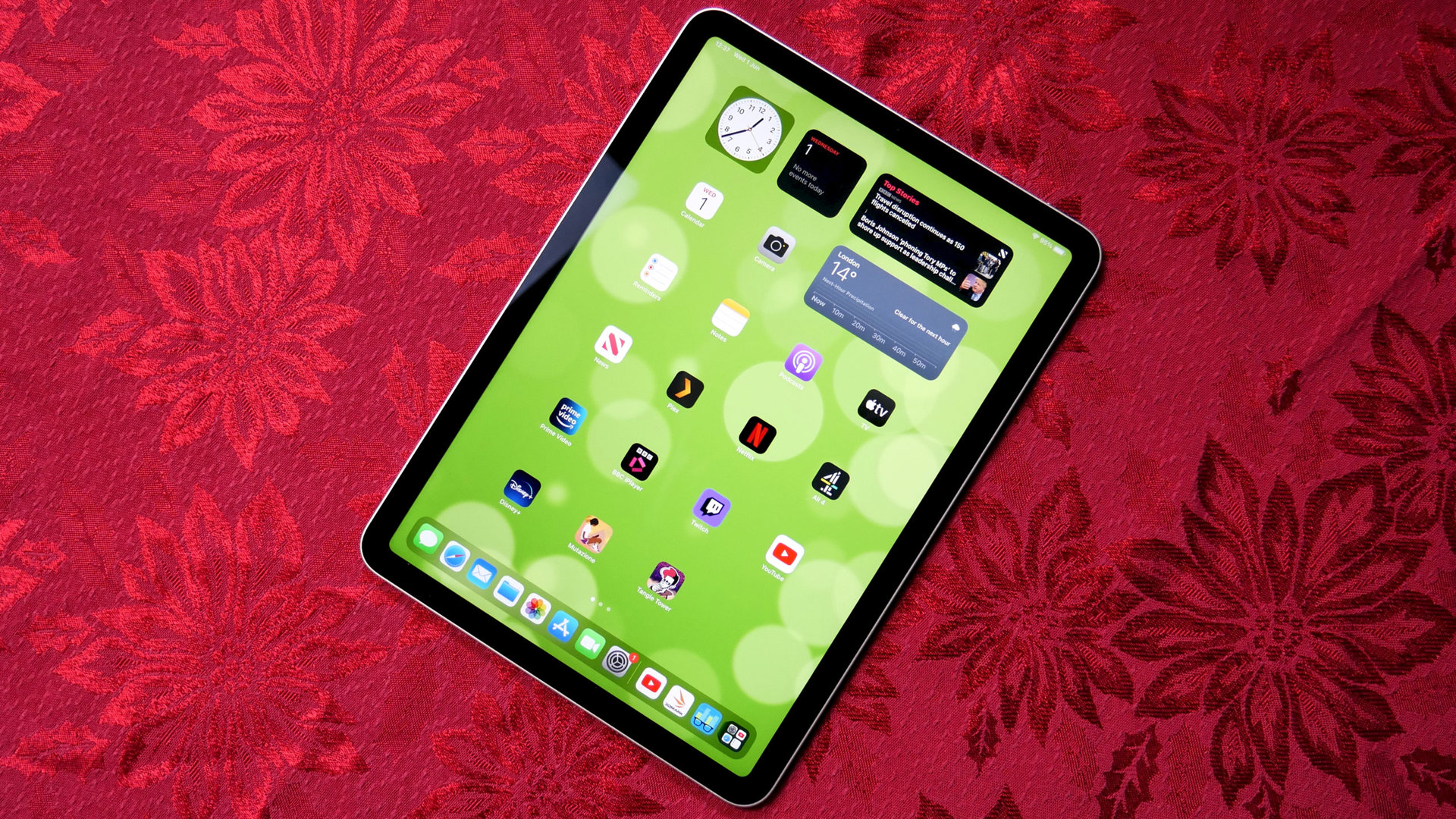
  • The European Union’s Digital Markets Act (DMA) will now affect the iPad, and Apple could be forced to make some core changes to iPadOS.
  • Through iOS 17.4, Apple rolled out support for alternative app stores, non-WebKit browser engines, and other features on iPhone to comply with the DMA.
  • It’s yet to be seen how Apple will proceed, but bringing the EU-exclusive iOS features to iPadOS may be the most realistic course of action.

Last month, Apple released iOS 17.4 with support for alternative app stores, third-party, non-WebKit browser engines, and other features to comply with the EU’s DMA. Notably, these EU-exclusive features didn’t make it to iPadOS 17.4, as the DMA, at the time, didn’t encompass the iPad. That, however, may have just changed.

According to Bloomberg, the EU has drawn the latest iPads under the DMA’s scope, and Apple has six months to comply. When the tech overlord makes the requested changes, EU-based iPad users should be able to rely on third-party app stores and uninstall more of Apple’s built-in apps.

Considering that iOS and iPadOS share the same foundation, bringing the iPhone’s EU-only features to the iPad likely won’t take Apple as much time or effort. However, the recent changes made on iOS are still under review and may not necessarily comply with the DMA.

After all, multiple companies and developers have voiced their frustrations over Apple’s updated EU terms, which discourage them from hosting their applications outside the official App Store. These terms include a hefty Core Technology Fee that Apple charges annually for each app installation count.

Since Apple tweaked iOS to comply with the EU’s DMA, it’s safe to assume that it will implement similar features on the iPad. However, it’s currently unclear whether these potential changes will be included in an iPadOS 17.x update or be pushed until iPadOS 18.

Got a tip? Talk to us! Email our staff at news@androidauthority.com. You can stay anonymous or get credit for the info, it’s your choice.

You might like

Best $2000 gaming PC build 2024


What You Get For Your $2000

For $2,000, there’s no doubt you’ve entered the realm of high-end PC gaming. This build comes packed with a ton of premium features. From a potent processor to an unstoppable GPU from Nvidia, and some of the latest and greatest PCIe 4.0 storage from the likes of Western Digital, you’ll be more than well-equipped to take on any AAA 4K game imaginable. At this price, we’ve also made sure this build features an impressive X670 motherboard, just to tie the system together. 

We mentioned earlier that this build features one of the current best GPUs from Nvidia, and that comes in the form of an RTX 4080. So you need to bear in mind that this GPU requires a 12VHPWR cable,  because of that, we’ve specifically paired this with one of CORSAIR’s latest RM850e 2023 PSUs, which comes, as standard, with a direct 12VHPWR cable included.

That aside, the RTX 4080 is an absolute beast, across our testing, we regularly saw framerates hit over 100 fps in multiple 4K games, with lows hovering around the 70 fps mark, well above that 60 fps sweet spot. Although affordable high-refresh 4K gaming monitors aren’t available just yet in mass, it’s good to know that the RTX 4080 has your back for when they are available in more of a mainstream market.

Aside from the GPU, the AMD Ryzen CPU also makes this gaming PC sing, while also delivering incredible performance in all of those processor-heavy games and tasks.

Even though you’re set on spending around $2,000 it is still important to check it’s the right budget for your gaming needs. For the hardcore gamers out there who just can’t get enough of high-fidelity AAA games, this $2000 build is going to have your back for a considerable amount of time. For the casual gamers out there who play less intensive games and aren’t quite interested in 4K gaming, you may want to consider one of our other build options. It is important to remember that the prices on Amazon can fluctuate and bring the build slightly over or under budget.

Can you upgrade this $2000 gaming PC build?

Of course you can, unless you have the best of the best, there’s always room for improvement. The first component we would suggest upgrading would be the CPU, as formidable as the Ryzen 7 7700 is, there’s better out there, and something like a 7800X3D might be better suited if you’re a pure gamer. Remember, with any upgrade comes extra costs, which will almost always push you over budget. If you’ve left room in your budget for upgrades, then you should always try and improve your system to best suit your needs.

Overclocking on a $2000 budget

Being a high-end PC, we know that there will be some overclocking going on. This is why we have carefully selected products that have massive potential for manual overclocking. Our AMD CPU of choice features incredible overclocking potential, we’ve even picked out a strong X670 motherboard to support that endeavor. Remember to consider a CPU cooler upgrade if you start overclocking your processor as it will run considerably hotter.

We also recommend ultra-fast RAM, which a lot of motherboards simply cannot handle, so we have made sure to include boards that will cope with an XMP overclock to the faster DDR5 speeds of 5600MHz and above. It is worth noting that your fast RAM will often come out of the box at a lower speed, so make sure you enter your BIOS settings and overclock it to its full potential.

Finance and purchase options

We know that $2000 is not a small amount of money, but you might need to replace a broken quickly but not have the capital to buy it outright. We are not recommending you get into debt, or offering financial advice, but in 2024, many PC parts retailers offer “pay in 3” or 0% finance options to spread the cost of your components or upgrades. You can always browse the second-hand market if you’re looking to save a little extra money.

When looking at second-hand hardware, always make sure you ask for proof of working order, and if you can, go to them and test yourself. Most components are fine to purchase secondhand, but there are a couple we would recommend staying away from. These components are HDDs and PSUs.

Build a gaming PC by price

Check out some of our price-focused custom PC build guides below.

Other Related Custom PC Guides:

Related Prebuilt Gaming PC Guides

Check out some of our related guides below.


Have You Tried: Looking Back at a Year of Tips | AutoCAD Blog


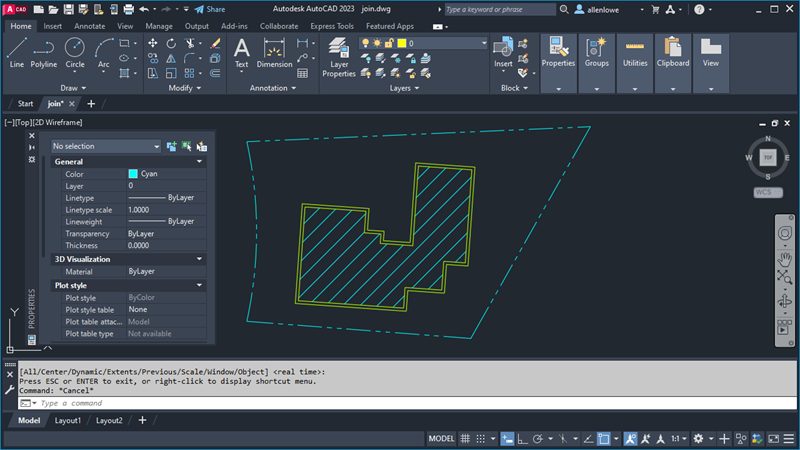
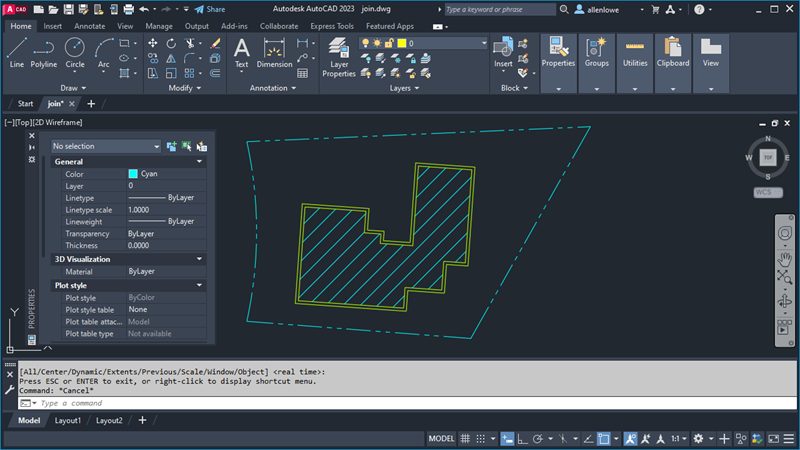
AutoCAD screenshot

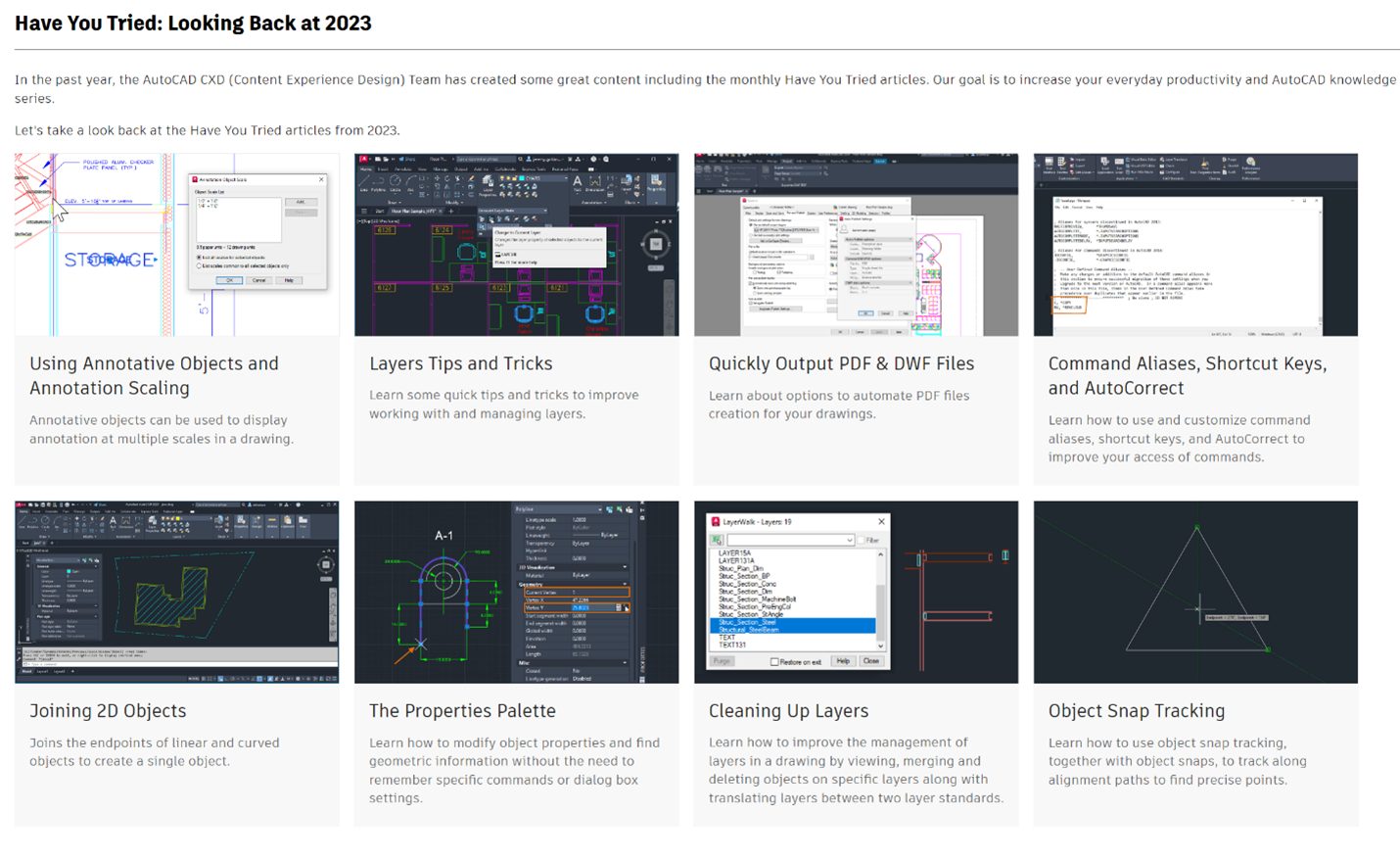
Last year, the AutoCAD CXD (Content Experience Design) team put together eight “Have You Tried” articles that focused on increasing the everyday productivity and knowledge of our users. We covered topics ranging from quickly outputting PDF and DWF files to cleaning up layers. 

Our first “Have You Tried” article this year is a look back at these articles. As you check out this collection from 2023, we hope you’ll not only remember the skills you’ve learned, but also be inspired to continue learning in 2024.

AutoCAD 2024 Help | Looking Back at 2023 | Autodesk

We’re looking forward to sharing more knowledge in our 2024 “Have You Tried” series. As always, thank you for reading and learning with us.

Keep the Feedback Coming

Your feedback helps us improve the topics in the AutoCAD Online Help system.

The best way to submit feedback is by using the “Was this helpful?” section located at the bottom of every Help topic. Let us know what you like or don’t like about a topic or provide suggestions for other subjects that you’d like to see covered in greater detail. The more specific your comments, the better.

How BI technology can help


Imagine that in 2017 someone is still actually posting letters because they think email is difficult and costly. Each time they have to bring their letters to a post office, where later a postman collects them to deliver. Delivery then takes at least a few days, while emails could be exchanged instantly. Inefficient and time-consuming, isn’t it? It’s surprising, but this is what some companies do when they overlook software for cash flow analysis and choose to carry on with Excel-based manual data processing.

BI consulting practitioners break the stereotype that only big companies need tech-based cash flow analysis and forecasting. In fact, midsized businesses need them too to keep track of their cash, and do it efficiently. Long gone the time when companies had no other alternatives than to go through the effort of using several Excel files, matching and filtering them manually to get a comprehensive picture. Now, the technology is convenient and affordable.

Cash flow analysis: How BI technology can help

What can be analyzed?

A cash flow analysis answers a range of questions. For example, a real estate developer can check if there is enough cash to invest in a new project; a manufacturer whether external funding is needed to revamp the plant machinery; a retailer how much money is buried in stock; a bank if the cash flow is adequate to meet the liquidity coverage ratio.

These are just practicalities. The main question is whether a cash flow is sustainable.

To enable a comprehensive cash flow analysis and forecasting, a company can aggregate data from numerous sources:

  • Cash flow history
  • Planned and actual operating expenses and capital expenditures
  • Accounts receivables/payable balances
  • General ledger data

Besides, all the figures can be taken directly from the ERP modules (finance, accounting, sales, human resources, etc.). This means that all the values are kept up-to-date and can automatically turn from forecasted to actual, whenever confirmed.

The challenges solved with technology

Cash flow planning and forecasting

Cash flow analysis software will equip managers with timely, accurate and easy-to-use reports and charts giving an overview by geography, branches, bank account, etc. Cash forecasts can be generated automatically as frequent as necessary (daily, weekly, quarterly or monthly), as well as on demand. With such forecasts, financial managers will get an advance warning of cash shortage or surplus and will have time to take some actions (for instance, invest in company’s growth if there is free cash).

Project-level view

Big projects, both internal and for customers beyond the organization, may influence cash flow dramatically. Financial managers cannot treat big projects as black boxes, they need to look inside. For any project, it is necessary to know its duration, cost of each stage, terms of payment (prepayment or payment determent; a lump sum or by installments). Data analysis contributes to both an accurate cash plan and successful project implementation.

Risk management

With cash flow analysis software, a company has a reliable tool to manage risks. For example, a manufacturing company operates at a profit (its P&L says so) and wants to increase its production volume. However, the company’s cash flow forecast shows that there is not enough cash. Additionally, the software makes a quick projection with increased cost of goods produced, which shows that the company will only be losing money in a long-term perspective. A quick liquidity analysis helps to make the right decision.

A point of truth from different angles – instantly

Another advantage of a tech-based cash flow analysis is that the data from different sources is aggregated at the data warehouse level. For end users, this means fast response and a quick glance from different perspectives, as the system already has an answer to any question and just waits for a query. For example, financial managers can switch between the cash flow from operations to the cash flow from investing and then to the cash flow from financing all in a few clicks.

To sum up

Cash flow management is crucial to ensure that a business is healthy. A company that leaves its cash flow uncontrolled, risks to end up with insolvency and to ruin its reputation. Business intelligence services is there to help companies adopt the cash flow analysis technology that brings value, eliminates a big chunk of manual work, accelerates decision-making and solves such challenges as cash flow planning and forecasting, project-level view, risk management, and analysis from different perspectives in a few clicks.


Empower your business by replacing guesswork with informed decision-making. We’ll guide you through this challenging but value-bringing process.

Iman Vellani shares her love of Attack on Titan and anime fandom


Iman Vellani is the kind of movie star whose enthusiasm, humor, and openness radiates off the screen and feels positively incandescent in person. The 21-year-old actress, best known for her role as Kamala Khan in 2022’s Ms. Marvel and 2023’s The Marvels, is unabashedly open in sharing her love of all things MCU-related, from playfully debating the finer points of canonical continuity with Marvel Studios head Kevin Feige to co-writing a Ms. Marvel limited series with Sabir Pirzada.

But Vellani has other passions beyond Marvel — her most recent being anime. Earlier this year at the Crunchyroll Anime Awards, Vellani shared with Polygon what convinced her to finally take the plunge into exploring Japanese animation.

“I was very intimidated by anime until very recently,” Vellani said. “I started watching anime about a year ago, so this is a new obsession for me, but I’m totally into it now. There’s just so much content, I didn’t know where to start. I mean, I can barely keep up with all the Marvel content that’s out there.”

Eren Yeager, the protagonist of Attack on Titan, standing in front of the “Colossal Titan” with his swords drawn in Attack on Titan.

Image: Wit Studio/Crunchyroll

Vellani attributes her nascent love of anime to Attack on Titan, which she was introduced to via family and friends and proudly names as her current favorite anime. “They just talk about it all the time,” Vellani said, “and Attack on Titan kept coming back up whenever they would talk about anime. I started watching it and was like, This is a story that seems like it’s about humanity. I think I can get into it.

Of the entire ensemble of characters that appear in Attack on Titan, Vellani pointed out one in particular whose story resonated the most with her. “I love Mikasa Ackerman,” Vellani said. “The way that she kept Eren’s scarf at the end of the show, even though Eren told her to give it up and forget about him. Her being the only one who was able to kill Eren at the end to stop the Rumbling. That is a woman who — I don’t think I’ve seen many other female characters like her who have that authority, willpower, and determination to actually act on it. I recently cut my hair, and when I looked in the mirror, I was like, I know what my next cosplay is.”

A dark haired anime woman smiles with tears in her eyes and a burgundy scarf draped around her neck.

Image: Wit Studio/Crunchyroll

Aside from Mikasa, Vellani also named one of the series’ other leading characters as one she especially enjoyed, going so far as to praise the voice actor responsible for their performance in Attack on Titan’s finale. “I like Armin because I always like to root for the nerdy characters,” Vellani said. “I watched the final half of the show with the English dub and, I don’t know who the actor who plays Armin is, but they deserve a raise because their performance in the final episode blew me away. He made me cry, his wailing and that flashback scene between him and Eren, it just hit me in all the right ways.”

After resisting anime for a while, Attack on Titan quickly became a show that stuck with her. “The ending was such a gut punch. It left me feeling so awful at the end, but it’s like one of those Succession-type endings where it’s not the ending you want, but it made sense. The ending made sense for the story, it made sense for the characters.

“I think they tied the knot so perfectly, and I can’t think of anything else I’ve watched recently that’s impacted me as much as that. I was crying in my bed watching it. My mom walked in on me and she was like, ‘It’s just an animation show!’ and I was like, ‘No, this is real!’”

A long-haired anime man with shackles around his wrists stands with a giant glowing pillar behind him and a pitch-black starry night.

Image: MAPPA/Crunchyroll

Shortly after finishing Attack on Titan, she dove into exploring other popular series suggested by her friends. “I finally started Jujutsu Kaisen and One Piece,” Vellani said. “One Piece was one that I did not want to get into initially because it’s like, what, a thousand episodes now, and that felt like too much. Grey’s Anatomy was more than enough for me, and I stopped at, like, season 10. But after the Netflix show came out I was so drawn to the characters, and after the heartbreak of Attack on Titan, I needed something lighter and funnier and that made me feel good. The characters are likable and I want to root for them all, so that’s a show I really like.”

And Vellani’s love for anime doesn’t stop at TV. “I watched Suzume just before coming to Japan and I loved it,” Vellani said. “That blew my mind. Truly a masterpiece. I also recently watched The Boy and the Heron and, as a 21-year-old, it really spoke to me and it reassured me that my inner child still exists.”

Mahito and a grey heron with disturbing human teeth glare at each other face to face in Hayao Miyazaki’s anime movie The Boy and the Heron

Image: Studio Ghibli via GKIDS/YouTube

When asked why she felt that her generation has embraced anime, and what it was about the medium that specifically spoke to her, Vellani cited the empowering roles and depictions of women and children, as well as the craftsmanship of studios like Studio Ghibli, as some of the reasons why anime is so popular among Gen Z audiences. “I just feel like anime feels so progressive with the way they depict women and children, especially in Studio Ghibli movies. All those movies are so good at showcasing youth and childhood and imagination in a way that’s encouraging children to keep that mindset.

“I feel like a lot of American cinema right now is just so depressing. It just wants to show the gritty real life of the world. I want to live in a world that makes me excited for the future, and I think anime does such a wonderful job in showcasing all the beauties of life. We went to the Ghibli Museum this morning and saw how they draw every single detail of the houses — the bricks, the walls, the windows — and you just realize how much people paid attention to these details when they drew it. Like, this is how they see the world, and that’s how I want to see the world, as something that’s full of life and joy.”

NDI Partner Spotlight – JVC


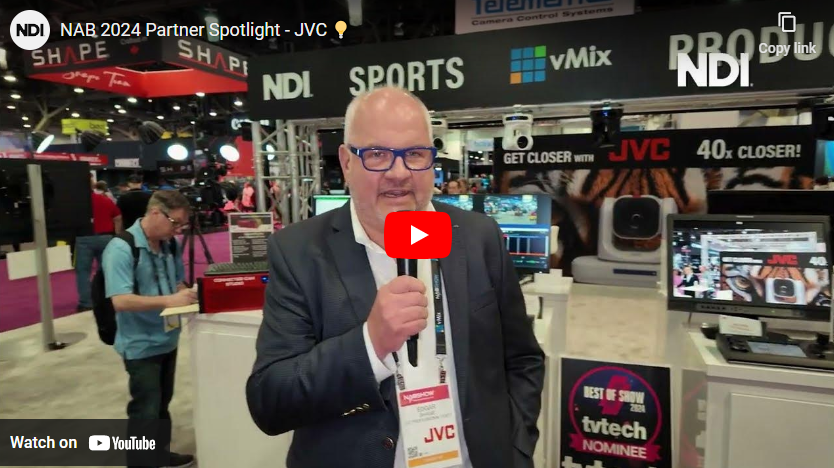
In a recent Partner Spotlight video from NAB 2024, JVC’s General Manager of Engineering, Edgar Shane, sheds light on JVC’s innovative integration of NDI (Network Device Interface) across their product line. JVC introduces a diverse selection of NDI-enabled PTZ cameras and video mixers, featuring the cutting-edge KY-PZ540 camera, boasting NDI HX3 support. Shane emphasizes the convenience of NDI for seamless video transmission and reception within local area networks. Unlike conventional peer-to-peer protocols, NDI’s one-to-many capability allows multiple receivers simultaneous access to a single video source. Explore JVC’s comprehensive NDI integration showcased across their booth at NAB 2024 for a glimpse into the future of live video technology.

Watch the full video from NDI below:

visual studio – VisualStudio 2022 Templates: Difference between IWizard and IWizard2 interfaces


I use to create VS templates for fasten up my development.
I just notice that there is now an interface IWizard2.
Usually I use IWizard that is avalaible for VS2017, VS2019 and VS2022.
IWizard2 is only avaliable for VS2022.
It seems that the only difference is that Microsoft adds a new RunStarted method (the old one still exist) RunStarted(Object, Dictionary<String,String>, WizardRunKind, Object[], IVsProject, UInt32)
Did anyone knows the usage of the two added parameter IVsProject, UInt32.
Can it be used for adding project directly in the RunStart instead of waiting for the RunFinished method to add them?
It is a quite advanced question I think but could help.
Regards.

I did not try IWizard2 interface for now.

An Introduction to Forever Funnels


Imagine sending emails to your list that offer value, increase engagement, and strengthen brand awareness at regular intervals without creating new content for each email — for an unlimited amount of time. Oh! And it’s all done automatically.

Sounds pretty amazing, right? Right.

Lucky for you, it’s not a fairytale or some sort of email wizardry. It’s called a “forever funnel” and is sure to become a valuable tool in your email marketing toolkit.

What is a forever funnel?

A forever funnel is an email marketing concept that refers to a long-term, multi-entry, automated sales or marketing funnel designed to continuously engage, inform, and convert subscribers over an extended period.

The term forever means the funnel is intended to operate indefinitely, and depending on your email service provider (ESP), the number of entries of these funnels is only limited by your time and creativity.

Top 4 benefits of a forever funnel.

There are multiple benefits to having a forever funnel in place. While many are tailored to your individual goals and email strategy, the top 4 benefits of a forever funnel are often the same for all email marketers.

  1. Consistent communication.

    A forever funnel automatically delivers regularly scheduled email content to your subscribers. This creates and cultivates closer relationships with your subscribers and ensures they’ll still hear from you, even during content breaks, vacations, or writing blocks.

    That means once your forever funnel is up and running, you consistently deliver value, build community, and drive conversions to boost revenue!

  2. Lead nurturing.

    For business owners, entrepreneurs, and content marketers, lead nurturing is a central focus of a forever funnel.

    You’re building relationships with your audience and increasing trust while providing value-driven content. Especially if a subscriber has previously purchased from you (as in they’re already a customer or client), continued nurturing through a forever funnel increases their value by further encouraging engagement and interest.

  3. Traffic driving.

    When you’re consistently sending content to your audience, you’re creating opportunities to drive traffic to your website, podcast, social channels, referral partners, and more. The consistent stream of traffic brings the opportunity to boost visibility, revenue, engagement, and authority levels.

  4. Targeting Insights.

    A forever funnel provides a goldmine of targeting insights and subscriber data! If you’re putting in the effort to build a forever funnel, take the time to add tag automation and create segments. This gives you everything you’ll need to send targeted, personalized email campaigns in the future.

Depending on your goals for creating a forever funnel, additional benefits can include boosting revenue, gathering subscriber feedback, and increasing brand awareness and authority.

Content ideas for your forever funnel.

While it initially takes effort to create and build the structure of a forever funnel, the bulk of your email content probably already exists on your site, email archives, or vault. Forever funnels are prime for evergreen content and are excellent spaces to add content from other avenues.

Here are some content ideas to start adding to your forever funnel:

  • Blog Posts: Gather your favorite blog posts from years past and add them as individual entries to your forever funnel. This is not only an excellent way to recycle old content on your site, but also a great way to introduce this content to new subscribers.
  • Old Lead Magnets: You work hard on creating lead magnets and opt-in incentives, and there’s no reason you can’t add these to your forever funnel. Again, the theme is recycling and repurposing old content to build your funnel and provide valuable content. Think back to any ebooks, checklists, templates, or whitepapers you created in the past and add each to an individual entry in your funnel.
  • Webinars and Workshops: Have you hosted or appeared as a guest on any webinars or workshops? If the topics are relevant to your audience, these recordings are great resources to add to your forever funnel. Webinars and workshops help diversify the content you send while showcasing your expertise to build trust.
  • Podcasts, Videos, and Live Streams: And speaking of diversifying content, this goes the same for any podcasts, videos, and live streams you’ve been on or created in the past. Educational and entertaining, this type of content boosts engagement and reminds your subscribers of content they can easily share on social channels.
  • Subscriber-generated Content: Use your forever funnel as an opportunity to automatically encourage your customers, clients, and subscribers to share their experiences and testimonials. Ask for open reviews or testimonials or provide a form with questions to compile their responses. Another way to incorporate user-generated content is by sending reviews, testimonials, and use cases to boost your authenticity and credibility.
  • Surveys and Polls: Engage your subscribers and gather valuable feedback by sending surveys or polls in your forever funnel. You can then use this data to improve your offerings and tailor future content, collaborations, or affiliate partnerships.
  • Resource Libraries: Develop resource libraries or content hubs where users can access a collection of your evergreen content organized by category or topic.
  • Product Recommendations: Forever funnels are designed to nurture, including sales nurturing. When consistently contacting your audience and providing valuable and engaging content, these sales emails integrate seamlessly into the mix. Use this opportunity to recommend products, highlight services, or remind subscribers of affiliate partnerships and referral codes.

The beauty of forever funnels (and really all funnels) is once you have everything in place, they run like a well-oiled machine in the background.

The majority of your work takes place in the beginning with creating the structure of your funnel, gathering the content, and creating the first round of emails, but then things shift into maintenance mode. You can add new entries as you’d like, edit individual emails, and more. All the while, your subscribers are being delivered value, community, and engagement straight to their inbox.

And that is what we’d call a win-win in the world of email marketing.

Ready to set up your forever funnel with FeedBlitz? Head to this page to start your free trial. Questions? Feel free to reach out with any questions through our Support Page. While live support is available Monday to Friday, 9 AM to 5 PM Eastern, you can always find helpful information 24-7 at the resources linked here.