After 16 years spent poking fun of video game legend Peter Molyneux, one of social media’s great shitposters is going dark. Peter Molydeux, a popular X account created by artist Adam Capone, has gone offline in part because Capone says that video games are just too hard to satirize these days.
Created in 2009, the long-running Peter Molydeux account routinely lampooned Molyneux’s reputation for out-there video game ideas, like his infamous Kinect experiment Project Milo. The account gained popularity in the early 2010s for absurd pitches like “Imagine a fishing game where rivers are other different dimensions in time” and “Platformer where if you fall in a pit you’re trapped forever unless you can emotionally manipulate nearby enemies to pull you back up.” The account currently has more than 60,000 followers on X.
In a final post on Jan 13., Capone, a 3D environment artist who recently lost his job when Ubisoft shuttered its Halifax studio, announced that he had decided to close down the account in a blog post.
“I started this account back in 2009, around the Xbox Arcade era, when indie games were beginning a real resurgence such as Braid, Limbo, and others,” Capone wrote. “Back then, Molydeux-style ideas felt genuinely outrageous. Over time, so many indie games emerged that even Peter Molyneux’s wildest concepts stopped feeling unusual. You could play as a hole (Donut County), progress by taking photos (Viewfinder), or experience mechanics no one would have greenlit years earlier.”
It’s easy to understand where Capone is coming from when you look back through some of the account’s old tweets. “You play a garbage truck driver who pieces together people’s letters at night to learn more about them” doesn’t sound like much of a joke in 2026. Even something like “Imagine a game where that is entirely played from the perspective of doorbell cameras” just sounds like a normal Sam Barlow game.
Capone also cites Peter Molyneux’s impending retirement as a reason for the shutdown. Molyneux has previously stated that he plans to retire after the release of his next game, Masters of Albion. The perspective-shifting strategy game is set to launch on April 22.
“I hope every generation creates its own Molyneuxs,” Capone wrote. “Joseph Fares at Hazelight reminds me an early Molyneux, i.e developers who get carried away talking about their ‘baby’ instead of selling a product. I’ll always be grateful for Molyneux and what he gave to the industry.”
While it’s a sad day for satirists, Molydeux’s retirement from posting has a silver lining. Let it be a symbol of how far video games have come creatively. The independent video scene is weirder and bolder than ever in 2026; you just can’t make up a game more absurd than Clickolding, you know?
When I talk to users looking to make this leap, the first thing I want to discuss is the desktop environment. After all, I’d rather not send Windows users to a distribution that uses GNOME, hyprland, i3, or any other DE that in no way resembles Windows.
Recently, I stumbled upon a distribution called VailuxOS that uses KDE Plasma to create a somewhat Windows-esque desktop that would make any user of a Microsoft OS feel right at home.
VailuxOS is based on Debian, so it starts out with a rock-solid base that brings stability Windows can only dream of. This open-source operating system is easy to install, offers the latest applications, has access to the APT repositories, does not collect any information, offers containerized apps (via Flatpak) for enhanced security, and doesn’t overwhelm new users with its Linux-ness.
After installation (which was absolutely painless), the first thing that struck me was that the developers created a KDE Plasma layout that resembles Windows 11, complete with the desktop menu near the center of the panel.
Upon clicking that menu, I saw that they’ve also kept the number of preinstalled apps to a minimum. That’s fine because all you have to do is open KDE Discover to install any apps you need. Even better, the developers have enabled Flatpak support by default in Discover. As well, they’ve included Snap, but did not enable it by default.
This desktop layout should look instantly familiar to Windows users.
Jack Wallen/ZDNET
Windows users will also be happy to see the Computer icon on the desktop, which opens the file manager to their Home directory. Speaking of which, right-click a folder in your home directory, click Properties, go to the Share tab, and VailuxOS will walk you through setting up a shared folder for your network.
This little GUI makes setting up Samba much easier.
Jack Wallen/ZDNET
One thing I really appreciate about this setup is that it gives you a GUI for setting your Samba password. Many other distributions neglect that step, leaving users to wonder why they can’t access their shares.
One minor setback
When I booted VailuxOS (after installation), I was automatically logged into my account. One of the first things I did was attempt to run an update, but it wouldn’t accept my password.
I attempted to change the password with the passwd command, but it still wouldn’t accept the password. I know I typed the password correctly, so I had to solve this little problem. It took me a minute, but I realized VailuxOS set the default keyboard to German, which means that although I assumed I was typing my password correctly, I was not.
The quick fix was to add the US English keyboard, and all was well.
Oops, wrong keyboard layout.
Jack Wallen/ZDNET
If you do install VailuxOS, check your default keyboard by right-clicking the four-loop icon in the system tray.
Performance
I did my usual performance test by installing Ollama and then downloading and using the llama3.2r LLM. This is only a 2GB model. The reason I opted for that model is qwen3-coder requires a minimum of 17.7GB of memory, and I only allotted 10GB for my virtual machine. Even so, llama3.2 is a solid local model.
I then hit Ollama with some typical queries and found that it responded at a reasonable rate. This certainly isn’t the fastest I’ve experienced, but it’s far from the slowest.
I then asked it to write a Python program that accepts user input and writes it to a file named input.txt. I was surprised to see that Ollama very quickly spit out the program.
Conclusion
The only issue I had with VailuxOS was the initial keyboard layout, and that could have been a mis-click by me during installation. Other than that, I found VailuxOS to be one of the better Windows-like Linux distributions I’ve tried so far.
If you’re looking to migrate from Windows and your target is Linux, I would highly recommend you give VailuxOS a try. Although it might not be my first recommendation (that title belongs to Zorin OS), it’s very solidly in my top five.
You’re working on an important project when your computer freezes. Again. The spinning cursor mocks you while your frustration builds. You’re not alone in this experience—studies show that the average office worker loses nearly 22 minutes each day waiting for slow computers to respond, and for many home users, the problem feels even worse.
A slow computer doesn’t just waste time; it disrupts your productivity, tests your patience, and can even put your data at risk. At PC Geeks, we’ve helped many clients diagnose and resolve performance issues, and we’ve noticed that most slow computers share a handful of common culprits. Understanding what’s actually happening inside your machine is the first step toward getting back to work without the wait.
Storage Space Running on Empty
Your hard drive needs breathing room to function properly. When your storage reaches 85% or more of its capacity, your computer struggles to perform basic operations like saving files or running programs. Windows and macOS both require temporary space to manage system operations, and without it, everything grinds to a halt.
Think of it like trying to work at a desk piled high with papers—you might know where everything is, but finding what you need takes considerably longer. Modern operating systems fare even worse under these conditions because they constantly write and rewrite temporary files as you work.
Too Many Programs at Startup
Every time you turn on your computer, dozens of programs might be launching themselves in the background. Some of these are necessary, but many are applications you installed months ago that helpfully decided they should run every single time you boot up. Each one consumes memory and processing power, leaving less available for the work you actually need to do.
This issue compounds over time as you install new software. Many programs default to automatic startup without clearly asking permission, and before long, your computer is spending several minutes just getting ready to be useful.
Malware and Unnecessary Software
Malicious software doesn’t always announce itself with obvious symptoms. Some malware operates quietly in the background, using your computer’s resources to mine cryptocurrency, send spam, or participate in distributed attacks. Even if you haven’t noticed anything suspicious, your slow performance might be the only visible sign that something’s wrong.
Similarly, legitimate software can become a problem when it runs constantly in the background. Browser extensions, system utilities, and optimization tools often promise to make your computer faster but end up doing the opposite by consuming resources while supposedly monitoring your system.
Outdated Hardware Meets Modern Demands
Software developers continually release updates that assume you have relatively recent hardware. Your five-year-old computer was perfectly adequate when you bought it, but today’s applications expect faster processors, more memory, and better graphics capabilities. This mismatch between old hardware and new software creates an increasingly noticeable performance gap.
The shift to web-based applications hasn’t helped as much as people expected. Modern websites run complex scripts and display high-resolution media that can tax older systems just as much as traditional software.
Fragmented or Failing Hard Drives
Traditional mechanical hard drives slow down as they age and accumulate fragmented files. When a file gets split across multiple locations on your drive, your computer needs extra time to gather all the pieces. Worse, hard drives have moving parts that eventually wear out, and a failing drive often shows its distress through dramatically slower performance long before it stops working entirely.
Solid-state drives avoid the fragmentation problem but can also slow down as they fill up or as their cells wear out from repeated use.
Getting Your Speed Back
Understanding why your computer struggles is empowering. Most slowdown causes have straightforward solutions, from clearing storage space and disabling unnecessary startup programs to upgrading specific components or removing malware. You don’t need to accept frustrating performance as inevitable. When your computer won’t cooperate, PC Geeks is here to help diagnose the problem and get you back to full speed. Contact us today for a comprehensive performance evaluation.
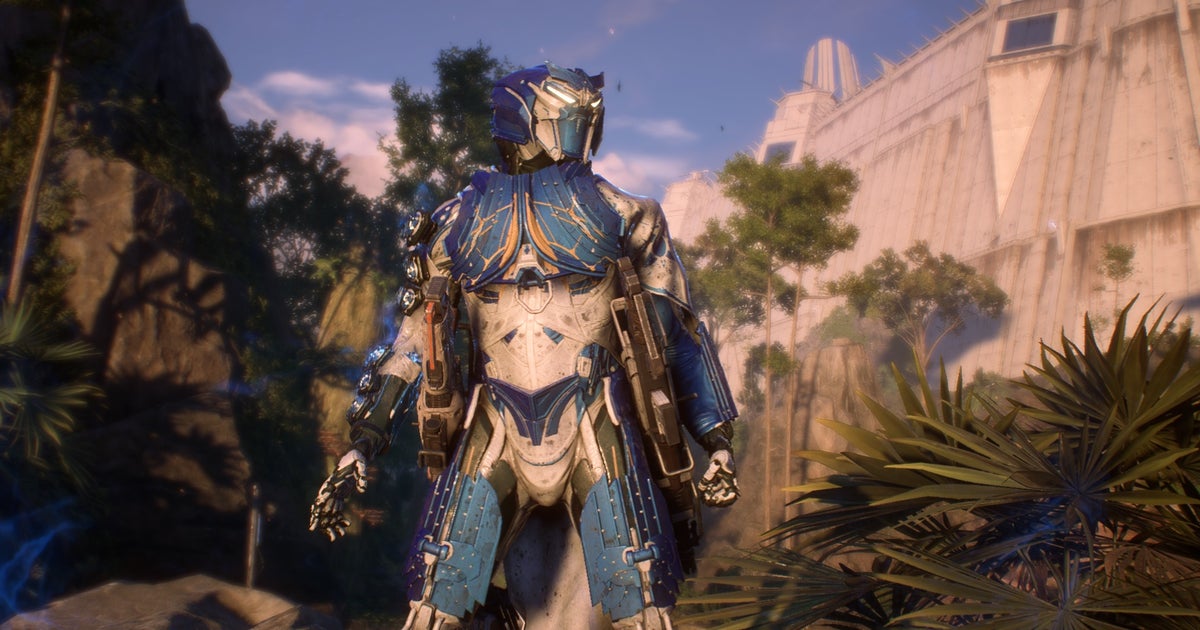
BioWare’s misbegotten mech-me-do Anthem died this week after EA pulled the official servers. It’s a sad day for people who saw promise in the game’s sci-fi world and flight mechanics, however spoiled by the always-online looter-shooting, and a happy day for people who really hated being called “freelancer” in community bulletins. I was an actual freelancer when Anthem came out in 2019, and I didn’t get no mech suit. At least when the Destiny developers call you a Guardian, it feels sort of romantic, rather than like rubbing your nose in your own economic precarity.
Anyway, ‘officially unsupported’ doesn’t necessarily mean ‘gone for good’. In one of his many tell-all videos, former Anthem executive producer and Dragon Age/Mass Effect kingpin Mark Darrah has outlined a plan for bringing Anthem back as a single-player RPG, with a “conservative” budget of $10 million.
Please don’t delete, I know this is the question not quite about the code or technology, but I have no other places to ask it since the Reddit has banned me for political reasons, and there is no other poular tech-related places with large audience.
The question:
Recently I found neither VS nor browser can download VS extensions.
VS Installer shows loading icons eternally, and I can’t update VS even if I uncheck those extensions – the Install button is still unavailable.
I can open the webpage of any extension, but it never lets me donwload the VSIX file: download fails each time.
I checked it on two different networks – at home and at work. Other Microsoft websites and services are accessible and workign as usual, i.e. I can install Visual Studio itself.
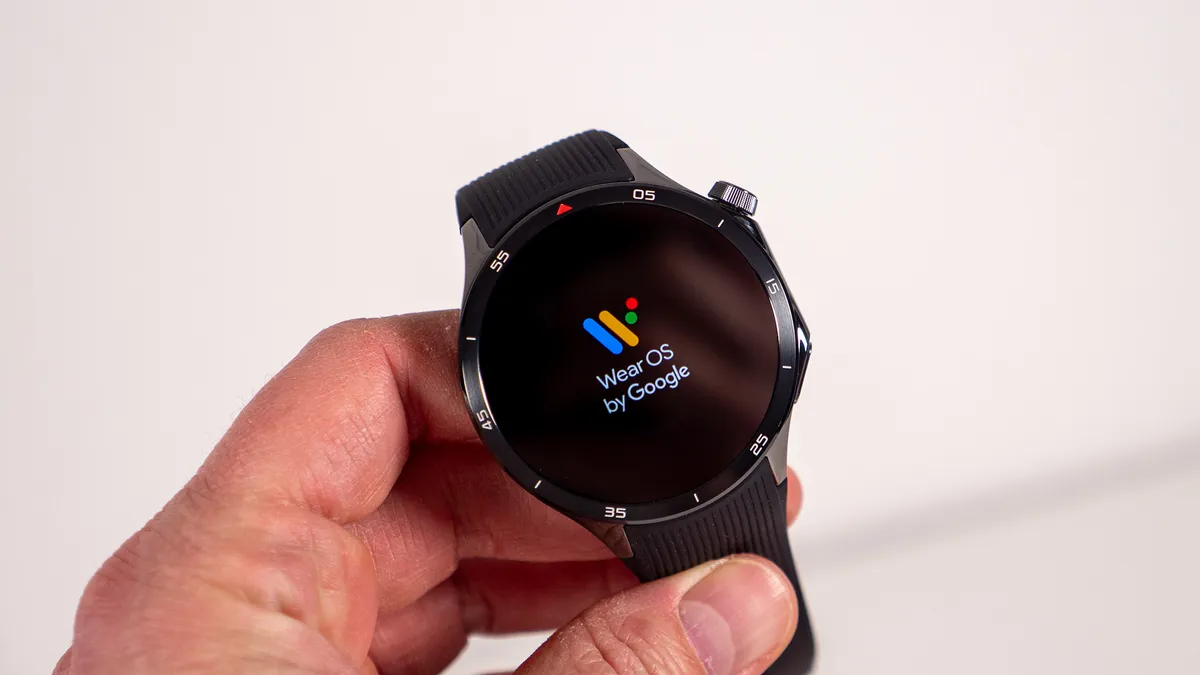
OnePlus rolled out Wear OS 5 to Watch 2 and 2R units in the last week of December 2025, though only in some territories like India.
Users who received the update have reported serious battery drain, cutting the 3-day estimate down to 1–2 days.
OnePlus originally promised the update in Q3 2025 before shifting its window to Q4 2025.
OnePlus’s version of Wear OS 5 mostly includes stock updates like Google app improvements and animation changes.
Like a college student emailing their assignment to the professor at 11:59 p.m., OnePlus rolled out its Wear OS 5 update to some OnePlus Watch 2 and 2R users on December 29, sneaking under their self-imposed end-of-year deadline. And as you might expect, this last-minute update has been causing problems since then.
The OnePlus Watch 2 and Watch 2R, both released in 2024 running Wear OS 4, were originally supposed to receive Wear OS 5 between July and September 2025; only after Android Authority asked about the delay in October did the company say the update would arrive “in the near future.”
Now, some OnePlus Watch owners have received the update, though not everyone; my U.S.-based OnePlus Watch 2R, for example, still shows Wear OS 4 and the May 2025 security update. But this might be a blessing in disguise, given the update’s effect.
OnePlus’s trademark battery life has been crippled by this update (Image credit: Michael Hicks / Android Central)
This Reddit thread and several OnePlus forum posts (here, here, and here) have mentioned that the update is causing severe battery drain. The Watch 2 and 2R regularly lasted about three days in smart mode before the update; now, some users say it won’t last a full day, even after trying factory resets and other fixes.
“I’m utterly heartbroken and frustrated with the drastic battery drain issue plaguing my OnePlus Watch 2 following the Wear OS 5 update,” says one user. “My OnePlus Watch 2 now plummets from full charge at 1:00 PM to a critical 10% by 11:00 PM on light usage.”
“Earlier I used to get 2.5 days easily with most settings on (at least 2 days)… Now barely getting 1 day,” says another user. Someone responded that his drain wasn’t quite as bad, but that he’d gone from 3–4 days before to “a strict 2 days” now.
Several users point to specific apps causing the drain, like the Weather app, Play Store, or “Wear OS” itself, but the variety suggests this is a system-wide issue rather than one app causing problems.
Get the latest news from Android Central, your trusted companion in the world of Android
(Image credit: Nicholas Sutrich / Android Central)
What makes this update especially frustrating to users is that stock Wear OS 5 is (A) a very subtle update with few notable changes and (B) supposed to make Wear OSrun more efficiently, as it did on Pixel and Galaxy Watches. The OnePlus Watch 3 has run this version since April with no issues, making this unoptimized update on last-gen models disappointing to see.
Any brand can push a buggy update, but two weeks later, I’d have expected OnePlus to either roll it back or announce a timetable for fixes. Instead, OnePlus hasn’t made any official announcement, from what we’ve seen. My colleague reached out to OnePlus about the update a few days ago, but we’ve yet to hear back.
Having recommended the OnePlus Watch 2R as my best budget Android smartwatch pick, mostly on the strength of its battery life, this update is deeply concerning to me. OnePlus needs to prove that its promise of two Wear OS updates and three years of security updates isn’t just empty rhetoric, and that it’ll properly support these watches.
As it is, it’s notable that the recent OnePlus Watch Lite skipped Wear OS entirely, using a proprietary RTOS like the original OnePlus Watch.
You know that annoying moment when you step outside on a sunny day, pull out your phone, and suddenly can’t see a single thing on the screen? You’re squinting, cranking the brightness slider all the way to the max, and watching your battery percentage nosedive in real-time. It’s a struggle we all deal with. Well, a team of researchers over in South Korea might have just fixed that for good, and they managed to do it without turning our sleek phones into bulky bricks.
A group from KAIST, led by Professor Seunghyup Yoo, just published some pretty massive findings in Nature Communications. Basically, they have figured out a way to make OLED screens—the kind found in most high-end phones and TVs these days—significantly brighter. And the best part? They didn’t have to sacrifice that ultra-thin, flat look that we all love.
Here is the thing about current OLEDs
They are actually kind of inefficient. We love them because the colors pop and the blacks are super deep, but there is a hidden flaw. Apparently, nearly 80% of the light these screens generate never actually makes it to your eyes. It gets trapped inside the display layers, bouncing around and eventually just turning into heat. That is why your phone gets hot when you are watching high-res videos, and it’s a huge waste of battery power.
Phone displayUnsplash
In the past, engineers tried to fix this by slapping tiny lenses on top of the pixels to help the light escape. Think of it like putting a magnifying glass over a lightbulb. It works, but it has issues. The lenses either made the screen too thick (nobody wants a bumpy TV) or they messed with the picture quality by blurring the pixels together.
The KAIST team took a completely different approach. Instead of treating the light source like some infinite, theoretical thing, they redesigned the screen structure based on the actual, finite size of real pixels. They created this new “near-planar” structure that acts like those old bulky lenses but stays incredibly thin. It effectively guides the light straight out toward you without letting it spread sideways and muddy up the picture.
For us regular users, this is huge
It means future phones could be twice as bright without using any extra battery power. Or, flip that around: you could keep the same brightness you have now but use way less energy, meaning your phone might actually last through a whole day of heavy use. Plus, since trapped light causes heat and heat kills electronics, these new screens should last longer before degrading or getting that dreaded “burn-in.”
Phone displayUnsplash
The researchers are also saying this tech isn’t just for today’s OLEDs. It could work with next-gen stuff like quantum dots too. It feels like we are finally moving past the era of choosing between a battery that lasts or a screen we can actually see.
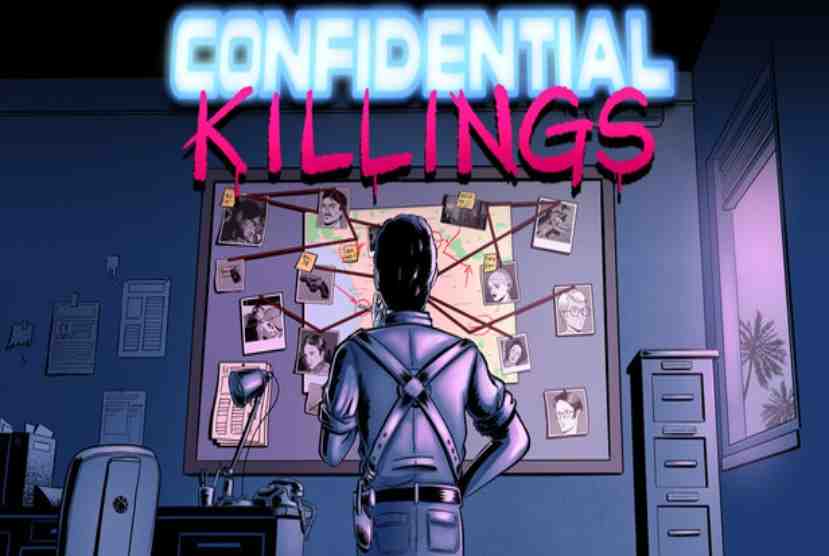
Actors, writers, producers, are getting murdered one by one in cold blood. No one is safe. Who is pulling the strings behind these apparently unrelated murders? Double-dealing, backstabbing, betrayal. Nothing is what it seems in the world of stars. Take a peek behind the curtains, learn what’s going on behind the glistering façade. Meet a varied cast of characters, discover their secrets and ambitions. Quarantine Zone: The Last Check
But be careful… they may end up in a body bag. Examine the crime scene, find clues, piece together what happened, find the culprit! Reveal what’s the true reason behind these Confidential Killings. You’ll have a few ‘ahah!’ moments, but they’re very much in-line with the usual gritty detective narrative: revenge, blackmail, scorn, killings gone awry.
Features and System Requirements:
Collect clues, analyze evidence, interrogate suspects, and piece together fragmented information to uncover the truth.
Your decisions influence the storyline, character relationships, and multiple possible endings.
Characters react to your actions, suspicion levels, and past decisions, making each playthrough feel different.
Screenshots
System Requirements
Minimum
OS: Windows 10
Processor: Intel Core i3 (2nd Gen or newer) or AMD equivalent
Memory: 4096 MB RAM
Graphics: Integrated Graphics
Storage: 1 GB available space
Support the game developers by purchasing the game on Steam
Installation Guide
Turn Off Your Antivirus Before Installing Any Game
1 :: Download Game 2 :: Extract Game 3 :: Launch The Game 4 :: Have Fun 🙂
Horror driven by obligation, time pressure, and the quiet weight of an impossible debt.
Drawing on Northern Italian storytelling traditions.
Step inside a single night where every choice feels costly and every delay carries meaning.
Horror doesn’talways come from monsters.
Sometimes it comes from obligation. From silence. From a debt that cannot be repaid.
When the team at Studio Ortica, based in Turin, Italy, began working on Loan Shark, they weren’t interested in building a traditional horror experience filled with combat encounters or overt shocks. Instead, they wanted to explore something more familiar, more uncomfortable, and deeply rooted in lived experience: the quiet dread of owing something you can never truly give back.
That idea, debt as horror, is not abstract in Northern Italy. It is cultural.
A Different Kind of Italian Horror
Turin is a city shaped by restraint. Long winters. Industrial history. Catholic architecture that towers over daily life without spectacle. Unlike the sun-washed imagery often associated with Italy, this is a place where stories tend to unfold inward, where consequences matter more than spectacle, and where morality is often framed as an unavoidable reckoning rather than a heroic choice.
These influences run quietly through Loan Shark.
Italian storytelling tradition, from post-war literature to regional folklore, often avoid clear heroes and villains. Instead, they focus on inevitability. On characters trapped by circumstance. On moral decisions that are technically “choices,” but never feel free.
Loan Shark adopts that sensibility fully.
You are not a warrior. You are not a saviour. You are a person who made a bad deal and now has to live inside it.
The Weight of Obligation
At the heart of Loan Shark is a simple premise: a single night, a single boat, and a debt that cannot be delayed.
Rather than treating debt as just number on a screen, the game treats it as a presence. It shapes how you move. When you act. What you fear. The true weight comes from the atmosphere itself: from strained conversations and the constant awareness that time is slipping away whether you act or hesitate.
This approach mirrors how obligation is often depicted in Italian narrative traditions. Debt is rarely loud. It doesn’t announce itself. It waits.
In Loan Shark, fear doesn’t come from what is chasing you. It comes from what you already owe.
Catholic Guilt Without Preaching
Northern Italy’s Catholic heritage is not presented in Loan Shark through overt religious imagery or doctrine. Instead, it appears in something more subtle: moral consequence without absolution.
Many games offer binary morality systems. Good choices and bad ones, rewards and punishments. Loan Shark deliberately avoids this framing. The choices you make are rarely framed as ethical victories. They are compromises. Delays. Attempts to survive one more moment.
This reflects a worldview where guilt is not erased by good intentions, and where consequences arrive regardless of how well-meaning you believe yourself to be.
You are not asked to redeem yourself. You are asked to endure.
The Sea as Indifference, Not Romance
Although Loan Shark takes place on the water, the sea is not romanticised. It is not freedom. It is not escape.
In Italian storytelling, nature is often indifferent rather than hostile, unmoved by human struggle. The sea in Loan Shark behaves the same way. It does not attack you. It does not help you. It simply exists, absorbing sound, swallowing light, and reminding you how small your situation really is.
This indifference amplifies the horror. There is no villain monologue echoing across the waves. No dramatic storm to signal danger. Just the steady understanding that no one is coming.
Designing Fear Through Restraint
Studio Ortica’s small team of Nicola Dau, Luca Folino and Tremotino leaned heavily into restraint as a design philosophy. The game’s scale is intentionally narrow: one setting, one night, one unfolding spiral of consequence.
This wasn’t a limitation as much as it was a creative decision.
By reducing scope, the team was able to focus on tone, pacing, and psychological pressure. Every interaction matters. Every silence lingers. Every sound carries weight.
This design approach aligns naturally with console play, particularly on Xbox, where immersive audio, controlled pacing, and focused play sessions allow atmosphere to do the heavy lifting. Loan Shark is designed to be experienced deliberately with lights low, and attention fully engaged.
A Horror That Trusts the Player
Perhaps the most Italian aspect of Loan Shark is its refusal to explain itself too much.
The game trusts players to read between the lines. It trusts implication. It allows discomfort to exist without immediately resolving it. In a medium often driven by explicit feedback and constant reinforcement, this restraint feels almost radical.
But it is also deeply human.
Fear, after all, is rarely about what we see. It is about what we already understand and cannot avoid.
Bringing a Local Voice to a Global Audience
While Loan Shark is shaped by Northern Italian sensibilities, its themes are universal. Debt, obligation, desperation, and moral compromise are not bound by borders. They resonate precisely because they are familiar.
Studio Ortica’s achievement lies in refusing to sand down those cultural edges in pursuit of mass appeal. Instead, they leaned into specificity trusting that authenticity would travel.
On Xbox, Loan Sharkstands as an example of how small, focused games can deliver powerful emotional experiences without spectacle. It is horror built from atmosphere, storytelling, and uncomfortable truths rather than mechanical escalation.
And in doing so, it offers something increasingly rare: a quiet, unsettling experience that stays with you long after the screen goes dark.
Not because of what it shows you — but because of what it asks you to live with.
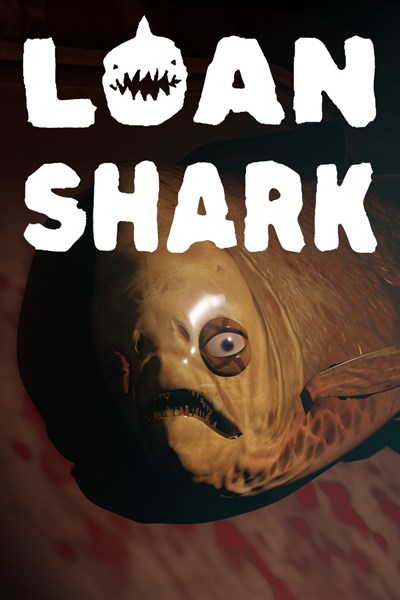
Loan Shark
Dark Product
☆☆☆☆☆
★★★★★
$4.99
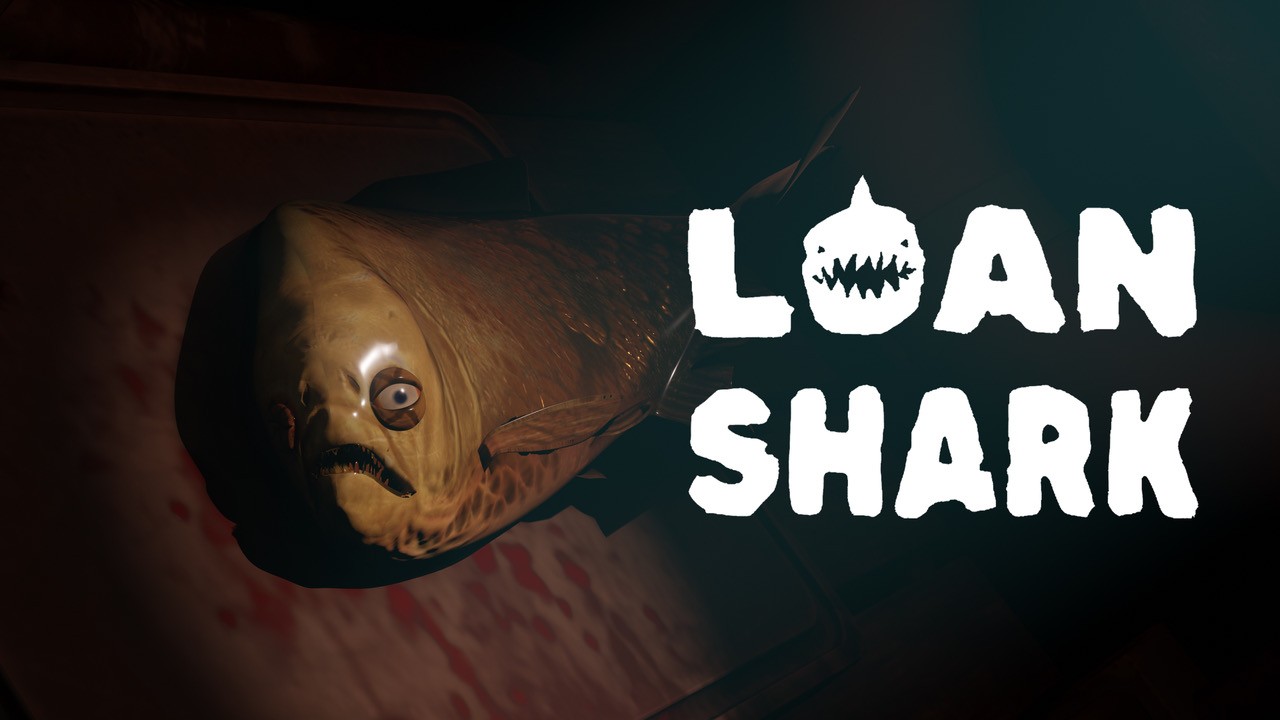
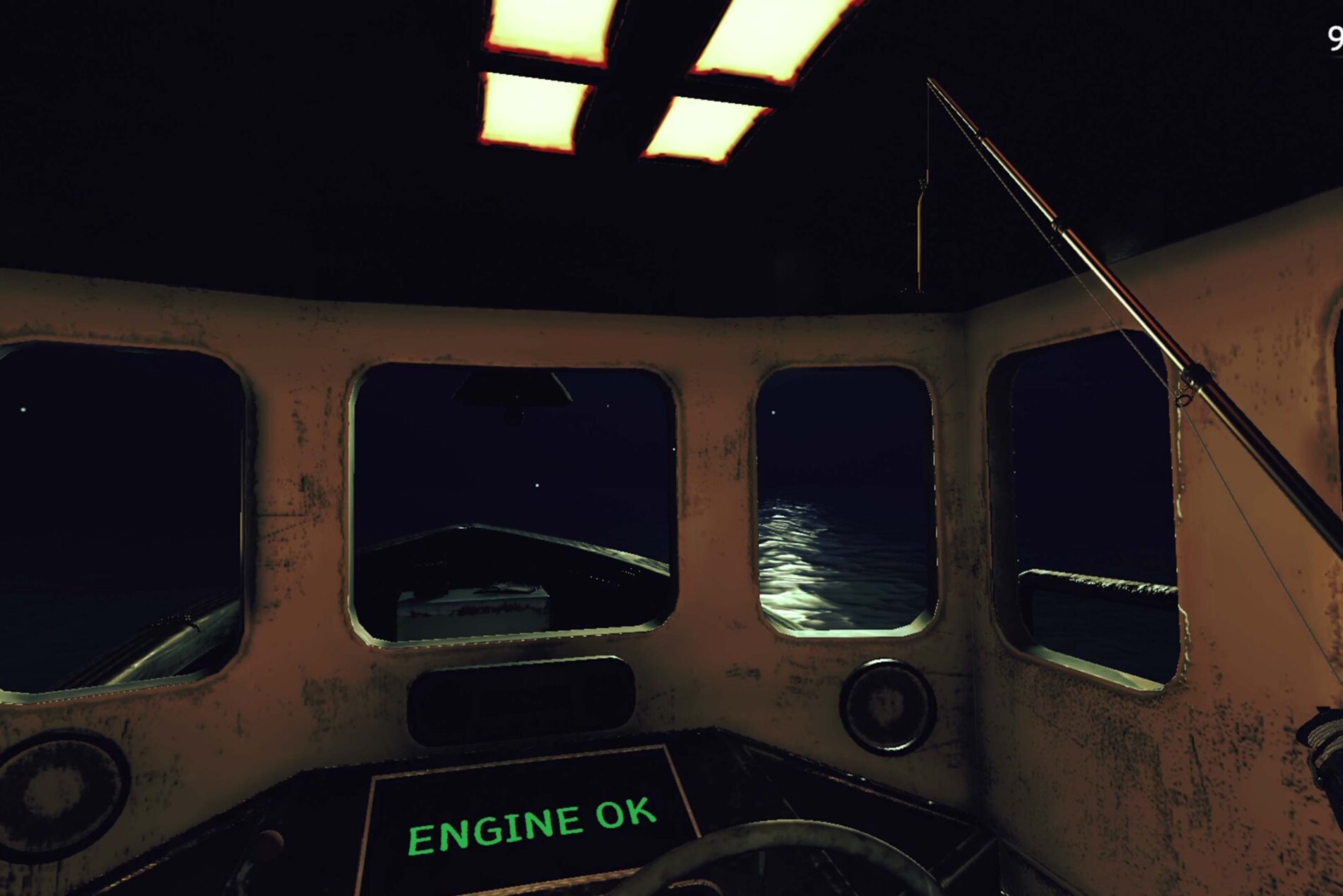
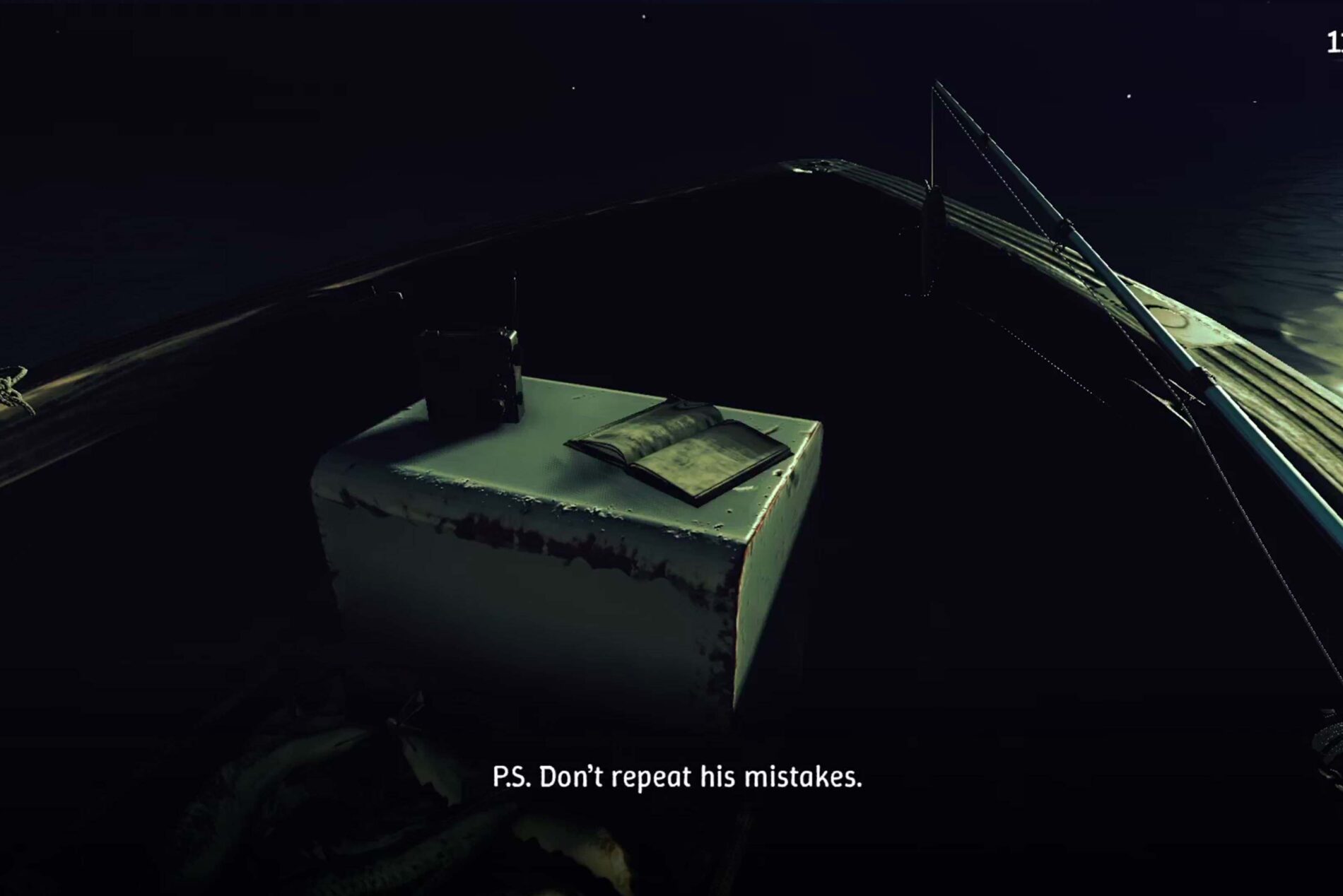
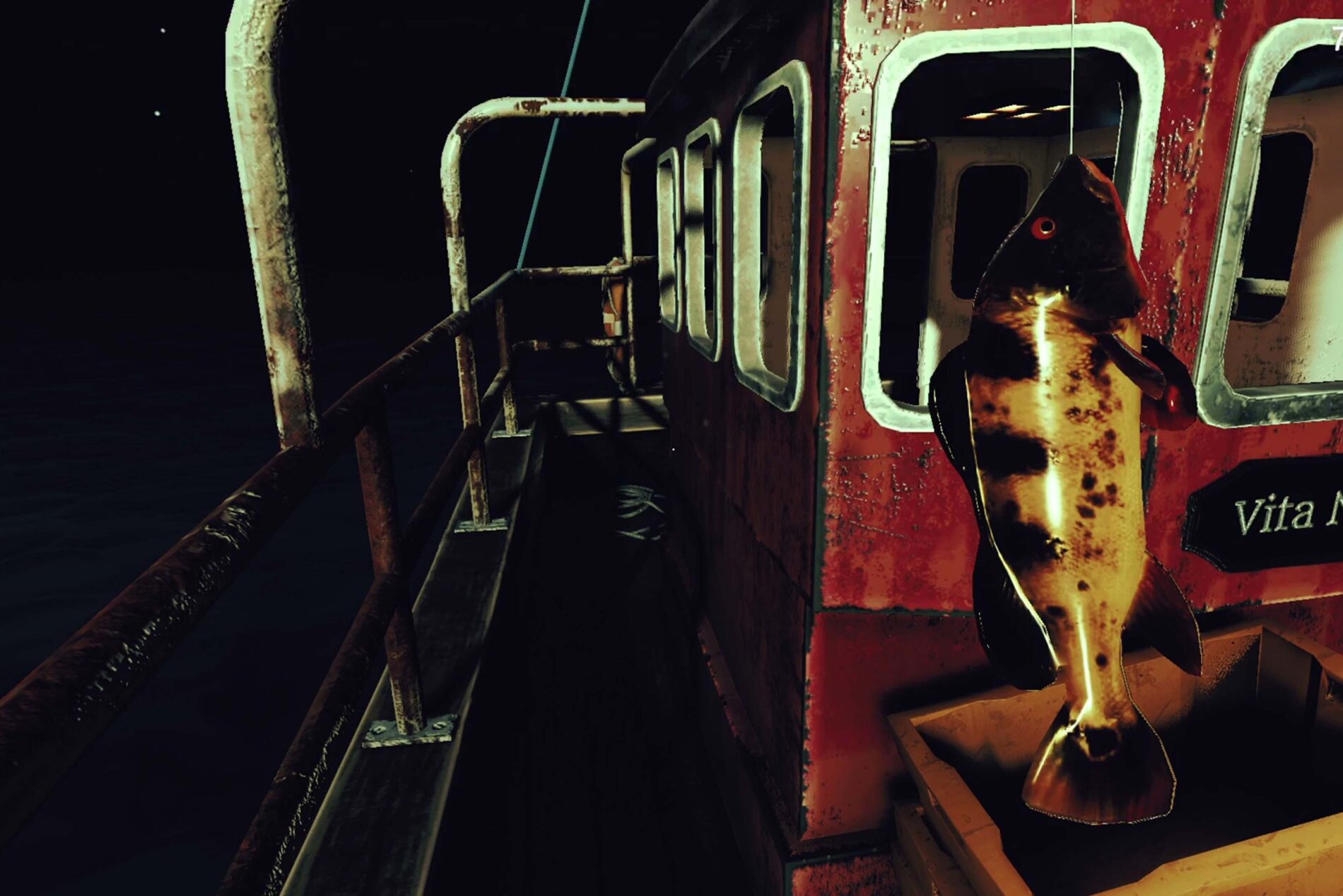
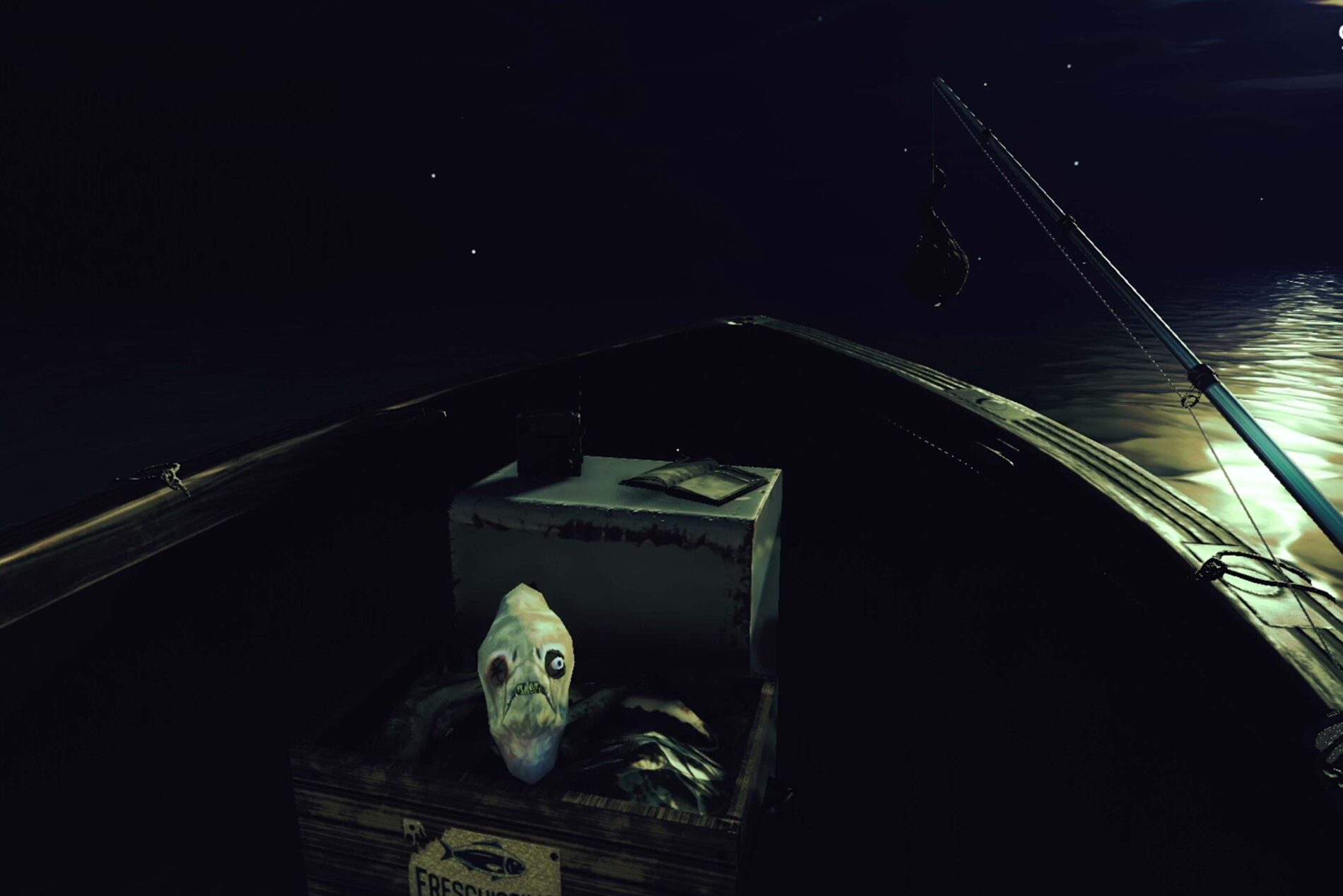
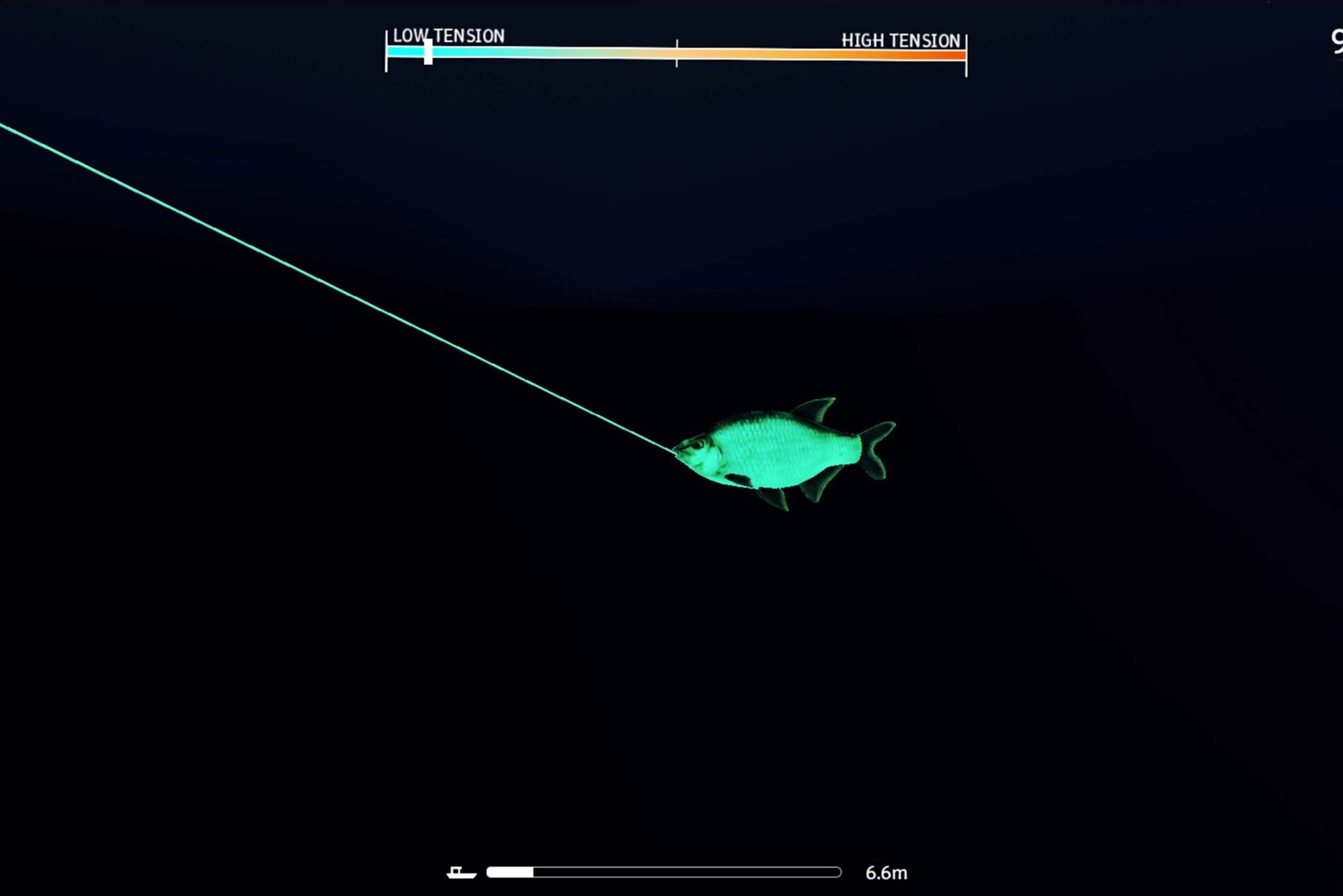
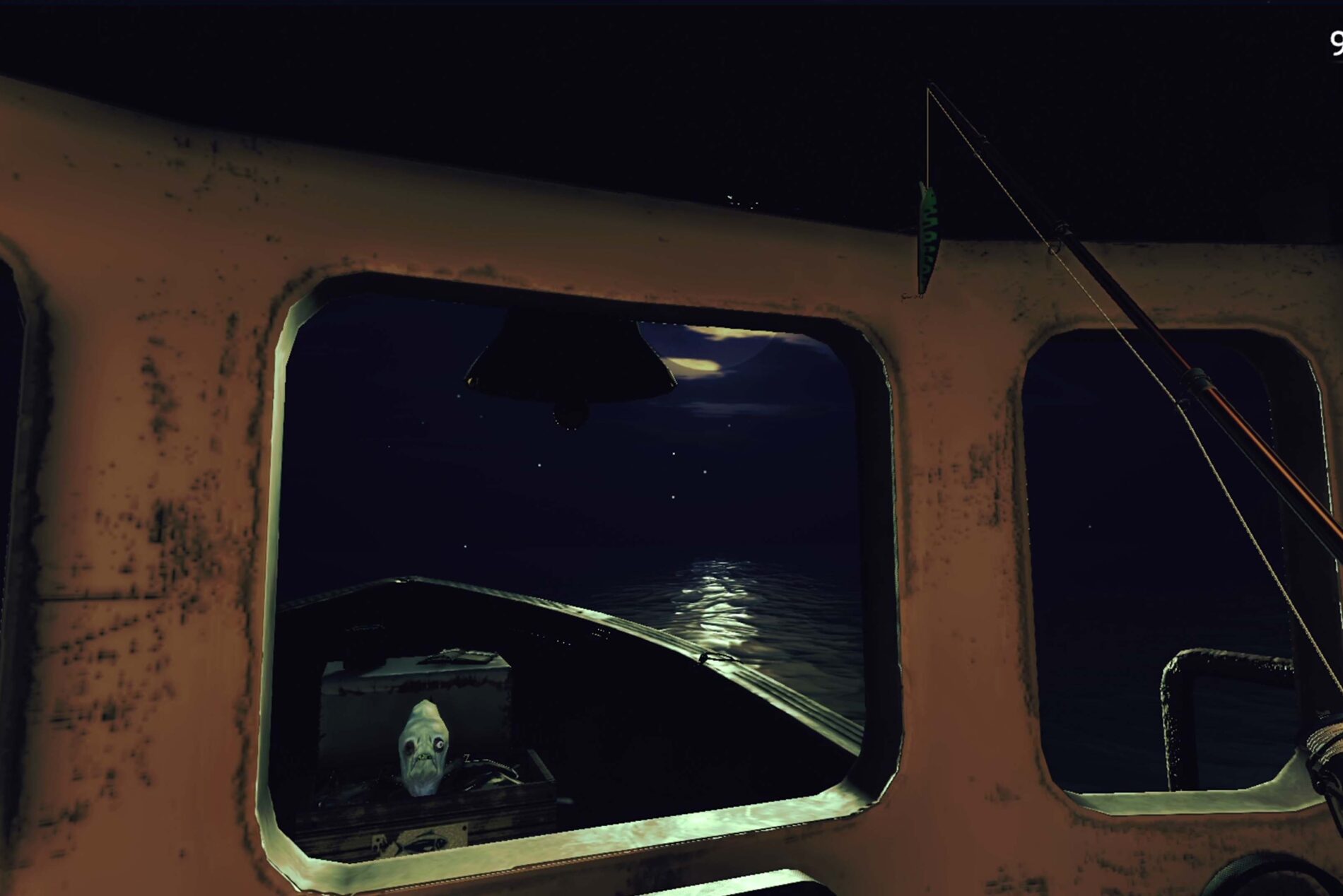
You’re an indebted angler, trapped in a vicious cycle of borrowing and desperation. One dark, endless night at sea you haul up something unnatural: a talking fish named Cagliuso. It promises you riches — but its bargains come with terrifying strings.
In LOAN SHARK, the nets you cast bring more than fish. They pull you toward sacrifice, secrets, and a deadline you may never meet. The “loan shark” isn’t just metaphoric — something is stalking the waters, your time is running out, and every deal you strike pushes you deeper into the unknown.
Microsoft is retiring the Collections feature in Microsoft Edge, with warning notices (spotted by Windows Report) now appearing in the Collections panel. Launched in 2020, the tool allows Edge users to save web pages, organize content, add notes, and sync data across devices for easier online shopping, reading, research, project planning, and more.
With the end of Collections in sight, users can no longer add new items to their lists and projects. Microsoft also recommends that users export their data before the feature is gone for good. (Inconveniently, the company hasn’t yet stated when Collections will disappear, or if mobile versions of Edge will also lose the feature.)
This leaves users with two options. The first option, “Move to Favorites,” creates a new folder named CollectionsExport and moves all saved pages into separate folders for each collection. However, only web pages transfer this way; images and notes do not carry over.
The second option, “Export your data,” exports a CSV file named collections_export.csv to the Documents folder.
Collections’ retirement follows Microsoft’s replacement of the native version with a web-based option, which likely contributed to declining usage.