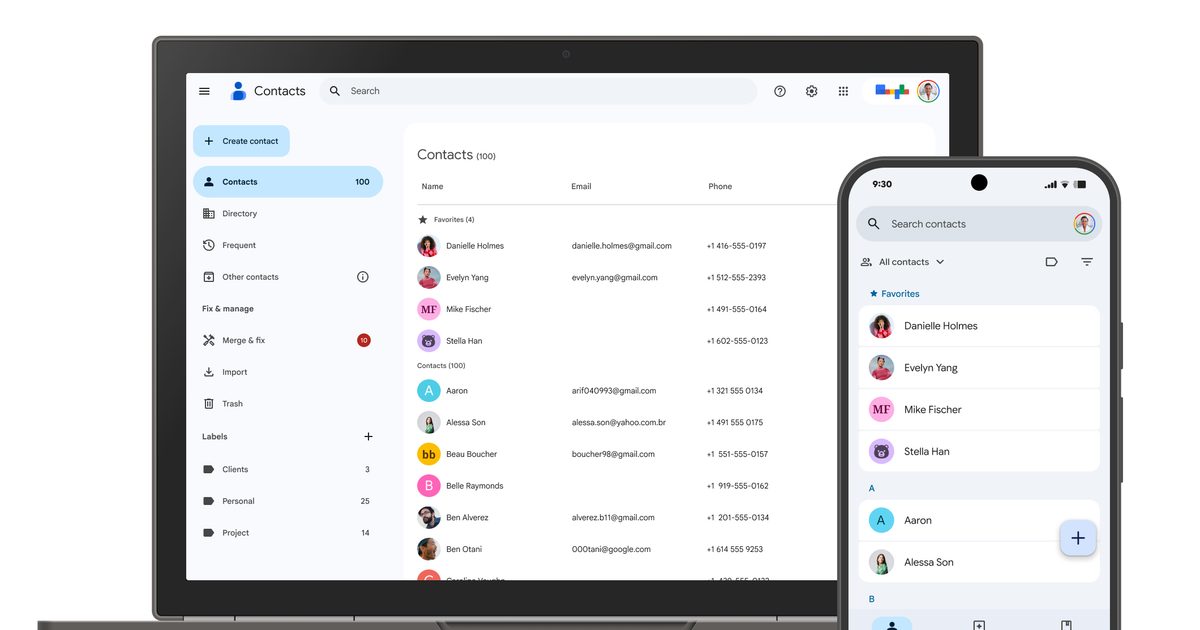
Google is rolling out a small but useful update to the Contacts app on Android that makes it much easier to find and share your own contact details. Instead of digging through settings or creating a separate contact for yourself, you’ll now see a dedicated ‘Your Info’ card at the very top of your contacts list.
The feature gives you quick access to your phone number, email addresses, and other personal details while also adding a faster way to share them with others. The update is arriving with Google Contacts version 4.83.13.940538822 and is rolling out widely (via 9to5Google).
What does the new ‘Your Info’ card do?

Tapping into the Your Info card pulls up your profile picture, phone numbers, email addresses, and any other details you have chosen to add. If your device has a number tied to it, that one gets labeled as your device number and automatically appears first in the list. Right next to your info sits a dedicated share button, letting you send your contact card as a VCard file to anyone who needs it.
You also get to pick exactly what information shows up before sharing, so you are never forced to hand over more than you intend to. By default, only your device number gets shared automatically, keeping the rest of your details private unless you choose otherwise.
Why does this update feel familiar?
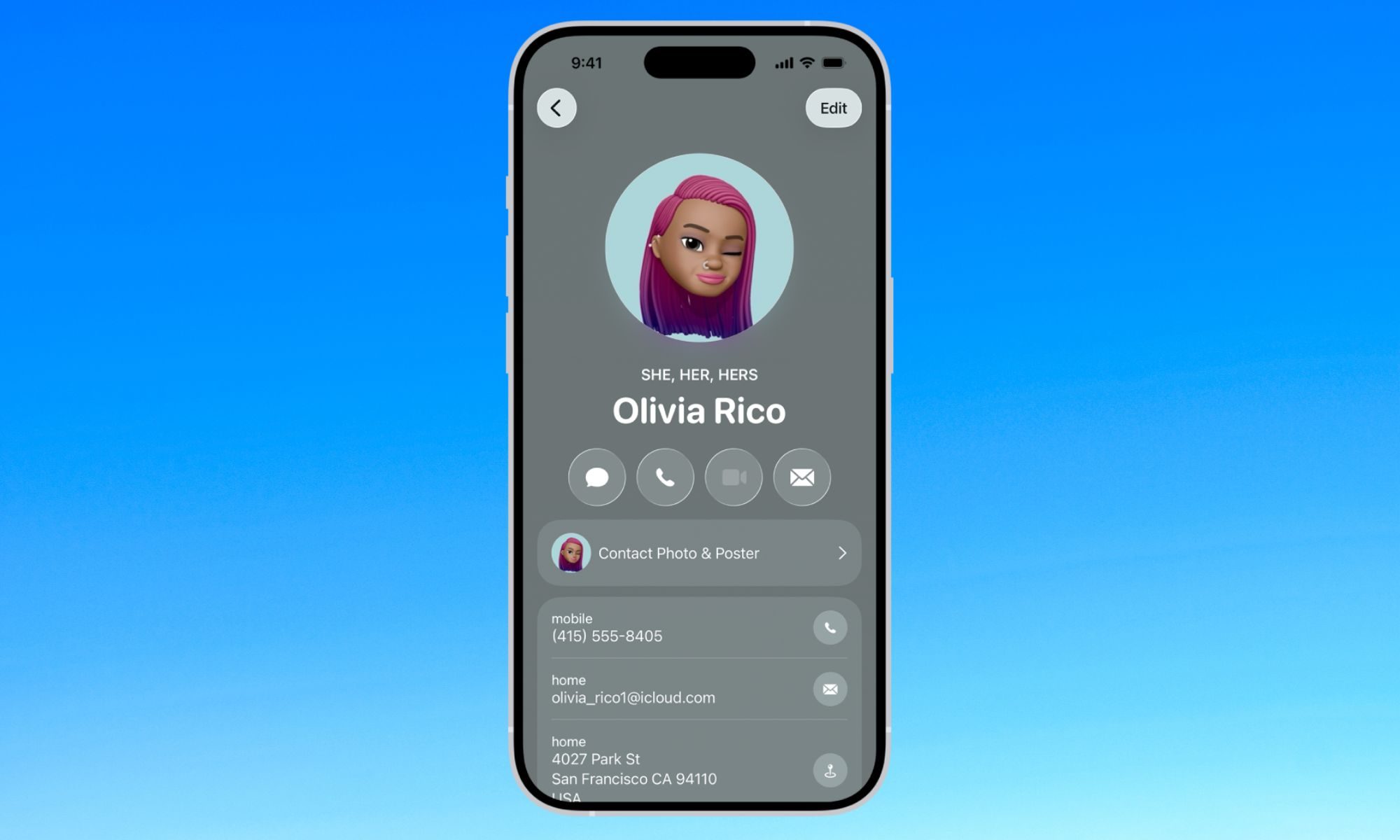
If this setup sounds a lot like something you have seen before, that is because it basically is. iPhone users have had a nearly identical feature for years, called My Card, which also sits at the top of the Contacts app for quick access
This follows Google’s earlier rollout of the Calling Card feature, which lets you personalize how your own contact photo and name appear during calls. Google has also published a support page explaining how the feature works as it rolls out to more Android users.