J.R.R. Tolkien’s The Lord of the Rings remains one of the most remarkable achievements in fantasy literature. Through the sprawling world of Middle-earth, ancient civilizations, intricate mythology, and its unforgettable journey of friendship and sacrifice, Tolkien created a fictional landscape that feels as tangible as New York City. More than seven decades after its publication, the story of Frodo Baggins and the Fellowship continues to set the standard for epic fantasy, inspiring generations of authors to dream bigger and build worlds of their own.
Modern fantasy, however, has taken Tolkien’s foundations in some fascinating directions. From intricate political sagas to radically reimagined mythologies and elaborate magical systems, today’s authors have found several exciting ways to reimagine the genre’s possibilities. For this list, we’re focusing on fantasy series that began in 2000 or later, with one exception for a saga that largely unfolded throughout the following decade. Each brings a distinct Tolkien element to the table, whether through extraordinary world-building, ambitious storytelling, or a cast of characters large enough to make Gandalf’s head spin.
1
The First Law Trilogy (2006) by Joe Abercrombie
Image: Polygon
Joe Abercrombie’s The First Law trilogy begins with a familiar fantasy setup involving a kingdom on the brink of war, an ancient enemy stirring in the North, and a mysterious wizard assembling an unlikely band of heroes. The group includes Logen Ninefingers, a feared Northman trying to outrun his violent past, Jezal dan Luthar, a vain young nobleman chasing military glory, and Inquisitor Glokta, a former war hero turned torturer whose sharp mind is matched only by his physical suffering. Their paths converge as the Union faces threats from both within and beyond its borders.
Where Tolkien found beauty in the nobility of heroism, Abercrombie is far more fascinated by the flaws and frailties of human nature. The First Law takes familiar fantasy archetypes and strips away their romanticism, replacing grand quests with cynical political scheming. Yet its richly imagined world, ancient histories, and looming supernatural threats still provide the bedrock of traditional epic fantasy — only set within a realm that has vastly less faith in its heroes than Middle-earth.
2
Green Bone Saga (2017) by Fonda Lee
Image: Polygon
On the island of Kekon, jade is the source of supernatural abilities that allow trained warriors to move with extraordinary speed, strength, and precision. For centuries, the island’s most powerful families have controlled its supply, turning jade into the foundation of an elaborate criminal underworld. Jade City, the aptly-named first installment of Fonda Lee’s Green Bone Saga, follows the Kaul family as they struggle to maintain control of Janloon amid escalating tensions with their rivals, the Mountain clan. As political ambitions, family loyalties, and international interests collide, the conflict grows into a generational struggle that reshapes the entire island and expands beyond its coast across the fictional continent of Espenia and the nation of Otho.
Lee’s greatest achievement is making every corner of Kekon feel inseparable from its history and culture. Much like the melange spice from Frank Herbert’s Dune saga, jade influences everything from military strategy and international diplomacy to family traditions and social standing, giving the setting an extraordinary sense of cohesion. Lee, following in Tolkien’s footsteps, understands that compelling fantasy worlds require extensive histories, customs, and competing ideologies that inform how people actually behave. The result is an epic fantasy saga that finds its magic in the intricate machinery of an entire fictional society that, mirroring Middle-earth, feels surprisingly real.
3
The Broken Earth Trilogy (2015) by N.K. Jemisin
Image: Polygon
N.K. Jemisin’s Broken Earth starts in the immediate fallout of an apocalypse. On a vast supercontinent ironically named the Stillness, catastrophic seismic events known as Fifth Seasons periodically collapse civilization, plunging the world into long years of volcanic ash and famine. Survival relies on orogenes, or individuals capable of sensing and manipulating geological energy, yet they are systematically enslaved and hated by the society they keep alive. The conflict centers on Essun, a closeted orogene who returns home to find her toddler son beaten to death by her husband after he discovered the boy’s magic, and her young daughter kidnapped. As Essun ventures across a dying landscape to track them down, a new Fifth Season begins to tear the continent apart, setting off a sequence of events that unravels the cosmic origins of the world’s cycles of destruction.
The Stillness is a masterwork of ecological and historical world-building, where geological disaster, oppression, and generational trauma are linked to the land itself. Jemisin constructs a vast historical mythology that elevates a personal tragedy into an epic backed by incredible prose. The series has even won three consecutive Hugo Awards for Best Novel for all three books, highlighting The Broken Earth as one of modern fantasy’s indisputable masterpieces.
4
The Dandelion Dynasty (2015) by Ken Liu
Image: Polygon
Drawing inspiration from Chinese history and classical literature, Ken Liu’s Dandelion Dynasty offers a refreshing alternative to the medieval European settings that dominate epic fantasy. Its distinctive silkpunk aesthetic brings airships and other elaborate mechanical inventions into a world shaped by competing philosophies and meddling gods. Liu treats history as a living force, giving the main setting, Dara, the sense of a civilization with centuries of forgotten conflicts behind it.
Its history comes into focus with the collapse of an empire. After Emperor Mapidéré conquers the islands of Dara and unites their warring kingdoms, his death leaves a power vacuum that threatens to undo everything he accomplished. Two unlikely allies emerge in Kuni Garu, a charming former bandit, and Mata Zyndu, a towering warrior descended from a disgraced noble family. Although they initially join forces to overthrow the imperial regime, their competing visions for Dara eventually drive them toward a bitter confrontation. Liu follows generations that inherit their struggle, turning a rebellion into an expansive chronicle of political upheaval that spans four novels.
5
The Stormlight Archive (2010) by Brandon Sanderson
Image: Polygon
Brandon Sanderson has become one of modern fantasy’s most prolific and influential authors, earning a devoted following for his intricate magic systems and interconnected storytelling. The pinnacle of his epic world-building is The Stormlight Archive, a multi-volume saga beginning with The Way of Kings. Set on the storm-ravaged world of Roshar, where brutal highstorms sweep the landscape and shape its living ecology, civilization faces the resurgence of an ancient cycle of apocalyptic wars called the Desolations. The narrative converges on three central figures: Kaladin, a disgraced soldier turned enslaved bridgeman struggling to save his crew while discovering long-lost powers; Shallan Davar, a young scholar seeking a secret that could save her family; and Highprince Dalinar Kholin, a formidable warlord plagued by visions urging him to unite a fractured kingdom before an impending cataclysm.
Roshar’s unique flora, fauna, political rivalries, and ancient Radiance-bound magic are intricately woven, creating a world as structurally immersive as Tolkien’s Middle-earth. Sanderson shares Tolkien’s core thematic conviction that the ultimate fate of a world often rests on the moral choices of broken or seemingly ordinary individuals. Driven by immense narrative scope and a vast historical mythology, The Stormlight Archive stands as one of the clearest modern attempts to capture the grandeur and scale of Tolkien’s epic fantasy.
6
The Malazan Book of the Fallen (1999) by Steven Erikson
Image: Polygon
The Malazan Book of the Fallen throws readers into the magic and siege fires of an empire already in motion. Across ten massive volumes, The Malazan Book of the Fallen spans thousands of years without ever settling on a single traditional protagonist. Instead, the exceptionally long narrative follows a sprawling ensemble cast of cynical elite soldiers like the Bridgeburners navigating brutal campaigns on Genabackis, tragic squad leaders like Whiskeyjack, terrifying ascendants, and ancient non-human races like the Tlan Imass and K’Chain Che’Malle. From the bloody siege of Pale to god-level conflicts across Seven Cities and Lether, the Malazan series easily twists a standard imperial expansion into an epic clash over the fate of existence itself.
Though the series began with Gardens of the Moon, which was published in the UK in 1999, it stands as a quintessential Tolkien-esque 21st-century epic. Co-created with fellow anthropologist and archaeologist Ian C. Esslemont, Erikson built the setting (the Malazan world) over decades of tabletop roleplaying, imbuing it with hundreds of thousands of years of layered history. It earns its claim as the absolute top contender to rival Tolkien not by mimicking Middle-earth, but by matching and exceeding its sheer depth. Where Tolkien approaches world-building like a linguist curating ancient lore, Erikson approaches it like an archaeologist conducting a messy field excavation.
Nvidia on Sunday said it’s opening an investigation into whether Jensen Huang, the company’s chief executive officer and founder, was targeted by a foreign intelligence effort after Huang admitted having an affair with a business executive who was reportedly a Chinese spy.
The announcement of any investigation follows a series of reports that Huang had developed a “close relationship” with Alice Huang, no relation to Jensen Huang, who is a Chinese citizen and an executive at Megaspeed. Megaspeed is a Singapore-based data center company that buys chips from Nvidia to run data centers that sell computing power to Chinese AI labs.
The New York Times reported in late October that US intelligence agencies had Alice Huang under electronic surveillance for allegedly facilitating the sale of advanced Nvidia chips to China in violation of US law. During that surveillance, officials discovered she was also allegedly funneling information to the Chinese government in Beijing.
The announcement comes as Nvidia has solidified its position as a leader in the AI boom. The cutting-edge computer chips that Nvidia produces are what make AI and AI data centers possible, and that has made Nvidia one of the world’s most valuable companies by market cap.
“Today’s news will not slow Nvidia,” an Nvidia spokesperson said. “Jensen is committed to continuing to lead Nvidia as CEO without interruption.”
A committee of independent directors, working with outside counsel, will oversee the investigation, the board said in a statement. The company added that it “has no reason to believe that either national security or NVIDIA secrets were compromised, the Board’s inquiry will examine all available information.”
In his own memo to Nvidia employees, Huang said he was “deeply sorry” for the affair. “I was unfaithful to my wife,” he wrote. “My actions hurt her and our children. There is no excuse for what I did.” Huang, 63, added that he will cooperate fully with the board’s investigation.
The company had previously characterized Jensen Huang’s interactions with Alice Huang as “not unusual or unexpected” given that the CEO “talks with thousands of customer executives every year.”
CNET’s Katelyn Chedraoui contributed to this report.
Steven Musil
Night Editor / News
Steven Musil is a senior news editor at CNET News. He’s been hooked on tech since learning BASIC in the late ’70s. When not cleaning up after his daughter and son, Steven can be found pedaling around the San Francisco Bay Area. Before joining CNET in 2000, Steven spent 10 years at various Bay Area newspapers and had a brief stint at MacWeek.
See full bio
I don’t know about you, but I’m not a huge fan of the way YouTube encourages everything becoming a video that’s over an hour long and doesn’t have a text version available. There’s a recent video putting the original Pool of Radiance into the greater context of the history of CRPGs that’s almost 10 hours long, and the odds of me watching more than 10% of it are perishingly low.
Fortunately for you, we’re here to convert video to text for your edification, as with The Examined Game’s comprehensive interview with Skyrim lead designer Bruce Nesmith. Asked how a game as successful as Skyrim came to be, Nesmith emphasized the importance of keeping the team together.
The Biggest Lesson Bethesda Learned From Skyrim | Bruce Nesmith – YouTube
If I had an actual blueprint on how to do it, I would be one rich son of a bitch. A lot of it comes down to we had the same team that had worked on Oblivion. The studio had not really changed dramatically. So we were able to deal with institutional knowledge at a high level that had been retained, which allows us to not make mistakes and build on successes. That was definitely key to it.
I think also we gave a high priority to making sure that the world was full. There was nowhere that you went where there wasn’t at least something fun to see if not something fun to do. And it and it can be just little things, it can be a little vignette on the side of the road. It doesn’t have to be a huge big adventure, but the visual storytelling was fantastic.
I go back to that sense of freedom once again, but we accelerated that in Skyrim compared to Oblivion. It makes the world feel rich when there’s a variety of experiences. The same experience over and over and over again doesn’t cut it. So you have a wealth of enemy types, you’ve got a lot of different treasure types and loot types, you’re allowed to pick everything up in the world.
When you go see the forests, they look like forests. Then you can see the mountains, they look like mountains. And you go to ice fields and they look like ice fields, so you get a variety of environmental experiences. Each of the cities had its own characters, so they felt very different. You felt like you’re experiencing something new. And the characters, the characters all felt like they had some personality to them so that you weren’t just seeing cookie cutter versions of people.
Jody Macgregor
I have to disagree with Nesmith on the characters, because memorable NPCs are one of Skyrim’s weak spots—all those people with recycled voices and limited dialogue. But he’s right that Skyrim feels full despite the absence of Ubisoft-style repeatable activities. At no point do you pick up a butterfly and get a notification that says “1/100 butterflies collected”. The butterflies are just there, and you can grab them and turn them into potion ingredients if you want. Then while you’re out harvesting ingredients you meet a thief or a dying orc or an NPC who points you to a sidequest, and you’re off on a new journey. That’s what Skyrim does well.
Nesmith goes on to say depth like that was made possible, “by having people who knew what they were doing and could hit the ground running. You didn’t have to train people what it meant to make an Elder Scrolls game.” Instead of laying off half the Oblivion team the moment it shipped, Bethesda kept them together. “If you look at the history of AAA studios that do sequels, you’ll see that repeated,” Nesmith continues. “You’ll see the best game in a sequence frequently was able to maintain a particular percentage of the staff—was able to maintain a vision.”
Keep up to date with the most important stories and the best deals, as picked by the PC Gamer team.
In this article, 20+ of the most powerful AI apps for 3D rendering, visualization software & new MCP design tools to work faster. These 3D modeling tools and visualization software are shared to serve as a reference for integration and design workflow transformation in 2026.The emergence of artificial intelligence has become widely essential, especially in generative design and 3D modeling. It is undeniably helpful, especially for artists and engineers in creating models, automating repetitive tasks, and exploring various design styles quickly. It is indeed a game changer, as AI tools are now deeply embedded in modern creative design and CAD services.
And as its demand keeps growing, studios and professionals really need advanced support, and companies like Cad Crowd help connect clients with CAD designers, generative design experts, and freelance AI specialists who are guaranteed to provide help in executing 3D modeling projects, integrating AI-driven design, and optimizing workflows in the production process.
1. Autodesk Fusion 360 (AI generative design)
Autodesk Fusion 360 is known to be one of the most popular design and engineering software programs that combines three powerful tools in one platform: CAM, CAD, and simulation. Through the addition of artificial intelligence features, it has become even more powerful since it helps users create better and faster designs without the need for too much manpower. One of the most notable AI capabilities of Fusion 360 is generative design. Instead of designing every option by hand, you can simply enter specific requirements like manufacturing process, material type, budget, weight restrictions, and performance goals.
After that, the AI will generate several design alternatives that will meet those requirements, allowing engineers to have a lot of options to choose from. Fusion 360 also has specific intelligent tools that operate for product development and modeling. The software can recognize specific design patterns, provide improvements, and help in predicting how a certain product will perform before it is built. With the help of these features, teams are able to easily identify problems and solve them earlier to lessen the number of prototypes needed later on.
In addition, Fusion 360’s advantage is its connection to manufacturing. The moment a certain design is finalized, it can already be prepared for the next process, such as 3D printing services, injection molding, or CNC machining, without the need to move it to another software platform. Through the integration of AI design, Fusion 360 helps product designers and engineers save time, develop products more quickly, and improve efficiency. It is mostly used in industries like automotive, consumer product design, manufacturing, and aerospace.
Blender is known to be one of the most powerful open-source tools for producing renderings, 3D modeling, simulation, and animation. It has become even more impressive when it integrates AI add-ons and MCP into its system, which helps streamline creative workflows and particularly speeds up the entire production. Through the add-ons of AI-powered tools, Blender has improved almost every stage of the 3D pipeline, starting from automatic retopology and mesh generation down to AI-assisted texturing, which helps reduce manual work while still improving its precision.
Through it, 3d modeling design artists can now generate even complex projects faster, refine setups intelligently, and use AI to receive recommendations with regard to realistic environmental details. Creators are able to focus more on artistic direction instead of doing repetitive technical tasks. MCP connectors expanded Blender’s capabilities since they enable seamless integration with external AI systems, automation pipelines, and design tools. Through them, Blender can effectively communicate with generative AI platforms, workflow assistants, and asset libraries, which means that tasks like generating 3D concepts from text prompts, automating scene setup, and creating optimized assets can happen instantly in a more efficient and connected way.
As AI add-ons and MCP connectors are combined, Blender has transformed from traditional 3D software into a more intelligent production hub. Through this integration, game developers, architects, designers, and visualization artists create faster iteration cycles, enhanced productivity, and experience more creative freedom.
3. NVIDIA Omniverse
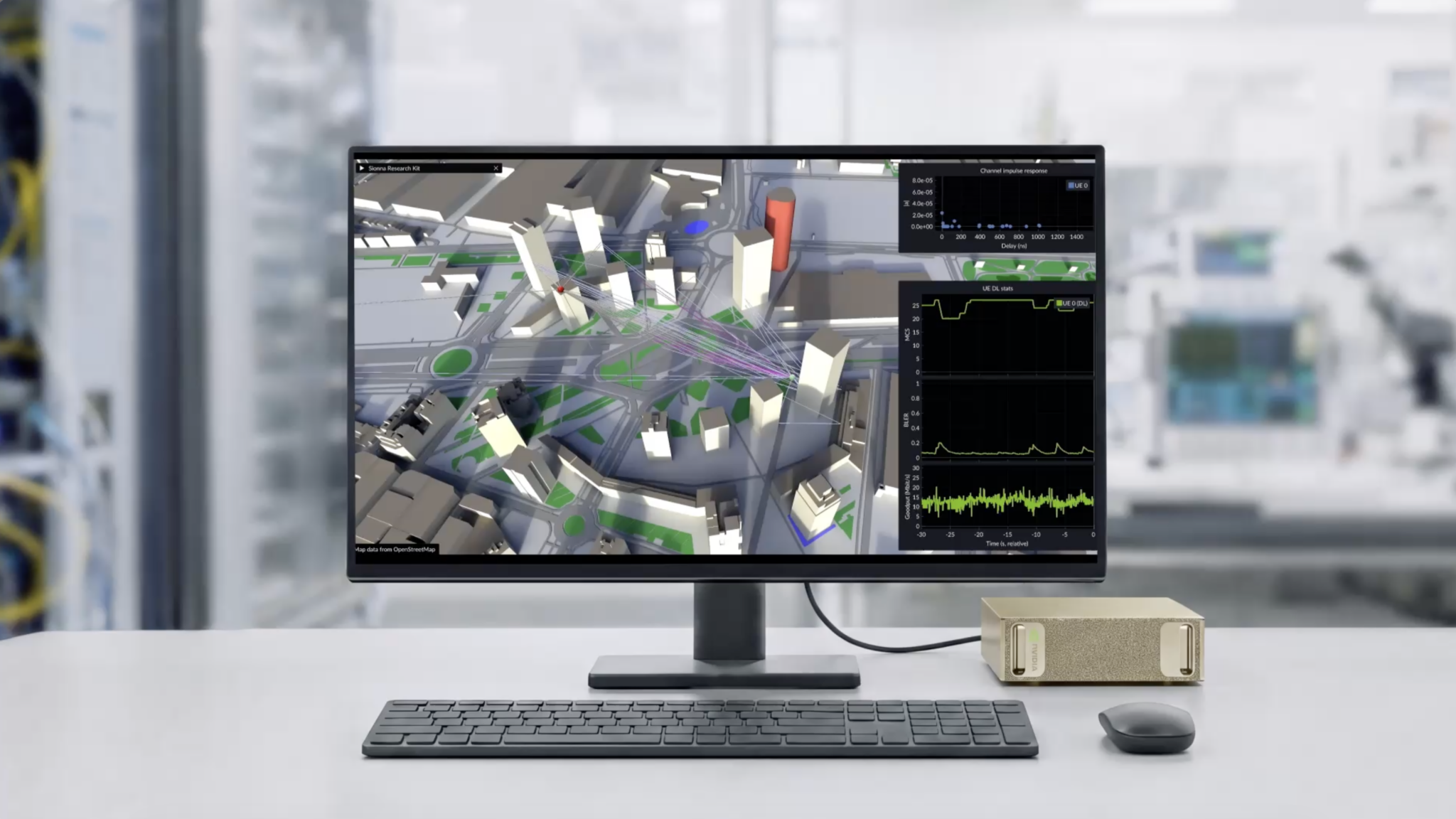
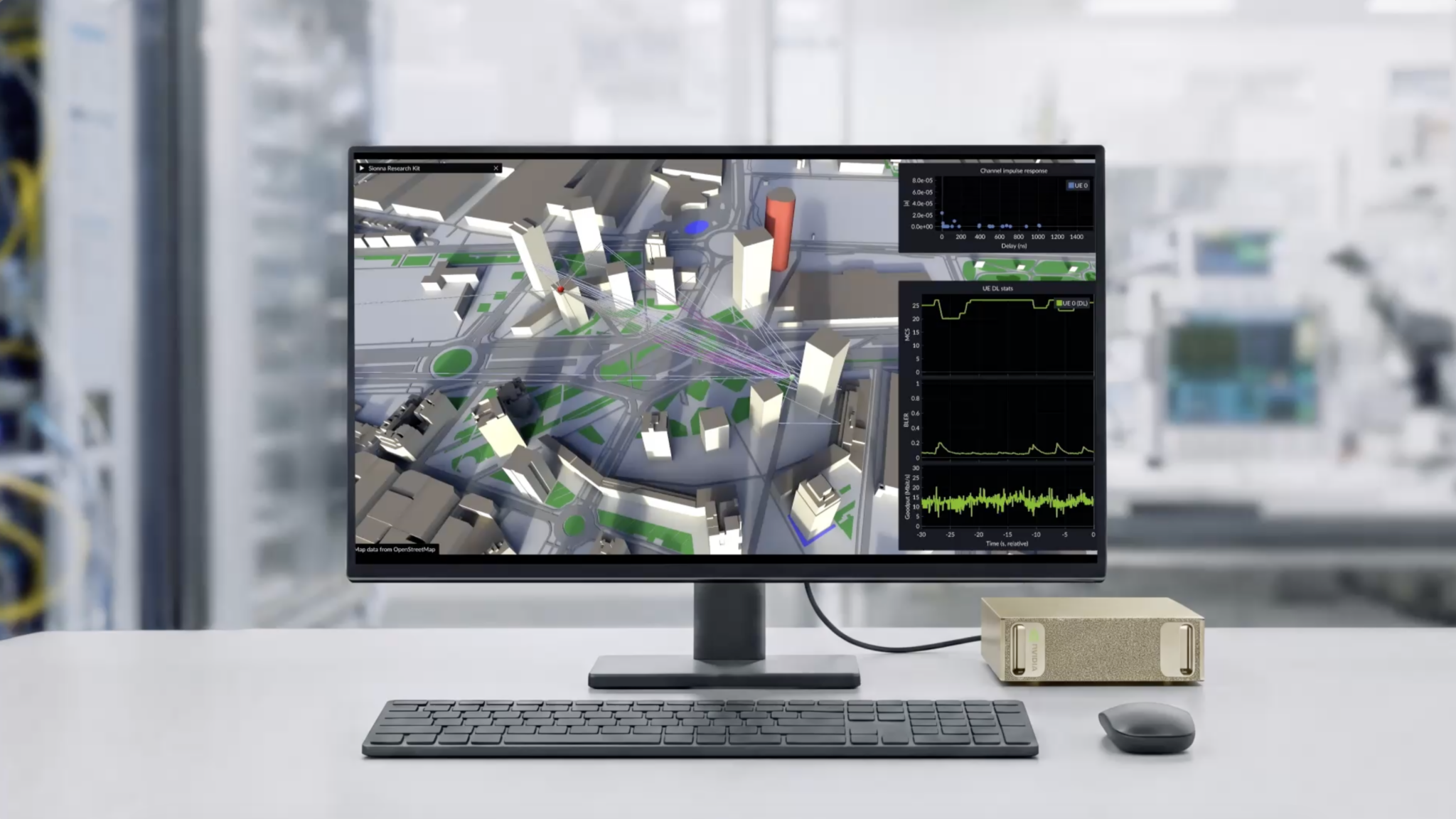
NVIDIA Omniverse is known as an advanced platform designed for simulation, digital twin creation, and real-time 3D collaboration. It is powered by NVIDIA’s high-performance graphics and AI technology, allowing engineers, software developers, and designers to work closely together in a smooth and shared virtual environment regardless of whether they are using different software tools. One of its main strengths is interoperability. Omniverse connects several design applications like simulation software, animation, and CAD into one single space. Through this, teams are able to easily update and edit certain projects in real time without the need to face the same file compatibility issues.
Through this, complicated projects become way easier to manage and coordinate along with different disciplines or departments. AI assistance is deeply integrated into its platform. Through it, scenes are easily optimized, lighting is improved, assets are well organized, and overall rendering workflows are sped up. It also strongly supports generative AI features that create materials, environments, and 3D objects by just providing simple text prompts, allowing easier access for users to turn their ideas into actual visual concepts. Another thing that’s functional in Omniverse is its digital twin development.
Businesses can create virtual replicas of real-world systems like vehicles, factories, and buildings. Through these simulations, they are able to identify issues early, test performance, and predict Possible outcomes before they create real-world changes. NVIDIA Omniverse combines both collaboration and simulation in one powerful ecosystem, which makes it highly valuable in fields like robotics, industrial engineering, and architecture.
4. Rhino 3D + Grasshopper AI plugins
Rhino 3D is a popular modeling software that is known for its flexibility and accuracy. It is widely used among engineers, architects, jewelry designers, and industrial designers. Rhino becomes even more powerful for parametric design when it’s combined with Grasshopper, allowing users to make complex models using automotive design and visual programming processes. The integration of AI-powered plugins has greatly enhanced its capabilities, helping designers work efficiently and discover new creative possibilities.
Its node-based interface allows users to create designs according to parameters and rules instead of manual modeling alone. Through AI plugins, its capabilities are expanded by using machine learning to analyze and generate design patterns, create alternative solutions, and optimize structures based on every project’s requirements. Through it, designers are able to evaluate a larger number of design options in just a short amount of time. AI-enhanced workflows are proven to really improve architectural work. It helps in optimizing visual designs, improving building performance, and maximizing space utilization while still giving importance to sustainability goals.
Industrial designers are also using AI tools to create lightweight structures, advanced product designs, and organic shapes that achieve both aesthetic and functional requirements. Another major advantage of Rhino and Grasshopper is their active developer community, which continues to create specialized AI tools for different industries. By combining computational design, precision modeling, and AI-assisted tools, Grasshopper and Rhino offer a more powerful environment for efficient development of certain project designs.
SketchUp is one of the most well-known user-friendly 3D modeling software applications that is specifically used in conceptual planning, architecture, construction, and interior design. It is popular for being simple and easy to use, which becomes even more powerful after adding AI-driven extensions, as it helps users accurately and efficiently design products. One of its most useful AI features is called conceptual modeling assistance. It helps generate building and room configurations, layouts, furniture placements, and other design concepts according to every user’s input. Through it, 3D modeling designers quickly turn their ideas into visual models and discover various design possibilities in just a short time.
Through AI extensions, model quality also improves as it becomes easy to identify common errors and inefficiencies. They detect issues early on, like poorly organized components, overlapping geometry, and missing surfaces, which all help users solve problems before it negatively affects the following stages of the process. Through this, smoother collaboration happens between contractors, clients, and project teams. Additionally, AI extensions also enhance visualization workflows by assisting with rendering preparation, material selection, and lighting adjustments.
There are tools that can also suggest design improvements according to a specific project’s purpose and requirements. Others also support building performance analysis, which allows designers to monitor and evaluate factors like natural lighting and energy efficiency. By combining simplicity with artificial intelligence automation, SketchUp is able to provide interior designers, architects, and construction professionals with the right and effective AI tools that guarantee support for productivity and better design decisions.
6. Shapr3D AI CAD assistant
Shapr3D is a modern 3D software that is built for product developers, designers, and engineers who seek a flexible modeling solution for desktop computers, laptops, and tablets. It is known for its professional-grade tools and intuitive interface. The platform has integrated artificial intelligence aiming to improve productivity and simplify design workflows. One of the most important AI features in Sharper3D is intelligent sketch recognition. Through it, users can create complex sketches, and the software easily interprets their design intent, converting every simple drawing into an accurate and precise geometric model. It can also recommend specific constraints and dimensions, reducing the need to manually adjust everything, and it speeds up the entire modeling process.
The platform also provides AI-powered design assistance that helps users identify potential errors and recommend solutions according to best practices and engineering standards. With the help of these tools, 3D modelers can create more efficient models and lessen the errors that could negatively affect product performance or manufacturing. Through it, teams and everyone involved can save both time and energy on revisions and have even more time to refine ideas.
Another key factor is its seamless cross-platform experience. With its help, users can switch between devices without interrupting the workflow, making it more convenient for both collaboration and project management. Through AI features, efficiency is greatly enhanced, especially in automating routine tasks and helping organize the entire design process. Sharper 3D is a combination of precision, accessibility, and intelligent automation, which makes it an excellent choice for startups, engineering professionals, and independent designers who are seeking to accelerate their product development yet still maintain high-quality results.
7. Onshape AI cloud CAD
Onshape is a cloud-based CAD platform that is built for product developers, manufacturing teams, and engineers who seek a modern and collaborative approach to creating a design. It’s different from traditional CAD software that commonly requires file storage and local installation, since Onshape operates through the cloud, which allows users to access projects regardless of where they are, as long as there is an internet connection. One of its advantages is AI-powered design assistance. The platform can analyze every design pattern, user workflow, and model history in order to provide smarter recommendations that help the process run more efficiently.
Recommendations include assembly organization, geometry optimization, and feature creation, allowing users to finish tasks quickly while lessening repetitive work. The platform also enhances collaboration through its AI-assisted version management. Since a lot of team members can work on the same specific project simultaneously, the software tracks every design change, organizes new revisions, and resolves every conflict automatically. It is a way of ensuring that every project remains synchronized and mitigating the risk of errors that are mostly caused by overlapping edits or outdated files.
One of its valuable key features is AI-driven manufacturability analysis. Through it, the software can easily identify potential issues like assembly conflicts, production challenges, or tolerance problems. Being able to detect these problems before starting manufacturing helps reduce costly revisions and enhances overall product quality. And since it is fully cloud-based, it automatically delivers new features and updates without the need to manually install them. By integrating cloud collaboration with intelligent automation, the platform greatly helps engineering teams work more efficiently, accelerate product development, and maintain accuracy.
Adobe Substance 3D is a leading software suite that is specifically used for creating realistic surface details, textures, and materials in 3D design. It is mostly used in industries like product visualization, virtual production, gaming, visual effects, and animation. With the application of artificial intelligence, the platform has become even faster and more efficient in creating high-quality digital assets. One of its most important AI-driven features is the procedural material creation. Through it, there is no need to manually build textures step-by-step since users can already generate realistic materials from simple text descriptions, sketches, or images.
It provides surfaces, like stone, fabric, wood, or metal, to be quickly created while maintaining their accurate physical properties for simulation and 3D rendering services. AI tools also enhance the refinement and editing process. They automatically improve texture quality, remove any imperfections, generate different variations of a material, and create seamless patterns. These newly added features significantly reduce the time required for asset production, especially in large-sized projects.
Another major advantage of Substance 3D is its compatibility with 3D and game development platforms like Unity, Maya, Unreal Engine, and Blender. This helps users easily transfer materials across different workflows without risking their consistency or quality. Adobe Substance 3D helps designers and artists produce realistic textures efficiently by integrating AI automation with procedural design tools. It also results in faster workflows and more detailed visual results, especially for modern digital production.
9. Meshy AI
Meshy AI is a known AI-powered platform that aims to convert text descriptions into fully formed 3D models. It has become widely used in 2026 for its fast content creation in fields like digital product design, metaverse gaming design, virtual reality, and augmented reality, where efficiency and speed are highly essential. Its key feature is text-to-3D generation. In this feature, users can simply describe a specific character or environment object in words, and the AI-assisted tools will automatically create a corresponding 3D model with textures and geometry. Through this, there is no need to build everything manually anymore, and it makes the early stages of design much faster and accessible to all.
The platform is most useful for prototyping and brainstorming. Users can quickly generate ideas and visual concepts without spending too many hours modeling each specific variation. These generated assets are imported into other 3D software for enhanced detailing and refinement. It also produces game-ready and visualization-ready models that are available to be used in engines like Unreal or Unity. It helps streamline the production workflow by reducing the time needed to create basic assets from scratch. Meshy AI is highly valuable for small studios, professional teams, and independent creators who seek to speed up their 3D production process. By automating initial modeling tasks, users can be more focused on refinement, creativity, and final design quality.
Kaedim is an AI-powered platform that is specifically built to convert 2D images into detailed 3D models. It is commonly used in industries like interactive media, gaming, and 3D animation services where efficiency and speed in asset creation are highly essential. The tool is mainly designed to help developers and artists speed up the process of modeling while still delivering professional-quality results. Its major function is image-to-3D generation. Through it, users can easily upload specific concept art, illustrations, sketches, or reference images, and the artificial intelligence feature will then build a corresponding 3D model from them.
This way, intensive manual work is being replaced, allowing a faster and cleaner output in translating 2D designs into a full 3D geometry. One of Kaedim’s major advantages is its speed. Teams are able to quickly turn every visual idea into early 3D drafts, which makes it easier to refine and test concepts during the process of development. It helps reduce production time and supports decision-making and specific creative projects.
The generated models are also created to be compatible with standard 3D software. 3D artists can import them into tools like game engines or Blender for further enhancement, optimization, animation, and refinement. This way, users can maintain full creative control over the project’s final output. The platform is mostly useful for design teams and game studios that seek an avenue to produce large amounts of 3D assets in a shorter time. By automating the initial modeling stage, creators are able to focus more on enhancing the quality of design and less on building models from scratch.
11. Luma AI
Luma AI is one of the AI tools that are known to be transformative, especially in modern 3D production. It mainly specializes in turning real-world footage into highly precise and detailed 3D scenes by using neural radiance fields and Gaussian splatting technology. In recent years, it has become a major tool for creators who want to bridge the gap between digital worlds and physical environments without the need to use traditional modeling. Instead of creating environments manually, users are now able to capture a space using a smartphone camera by simply recording video walks.
Afterward, the AI reconstructs the environment into an explorable 3D scene with realistic textures, lighting, and depth. It significantly reduces the time needed to recreate real-world locations, mainly for films, games, and virtual experiences. One of its major advantages is realism. Since it is based on real captured data, its output preserves little details like surface imperfections, natural lighting conditions, and reflections. This advancement makes it valuable, especially for 3D architectural visualization services, immersive storytelling, and virtual production. The platform also supports asset extraction, which makes it easy for designers to isolate objects from specific scenes and make use of them in other 3D projects.
This makes it a powerful tool, especially for reference-based modeling and rapid environment building. For creators working in AR, interactive media, and VR, the platform offers a new level of efficiency. It helps remove the need for manual environment reconstruction while still providing quality results. As AI reconstruction and scanning technology continues to grow, Luma AI has become an essential tool for capturing real-world environments and converting them into more usable digital assets.
12. Runway
Runway is known to be one of the leading generative AI platforms that is widely used mainly in creative content generation, video production, and 3D concept development. While its main focus is on AI video editing and generation, it has also expanded into scene-based and spatial workflows that strongly support pre-stage 3D ideation. One of its key features is text-to-scene generation, where users can simply describe specific environments, cinematic concepts, or objects and directly receive AI-generated visual outputs that help guide 3D modeling workflows. Through these outputs, users can have a solid reference for building assets in Unreal Engine,
Blender, or other 3D software. It also speeds up pre-production by allowing rapid prototyping of visual ideas. Instead of creating mood boards or rough blackouts manually, designers can generate dynamic visual sequences that communicate atmosphere, lighting, composition, etc. Through this, teams become more aligned with the creative direction earlier, before proceeding to the following production process. Additionally, Runway consists of tools for background removal, motion tracking, video-to-video transformation, and object isolation, which are increasingly used in 3D workflows. These features help bridge the gap between real-world footage and the digital environment.
It is mostly used by digital artists, filmmakers, and game developers, as it acts as a creative accelerator in every project. It lessens the time 3D visualization designers spent visualizing ideas and supports faster decision-making during the conceptualization stage. Though it is not a usual or traditional 3D modeling tool, its AI-driven output plays an essential role in creating modern 3D pipelines and specific Generative design.
13. Spline
Spline is known as a browser-based 3D design tool that specializes in providing real-time interactive 3D experiences for the web. In 2006, it became increasingly powerful due to the integration of AI systems in creation, which makes it easier for designers to create interactive environments, UI-driven 3D content, and product visuals without the need to use complex modeling expertise. One of its most notable advancements is called AI-driven scene generation. Through this, users can easily describe specific environments, objects, or interactions using natural language, and the system will then generate a 3D asset that can be edited and customized immediately and precisely. This importantly helps in reducing the barrier to entry for making interactive 3D content.
It is especially valuable for product marketers and web designers who seek to create immersive landing pages and showcase interactive products. Instead of just using static images or videos, teams can explore building real-time 3D scenes that can be manipulated directly in the browser. Another major strength of Spline is its rendering engine and real-time collaboration. Through this, teams can work closely together simultaneously while having AI as a smart assistant with lighting suggestions, object placement, and layout optimization.
This way, the design iteration speeds up and ensures a consistent output across different projects. It also works well with modern web development frameworks, which allow developers to integrate interactive 3D content into websites without too much effort. This makes it a smart choice, especially for startups, digital agencies, and SaaS companies.
14. Masterpiece Studio
Masterpiece Studio is known as an AI-assisted 3D platform that is focused on simplifying character creation and animation. It is mainly designed to create one of the most difficult parts of 3D production, which is building and animating characters. It guarantees a faster and more accessible process by using intelligent and automated tools. Usually, it involves several technical steps in 3D character animation services, like fixing topology, sculpting the model, preparing animations, and retargeting the skeleton. All these intensive steps are being reduced as processes are being streamlined through an AI-supported workflow.
One of its major features is automatic rigging. When a specific character is created or imported, the AI can easily analyze its structure and generate a functional skeleton automatically. This helps avoid the use of manual rigging and saves a significant amount of production time. It also provides users with an option to pose and animate specific characters in real time. By using AI, it ensures that every movement looks natural and that the character is correctly deformed during animation. In this way, ideas are easily tested and refined throughout the entire performance efficiently.
Additionally, Masterpiece Studio highly supports export to major tools and engines like Unity, Unreal Engine, and Blender, allowing smooth integration into already existing production pipelines. The platform is mostly used by small studios, animators, and indie developers who seek to create quality characters without the need to use heavy technical tools. It speeds up production while still providing users with creative control over the final project result.
15. SolidWorks AI Design assistant
SolidWorks is a long-established CAD software that is mostly used in industries like aerospace, engineering, manufacturing, and automotive. With the integration of AI-powered design assistance, it has become even more efficient in providing engineers with accurate and production-ready model development. One of its major AI features is called intelligent feature recognition. The system can simply analyze 3D models and automatically detect repeated components, design structures, and patterns. In this way, engineers can simply assemble and reduce unnecessary manual work during the process of modeling.
Another key feature is AI-assisted design suggestions. According to the project’s specific requirements and constraints, the software can recommend improvements in geometry, structural design, and material selection. These suggestions help in creating more efficient and stronger parts while lessening design errors throughout the process. The platform also improves simulation workflows with the help of AI support. It can assist in thermal analysis, stress testing, and motion studies by spotting potential weak points in areas for optimization. In this way, design engineers are able to easily refine designs before they proceed to the process of physical production.
Additionally, AI tools help in improving manufacturability by looking into issues related to tolerances, assembly fit, and machining. This ensures that every design is practical and easy to produce in order to reduce costly revisions later on. SolidWorks AI Design Assistant combines both traditional CAD precision with intelligent automation, allowing engineers to work faster and ensuring an output that reduces mistakes and delivers more optimized designs for manufacturing.
16. AutoCAD AI features
AutoCAD is one of the most commonly used CAD tools in construction, architecture, and engineering. In recent years, it has integrated AI-powered features into its system, which improves drafting efficiency, reduces repetitive manual work, especially in large-scale and complicated design projects, and increases accuracy. One of the key functions of AutoCAD is its smart drafting assistance. The software can recognize specific drawing patterns and suggest improvements automatically, like better alignment, cleaner geometry, and more accurate dimensions. In this way, AutoCAD drafters are able to produce more consistent and professional technical drawings without exerting too much effort.
It also enhances object recognition within drawings. It helps in identifying repeated elements, detects inconsistencies, and suggests standardization across a specific design file. This is mostly helpful in large-scale projects where several users work on various parts of one drawing. Another major feature is called automated documentation. Through it, the system can provide annotations, measurements, and labels according to the design context. It helps reduce the time spent on manual drafting tasks and enhances workflow efficiency throughout the project development and submission.
Additionally, AI assists in converting drawings from 2D to 3D by analyzing spatial relationships and geometry. While still partially dependent on user input, the feature helps speed up the transition from drafting to modeling. AutoCAD’s AI features absolutely help architects and 3D engineers work faster and provide more accurate output by automating repetitive tasks and providing support in smart 3D design decisions throughout the process.
Houdini is known to be one of the leading procedural generation and visual effects platforms that is mostly used in simulation, gaming, and film industries. It is best known for its node-based workflow, excelling at making complex systems like terrain generation, fluids, destruction effects, and particle simulations. In 2026, AI enhancements have been integrated into its procedural capabilities, making it more powerful for 3D production. AI integration in Houdini mainly focuses on producing simulation optimization and procedural intelligence. Instead of tuning every parameter manually, users can rely on AI systems to predict optimal simulation settings according to their desired outcomes.
This particularly reduces the trial-and-error workflow, especially in complicated effects like smoke, dynamic disruption, and explosions. Another key feature of Houdini is AI-assisted procedural generation. Through this, 3D designers can easily define high-level rules, and the system can generate variations of structures, effects, or environments intelligently. This is significantly useful, especially in game development, wherein large-scale worlds need to be efficiently populated.
Houdini’s procedural nature allows for infinite variation, but artificial intelligence adds to and further expands it, which helps in refining outputs much faster and more accurately. For example, terrain generation can already be guided by real-world data factors, while simulations can now be dynamically adapted according to physical constraints. The software is mostly used in AAA game development, high-end VFX studios, and simulation-heavy industries like aerospace visualization. Its combination of both procedural workflows and AI systems makes it one of the most technically advanced 3D tools available today. By integrating machine learning with procedural systems, Houdini keeps on growing and pushing boundaries of what is possible in generative design and digital simulation.
18. Tripo AI
Tripo AI is known as a fast text-to-3D generation tool that mainly turns simple written prompts into usable 3D models in just a span of seconds. It is specifically designed for speed and ease of use, which makes it mostly useful for AR or VR creators, game developers, and digital designers who seek quick assets for their projects. Its key feature is natural language-based 3D generation, where users can easily describe a specific character, scene, or object in plain text, and then AI produces a specific 3D model automatically with textures and basic geometry. In this way, users can easily have a quick outcome for concept development and rapid prototyping.
One of its biggest advantages is its speed. Rather than spending lengthy hours building models manually, users can simply generate multiple design ideas instantly, allowing faster experimentation and providing a chance for teams to explore more creative directions in just a short time. It is compatible with popular 3D tools like Unreal Engine, Blender, and Unity. It makes it more efficient and easier to refine and export generated models within existing workflows, whether for simulation, visual projects, or games.
The platform is significantly useful for small studios and indie developers that seek quick and budget-friendly asset creation. It can be used for placeholder models or just simple production assets, depending on a project’s specific requirements. Tripo AI reflects the growing trend of 3D content creation as it helps creators to be more focused on providing creativity and strong design decisions instead of time-consuming manual modeling.
Adobe Firefly is known as an AI generative tool that has further expanded from 2D content creation into 3D design workflows. In the year 2026, it plays an essential role in connecting generative AI with texturing, conceptual development, and modeling across different 3D online platforms.One of its major features is called prompt-based generation, wherein designers can describe materials, visual styles, or objects in text form, and Firefly will produce usable visual outputs afterward. These outputs can be used as references, starting points, or concept assets for creating 3D modeling.
It is mostly used for material creation and textures. It generates surface details, seamless patterns, and style-consistent materials that can be used in tools like Unreal Engine, Blender, and Substance 3D. It helps speed up the creation of realistic assets and environments. Another thing about the platform is its capability to maintain visual consistency across different generated elements. It ensures that every asset within the same project shares a unified style and method. It is mostly used in game development, film production, and branding.
For concept artists and 2D & 3D designers, the platform works as a fast ideation tool. It mainly helps in generating early visualization directions, providing an easier way to explore ideas and finalize designs before moving to the final 3D production. Adobe Firefly reinforces the link between 3D workflows and generative AI by enhancing its consistency, creativity, and speed in asset development.
20. Claude MCP Integrations for 3D modeling workflows
Quad MCP integrations showcase the way of working with 3D software by connecting AI assistants directly to tools such as CAD platforms, Blender, and Rhino. Rather than acting as a separate program, the systems allow AI to collaboratively work with modeling software and perform tasks using natural language commands. Through MCP integration, users can simply describe what they exactly need, and the AI provides multi-step 3D workflows afterward. For example, a specific request like making a low-poly sci-fi city with clean UV maps and modular buildings. It can then be interpreted and translated into actions like setting up scenes, applying materials, optimizing assets, and generating geometry.
One of its benefits is that it has a unified workflow. 2D & 3D modeling designers don’t need to constantly switch between various menus or tools. Instead, they can just manage scripting, scene setup, and modeling through a single conversational interface, making the process even faster and more intuitive. It also automates repetitive tasks like organizing scene structures, fixing geometry errors, renaming files, and exporting assets in different formats. Though these tasks are small, they still often take a lot of time in large projects, so automation absolutely helps in improving efficiency.
MCP integration helps in improving collaboration and consistency for studios and teams by standardizing their workflows and making the process much easier to document and repeat. They can also be used as real-time assistants for optimization and troubleshooting. Overall, it represents a shift toward conversational 3D design wherein the use of natural language becomes a central tool for automating and controlling complex creative workflows.
21. nTop fenerative engineering platform
nTop is known as an advanced generative engineering platform that is mainly built for high-performance product design, especially in industries such as medical devices, aerospace engineering services, industrial manufacturing, and automotive. It’s not like the usual or traditional CAD software since it focuses on computational and algorithm-driven design and creating highly optimized structures. One of its major strengths is called implicit modeling, wherein users are allowed to design complex geometries without being limited by standard surface-based CAD systems. It makes the creation of advanced structures possible, such as lightweight components, highly optimized internal forms, and lattice patterns, that would be so difficult to manually build.
Computational design tools and AI in nTop help automate design exploration. Through this, engineers can set specific performance goals like increasing strength, improving heat resistance, reducing weight, or optimizing material usage. The platform generates design options that truly meet specific requirements, particularly reducing manual iteration time.Another key feature is built-in simulation-driven design. It helps 3D printing design professionals test how a specific structure performs under real-world application directly inside the platform, which allows fast validation and refinement without the need to rely heavily on external simulation tools. It is also highly valuable in additive manufacturing, wherein organic geometries and complexes can be immediately prepared for 3D printing. This helps in making it useful for producing lightweight yet effective components.
Conclusion
It has become widely important to use AI-driven 3D modeling tools, as they are no longer considered experimental but essential. They are the most powerful tool in engineering, modern design, and digital production workflows. The above-mentioned AI apps are proven to be functional and operational based on specific project needs, as they help designers iterate faster, create technical tasks, and explore complex ideas.
How Cad Crowd can assist
However, even if AI tools are powerful, the best results still come from skilled human expertise that guides the process smartly, especially in professional and production-ready projects that require optimization, industry knowledge, and precision. Whether you are a studio, a business, or a 3D product design company that seeks to fully leverage these AI tools, it is important to work with the right and experienced professionals who can particularly make the difference. Platforms like Cad Crowd help connect you with the right and experienced freelance AI generative design specialists and CAD professionals who can best help turn your 3D concepts to life. Contact us for a free quote today.
MacKenzie Brown is the founder and CEO of Cad Crowd. With over 18 years of experience in launching and scaling platforms specializing in CAD services, product design, manufacturing, hardware, and software development, MacKenzie is a recognized authority in the engineering industry. Under his leadership, Cad Crowd serves esteemed clients like NASA, JPL, the U.S. Navy, and Fortune 500 companies, empowering innovators with access to high-quality design and engineering talent.
How every expedition can lead to a different build.
Change the way you fight through module synergies and directional attacks.
Every build creates a unique path to uncover Polo’s story.
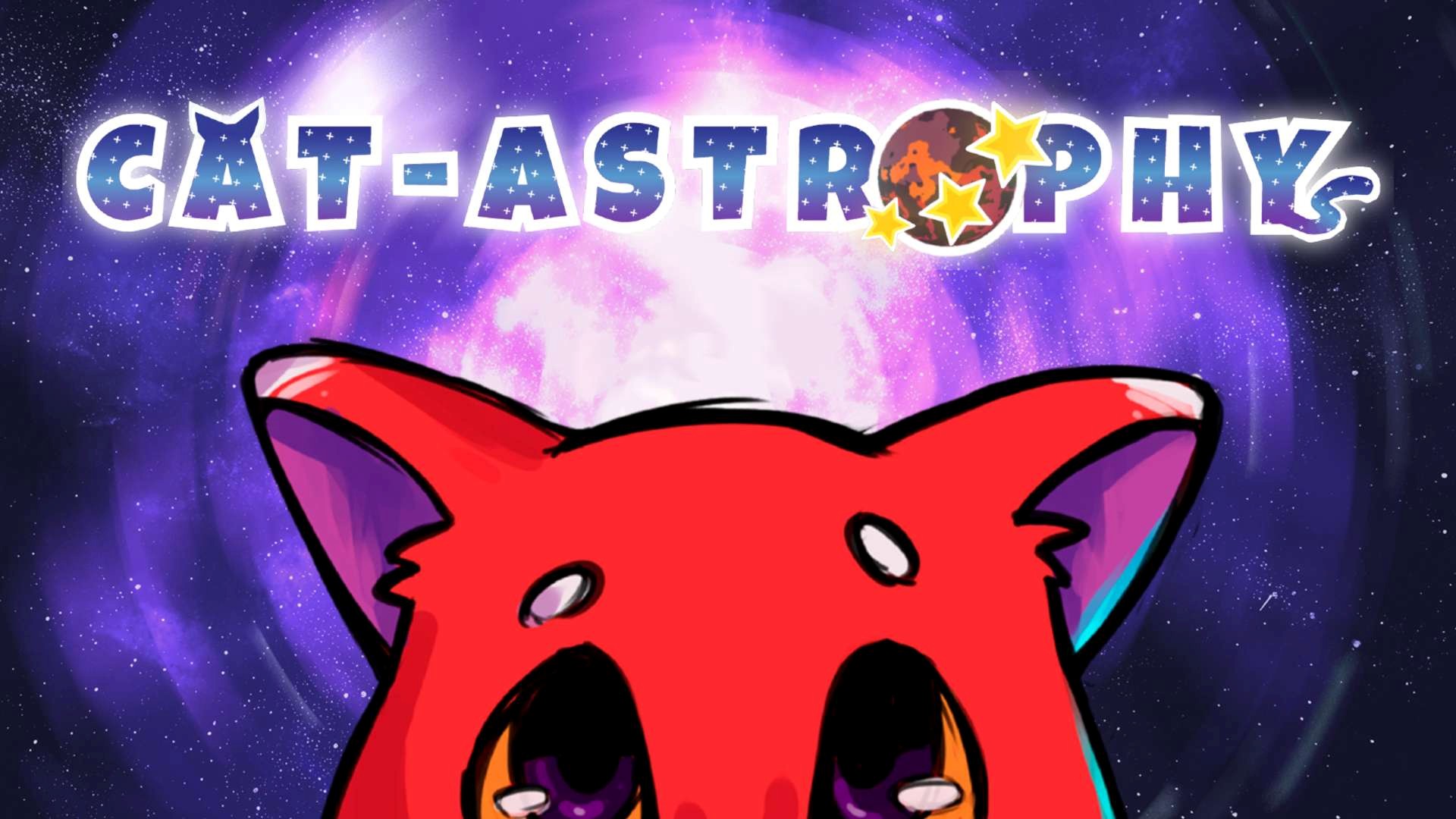
When I enter a new expedition in Cat-Astrophy, I don’t start with a fixed build that I have to repeat. I start with a question: what kind of Polo am I going to build this time? That idea is at the core of the module system, and it’s why two runs can take me down completely different paths, even when I return to a planet I already know.
During each run, I find modules that can modify specific abilities, stats, or systems. Some improve close-range combat, while others favour mobility, defence, or a more strategic approach. The key is that I don’t have to decide everything before I start: the build takes shape through what I find, what I keep, and how I react to each situation.
The most interesting part comes when modules stop working as isolated pieces. Some can evolve, while others hide synergies that only become apparent when combined. An upgrade that seems simple on its own can end up changing the way I move, attack, or navigate a room. At that point, the expedition becomes more than a succession of fights. It becomes an experiment: I try a combination, see what it does, and decide whether it’s worth building around.
The same principle extends to combat. Cat-Astrophy uses directional attacks that can be customized for forward, upward, and downward strikes. Each direction has different variants and can create synergies with my modules. On top of that, fatigue builds up as you chain attacks together, so maintaining a combo isn’t simply about using the same attack over and over. You have to decide when to keep pushing and when to stop and regain control of the situation. The result is a system that rewards precision and adaptation rather than relying on a single optimal combination.
Route selection is also part of the build. Each planet has different mechanics, enemies, and rewards, and you can choose their order from the ship that serves as your central hub. One route might favour an offensive build, while another could work better with a setup focused on survival or mobility. At the same time, rooms don’t follow a single path: you can encounter combat, parkour sections, events, shops, and minibosses, and decide how far you want to deviate from your route to look for a reward.
And even when an expedition ends with Polo’s death, not everything resets. The Star Fragments you collect can be used to unlock permanent upgrades, new options, and new routes for future runs. You can also discover memory fragments that gradually reveal Polo’s past and the truth behind his abduction. This gives every attempt two layers of progression: the build you’re creating now and the possibilities you’re unlocking for later.
That’s why there is no single “correct” build in Cat-Astrophy. You can prioritise fast attacks and combos, look for a more durable setup, or focus on mobility. Even the same planet can feel different when you arrive with a different combination of modules, a different route, and a different approach to combat. The reward isn’t just finding a powerful upgrade, but understanding why it works and what other decisions it can unlock.
For me, that experimentation is the true heart of the experience. Every run starts with a handful of tools and ends up telling a small story through its decisions: the unexpected combination that worked, the risk that paid off, the module that completely changed a strategy, or the route that opened up a new opportunity. In a roguelite, repetition can be part of the challenge; in Cat-Astrophy, every repetition also gives you a reason to try something different.
Cat-Astrophy is out now on XBOX, alongside Steam, Nintendo Switch, and PlayStation. The combination of builds, routes, and permanent progression is designed so that every expedition can start in a similar way and end up completely differently.
Cat-Astrophy
Pdpartid@games
☆☆☆☆☆
★★★★★
$14.99
Cat-Astrophy is a fast-paced, challenging space action roguelite: its Star Cursor system and evolving modules force you to adapt your build and playstyle in every run, generating chaotic combat and precise jumps. The game delivers constant tension and rewards both improvisation and technical mastery.
In each run, you’ll travel across procedurally generated planets, combining abilities, choosing paths, and mastering parkour and real-time combat mechanics. Runs are unique: find modules that alter your capabilities, discover hidden synergies, and decide whether to take risks or secure permanent upgrades with star fragments. Death is permanent: dying means learning, reconfiguring, and retrying with new strategies.
● Cosmic Procedural Exploration: Traverse different planets each run, with rooms, routes, and secrets that constantly change, forcing you to adapt your decisions on the fly.
● Agile, Strategic Combat: Use the Star Cursor to direct precise attacks while moving Polo; action is fluid, sharp, and packed with risk-reward moments.
● Unique Builds Every Run: Discover modules and reconfigure abilities to create combinations that completely transform your playstyle.
● Permanent Progression: Collect star fragments to unlock lasting upgrades that open new routes and tactical options between runs.
● Impactful Paths and Decisions: Choose which planets to explore and which rewards to pursue; your choices shape the pace and difficulty of the adventure.
● Parkour and Precision: Deadly jumps and challenging platforming sections that blend movement and combat in every encounter.
● Cosmic Pixel Art Aesthetic: Vibrant worlds, alien creatures, and environments with personality reinforce the game’s tense and frantic tone.
● Mystery-Driven Story: Discover why Polo was abducted and what forces caused the cat-astrophe; the narrative complements the action without overshadowing gameplay.
Cat-Astrophy is for players seeking intensity, replayability, and meaningful decisions. Every death teaches you something new: learn, adjust your build, and overcome what once defeated you.
Apple has just announced the arrival of its M6 chip, but it still can’t compete with NVIDIA
Pix Lab/Shutterstock
In introducing the latest Mac mini, Apple also debuted its sixth generation of M-series processors for Macs. Apple of course extols the M6 chip as extremely powerful, providing significant boosts to CPU and performance, and there’s at least a little merit to those claims. In our review testing, the machine didn’t miss a beat in everything from photo editing to 4K video transcoding.
If you’re not wedded to the Apple ecosystem, it’s important to weigh the M6’s processor tech against what’s available on the PC side of the fence. And if you’re serious about graphics, that probably means computers with a dedicated NVIDIA GPU. In fact, you’ll want a dedicated GPU for meaningful performance on most PCs since integrated graphics chips tend to be good for little more than streaming and light gaming.
In short, most NVIDIA GPUs are going to wipe the floor with the M6 when it comes to gaming and other real-time graphics tasks. That said, if you’re willing to lock into the Apple ecosystem, the M6 can potentially deliver what you need while costing a lot less.
How NVIDIA GPUs (usually) crush the M6
PixieMe/Shutterstock
It’s a bit difficult to offer an apples-to-apples comparison, if you’ll forgive the joke. Whereas the M6 is an all-in-one processor with 12 CPU and 12 GPU cores, the performance of NVIDIA GPUs is dependent not just on the card you pick but the AMD or Intel CPU you pair it with. Moreover, the best way of benchmarking Mac graphics is often through Metal scores, and Windows PCs can’t run software using the Apple-optimized Metal API. They veer toward DirectX 12 or Vulkan instead.
Thankfully, there is a roundabout way of tackling the question. MacRumors notes that the Geekbench OpenCL score for the new Mini’s other processor option, the M5 Ultra, is roughly in line with NVIDIA’s GeForce RTX 4080. The M5 Ultra also has a 366,744 Metal score. By contrast, the M6 has a Metal score of 93,217, nearly four times less.
That’s bad because the RTX 4080 represents last-generation NVIDIA architecture from 2022. You can already push the limits of RTX 50-series GPUs in some games (speaking from personal experience), and since real-time 3D graphics are continually evolving, it’s doubtful the M6 will be able to keep pace at all by 2028 when the RTX 60-series cards are rumored to come out.
A quick reality check, however — if you’re not obsessed with maximum detail or futureproofing, the M6 does fine. We found the M6 Mini averages 55 frames per second in Cyberpunk 2077 with default Mac quality settings, which is plenty smooth, and many games aren’t as demanding. For tasks that don’t involve real-time rendering, like video transcoding, any gap with a comparable NVIDIA-based PC should be minor to non-existent. Most people probably don’t care if a video exports a few seconds faster.
The pricing chasm
Pix Lab/Shutterstock
The M6 wins in one major aspect, and that’s cost. Although the new Mini’s $900 sticker price is a $300 hike over the previous generation, even an RTX 5060 is going to cost you north of $450, and that’s before you pair it with the other components needed to build a working PC. Meanwhile, high-end RTX 5080 cards are going for over $2,000, which is enough to buy a MacBook Pro.
Viewed in that light, it may easily be worth putting up with Apple’s less impressive performance. You could buy an M6 Mini today, then the inevitable follow-up two years later, and still save money versus buying some NVIDIA-powered gaming laptops. (The Mini doesn’t ship with a display or input devices, mind you.)
One problem with all Macs is compatibility. While there’s no shortage of productivity apps for macOS, most games are PC-first not just because of an existing customer base, but also that greater amount of horsepower. If I were to choose a computer primarily for gaming, I’d rather buy Valve’s $1,050 Steam Machine, which can run most modern games with console-like simplicity despite being based on custom AMD hardware.
Democrats’ historic victory in this week’s midterm elections could also have a dramatic effect on the tech industry.
In dozens of local ballot measures, voters rejected data centers. And even when they weren’t voting on the issue directly, they were electing politicians — like Texas’ new governor-elect Gina Hinojosa — who campaigned on the promise of restricting data centers.
On the latest episode of TechCrunch’s Equity podcast, Kirsten Korosec, Sean O’Kane, and I discussed what the midterms mean for the tech industry. Sean kicked it off by noting that Elon Musk “seems to have basically nothing out of donating half a billion dollars” to Republicans, while his companies are now headquartered “in a state that has, remarkably, turned about as blue as it could possibly turn.”
And Kirsten said that while data centers probably weren’t the main cause of the “blue wave,” they’ve become an “an increasingly grassroots issue, in part because of how hyperscalers and companies have gone about” getting their projects approved. And now, “we’re already seeing companies like OpenAI all of a sudden go, ‘Actually, we can change our policies.’”
Keep reading for a preview of our conversation, edited for length and clarity.
Sean O’Kane: First off, let’s talk about the fact that one of the biggest data center builders was also the largest donor to the Republican Party. Elon Musk seems to have gotten basically nothing out of donating half a billion dollars — maybe even more, by the time we see the final count — and in fact is now sitting there with all of his businesses in a state that has, remarkably, turned about as blue as it could possibly turn for the first time in a very long time, if ever.
That, I think, is the biggest thing hanging above a lot of this discussion. But, there were also a bunch of ballot measures up around the country that would have paved the way for data centers to get built faster. Almost all of them got shot down, or voted against. [Actually, many of the ballot measures would have imposed restrictions or moratoriums on data centers, and almost all of those measures passed.]
With [Democrats] in power, there is a consensus view, at least in the tech world, that this is going to mean we have a lot of roadblocks ahead for data centers, especially in places like Texas, where [you have] folks like the governor-elect [Gina] Hinojosa, who has spoken pretty openly about this being a campaign promise and something that she wants to focus on once she takes power, now that she’s beaten Greg Abbott.
It’s the thing that I think the tech world is maybe a little too focused on. I’m curious what you guys think about that.
Anthony Ha: I don’t necessarily think that they’re too focused on it, but I understand why it would feel a little bit disproportionate — the data center ballot measures, certainly there were a number of them, but it wasn’t something that was on the ballot everywhere.
And in different races, the dynamic might have been a bit different, but there was this undercurrent and sense that it seems to be an issue that reaches across the country, that is bipartisan in a lot of ways, but that the Democrats seem to have been more effective at harnessing that energy. And of course, there’s all kinds of reasons why the Democrats did so well on Tuesday, but it does seem like anti-AI and especially anti-data center sentiment was a big part of it. That seems like a pretty potent political force.
The next two years, [and] potentially beyond that, are going to be more difficult for tech companies in general, and hyperscalers, data center companies in particular. I also imagine that they have to be a little bit worried about: Is this going to continue to be an issue, not just with the people who got elected this year, but potentially in 2028 and beyond?
Kirsten Korosec: Absolutely. I don’t think that the data center issue is what brought everyone to the polls and led to the quote-unquote “blue wave.” However, I will say that data centers have been an increasingly grassroots issue, in part because of how hyperscalers and companies have gone about getting these data centers [approved] — very secretive, oftentimes requiring NDAs of a elected officials or appointed officials, not sharing information about the scale of a project in very environmentally sensitive areas, including in the Southwest, where there’s very much a water scarcity issue.
So I think that a lot of folks — Republicans, independents, and Democrats — all saw this as wrong. They were motivated by it, but I don’t think it was a singular issue.
Now, here’s the interesting thing. There was a lot of waving of hands about how [AI companies] can’t possibly operate under any other circumstances. And we’re already seeing companies like OpenAI all of a sudden go, “Actually, we can change our policies.” They just released what they call a compute campus policy blueprint. And guess what? They’re not going to require NDAs anymore. They’re going to share their plans and supposedly operate in less secrecy.
I think what this shows is that when you put up either a regulatory certainty in the marketplace, or at least signals of going in that direction, then corporations will respond. If you don’t do that, they will not necessarily do the thing that we hope that they will do.
Anthony: One thing I want to emphasize is that they’re calling it this [their] “compute campus policy.” And part of what that’s doing, beyond laying out these policy changes, is also an attempt to rebrand data centers, because they have become such a toxic phrase. So they’re not data centers anymore, they are compute campuses, and I’m curious, whether either of you think that’ll take.
Sean: I mean, this is ridiculous. Come on. It’s not going to change anything. It’s going to cause them more effort. For a company that likes to say that it’s no longer focused on side quests, OpenAI still loves to go in different directions a lot. And this is just the latest kind of thing where it’s just like: Why are you spending time on this at all? It doesn’t really seem like it’s going to move the needle.
Kirsten: I have a great idea for OpenAI. Because in the spirit of making threatening things seem cute, they should 100% create a compute campuses avatar, [a] cutesy thing, and then just present that instead of a power-, energy-sucking, water-sucking data center.
Anthony: And if these are just lovely compute campuses, they should just build their own offices there or work next door, see how that works out for them.
Something else that I’m wondering about is, to what extent the election is maybe the second part of a one-two punch. [We’ve just seen] a big shift in how Wall Street is reacting to a lot of these hyperscalers and AI companies and this sense that [investors] are not excited about the idea that they should be spending all this money building new data centers, spending all this money on compute. And so there’s a financial incentive not to build all these data centers.
I’m very curious how that’s going to play out. [From a regulatory standpoint,] it’s probably going to be harder to build data centers. Wall Street is probably not going to reward you for building data centers. But at the same time, to get to the scale that they want to get to, they are probably going to need to build data centers somewhere.
When you purchase through links in our articles, we may earn a small commission. This doesn’t affect our editorial independence.
An ancient bug is affecting Alpine Linux and a few other Linux distros.
It’s about as bad as it can get.
You must patch ASAP, and then restart the patched software.
The perfect nightmare scenario for a Linux server is when all an attacker needs to do is reach the server’s Secure Shell (SSH) port, waltz right in, and take it over. That’s what happened to Alpine Linux, the popular, lightweight Linux server. Adding insult to injury, this happened only days after Alpine Linux dodged a security hole-sized bullet to its GitLab implementation.
Most authentication bypasses come from complex logic chains, but yesterday’s Alpine Linux OpenSSH vulnerability (CVE-2026-123158) comes down to a single character: *.”
If you run Alpine Linux (or another musl-based distro) with the default openssh-server package (no Pluggable Authentication Modules (PAM)) and PasswordAuthentication enabled, an attacker can log into password-disabled, or key-only accounts simply by sending a password between 257 and 1024 bytes long.
That’s it. That’s all.
Alpine Linux isn’t the only operating system that uses musl, a lightweight version of the standard C library (libc). Other operating systems that use musl and are potentially vulnerable include Adélie Linux; Void Linux; Sabotage Linux; OpenWrt, an Android variant, and the Yocto Project, which is used to build embedded Linux distributions.
Wind River, which produces the commercial embedded Linux distro, Wind River Linux, is also looking into the issue. A company representative told me, “Wind River takes security seriously. We are actively reviewing the reported vulnerability and assessing its potential impact. We will take appropriate action as needed.”
Behind the scenes, when OpenSSH is built without PAM, it verifies passwords by hashing the password attempt using the C library’s crypt() function. It then compares the result to the account’s stored password field. So far, so good.
But when a key is longer than 256 bytes, musl’s crypt() function returns the string * as an error indicator. That is also what the password field holds for any account with no password, such as a key-only account. Thus, the “hash” matches and the login succeeds, and the attacker walks in.
To exploit it, an attacker only needs the name of such an account. The attacker also needs at least one other account on the machine with a 5 or 6 password hash, and then to send a password of 257 to 1,024 bytes. According to Alpine, one user with a password is enough to make every passwordless account accessible.
In Linux systems that use glibc’s crypt(), which is almost all of them, the same attempt would return NULL on error, which sshd already rejects, so Debian, Ubuntu, Fedora, etc., aren’t affected.
According to *sshole, the group that uncovered the problem, this is a side effect that has been hiding since 2016.
Who’s exposed
Alpine said every release it checked is affected: 3.21 through 3.24, edge, and the older 3.16 to 3.20 branches. Exposure requires the following:
The openssh-server package, which is built without PAM, or openssh-server-pam with UsePAM no.
PasswordAuthentication set to yes, which is the OpenSSH default.
An account with * as its password field, and another account with a 5 or 6 hash.
Root is not directly exposed in most cases. It has shipped as root:* in the base image since about Alpine 3.16, but OpenSSH’s default PermitRootLogin prohibit-password blocks it. Another account that can become root, for example through doas, still gives an attacker a route to root.
Alpine singled out its official tiny-cloud images, versions 3.18.11 through 3.24.3, as especially vulnerable. These ship with an alpine user with a * password field and passwordless doas. They are safe on first boot but become exploitable once any 6 hash exists on the machine. That can happen when an administrator sets a console password or when user data adds a user with a hashed password, which means, essentially, all of them.
Alpine said these are not affected:
Containers that do not run sshd.
Systems with password authentication disabled.
Systems using openssh-server-pam with UsePAM yes.
Locked accounts with! in the password field.
Cloud images configured through cloud-init, which writes PasswordAuthentication no.
The fix
Alpine released 3.21.10, 3.22.8, 3.23.8 and 3.24.4 on Thursday, with the OpenSSH fix among the security changes. It also published fixed packages for each release back to 3.16. Alpine 3.21 reached end of support on Nov. 1.
The just-released OpenSSH 10.6p2 avoids the problem in sshd. Alpine’s stable branches carry a patch for the same problem. You should run apk upgrade -U -a and then restart the daemon with rc-service sshd restart. Alpine stressed that upgrading the package does not replace the running daemon. Anyone who cannot update should set PasswordAuthentication no and restart sshd, after confirming that key login works.
To check for an attack, Alpine told administrators to search /var/log/messages for “Accepted password for” lines that name an account with no password. It also advised reviewing dedicated OpenBSD application subexecutor (doas) use and recently created users, files, and authorized keys. “If you cannot rule out a login, treat the machine as compromised.” Just what you wanted for your weekend, I know, but here we are.
Steven Vaughan-Nichols
Senior Contributing Editor
Steven J. Vaughan-Nichols is a freelance writer and technology analyst. Besides ZDNET, he works with ComputerWorld, The Register, The New Stack, TechStrong, and Cathey Communications. He doesn’t own stocks or other investments in any technology company.
See full bio
A year ago, NVIDIA open sourced its Aerial wireless software, joining Sionna and a broader suite of open source tools for accelerating next-generation 6G network development. Together, they give researchers a foundation for testing ideas, comparing results and building on each other’s work — connecting simulation and AI training with experiments on real over-the-air wireless systems.
Today, researchers and developers are using these tools to build 6G-ready networks that do more than just transmit data — receiving signals more effectively, keeping robots and autonomous systems connected when it matters most, and adapting in real time as devices move through the world.
Over the past year, global developer adoption of NVIDIA AI Aerial and NVIDIA Sionna software has grown 10x, while NVIDIA’s open source 5G/6G tools have surpassed 1 million downloads. More than 8,000 research and academic institutions worldwide are using these platforms.
The projects emerging today offer a view of how future networks could look. Each addresses a different challenge, but together point toward a broader ambition for building AI-native 6G networks that deliver connectivity, computing and sensing over a converged software-defined platform for billions of people, machines and agents.
Networks That Help Robots React Faster
A robot picking up an object needs to understand its surroundings and act before they change. When the AI powering that decision runs on a nearby server or in the cloud, the wireless connection becomes part of the response time.
Researchers are exploring a more efficient approach called goal-oriented semantic communications. Instead of sending full images, robots transmit compact descriptions of objects, their positions and their relationships. Transmitting just as much information as needed allows robots to more quickly respond, especially in dynamic environments like workplaces and warehouses.
At King’s College London, researchers connected a camera-equipped robot arm to an NVIDIA Jetson AGX Orin running NVIDIA Sionna, which supports both software-defined 5G network and edge AI processing. In fruit-packing and cube-stacking experiments with deliberately introduced faults, the approach reduced robot task completion time by up to 52.6% and improved task success compared with sending periodic images.
In addition to quicker responses and less processing overhead, the system also proved more resilient — detecting dropped objects, recovering from unsuccessful actions and, in configurations using a digital twin, checking planned movements for potential collisions before execution.
Networks That Learn to Receive Signals Better
For a firefighter receiving live drone footage or a rescue team searching for a missing person, timely images can help guide urgent decisions. But interference and changing radio conditions can make wireless signals harder to decode, causing errors and retransmissions that delay information from the field.
AI receivers address this challenge by learning to recover information from incoming signals more effectively. Better reception could help responders maintain a clearer, more current view of a fire scene or search area.
SoftBank demonstrated this by integrating a neural receiver into NVIDIA Aerial CUDA-Accelerated RAN (ACAR) and testing it with a commercial 5G smartphone. In controlled tests with interference, the neural receiver delivered higher uplink throughput than a conventional receiver at all 15 tested settings, with a maximum gain of roughly 60%.
Another way to improve reception is to teach receivers about the environments where they operate. Using NVIDIA Aerial Testbed, ETH Zurich researchers found that tuning neural receivers using local measurements reduced block error rates by more than one-third compared with selected pretrained versions.
Networks That Learn When to Save Power
As 6G connects more devices and supports more AI applications, managing energy demand will become increasingly important.
For example, a network may need enough capacity to serve a busy stadium, but demand changes when the crowd leaves. AI can help identify when spare capacity can power down — and when it needs to come back online — so operators can reduce electricity use without dropping connections.
At the University of Leeds, researchers developed a system that predicts network demand 10 minutes ahead and uses those forecasts to guide base station sleep decisions. Before powering down, it checks that neighboring active stations can continue serving affected devices and monitors for changes that require capacity to be restored.
The team tested their approach using a portable, NVIDIA DGX Spark-powered 5G “network-in-a-box” alongside a digital twin for validating decisions against real wireless equipment. The result: researchers reported a 45.6% reduction in RAN power consumption relative to a full-power baseline while maintaining device connectivity.
Networks That Can Be Tested Faster — Before They’re Built
Before deploying a network, researchers need to know how it will perform when hundreds of devices compete for connections or radio signals run into interference. Simulating these conditions helps teams evaluate designs before committing to costly equipment and field trials. But realistic simulations can take hours, limiting how many ideas researchers can explore.
The Centre Tecnològic de Telecomunicacions de Catalunya (CTTC) is accelerating that process by bringing GPU-accelerated radio channel models, running on ACAR, into CTTC’s open source 5G-LENA network simulator. These models calculate how wireless signals travel between antennas and devices — a computation that grows increasingly demanding as simulated networks grow.
In an early evaluation, the approach reduced simulation runtime from approximately three hours to 10-20 minutes, depending on the integration, while preserving the expected statistical behavior and network performance.
Faster simulations let researchers compare more designs, investigate more demanding scenarios and refine ideas sooner. As the industry develops 6G, this could shorten the path from a proposed innovation to a thoroughly evaluated network design — helping teams build better connectivity before deploying it in the real world.
At NVIDIA GTC Washington, D.C., attend 6G Developer Sessions where researchers and developers will showcase more innovations shaping the future of wireless networks.
Dante audio support on Epiphan Pearl and EC20 makes it easier to bring professional microphones, mixers, and digital signal processors (DSPs) into recording, streaming, and video production workflows. By receiving Dante network audio directly over an existing network, Epiphan systems help reduce cabling, simplify audio routing, and support scalable AV installations.
Whether you’re capturing a classroom lecture, recording a meeting, streaming a corporate presentation, or building a campus-wide AV system, Dante provides a flexible way to connect audio sources to your production equipment.
Epiphan supports Dante audio on the Pearl-2, Pearl Mini, Pearl Nexus, and EC20, with different channel capabilities depending on the product.
What Is Dante Audio?
Dante is a network-based audio technology that transports digital audio over standard IP networks. It allows compatible microphones, mixers, DSPs, and other audio devices to send and receive audio across an Ethernet network rather than requiring individual analog audio connections.
For video production and AV recording, Dante simplifies the process of connecting multiple audio sources to recording and streaming systems.
With Dante support, Epiphan Pearl systems can receive network audio directly, making it easier to incorporate professional audio equipment into existing AV workflows.
Dante Audio Support on Epiphan Pearl Recorders
Epiphan Pearl recording and streaming systems support Dante audio, allowing users to bring network-connected microphones, mixers, and other audio sources directly into their productions.
Epiphan Pearl-2: Up to Four Channels of Dante Audio
The Epiphan Pearl-2 supports up to four channels of Dante audio, giving production teams the flexibility to bring multiple independent audio sources into a single recording or streaming workflow.
For example, a production can receive a lectern microphone, lavalier microphone, floor mix, and program feed as separate channels. Each source is available independently and ready to mix with other audio inputs.
Pearl-2 combines Dante audio with powerful production capabilities, including:
Up to four channels of Dante audio input.
Multi-input video switching.
4K recording.
Live streaming.
Flexible mixing of network audio with other production sources.
Dante availability: Pearl-2 units purchased August 2026 or later include Dante.
Epiphan Pearl Mini: Up to Two Channels of Dante Audio
The Epiphan Pearl Mini supports up to two channels of Dante audio, making it a flexible option for classroom recording, meeting room capture, and smaller AV installations.
A presenter microphone and a room or program feed can arrive as separate audio channels over the network. This allows users to manage and mix different audio sources without running additional analog audio cables to the recorder.
Key capabilities include:
Up to two channels of Dante audio input.
Separate presenter microphone and room or program audio feeds.
Network-based audio routing.
Flexible classroom and meeting room recording workflows.
Dante availability: Pearl Mini units purchased May 2026 or later include Dante.
Epiphan Pearl Nexus: Up to Two Channels of Dante Audio
The Epiphan Pearl Nexus supports up to two channels of Dante audio, bringing network-connected audio sources into classroom, meeting room, and professional AV recording environments.
With Dante, a presenter microphone and room or program feed can be delivered as separate channels over the existing audio network.
Key capabilities include:
Up to two channels of Dante audio input.
Separate network audio sources for flexible mixing.
Simplified audio routing for classroom and meeting room capture.
Support for scalable network-based AV workflows.
Dante availability: Pearl Nexus units purchased May 2026 or later include Dante.
Dante Audio Input on the Epiphan EC20 PTZ Camera
Epiphan EC20: Two Channels of Dante Network Audio
The Epiphan EC20 combines professional PTZ camera capabilities with two channels of Dante network audio input. This allows users to bring network-connected audio into their video production workflow alongside multiple video connectivity options.
The EC20 supports Dante audio alongside NDI|HX3, HDMI, SDI, and USB, providing flexibility for different production and AV environments.
Epiphan EC20 key features include:
Two channels of Dante network audio input.
NDI|HX3, HDMI, SDI, and USB connectivity.
Single PoE+ cable carries power, network, video, and audio.
4K60 Sony image sensor.
20x optical zoom.
AI auto-tracking.
Two built-in beamforming microphones.
3.5 mm line input
By combining Dante audio input with PTZ camera functionality, the EC20 can simplify installations where video and audio need to work together over an existing network infrastructure.
Why Bring Dante Audio Directly into Epiphan Pearl?
Using Dante directly with Epiphan Pearl offers several advantages for professional AV installations, recording environments, and live streaming productions.
1. No Additional Audio Adapters Required
Epiphan Pearl receives Dante audio directly. There’s no need for an AVIO adapter, additional PoE port, or analog audio conversion to bring Dante audio into the recorder.
This simplifies system design and reduces the number of additional devices required.
2. Less Cabling and Easier Installation
Audio travels over the existing network rather than requiring dedicated analog audio cables between every audio source and recording system.
When adding or relocating a Pearl recorder, audio can be routed over the network without running new audio cables.
3. Scalable Audio Across a Campus
Dante makes it possible to route audio to compatible Pearl systems across a network.
For educational institutions, corporate facilities, and large AV installations, this provides flexibility to distribute audio from individual rooms to multiple recording and streaming systems throughout a building or campus.
Instead of designing every room around separate audio cabling, teams can use their existing network infrastructure to support more flexible AV workflows.
How Dante Audio Supports Different AV Workflows
Dante audio on Epiphan Pearl and EC20 can support a variety of professional recording, streaming, and production applications.
Education and Lecture Capture: Connect presenter microphones, room audio, and program feeds to classroom recording systems over the network.
Corporate Meeting Rooms: Bring microphones and room audio into recording and streaming workflows without adding extensive analog cabling.
Live Streaming and Video Production: Combine Dante audio sources with video inputs for more flexible production and streaming setups.
Campus-Wide AV Systems: Route audio across compatible network-connected devices to support recording and streaming in multiple rooms and buildings.
Epiphan Pearl and EC20 Dante Audio Channel Comparison
The following table summarizes the Dante audio channel capabilities of each supported product.
Epiphan Product
Dante Audio Input
Pearl-2
Up to 4 channels
Pearl Mini
Up to 2 channels
Pearl Nexus
Up to 2 channels
EC20
2 channels
Note: Dante inclusion on Pearl-2, Pearl Mini, and Pearl Nexus depends on the product purchase date. Pearl-2 units purchased August 2026 or later include Dante. Pearl Mini and Pearl Nexus units purchased May 2026 or later include Dante.
Simplify Network Audio with Epiphan and Dante
Dante audio support on Epiphan Pearl and EC20 provides a more flexible way to connect professional audio equipment to video recording, streaming, and production systems.
With direct network audio input, fewer adapters, less cabling, and the ability to route audio across a campus, Epiphan helps simplify AV system design while supporting a wide range of production environments.
Explore the Epiphan Pearl-2, Pearl Mini, Pearl Nexus, and EC20 to find the right solution for your recording, streaming, and network audio workflow.