Every Samsung user needs this


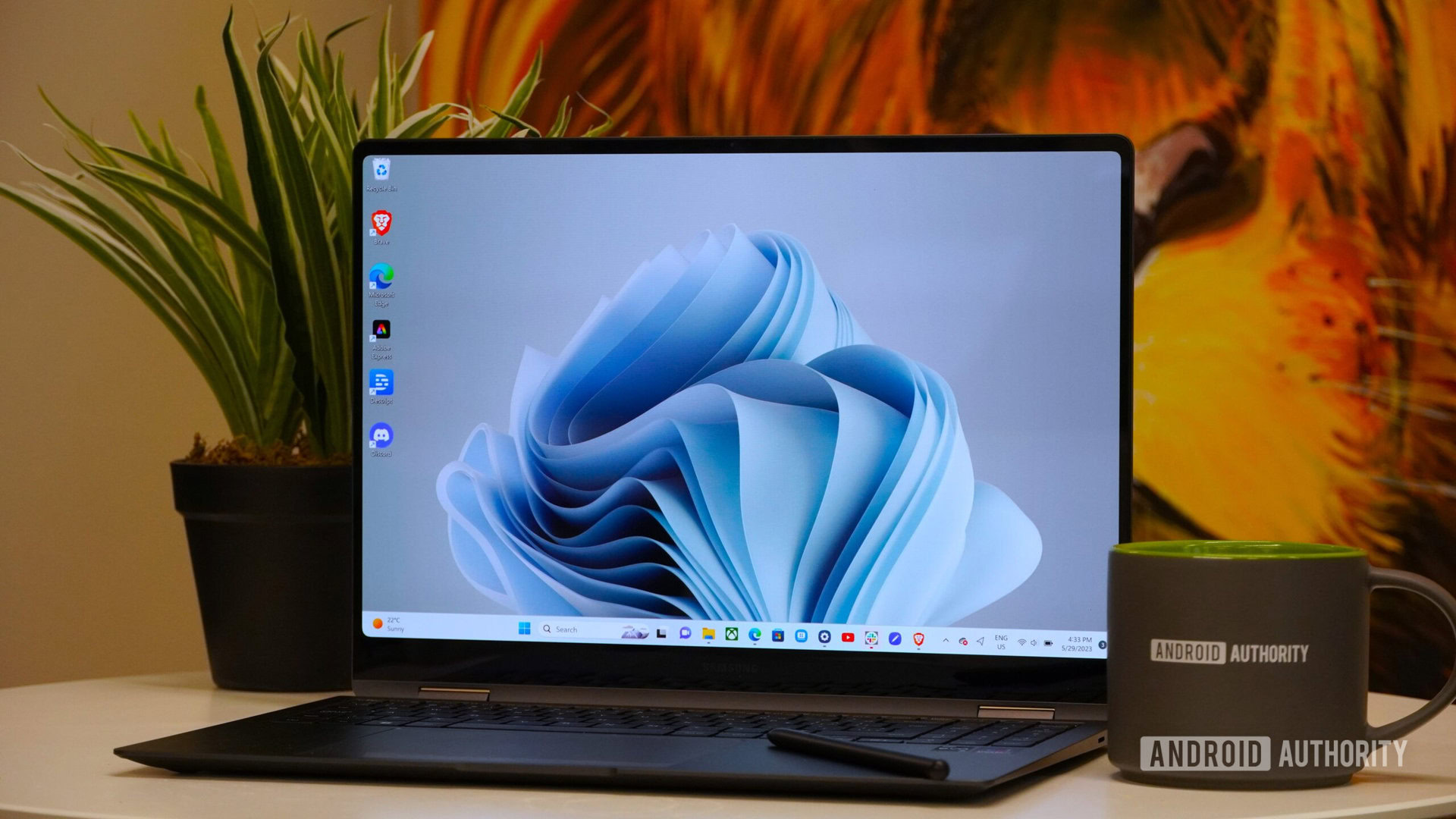
Samsung Galaxy Book 3 Pro 360 with plant and coffe mug

Adam Birney / Android Authority

Earlier this year, I completed my Samsung ecosystem with a Galaxy Book 4 Edge — and one of the things I loved most about the experience was the features Samsung had added on top of Windows 11. Specifically, all of the deep integrations it offered with my Samsung phone.

Having tested this new version of Galaxy Connect myself, I couldn’t be happier with it.

Are you going to download Galaxy Connect?

2 votes

Galaxy Connect’s two best features

Windows Galaxy Connect (3)

Zac Kew-Denniss / Android Authority

Once you’ve downloaded Galaxy Connect onto your PC, you’ll see four features contained within: Continue on other devices, Storage Share, Multi Control, and Second Screen. The first two are included with the initial Galaxy Connect download, whereas Multi Control and Second Screen require additional downloads to use.

Of the features Galaxy Connect brings to Windows, Multi Control and Second Screen are by far my favorites. Multi Control is similar to Apple’s Universal Control. You can connect to your Samsung phone or tablet and position it as you would a secondary monitor. The difference is that instead of mirroring Windows to the device, your phone will continue to show Android. When you move your mouse from your main display, it will appear on the phone’s screen and let you control it with your mouse and keyboard as if they were connected directly to the phone.

There are a ton of things you could use this for, but I’ve narrowed it down to two things I do every day. I always listen to music while working, and instead of faffing around with pairing my earbuds to my PC, I keep them connected to my Fold 7. I have YouTube Music and Telegram in split-screen so I can control my music and message my wife without either app taking up space on my monitors. It’s also a convenient way to use apps that are better on mobile. I prefer the Android version of Google Keep versus the website, and now I can use my mouse and keyboard to quickly make notes while still using the mobile app.

Windows Galaxy Connect (7)

Zac Kew-Denniss / Android Authority

Second Screen lets you use a Galaxy tablet as a wireless display for your Windows computer. This isn’t technically new (you’ve been able to do this via the Windows+K menu for years now), but the Second Screen app fixes one of the biggest annoyances with it: lag. When you connect to your tablet via this app, you’ll get a prompt on the computer that says, “Disconnect tablet Wi-Fi to reduce latency.” Clicking this disconnects the tablet from your Wi-Fi and connects it directly to your PC, eliminating the lag issues that prevented me from using it in the past. Now I can use my Galaxy Tab S10 Plus as a secondary monitor and use the S Pen with my PC without infuriating latency.

Share files and sync your clipboard

Windows Galaxy Connect (5)

Zac Kew-Denniss / Android Authority

The other two features are undoubtedly useful, but I don’t use them as often.

Storage Share, as the name suggests, lets you access all the files on your Samsung phone or tablet from File Explorer on your PC. If you want to access your photos or anything else stored on your device and can’t be bothered to mess around with cables, this is a great solution. You can drag and drop files into a folder on your PC, or drag them directly into the app you need. The screenshots from my Fold 7 that were used earlier in this post were dragged from the phone’s storage right into our site’s media library.

Continue on other devices syncs your clipboard. One area where this has been handy is using two-factor authentication. I use the Google Authenticator app, which isn’t available on Windows. Usually, I have to manually enter my 2FA code after reading it from my phone screen. Now I can just tap the code to copy it to my phone’s clipboard, then paste it into the relevant field on my PC without waiting. It’s a small thing, but it can save a lot of time. If you use Samsung Internet, you can sync tabs across your devices as well, but I prefer Chrome, so I haven’t tried it myself.

Windows Galaxy Connect (4)

Zac Kew-Denniss / Android Authority

Things aren’t perfect. ARM-based PCs are left out, which is weird given that my Galaxy Book 4 Edge is ARM-based and has all these features built in. Likewise, some users whose computers don’t have Intel network adapters report that Galaxy Connect doesn’t work at all.

Aside from those strange limitations, this is one of my favorite things Samsung has done in a long time. Multi Control and Second Screen have made working from my desktop better than ever, especially now that I can use the same workflows as I have on my Galaxy Book.

Don’t want to miss the best from Android Authority?

google preferred source badge light@2xgoogle preferred source badge dark@2x

Thank you for being part of our community. Read our Comment Policy before posting.

AMD may have just made these high-end handhelds obsolete after only two and a half years


ASUS ROG Ally Hollow Knight

Nick Fernandez / Android Authority

TL;DR

  • Reports from users and comments from hardware manufacturers suggest that AMD may have discontinued support for the Ryzen Z1 Extreme APU.
  • This would mean that several high-end PC gaming handhelds running Windows 11, like the ASUS ROG Ally, will no longer receive new drivers.
  • As a result, these handhelds could miss out on day-one optimizations for major game releases, which could lead to performance issues.

The handheld PC gaming market is full of options to choose from, be it the Steam Deck, MSI Claw, Lenovo Legion Go, and so on. If you’re thinking about picking one up for yourself, you may want to avoid any handhelds with an AMD Ryzen Z1 Extreme APU. Troubling reports cast serious doubt on the longevity of these devices.

Don’t want to miss the best from Android Authority?

google preferred source badge light@2xgoogle preferred source badge dark@2x

According to Tom’s Hardware, reports from handheld users and hardware manufacturers alike suggest that after two and a half years, AMD may have discontinued support for the Ryzen Z1 Extreme APU. This affects several high-end handheld gaming PCs that run Windows 11, including the ASUS ROG Ally, ROG Ally X, Lenovo Legion GO, and GO S. If this is true, then these devices may no longer receive driver updates going forward.

Reportedly, a Korean Lenovo community support representative told one user that there were “no more plans” to issue new drivers for the original Legion Go. Multiple users on Reddit also report that their devices have not received new drivers for several months.

So what does this mean for gamers who own affected handhelds? You’ll still be able to play games on your device, but the experience will suffer. Since you’re not receiving new drivers, you’ll miss out on day-one optimizations for major game releases. As a result, the likelihood of crashes and poor performance will be greater.

If you’re concerned about the longevity of your handheld gaming PC, you could try swapping out Windows for a Linux-based OS, like SteamOS or Bazzite. These operating systems use open-source drivers that don’t depend on AMD’s support.

Thank you for being part of our community. Read our Comment Policy before posting.
Microsoft’s revised Recall AI feature will roll out to beta testers in October


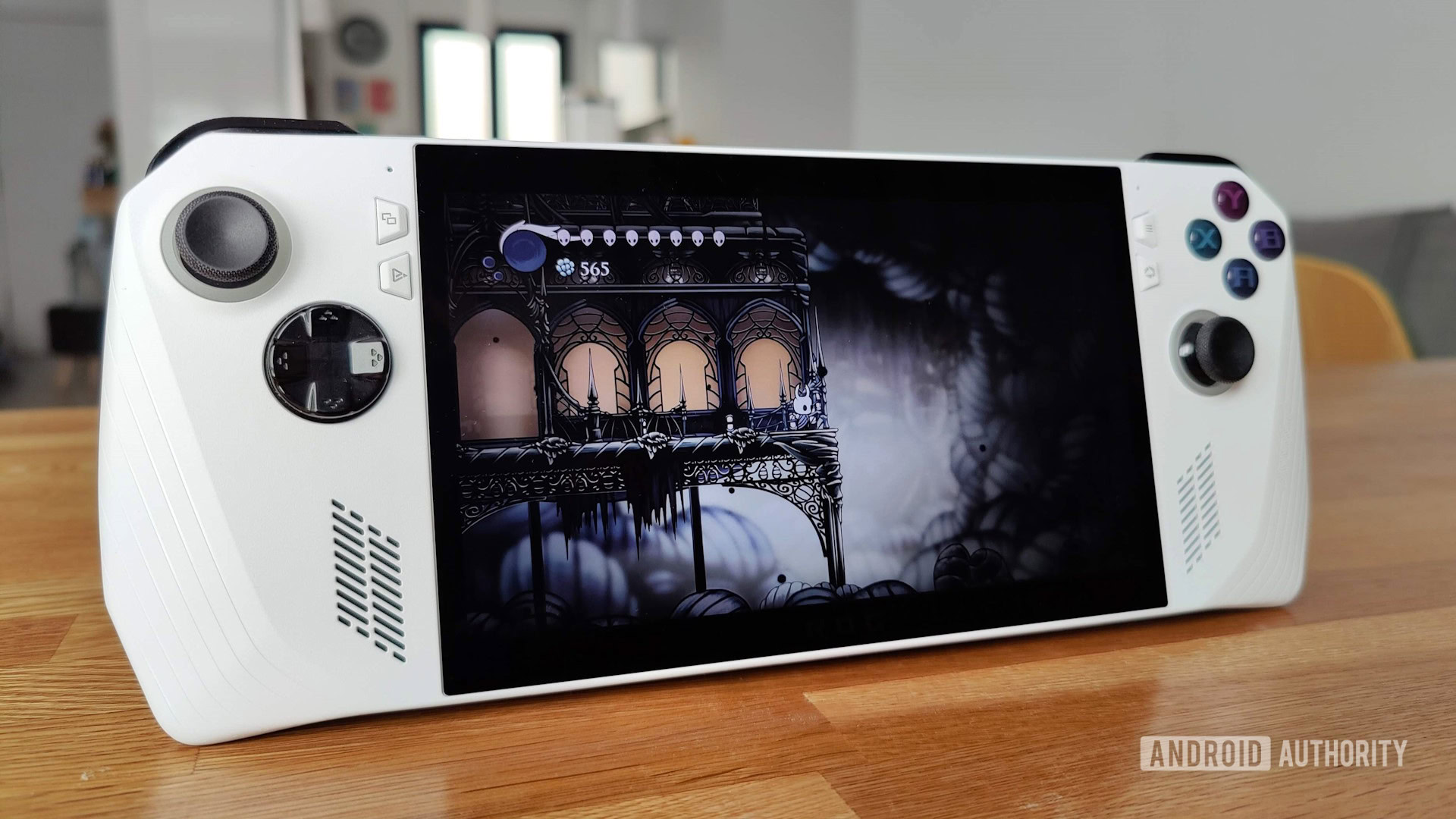
Microsoft’s Windows Recall feature, which stores a timeline of activity snapshots on your PC, has a new release date for Windows Insiders. Microsoft unveiled the feature to much fanfare in May, only to delay it indefinitely (after blowback from security researchers) a few weeks later. After taking time to recalibrate, the company said on Wednesday it will roll out Recall to beta testers using Copilot+ PCs in October.

Windows Recall stores snapshots of everything you do on your PC. Designed as a “photographic memory” for your PC activity, it lets you revisit things like products, emails, documents or chats shown on your screen. The feature’s perks are easy to see, especially for those who spend long hours on their PC (or those with foggy memories).

But if that also sounds like a privacy nightmare, security researchers thought so, too. Despite safety assurances from Microsoft during its announcement at Build 2024, cybersecurity and privacy experts sounded the alarm. The fundamental problem was that intruders wouldn’t only get goodies from your traditional file system if they accessed your PC. In addition, they could see anything you’ve done on your computer from the moment you activated Recall to the present. That’s because Microsoft — for reasons we can’t quite comprehend (other than put AI in all the things as quickly as possible) — left Recall’s data unencrypted.

As security expert Kevin Beaumont detailed, Recall didn’t hide sensitive information like passwords or banking details. Sure, your timeline was theoretically safe as long as nobody could access your PC. But if you accidentally installed malware or let an intruder in through other means, they would find a motherlode of sensitive — unencrypted — data.

Screenshots of Windows Recall, showing a PowerPoint slide (Screenshots of Windows Recall, showing a PowerPoint slide (

Microsoft

In response to the blowback, Microsoft added some common-sense security features that left us wondering why they weren’t there in the first place. Again, it’s hard to decipher the company’s motives for that omission when the feature was announced — other than speculating that it wanted to prioritize a seamless user experience over tight security.

These security changes included making the feature opt-in instead of enabled by default when setting up a Copilot+ PC. In addition, Microsoft said the feature would require Windows Hello — a face or fingerprint scan — and deploy “just in time” decryption (only unlocked through Hello). That means if a hacker gains access to your computer, your screenshot timeline should remain encrypted unless you lend your face or finger to unlock it (or they somehow find a way around Hello’s encryption).

Microsoft says it will publish a new blog post when the feature is available in October through the Windows 11 Insider Program. The feature will require a CoPilot+ PC (the first of which launched in June) with a compatible chip. That chip list includes Qualcomm’s Snapdragon X Plus and Snapdragon X Elite, although Intel may have its first CoPilot+ chips out in the wild when the feature finally arrives in preview.

Controversial Windows 11 Recall feature could help hackers steal your passwords


Copilot PC Hero

TL;DR

  • Windows 11’s new AI-powered Recall feature captures a screenshot of your screen every five seconds.
  • Even though Recall’s database is encrypted, a security researcher found that it’s easily accessible when the PC is in use.
  • Hackers could develop malware to remotely steal Recall databases without the user’s knowledge.

Even though Microsoft’s new Copilot Plus PCs are a few weeks away from hitting store shelves, security researchers are already raising alarms about a new Windows 11 AI feature. Dubbed Recall, Microsoft pitches it as an “explorable timeline of your PC’s past.”

With Recall enabled, Windows 11 will capture screenshots of your screen every five seconds and record various interactions with your PC. You can then ask the Copilot AI chatbot questions about your past interactions or simply browse through the timeline of text and images.

The Recall feature is set to debut on Copilot Plus PCs later this month. However, some enterprising developers have already found a way to enable it on older Arm-powered Windows PCs. Thanks to this early access, security researcher Kevin Beaumont was able to explore the inner workings of Recall.

According to Microsoft, Recall’s AI processing happens entirely on-device. Furthermore, none of this information is ever transmitted to the company’s servers. The good news is that these claims mostly held up in Beaumont’s published testing of the feature. The only problem? None of those measures can stop a malicious attacker from siphoning data off your computer.

Recall stores everything you’ve ever seen on your screen in a plain-text database.

Given that Recall automatically takes screenshots of your screen, it ends up recording sensitive data such as emails, chat messages, and the websites you visit. Clearing your browser history or deleting chat logs won’t make these records go away.

Microsoft’s own support document for Recall also explicitly states that the feature “does not perform content moderation” and that it “will not hide information such as passwords or financial account numbers.” Beaumont also found that while Recall respected the Microsoft Edge browser’s InPrivate mode, it continued to capture screenshots with Incognito tabs open in Chrome.

During his testing, Beaumont also found that Microsoft has tasked an on-device AI to detect and scrape text from the automated screenshots. These records are then collectively written to a plain-text database and saved in the Windows AppData folder.

That wouldn’t be a problem by itself, except for the fact that the Recall database is apparently accessible by anyone using the computer. According to Beaumont, it can even be accessed without administrator privileges. This means someone like a family member could potentially gain access to sensitive records on a shared device. The threat potential doesn’t end there, though. Beaumont warns that Infostealers — a form of malware used to siphon passwords — could evolve to steal Recall databases at scale.

The security researcher goes on to say that Microsoft’s encryption claims only hold true from a very narrow perspective. Your data is safe and encrypted by Windows BitLocker as long as the computer is turned off or your account remains logged out. However, the Recall database sits decrypted and exposed when you’re actively using the PC.

Beaumont’s Recall database containing several days’ worth of records amounted to just 90Kb, which could be uploaded by a malicious program almost instantly. He continues, “I have automated exfiltration, and made a website where you can upload a database and instantly search it. I am deliberately holding back technical details until Microsoft ship the feature as I want to give them time to do something.”

Luckily, Recall has not been rolled out to existing Windows installations, so you’re not at immediate risk. However, new Copilot Plus PCs may ship with the feature enabled by default, potentially opening up unsuspecting users to a new attack vector. The only silver lining is that you’ll be able to opt out of automatic snapshots from within the Settings app.

Got a tip? Talk to us! Email our staff at news@androidauthority.com. You can stay anonymous or get credit for the info, it’s your choice.